Assorted Lib Needed by Assorted Graves 1.0.0 (Fabric)
requiredMatching file found Matched file: Assorted Lib 4.3.0 (Fabric)
CurseForge · Minecraft mod
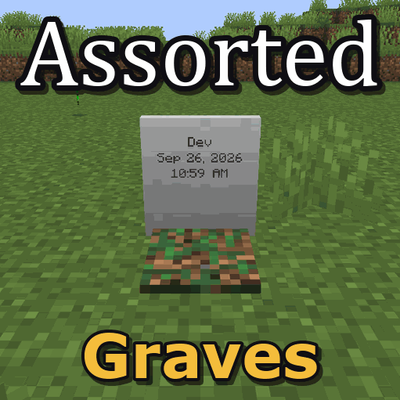
Adds graves that keep your items and experience when you die.
Quick answer
Assorted Graves 1.0.0 (Fabric) targets 26.2 with Fabric. The project page does not say whether this file belongs on the client, dedicated server, or both. All 2 required mods have matching files.
Where it goes
The project page does not say whether this file belongs on the client, dedicated server, or both.
The source does not explicitly classify this release as client-only or server-only.
Assorted Graves 1.0.0 (Fabric). Change the file and its required mods may change too.
Install Assorted Lib, Fabric API first. We found matching files for this game-version and loader setup.
We only count dependency files that match this setup. A file for another loader does not fill the gap.
Before you install it
Built for Assorted Graves 1.0.0 (Fabric). Pick another file and the loader, install side or required mods may change.
Use Assorted Graves 1.0.0 (Fabric). It targets 26.2 with Fabric; another release may have different loader, side or dependency requirements.
Install Assorted Lib, Fabric API first. We found matching files for this game-version and loader setup.
The project page does not say whether this file belongs on the client, dedicated server, or both.
Use the “Get this file” button beside Assorted Graves 1.0.0 (Fabric). It opens that exact file at the source.
About this project
When you die, everything you were carrying goes into a grave right where you fell. Walk back, right click it and it all goes back where it was. Your armor goes back on and your hotbar is just how you left it. Nothing despawns while you're gone.
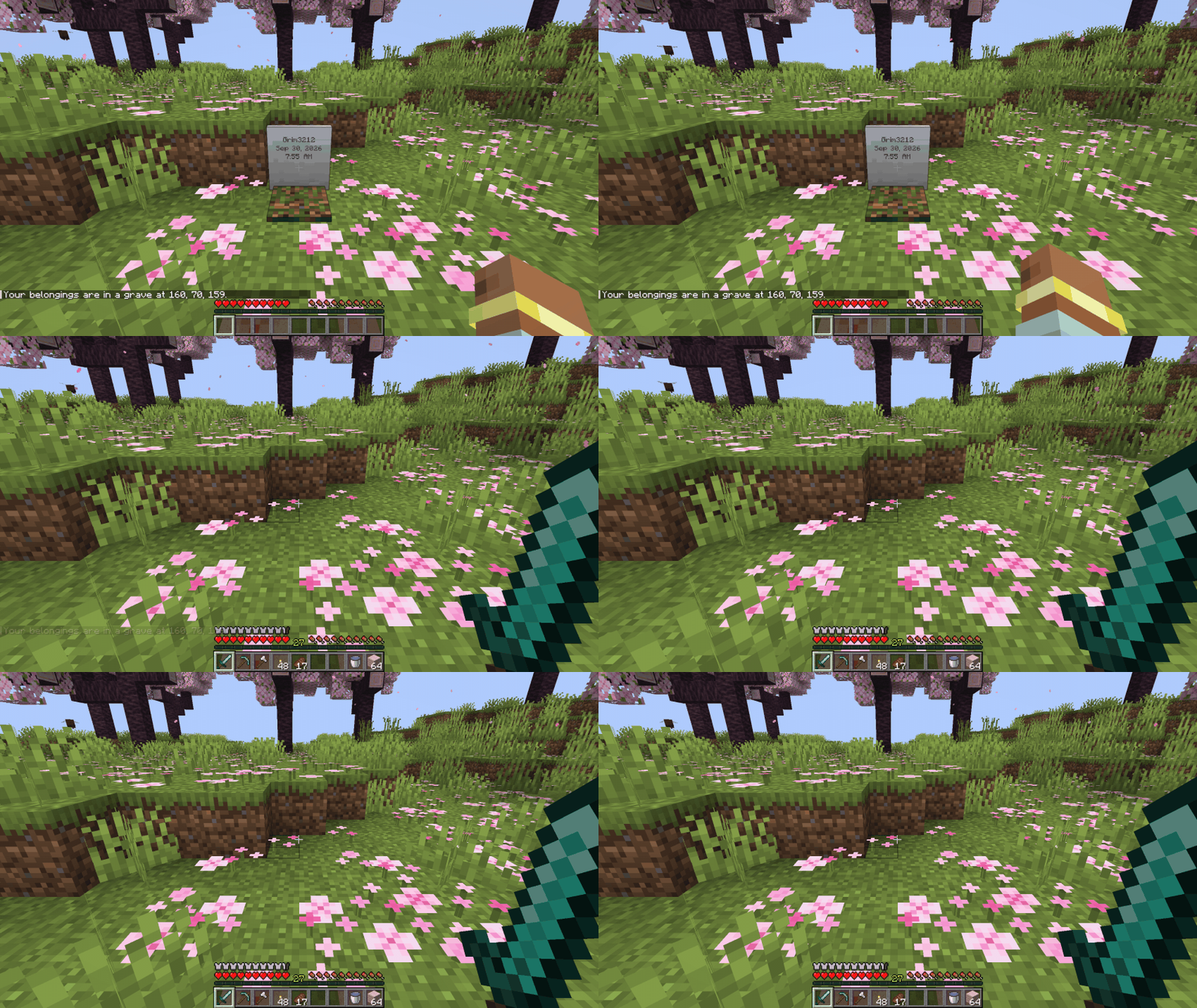
These are in the assortedgraves-common config file.
graves.keepAllExperience puts all of your experience in the grave. On by default. Turn it off and experience drops the normal way.graves.ownerOnly makes it so only the player who died, or someone in creative, can open or break a grave. Off by default.graves.searchRadius is how far from where you died it looks for room for a grave. 4 blocks by default. If there's no room your things drop on the ground like normal.Graves also comes in Assorted Util with the other five Util mods, if you'd rather have them all in one download.
The full guide is at assortedmods.com. It's also in the game, in the Instruction Manual from Assorted Lib.
Found a bug? Report it on GitHub.
Project description from CurseForge.
Pick your setup
Choose the version and loader you play, then open the matching release.
Check the dependencies, then try the file in a copied instance before changing a world you care about.
Recent files
assortedgraves-fabric-26.2-1.0.0.jar
5 Oct 2026
assortedgraves-neoforge-26.2-1.0.0.jar
5 Oct 2026
Looking for an older file? The official CurseForge project page is in Resources.
 mod
modThe all-in-one hub mod for the Re:Craft modded server. Recraft Core adds a single, fully configurable /menu that ties your whole server together, quick access to commands, links and rich in-game pages.
 mod
modA mod adding rare gems that upgrade your stats. Recommended to be used with AttributeFix.
 mod
modRebox brings a deeply satisfying lootbox system to your modded Minecraft server: 5 tiers themed around the butterfly metamorphosis, a CS:GO-style spinning reveal, an anti-bad-luck system and an in-game showroom with real drop rates !