Assorted Lib Needed by Assorted Light Overlay 21.1.0.0 (NeoForge)
requiredMatching file found Matched file: Assorted Lib 21.1.0.0 (NeoForge)
CurseForge · Minecraft mod
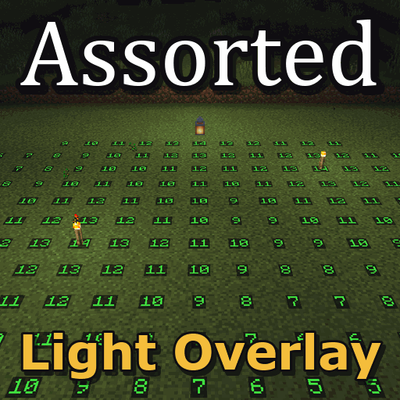
Adds a key to show the light level where mobs can spawn.
Quick answer
Assorted Light Overlay 21.1.0.0 (NeoForge) targets 1.21.1 with NeoForge. The project page does not say whether this file belongs on the client, dedicated server, or both. All 1 required mods have matching files.
Where it goes
The project page does not say whether this file belongs on the client, dedicated server, or both.
The source does not explicitly classify this release as client-only or server-only.
Assorted Light Overlay 21.1.0.0 (NeoForge) on 1.21.1 NeoForge. Every mod below is checked against that same setup.
Install Assorted Lib first. We found matching files for this game-version and loader setup.
We only count dependency files that match this setup. A file for another loader does not fill the gap.
Before you install it
Built for Assorted Light Overlay 21.1.0.0 (NeoForge) on 1.21.1 NeoForge. Pick another file and the loader, install side or required mods may change.
Use Assorted Light Overlay 21.1.0.0 (NeoForge). It targets 1.21.1 with NeoForge; another release may have different loader, side or dependency requirements.
Install Assorted Lib first. We found matching files for this game-version and loader setup.
The project page does not say whether this file belongs on the client, dedicated server, or both.
Use the “Get this file” button beside Assorted Light Overlay 21.1.0.0 (NeoForge). It opens that exact file at the source.
About this project
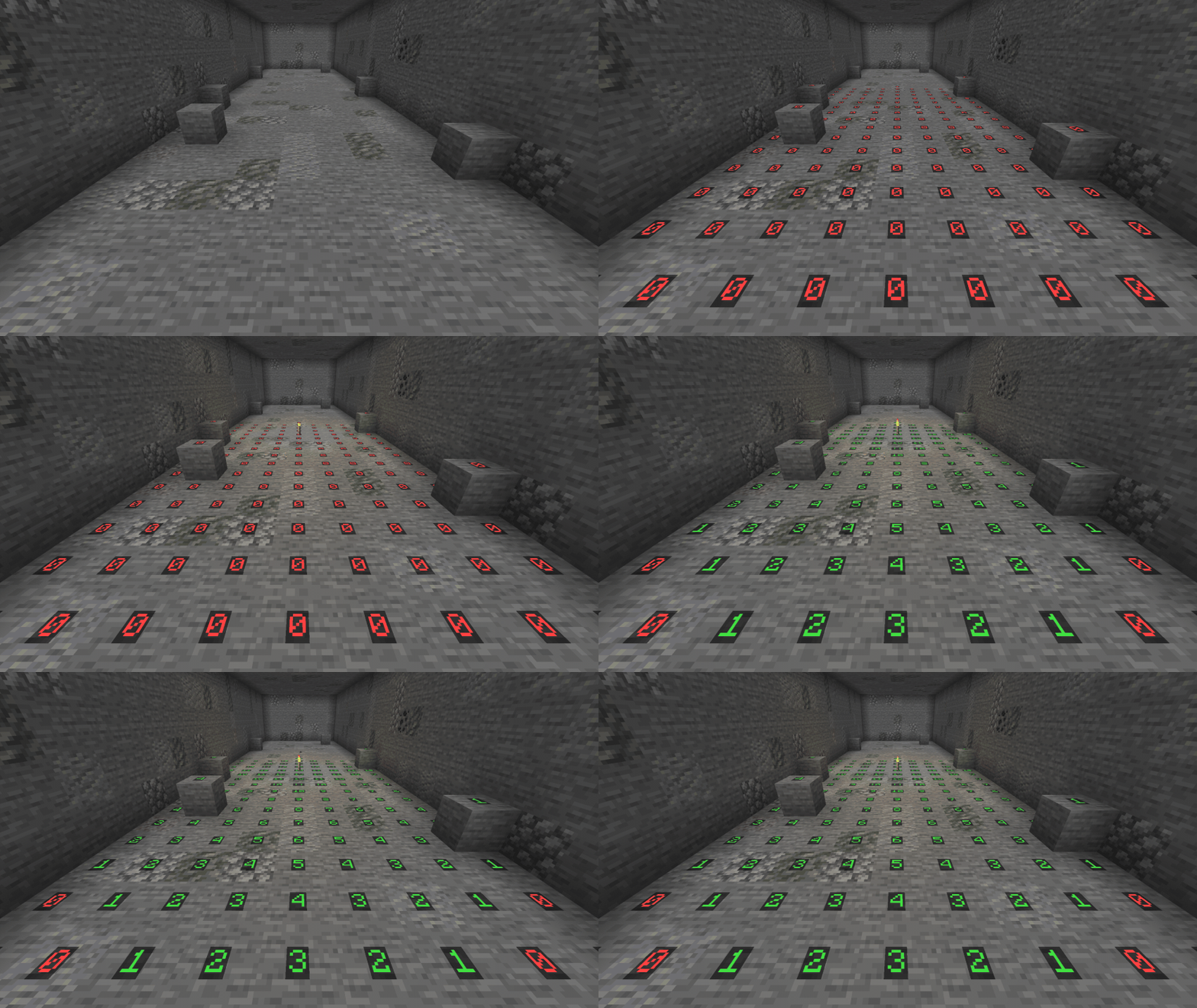
Press F7 and the light level shows up on the ground around you, colored by whether monsters can spawn there. It makes lighting up a base or clearing out a cave a lot easier.
These are in the assortedlightoverlay-client config file. They only change your own game, so everyone can set their own.
lightOverlay.radius is how many blocks around you the overlay reaches. 16 by default, anywhere from 4 to 32.lightOverlay.showSafe shows the green spots where monsters never spawn. On by default. Turn it off to only see the unsafe spots.Light Overlay also comes in Assorted Util with the other five Util mods, if you'd rather have them all in one download.
The full guide is at assortedmods.com. It's also in the game, in the Instruction Manual from Assorted Lib.
Found a bug? Report it on GitHub.
Project description from CurseForge.
Pick your setup
Choose the version and loader you play, then open the matching release.
Check the dependencies, then try the file in a copied instance before changing a world you care about.
Recent files
assortedlightoverlay-neoforge-1.21.1-21.1.0.0.jar
26 Nov 2026
Looking for an older file? The official CurseForge project page is in Resources.