Minecraft version
Back to mods 
CurseForge · Minecraft mod
Finishers
Give every mob a finishing move! 40 death effects, 7 cinematic special finishers (including a full 2D anime fight), a Mythic finale, rarity tiers, kill streaks and a slick selection screen.
Choose a version Pick your version below, then grab the matching file.
Quick answer
Which Finishers release should I use?
Latest stable file finishers-2.0.0.jar
Game version 1.20.1
Loader Forge
finishers-2.0.0.jar targets 1.20.1 with Forge. The project page does not say whether this file belongs on the client, dedicated server, or both. No extra mods listed for this file.
Where it goes
Is Finishers required on the client, server, or both?
The project page does not say whether this file belongs on the client, dedicated server, or both.
Client Source doesn’t say
Dedicated server Source doesn’t say
Loader for this release Forge
Required install it here Optional supported, not mandatory Not supported do not install here Source doesn’t say do not assume
The source does not explicitly classify this release as client-only or server-only.
What else does finishers-2.0.0.jar need?
finishers-2.0.0.jar. Change the file and its required mods may change too.
This file does not list any required mods. Do not add a library just because a different file uses it.
This file does not list any required or optional mods.
Before you install it
Add Finishers without breaking your instance.
Built for finishers-2.0.0.jar. Pick another file and the loader, install side or required mods may change.
- 01
Stick to this file
Use finishers-2.0.0.jar. It targets 1.20.1 with Forge; another release may have different loader, side or dependency requirements.
- 02
Bring the mods it needs
This file does not list any required mods. Do not add a library just because a different file uses it.
- 03
Put it on the correct side
The project page does not say whether this file belongs on the client, dedicated server, or both.
- 04
Pick the file you checked
Use the “Get this file” button beside finishers-2.0.0.jar. It opens that exact file at the source.
About this project
What does Finishers add?
Finishers
Give every mob a finishing move.
Finishers adds 40 death effects and 7 cinematic special finishers. When you defeat a mob, it does not just fall over: it turns into a hologram, shatters into bricks, gets sucked into a black hole, is struck by a meteor, is swept away by a tsunami, or the whole world is redrawn as an anime while you finish it in a 2D fight.
[YouTube preview / trailer link here]
What's new in 2.0
- 7 new regular finishers: Crystal Burst, Giant Sword, Shattered Mirror, Kaleidoscope, Fireflies, Abduction, Substitution.
- 2 new specials: Tsunami and Anime. Anime redraws the world as an anime cel in a growing circle, then cuts to a flat 2D fight: dash, rush of blows, uppercut, a strike in the air and a named finishing move, with hit-stop and impact frames.
- A Mythic finisher, Chrono Fracture, that awakens once you have unlocked everything else.
- Rarity tiers from Common to Mythic, and a recipe view right in the selection screen.
- Mob list (server option): blacklist or whitelist mobs by ID so only the mobs you want get a finisher.
Features
- 40 regular finishers: Hologram, Brickfall, Rocket, Black Hole, Lightning Strike, Ice Shatter, Glitch, Balloon Pop, Sand Decay, Origami, Flower Bloom, Fire Burst, Time Freeze, Pixel Burst, Portal Warp, Ink Splash, Meteor Strike, Orbital Laser, Hydraulic Press, Home Run, Twister, Petrify, Golden Statue, Gift Box, Jelly Split, Lava Melt, Soap Bubble, Shadow Drag, Soul Release, Bat Swarm, Constellation, Synthwave, Manga, Crystal Burst, Giant Sword, Shattered Mirror, Kaleidoscope, Fireflies, Abduction, Substitution. Plus a Random mode.
- 7 special finishers with their own camera work, letterbox and screen grading: World Slash, Judgment of Time, Starfall, Void, Dragon Vein Release, Tsunami, Anime.
- Kill gauge: build it up with kills, press R, and your next kill triggers the special. Defeating a boss triggers it automatically.
- Boss unlocks: defeating a boss for the first time unlocks a special (Elder Guardian = World Slash, Warden = Judgment of Time, Ender Dragon = Starfall, Wither = Void).
- Safe during specials: while a special plays, mobs cannot target or hurt you.
- Kill streaks: consecutive kills add sparks, rings and a streak counter.
- Mob-specific finishers (off by default), multiplayer support (see other players' finishers, optional).
- Selection screen: icon grid, detail panel with recipe view, search, favorites, NEW badges, live preview, keyboard control.
- Settings: effect level (Light / Normal / Flashy), camera work, volume, screen effects (Full / Simple), reduce flashes.
- Japanese and English.
How to use
- Press K to open the finisher screen.
- Craft "chips" at a crafting table to unlock finishers (press the crafting-table button in the selection screen to see the recipe).
- Choose a finisher and go fight. It plays only for mobs you kill.
Keys: K menu, V cycle favorites, R arm / skip special.
Special chip recipes
| Special | Ingredients |
|---|---|
| World Slash | 4 Netherite Ingot, 2 Block of Diamond, 2 End Crystal, 1 Nether Star |
| Judgment of Time | 4 Clock, 2 Echo Shard, 2 Nether Star, 1 Block of Netherite |
| Starfall | 4 Firework Star, 2 End Crystal, 2 Nether Star, 1 Block of Netherite |
| Void | 4 Crying Obsidian, 2 Eye of Ender, 2 Nether Star, 1 Block of Netherite |
| Dragon Vein Release | 4 Dragon's Breath, 2 Heart of the Sea, 2 Nether Star, 1 Block of Netherite |
| Tsunami | 4 Heart of the Sea, 2 Prismarine Crystals, 2 Nether Star, 1 Block of Netherite |
| Anime | 4 Glow Ink Sac, 2 Painting, 2 Nether Star, 1 Block of Netherite |
The Mythic finisher cannot be crafted: unlock every other finisher and it awakens by itself.
Server options
finishers-server.toml (in the world's serverconfig folder, or defaultconfigs for new worlds):
mobList: mob IDs, for example["minecraft:zombie", "somemod:*"](modid:*= every mob of that mod). Empty = no filter.mobListIsWhitelist:false= listed mobs get no finisher (blacklist),true= only listed mobs get one (whitelist).bossUnlocks: turn the first-boss-kill unlocks on or off.
Operators can also use /finishers unlock <players> <id|all> and /finishers lock <players> <id|all>.
Requirements
- Minecraft 1.20.1, Forge 47.3.0+, Java 17
- For multiplayer, install on both client and server.
- Embeddium is recommended. OptiFine can limit full-screen filters and lighting effects; the mod detects it, warns you in chat and switches to a simplified version (some parts of Anime and other specials look simpler).
- Photosensitivity: some finishers use strong flashes and color negatives. Turn on "Reduce flashes" in the settings if needed.
FAQ
Can I turn the effect off for certain mobs? Yes: use the mobList server option (blacklist or whitelist by ID). Does it work in multiplayer? Yes, install on both sides. Turn on "Other players' finishers" in settings to see others' kills. Does it affect performance? Use Effect level "Light" if you have a weak PC. Can I use it in a modpack / video? Videos and streams are welcome, please credit and link back. Modpack inclusion: please ask first (All Rights Reserved).
Credits
Created by dulimo (kyryi). Made with MCreator.
Project description from CurseForge.
Pick your setup
Finishers by Minecraft version and loader
Choose the version and loader you play, then open the matching release.
Check the dependencies, then try the file in a copied instance before changing a world you care about.
Recent files
Finishers versions and loaders
finishers-2.0.0.jar
27 Oct 2026
Client Source doesn’t say Server Source doesn’t say Dependencies No extras listed Listed on Release listing
Check the 1.20.1 · Forge setup 1.20.1Forge release
finishers-1.0.0.jar
1 Oct 2026
Client Source doesn’t say Server Source doesn’t say Dependencies No extras listed Listed on Release listing
Check the 1.20.1 · Forge setup 1.20.1Forge release
Looking for an older file? The official CurseForge project page is in Resources.
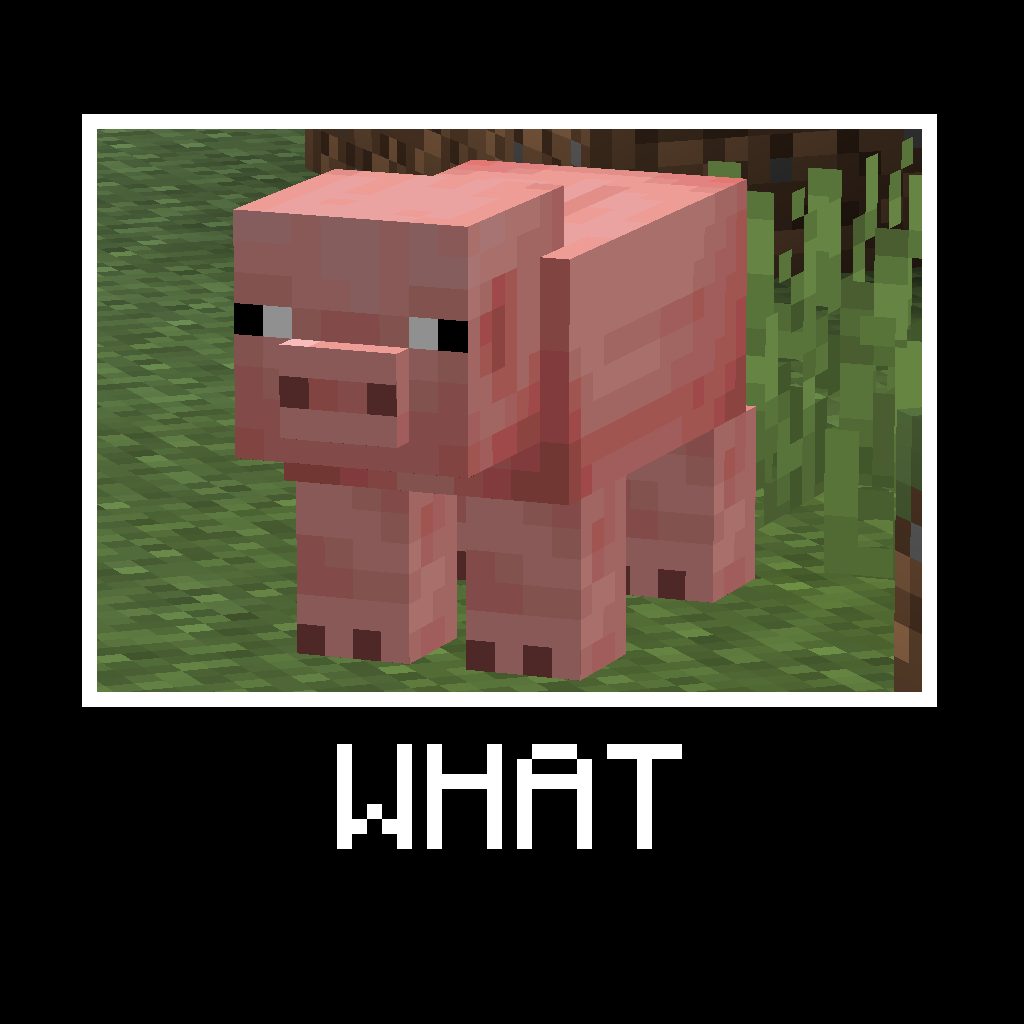 mod
CurseForge + Modrinth · Minecraft
WHAT (Spyglass meme)
A mod which adds the funny WHAT meme when using a spyglass.
 mod
CurseForge · Minecraft
SDM Shop 2
A multifunctional shop for creating an economy on an modpack or server
 mod
CurseForge · Minecraft
Diversity of Life
A mod featuring animals & others with accurate behaviors