Architectury API Needed by Combat Styles [NEOFORGE] [1.21.1] - [1.0.5]
requiredMatching file found Matched file: [NeoForge 1.21] v13.0.11
CurseForge · Minecraft mod
An Addon for Better Combat with many editors to make custom content with!
Quick answer
Combat Styles [NEOFORGE] [1.21.1] - [1.0.5] targets 1.21.1 with NeoForge. The project page does not say whether this file belongs on the client, dedicated server, or both. All 4 required mods have matching files.
Where it goes
The project page does not say whether this file belongs on the client, dedicated server, or both.
The source does not explicitly classify this release as client-only or server-only.
Combat Styles [NEOFORGE] [1.21.1] - [1.0.5]. Change the file and its required mods may change too.
Install Architectury API, Better Combat [Fabric & Forge], Cloth Config API (Fabric/Forge/NeoForge), playerAnimator first. We found matching files for this game-version and loader setup. 3 come through another mod in the chain.
3 extra mods were pulled in by other dependencies. Indented rows show who needs each one. We only count dependency files that match this setup. A file for another loader does not fill the gap.
Before you install it
Built for Combat Styles [NEOFORGE] [1.21.1] - [1.0.5]. Pick another file and the loader, install side or required mods may change.
Use Combat Styles [NEOFORGE] [1.21.1] - [1.0.5]. It targets 1.21.1 with NeoForge; another release may have different loader, side or dependency requirements.
Install Architectury API, Better Combat [Fabric & Forge], Cloth Config API (Fabric/Forge/NeoForge), playerAnimator first. We found matching files for this game-version and loader setup. 3 come through another mod in the chain.
The project page does not say whether this file belongs on the client, dedicated server, or both.
Use the “Get this file” button beside Combat Styles [NEOFORGE] [1.21.1] - [1.0.5]. It opens that exact file at the source.
About this project
Build your own attack combos!
Combat Styles lets you learn attacks from any weapon and chain them into your own combo. It also comes with built-in editors so modpack makers can add their own custom items with unique effects.
Keybind: K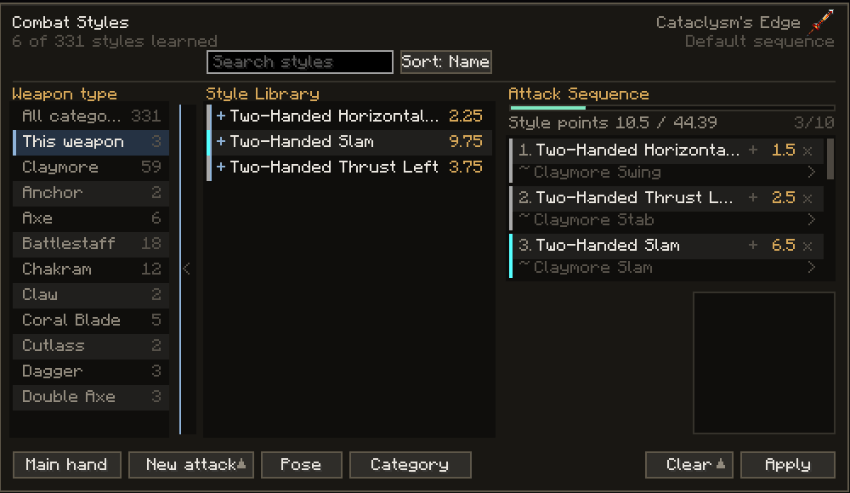
 |
 |
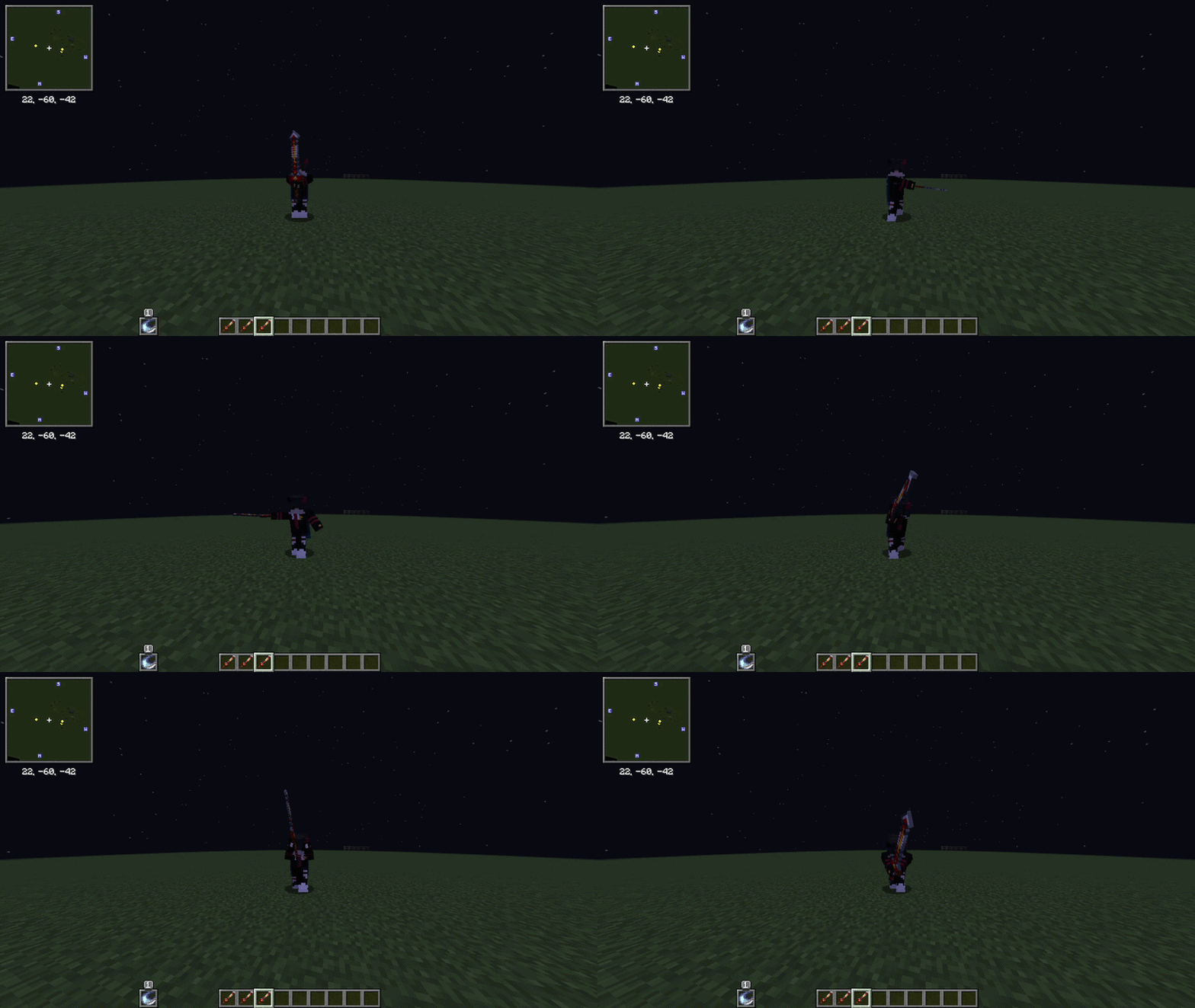 |
|---|---|---|
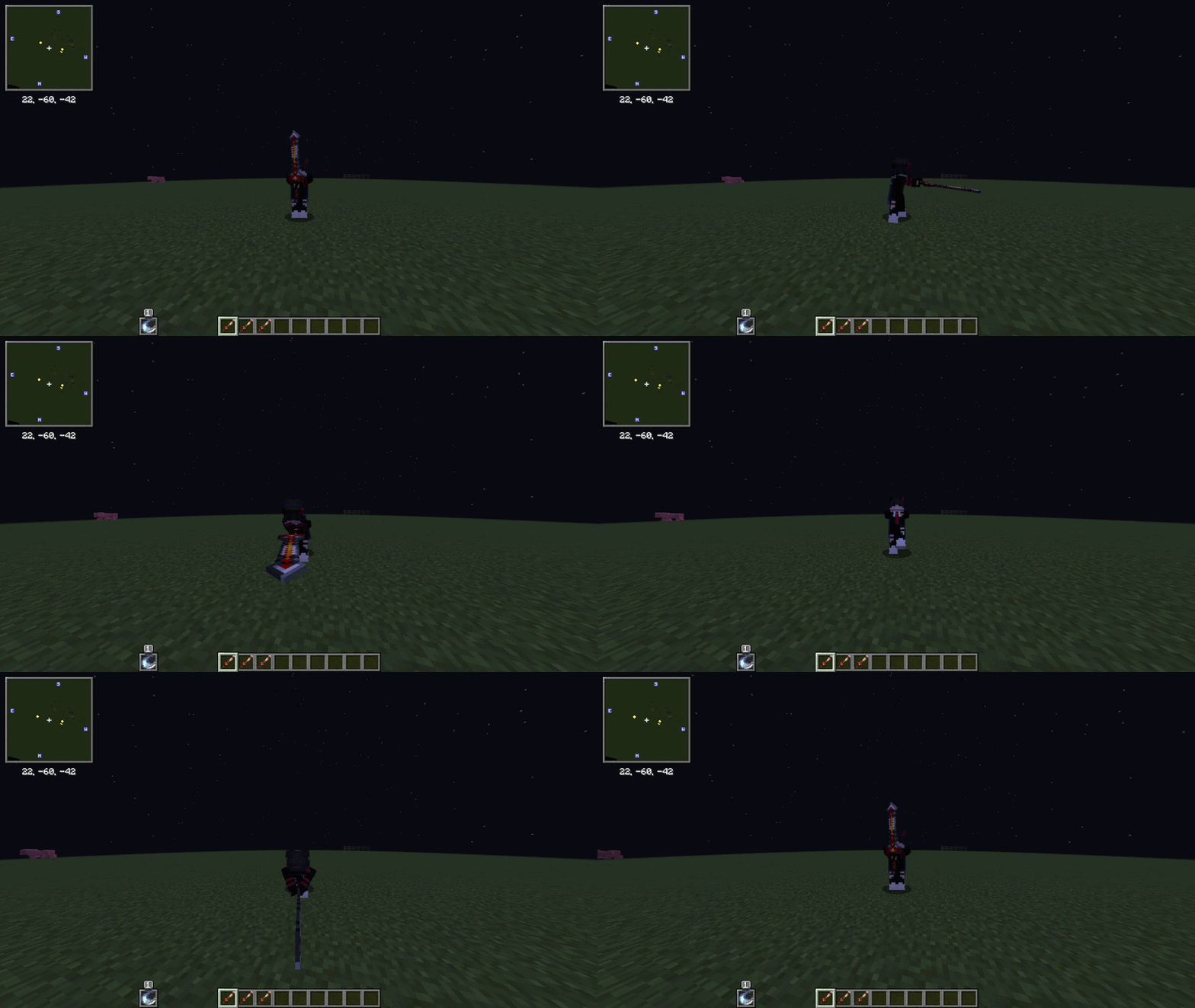
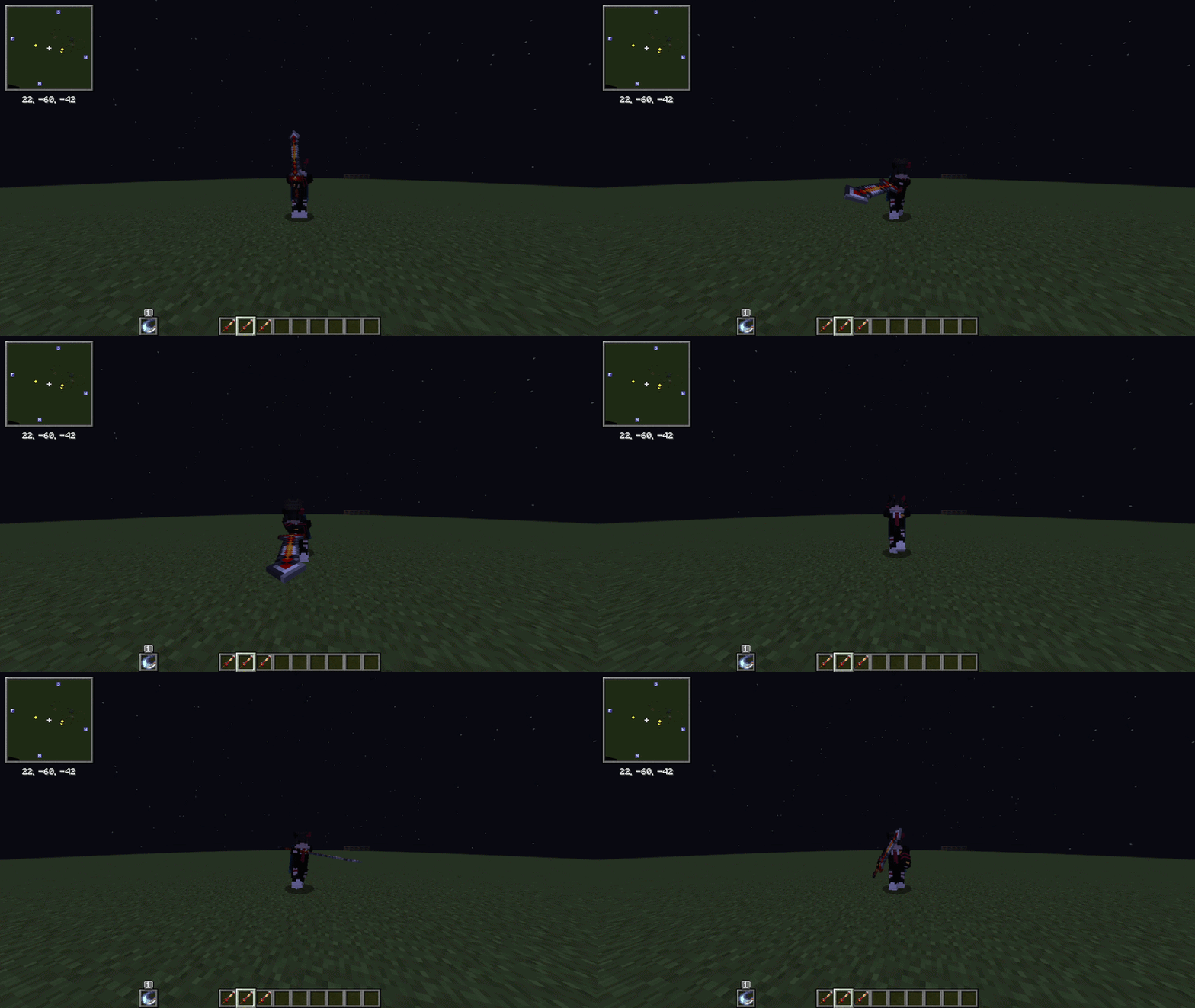
| Normal | Added 1 extra attack | Completely changed |
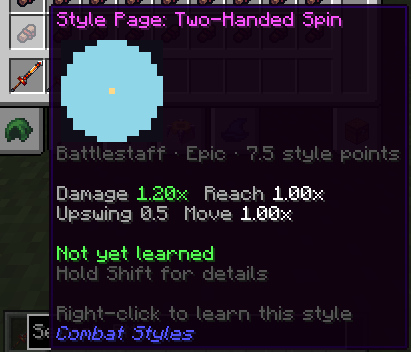 |
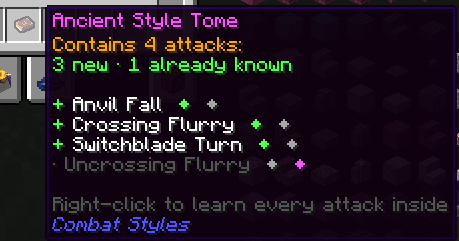 |
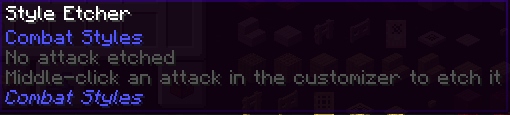 |
|---|---|---|
| Style Pages Every weapon's attacks are turned into learnable styles automatically. (Not found in loot by default; turn them on in the Drop Pools editor.) |
Style Books Hold several styles at once, which can come with affixes. |
Style Etcher Middle-click an attack in the customizer to etch it, then right-click to learn it (the Etcher is used up). (Each weapon can only be etched once; changeable in the config.) |
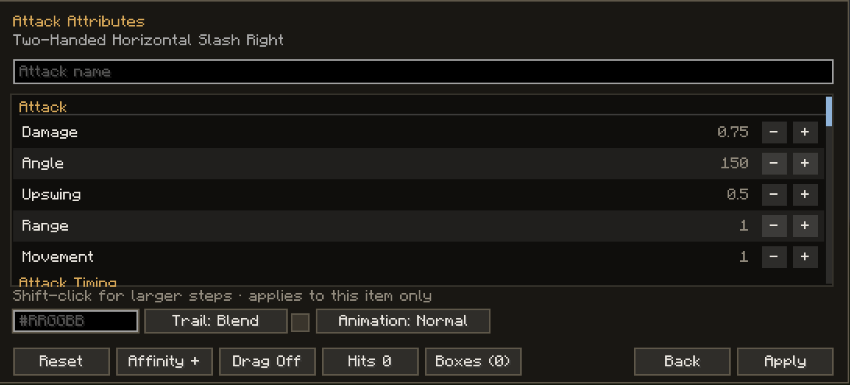
Includes:
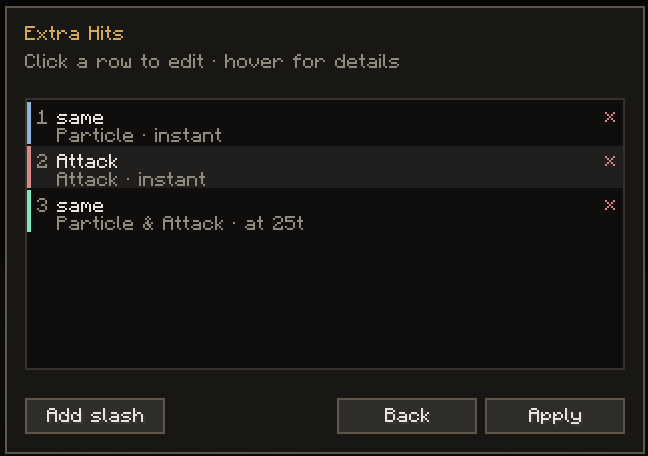 |
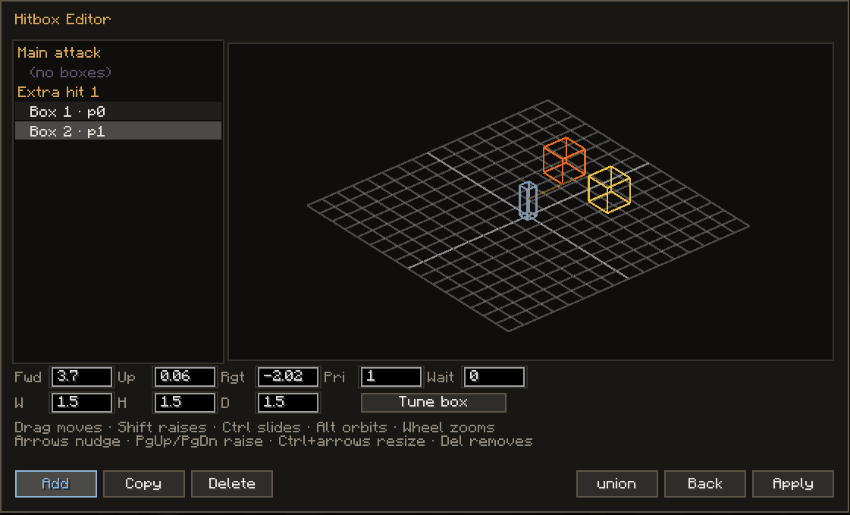 |
|---|---|
| Hits Add extra hits to the attack: a particle, a strike or both, optionally delayed. |
Boxes Add more hitboxes to the attack, with hit priority and per-box tuning. |
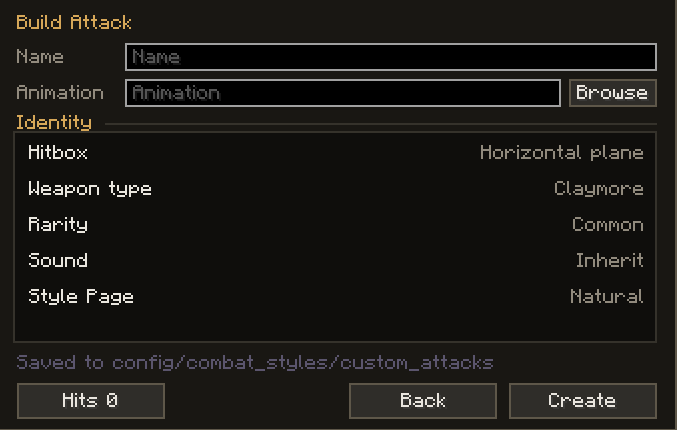 |
 |
|---|---|
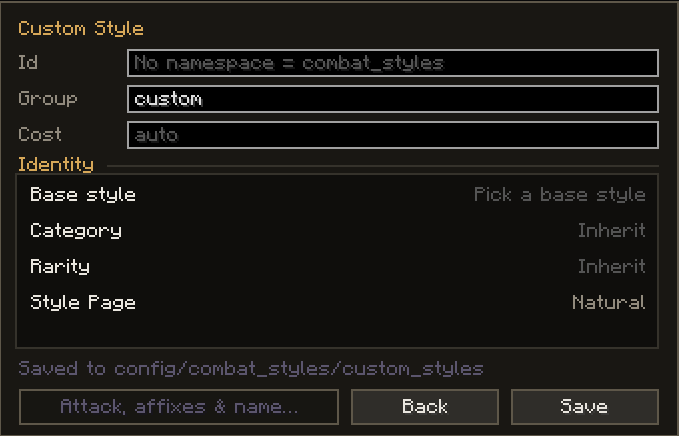
| Custom Attacks Build new attacks from existing animations. |
Custom Styles Build new variants of an existing style. |
 |
 |
|---|---|
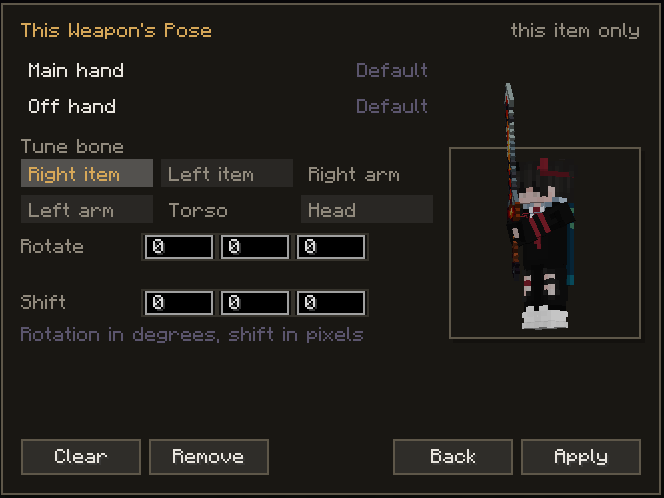
| Pose Change how the model holds the weapon. |
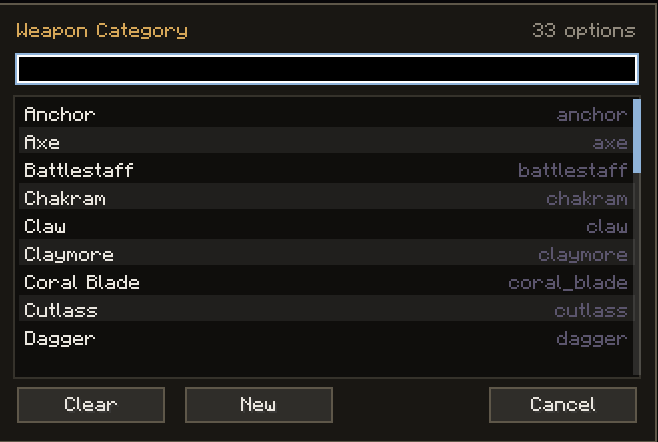
Weapon Category Change and add new weapon categories. |
 |
 |
|---|---|
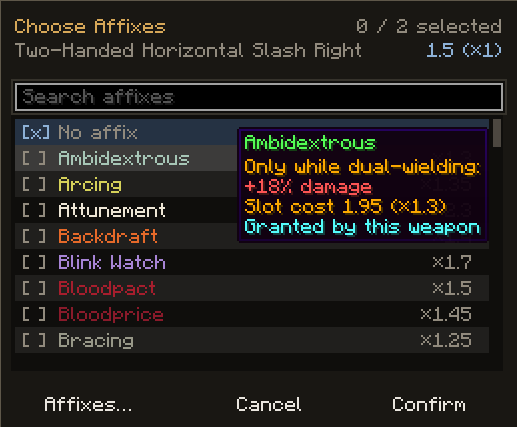
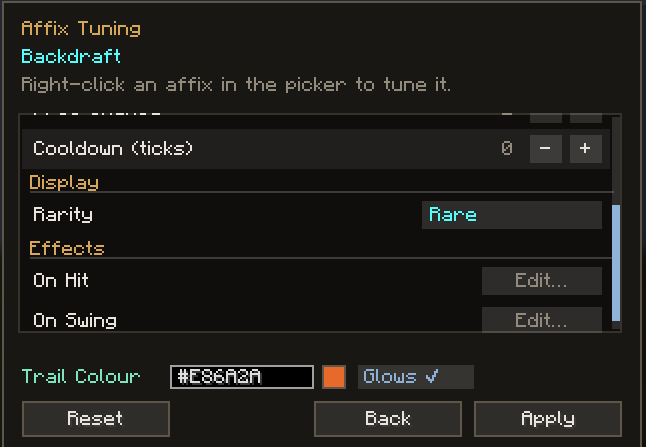
| Affix Picker Add affixes to an attack. (Affixes shown are from Combat Styles Content.) |
Per-Attack Affixes Right-click an attack in your sequence to edit its affixes. |
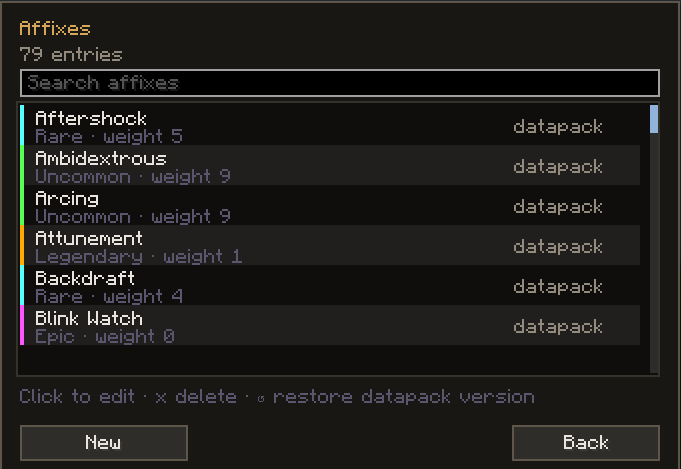
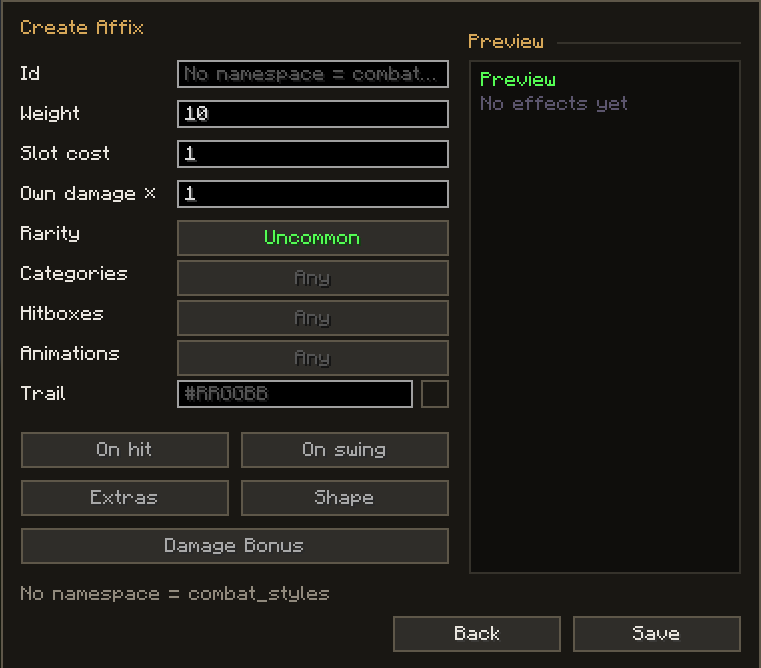
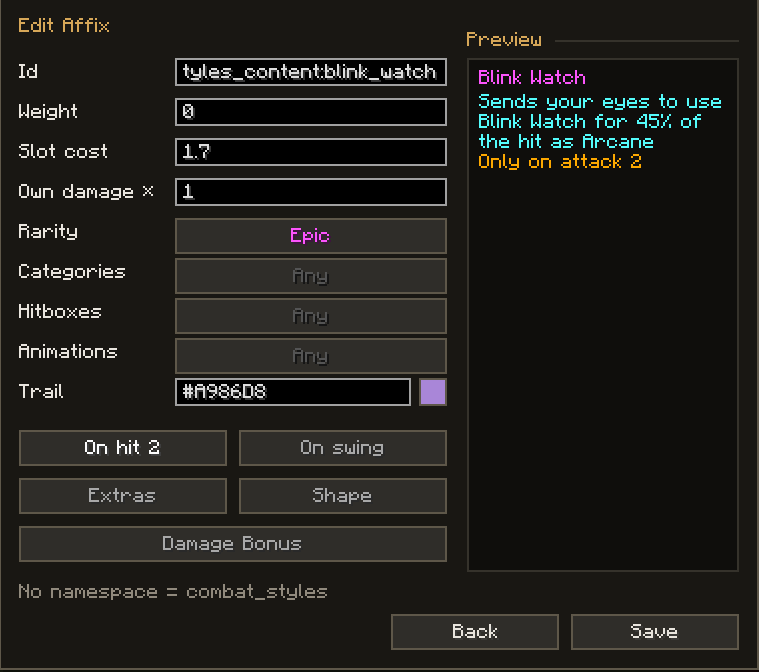
Add new affixes or override existing datapack/config ones.
 |
 |
 |
|---|---|---|
| Affix List | Create Affix | Edit Affix |
Keybind: J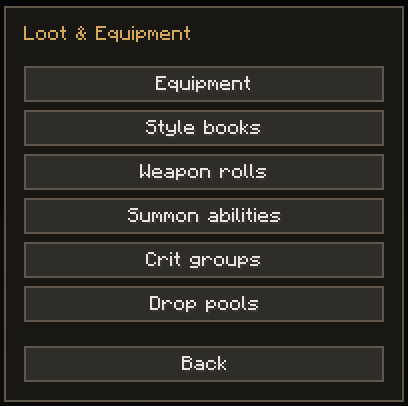
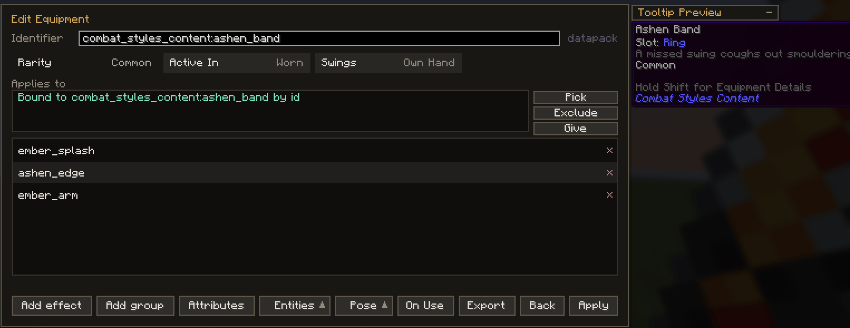 |
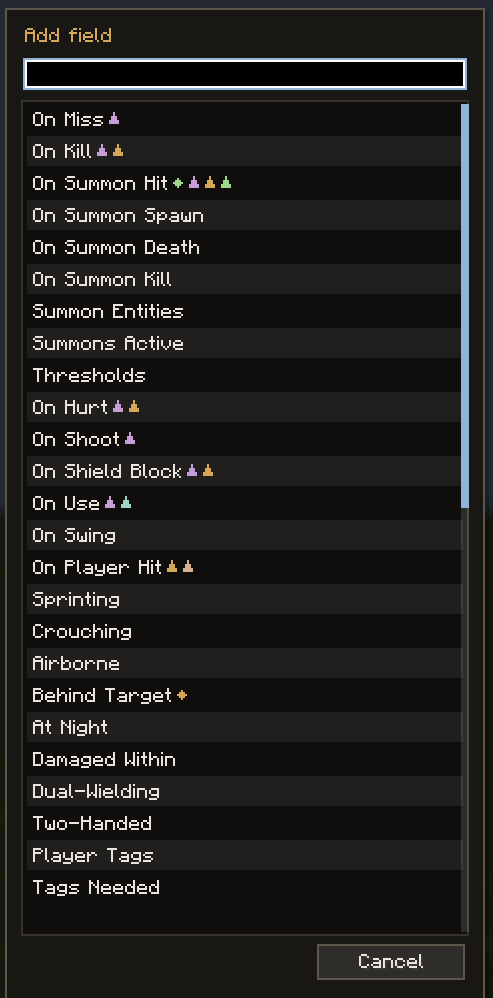 |
|---|---|
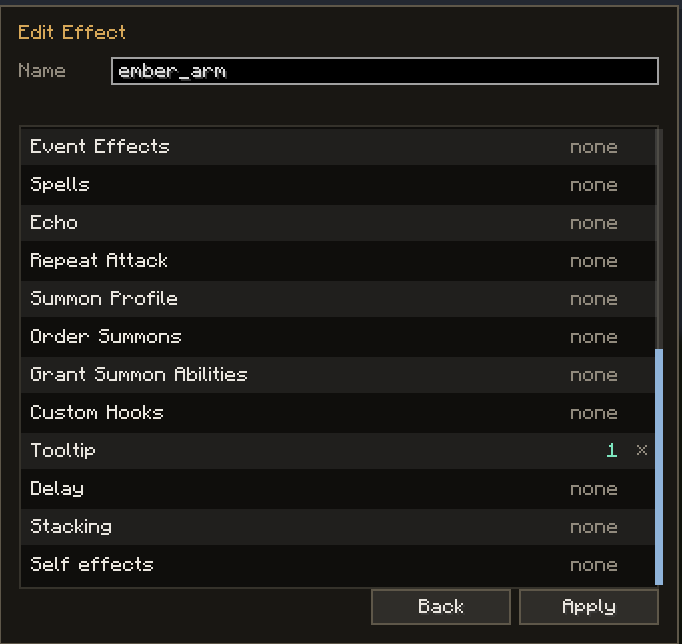
| Equipment Editor Create or edit any item's equipment effects. |
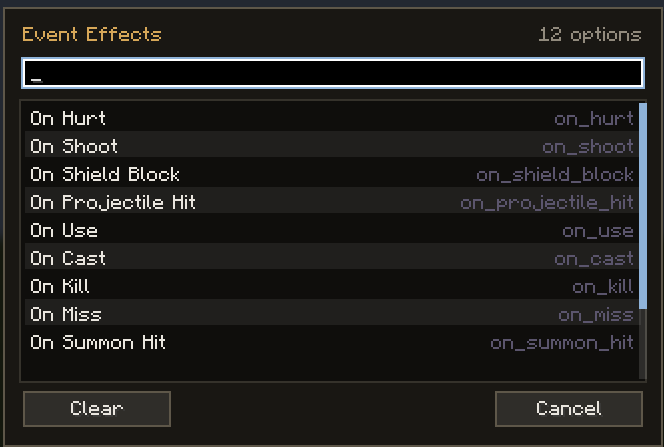
Triggers Pick what sets an effect off: on hit, on shoot, on block, when hurt, on kill, on use and more. |
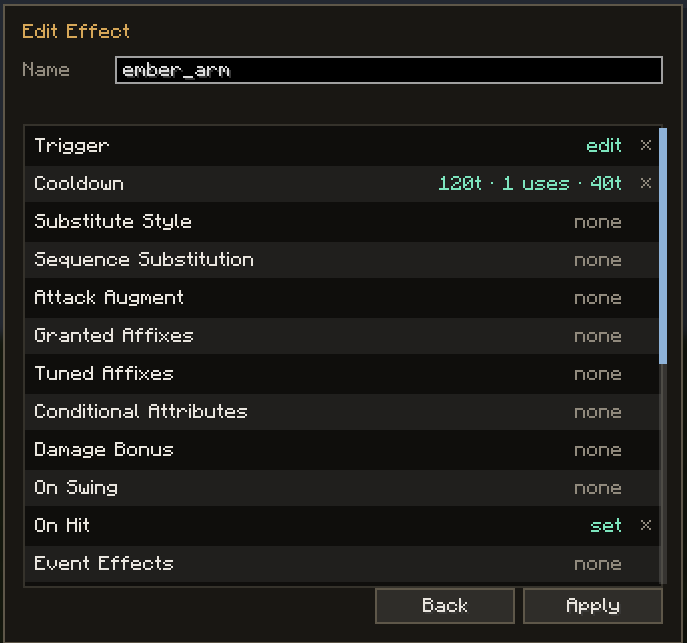 |
 |
 |
|---|---|---|
| Effect List Everything an effect can do, from damage and status effects to projectiles, summons and spells. |
 |
 |
|---|---|
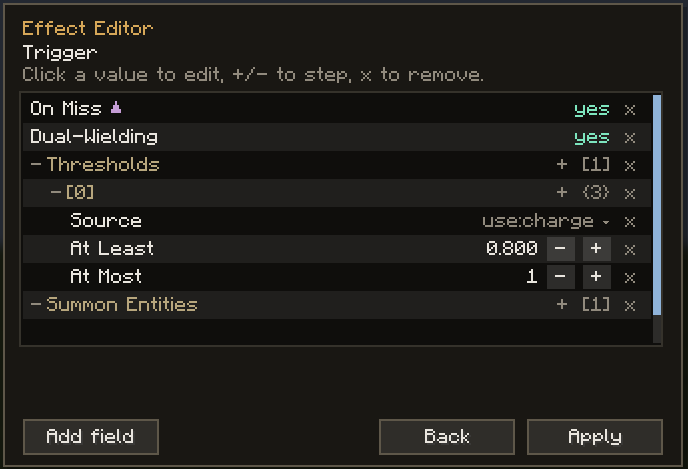
| Tree Editing Effects are built as a tree: trigger, conditions, then what happens. |
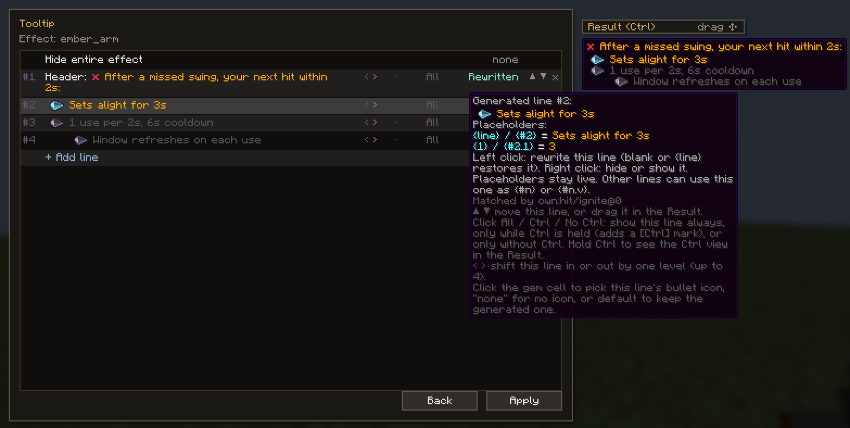
Tooltip Editor Edit or add the lines an item shows in its tooltip. |
Also on equipment:
 |
 |
 |
|---|---|---|
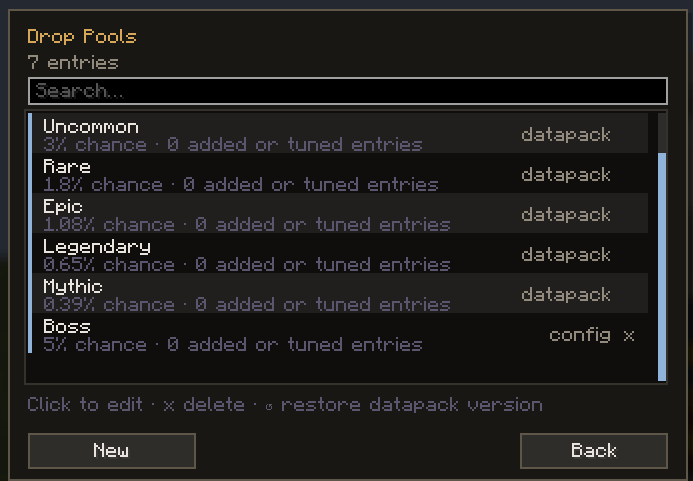
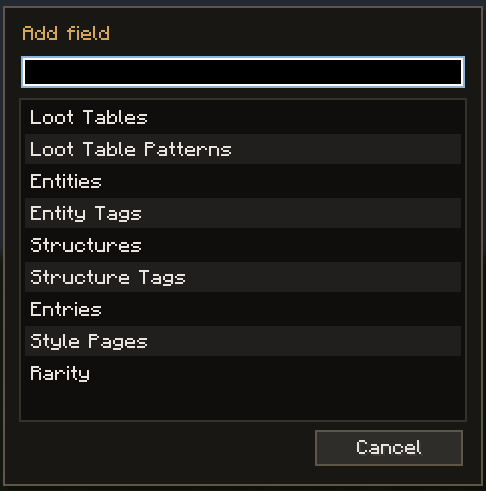
| Drop Pools One pool per rarity, plus your own custom pools. |
Pool Settings Chance, loot tables, mobs, structures, style pages and more. |
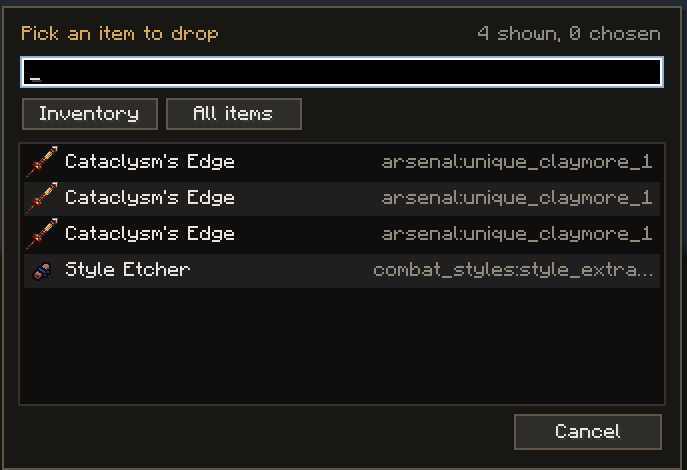
Item Instances Drop an exact item from your inventory: name, enchantments and all. |
 |
 |
|---|---|
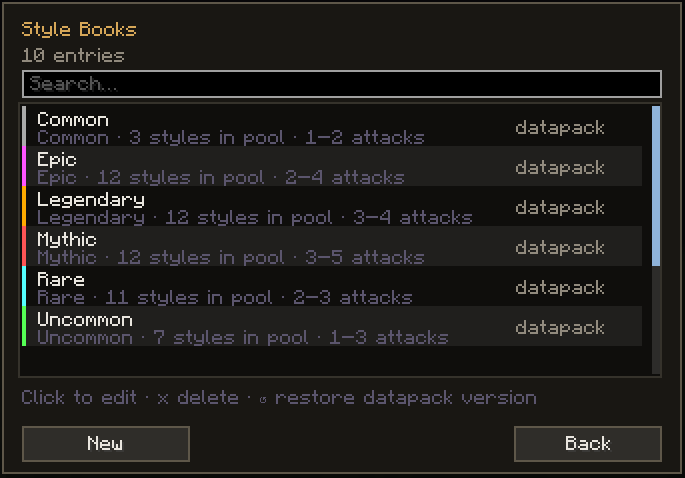
| Style Books What each rarity of style book can roll. |
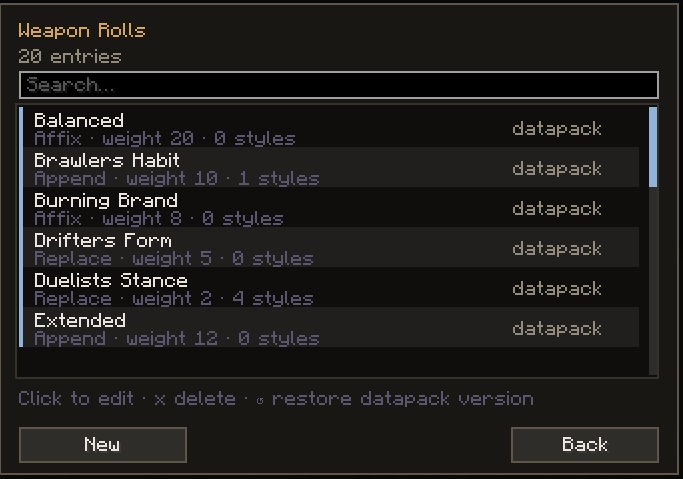
Weapon Rolls Random bonuses found weapons can roll. |
 |
 |
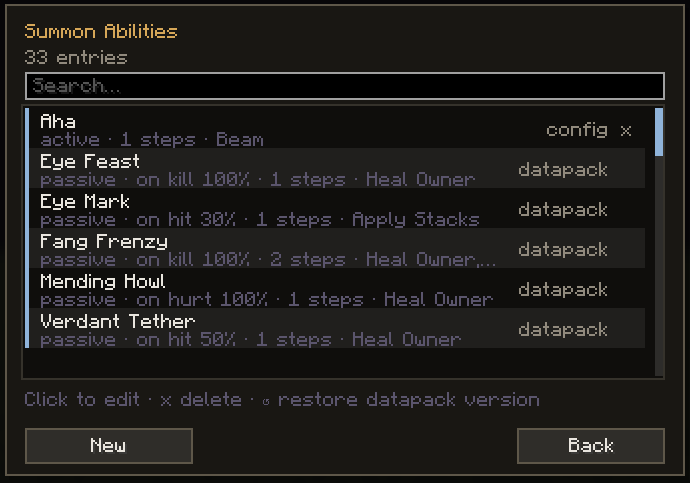
| Scripted Abilities Step-by-step abilities for summons and pets. |
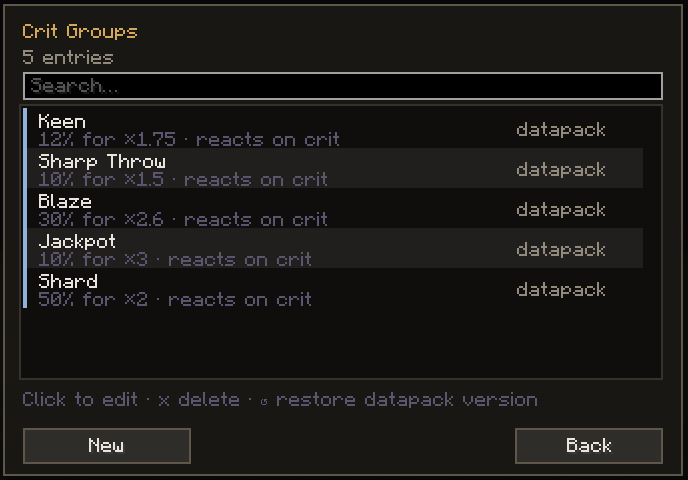
Crit Groups Shared crit chances, multipliers and reactions. |
| Also check out Combat Styles Content |
|---|
 |

Project description from CurseForge.
Pick your setup
Choose the version and loader you play, then open the matching release.
Check the dependencies, then try the file in a copied instance before changing a world you care about.
Recent files
combat_styles-neoforge-1.0.5.jar
4 Nov 2026
combat_styles-fabric-1.0.5.jar
4 Nov 2026
combat_styles-neoforge-1.0.4.jar
1 Nov 2026
combat_styles-fabric-1.0.4.jar
1 Nov 2026
combat_styles-neoforge-1.0.3.jar
29 Oct 2026
combat_styles-fabric-1.0.3.jar
29 Oct 2026
combat_styles-neoforge-1.0.2.jar
14 Oct 2026
combat_styles-fabric-1.0.2.jar
14 Oct 2026
combat_styles-neoforge-1.0.1.jar
12 Oct 2026
combat_styles-fabric-1.0.1.jar
12 Oct 2026
combat_styles-fabric-1.0.0.jar
10 Oct 2026
combat_styles-neoforge-1.0.0.jar
10 Oct 2026
Looking for an older file? The official CurseForge project page is in Resources.
 mod
A vanilla enhancing mod that aims to expand the food system with dynamic meals, while also adding stamina.
 mod
Eight pieces of a saint's corpse are scattered across the world. Track them with corpse maps, wear them in eight Curios slots, and assemble a relic that shelters you from harm — JoJo Part 7 flavored.
 mod
Worlds, settlements and dungeons with finite water, material-based irrigation and integrated lighting. / Paesaggi, insediamenti e dungeon con acqua finita, irrigazione legata ai materiali e illuminazione integrata.