Fabric API Needed by Block & Board 0.2.1 - Fabric 26.2
requiredMatching file found Matched file: [26.2] Fabric API 0.161.0+26.2
CurseForge · Minecraft mod
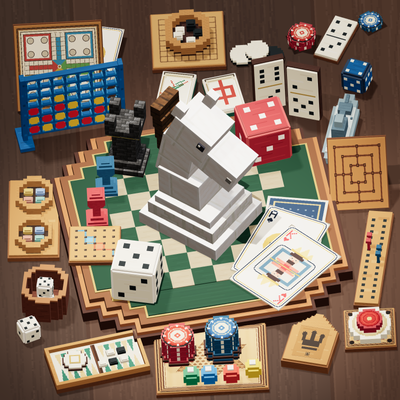
Bring game night to Minecraft with over 20 board, card and dice games, including Chess, Poker, Blackjack, Mahjong, Checkers, Go and Solitaire.
Quick answer
Block & Board 0.2.1 - Fabric 26.2 targets 26.2 with Fabric. The project page does not say whether this file belongs on the client, dedicated server, or both. All 1 required mods have matching files.
Where it goes
The project page does not say whether this file belongs on the client, dedicated server, or both.
The source does not explicitly classify this release as client-only or server-only.
Block & Board 0.2.1 - Fabric 26.2. Change the file and its required mods may change too.
Install Fabric API first. We found matching files for this game-version and loader setup.
We only count dependency files that match this setup. A file for another loader does not fill the gap.
Before you install it
Built for Block & Board 0.2.1 - Fabric 26.2. Pick another file and the loader, install side or required mods may change.
Use Block & Board 0.2.1 - Fabric 26.2. It targets 26.2 with Fabric; another release may have different loader, side or dependency requirements.
Install Fabric API first. We found matching files for this game-version and loader setup.
The project page does not say whether this file belongs on the client, dedicated server, or both.
Use the “Get this file” button beside Block & Board 0.2.1 - Fabric 26.2. It opens that exact file at the source.
About this project
Block & Board brings tabletop games into Minecraft.
Play Chess in a tavern, deal cards with friends at your base, or settle in for a game of Solitaire. Craft tables, chairs and game boards to build a games room you can actually play in.

Choose from over 20 board, card and dice games, from a quick round of Connect Four to a longer match of Go or Mahjong.
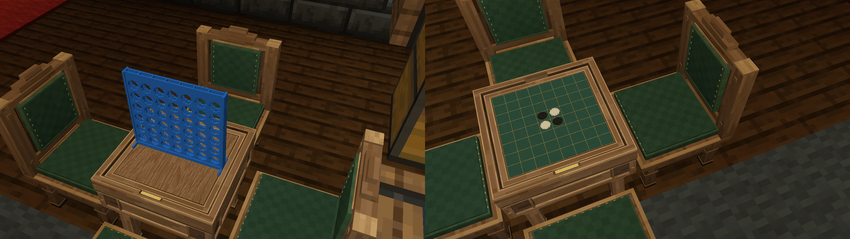
Each game has a board item that fits into a table. Compact boards use the Small Game Table; games with more cards, tiles or pieces use the Large Game Table. Fit a different board when you want to play something else.
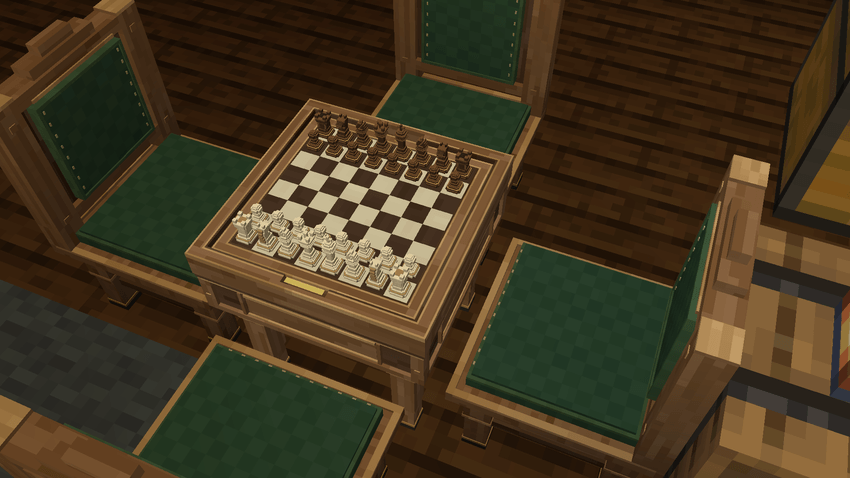
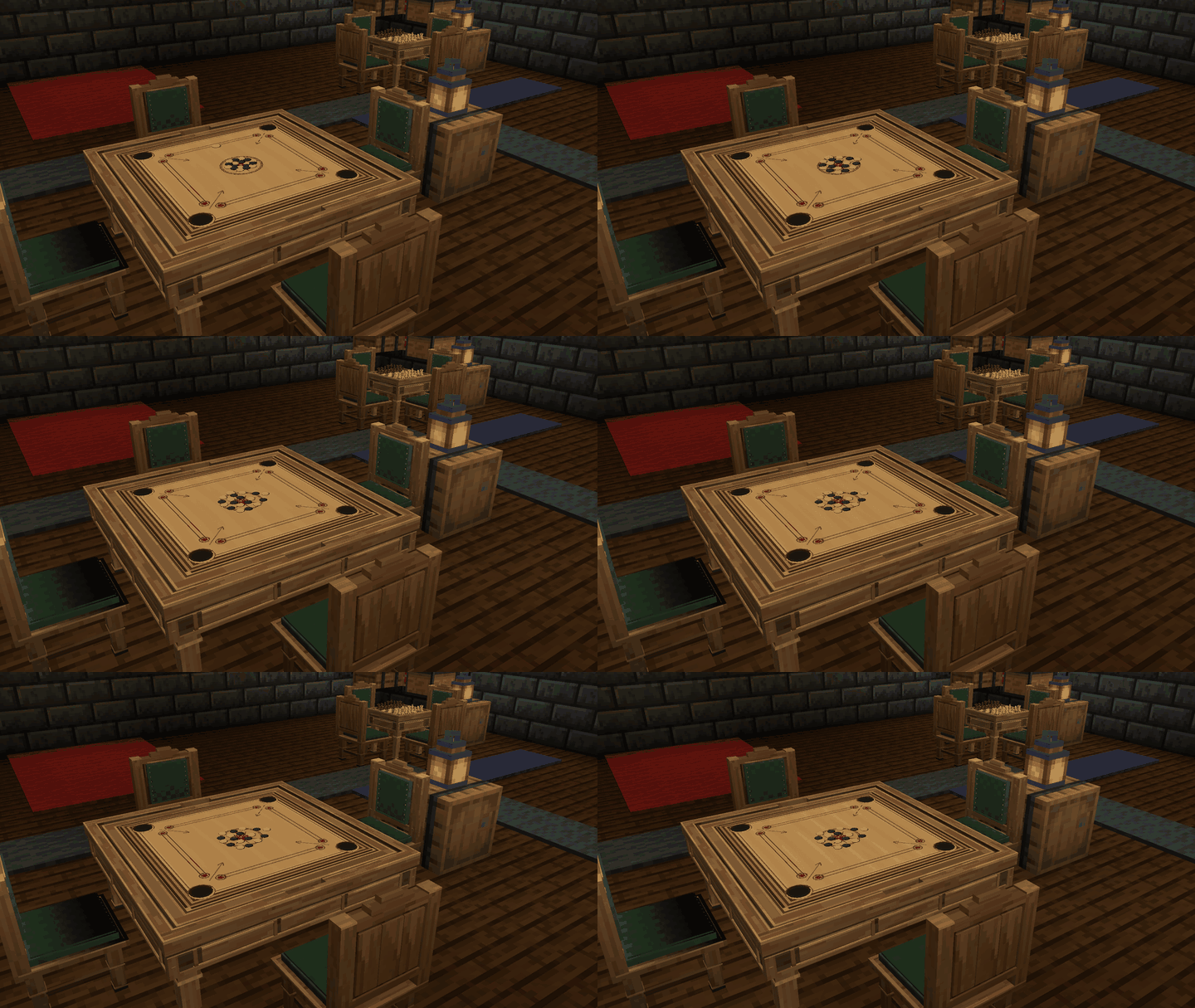
Go has 9×9, 13×13 and 19×19 boards, and Spider Solitaire has one-, two- and four-suit games. Carrom has a full-sized board with pockets, a striker, coins and a queen.
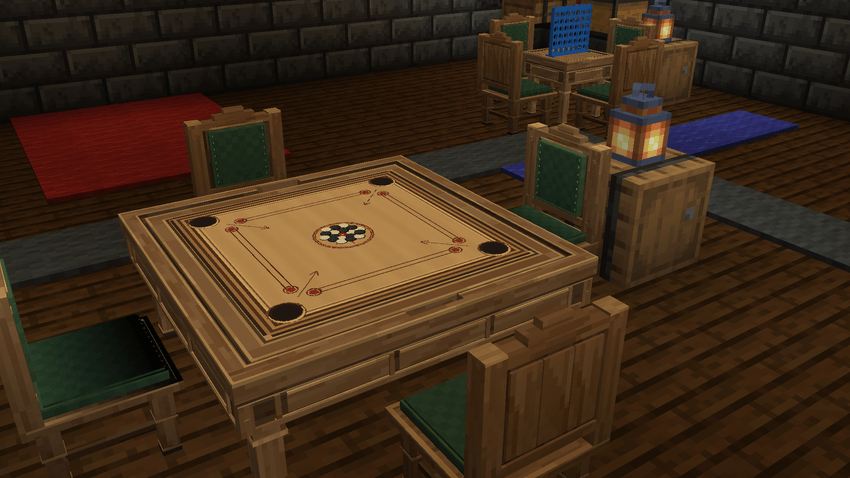

Pull up a chair and take a seat. Games use one to four players, depending on their rules. Open the board to make your move: select a piece, play a card, hold a die or choose a scoring category. The screen shows the choices available on your turn.
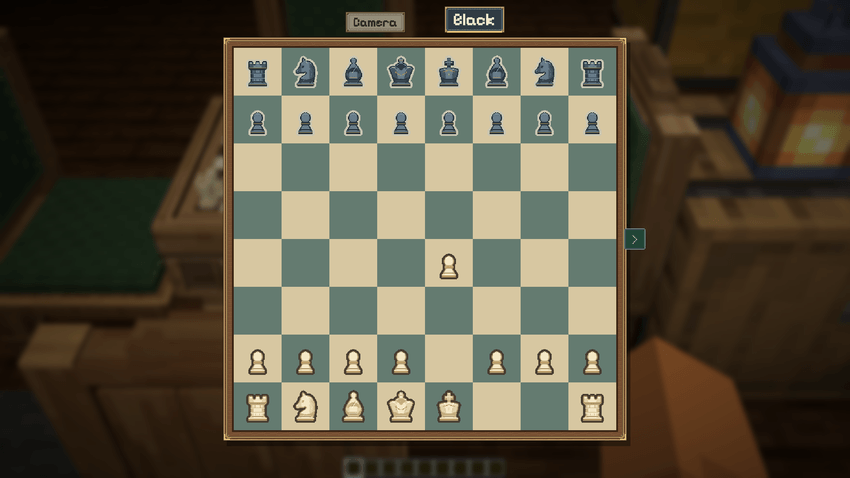
The game also appears on the physical table, so friends can gather around and watch. Spectators can open the screen too. Private cards and tiles stay hidden from other players; taking a different seat changes which hand you see.
Mahjong uses Japanese Riichi rules, with concealed hands, discards and melds arranged around the table.
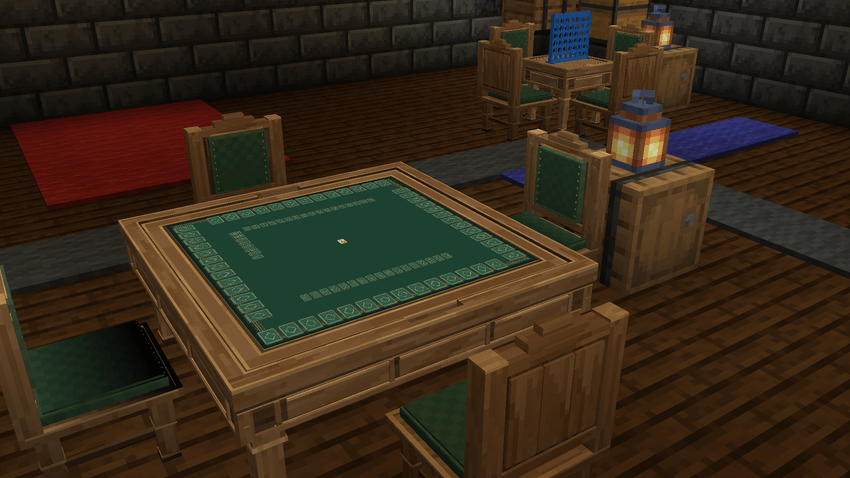
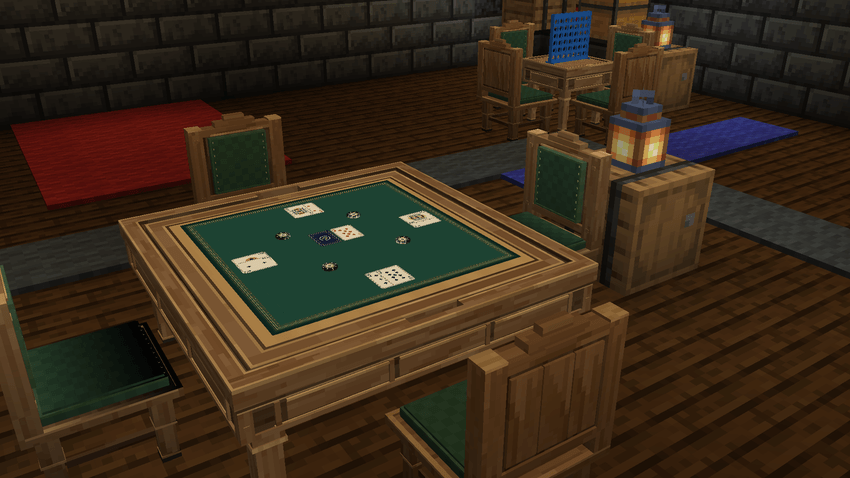
Poker has no-limit betting and side pots. Blackjack has an automatic dealer, with its hole card hidden until the hand is resolved.
In Yahtzee, hold the dice you want to keep, roll again and pick a category on your scorecard. For a shorter dice game, try Farkle: keep scoring dice and decide whether to bank the points or risk another roll.
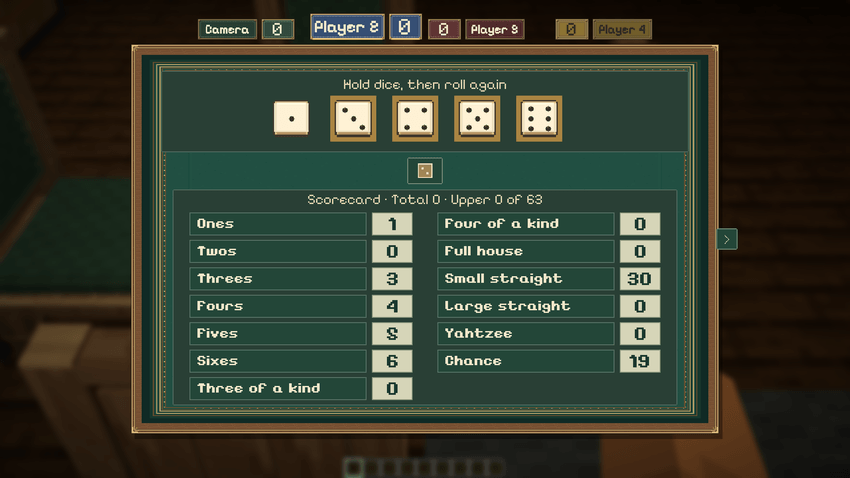
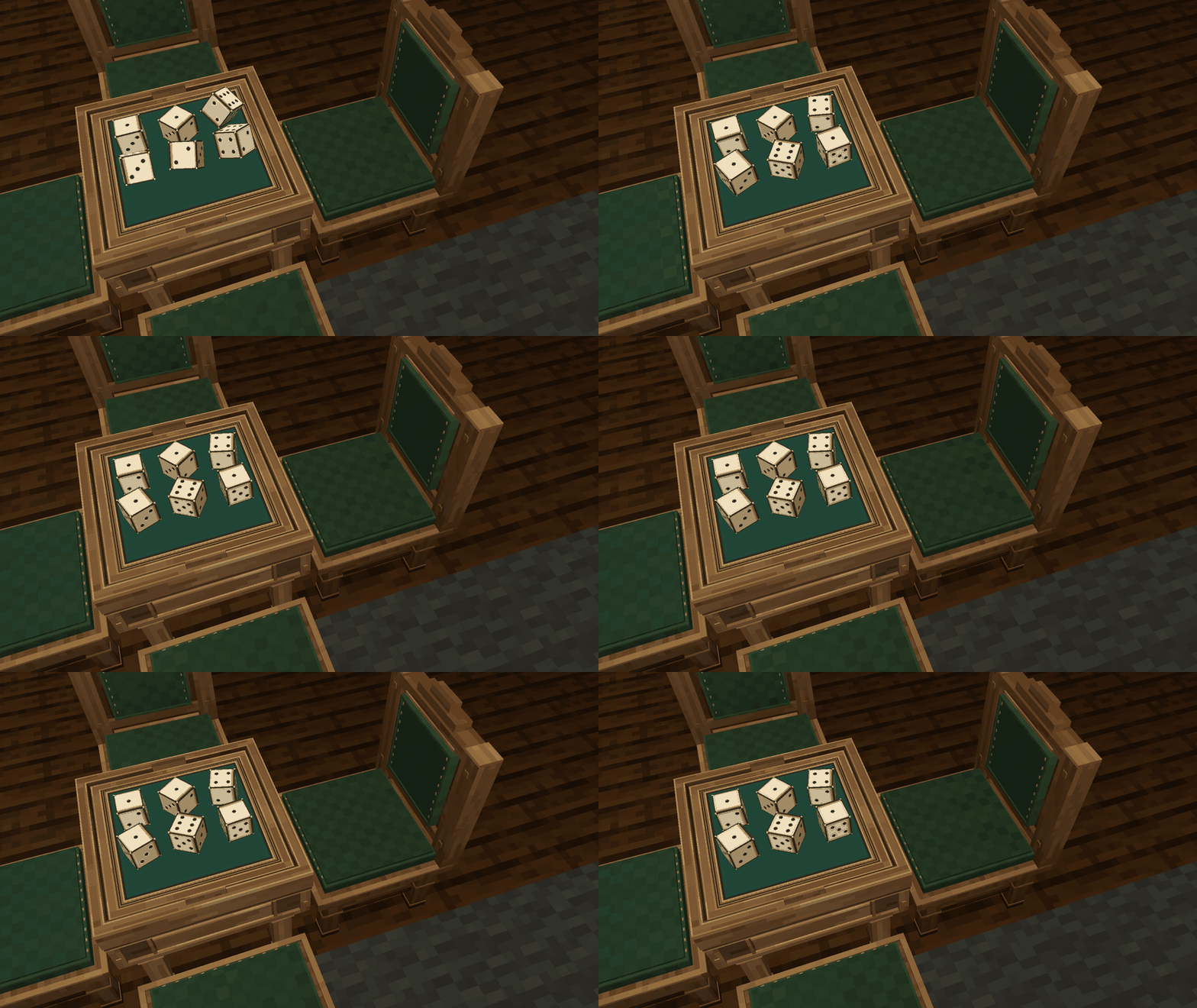
The dice tumble across the table when you roll.
Carrom lets you aim the striker and set the shot strength. Watch the coins scatter as you try to pocket them.
Want to play for stakes? Agree on emerald stakes before the first move. The table holds the items and settles them when the game ends. High Rollers chips can be used too if you have that mod installed. These item stakes are separate from Poker and Blackjack's game-chip scores.

To change games, the table owner or a server operator can crouch-use the fitted table with an empty main hand. The current board is returned and its item stakes are refunded, ready for another board to be fitted.

Every game has an illustrated guide built in. Open How to play from the side tray for examples of moves, scoring and the decisions you'll make during a game. You can switch back to the board when you're ready to try them.
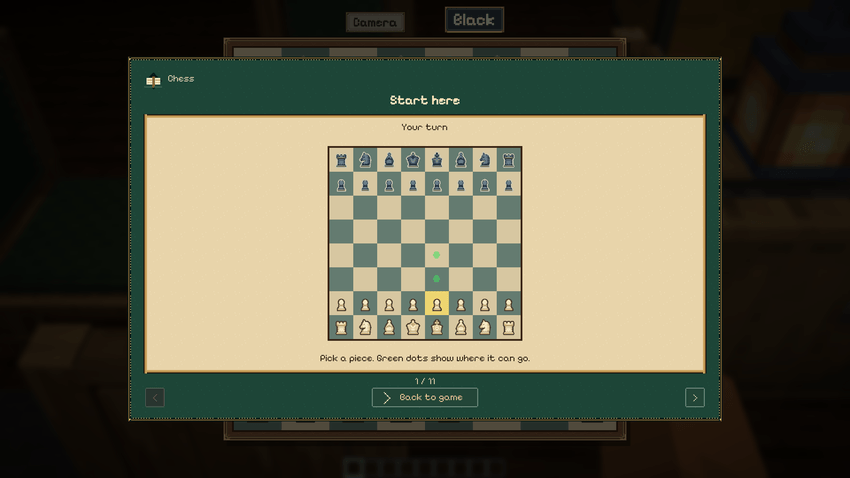

Can I play on my own? Yes. There are Klondike and Spider Solitaire boards. For games with several seats, Play alone lets you control every side or hand yourself. It does not add computer opponents.
Can I save an unfinished game? Yes. Remove the board and keep the returned item, then fit it again in the same server world to continue. Back up the world as well as keeping the board item; the saved game belongs to that world.
Does everyone need the mod? Yes. Install the same mod version on the server and each player's client. Singleplayer needs only your own installation.
Is High Rollers required? No. Block & Board works on its own; High Rollers chips are an optional choice for item stakes.
Can I include it in a modpack? Yes. Block & Board is licensed under LGPL-3.0-only.
The interface uses Pixelify Sans by the Pixelify Sans Project Authors (SIL Open Font License 1.1). Chess screen sprites adapt RhosGFX Vector Chess Pieces (CC0).
Project description from CurseForge.
Pick your setup
Choose the version and loader you play, then open the matching release.
Check the dependencies, then try the file in a copied instance before changing a world you care about.
Recent files
blockandboard-fabric-26.2-0.2.1.jar
8 Oct 2026
blockandboard-neoforge-26.2-0.2.1.jar
8 Oct 2026
blockandboard-fabric-26.1.2-0.2.1.jar
8 Oct 2026
blockandboard-neoforge-26.1.2-0.2.1.jar
8 Oct 2026
blockandboard-fabric-1.21.1-0.2.1.jar
8 Oct 2026
blockandboard-fabric-1.20.1-0.2.1.jar
8 Oct 2026
blockandboard-forge-1.20.1-0.2.1.jar
8 Oct 2026
blockandboard-neoforge-1.21.1-0.2.1.jar
8 Oct 2026
blockandboard-fabric-26.2-0.2.0.jar
8 Oct 2026
blockandboard-neoforge-26.2-0.2.0.jar
8 Oct 2026
blockandboard-fabric-26.1.2-0.2.0.jar
8 Oct 2026
blockandboard-neoforge-26.1.2-0.2.0.jar
8 Oct 2026
Looking for an older file? The official CurseForge project page is in Resources.
 mod
modShows information (like enchantments) about the held item under its name.
 mod
modA mod that adds decorative furniture such as kitchen sets, bathroom accessories, office, etc.
 mod
modThrowable glowsticks that bounce, roll and light up the dark with colored light.