Minecraft version
Back to mods 
CurseForge · Minecraft mod
Shroomies
Adds mushroom villages, villagers, golems, hostile mobs, glowing mushrooms, and unique gear. Requires Fabric API and LambDynamicLights.
Choose a version Pick your version below, then grab the matching file.
Quick answer
Which Shroomies release should I use?
Latest stable file shroomies-1.21.1.jar
Game version 1.21.1
Loader Fabric
shroomies-1.21.1.jar targets 1.21.1 with Fabric. The project page does not say whether this file belongs on the client, dedicated server, or both. No extra mods listed for this file.
Where it goes
Is Shroomies required on the client, server, or both?
The project page does not say whether this file belongs on the client, dedicated server, or both.
Client Source doesn’t say
Dedicated server Source doesn’t say
Loader for this release Fabric
Required install it here Optional supported, not mandatory Not supported do not install here Source doesn’t say do not assume
The source does not explicitly classify this release as client-only or server-only.
What else does shroomies-1.21.1.jar need?
shroomies-1.21.1.jar. Change the file and its required mods may change too.
This file does not list any required mods. Do not add a library just because a different file uses it.
This file does not list any required or optional mods.
Before you install it
Add Shroomies without breaking your instance.
Built for shroomies-1.21.1.jar. Pick another file and the loader, install side or required mods may change.
- 01
Stick to this file
Use shroomies-1.21.1.jar. It targets 1.21.1 with Fabric; another release may have different loader, side or dependency requirements.
- 02
Bring the mods it needs
This file does not list any required mods. Do not add a library just because a different file uses it.
- 03
Put it on the correct side
The project page does not say whether this file belongs on the client, dedicated server, or both.
- 04
Pick the file you checked
Use the “Get this file” button beside shroomies-1.21.1.jar. It opens that exact file at the source.
About this project
What does Shroomies add?

Shroomies brings mushroom villages, woodland creatures, unique enemies, and mushroom-powered equipment to Minecraft.
Discover villages with mushroom-shaped houses, ponds, gardens, and parks. Each settlement has a varied layout with 3–10 homes. Mushroom villagers work, trade, sleep, and seek shelter from danger, while mushroom golems defend their community.
Features include:
- Growable mushrooms: cultivate up to three mushrooms on one block, plant them in pots, and discover glowing mushrooms on fallen logs.
- Plants and decorations: build with verawood, decorate with mushroom vines, and brighten ponds with flowering lily pads.
- New enemies: face Spore Zombies, Overgrown Skeletons, and Mycelial Creepers, each with unique abilities and drops.
- Mushroom equipment: wear a glowing helmet and springy boots, or apply their abilities to vanilla armor using a smithing table.
- Village trading: turn fungal flesh into Purified Rot and trade with chefs, fishers, and farmers.
- Mushroom golems: build your own protector, choose its cap color with a mushroom, and heal it using mushrooms.
- Custom advancements and sounds to accompany your adventures.
Fully translated into English, Ukrainian, Russian, and Polish.
Requirements: Minecraft Java 26.2, Fabric Loader, Fabric API, and LambDynamicLights. You must install LambDynamicLights to enable the glowing helmet and green mushroom golem’s dynamic lighting.
Project description from CurseForge.
Pick your setup
Shroomies by Minecraft version and loader
Choose the version and loader you play, then open the matching release.
Minecraft version
26.2
1 loader buildMinecraft version
26.1.2
1 loader buildMinecraft version
1.21.1
1 loader buildCheck the dependencies, then try the file in a copied instance before changing a world you care about.
Recent files
Shroomies versions and loaders
shroomies-1.21.1.jar
shroomies-mc1.21.1-1.1.3.jar
16 Oct 2026
Client Source doesn’t say Server Source doesn’t say Dependencies No extras listed Listed on Release listing
Check the 1.21.1 · Fabric setup Fabric1.21.1 release
shroomies-26.3.jar
shroomies-mc26.3-1.1.3.jar
3 Oct 2026
Client Source doesn’t say Server Source doesn’t say Dependencies No extras listed Listed on Release listing
Check the 26.3 · Fabric setup Fabric26.3 release
shroomies-26.1.2.jar
shroomies-mc26.1.2-1.1.3.jar
3 Oct 2026
Client Source doesn’t say Server Source doesn’t say Dependencies No extras listed Listed on Release listing
Check the 26.1.2 · Fabric setup Fabric26.1.2 release
shroomies-26.2.jar
shroomies-1.1.2.jar
2 Oct 2026
Client Source doesn’t say Server Source doesn’t say Dependencies No extras listed Listed on Release listing
Check the 26.2 · Fabric setup Fabric26.2 release
Looking for an older file? The official CurseForge project page is in Resources.
 mod
CurseForge · Minecraft
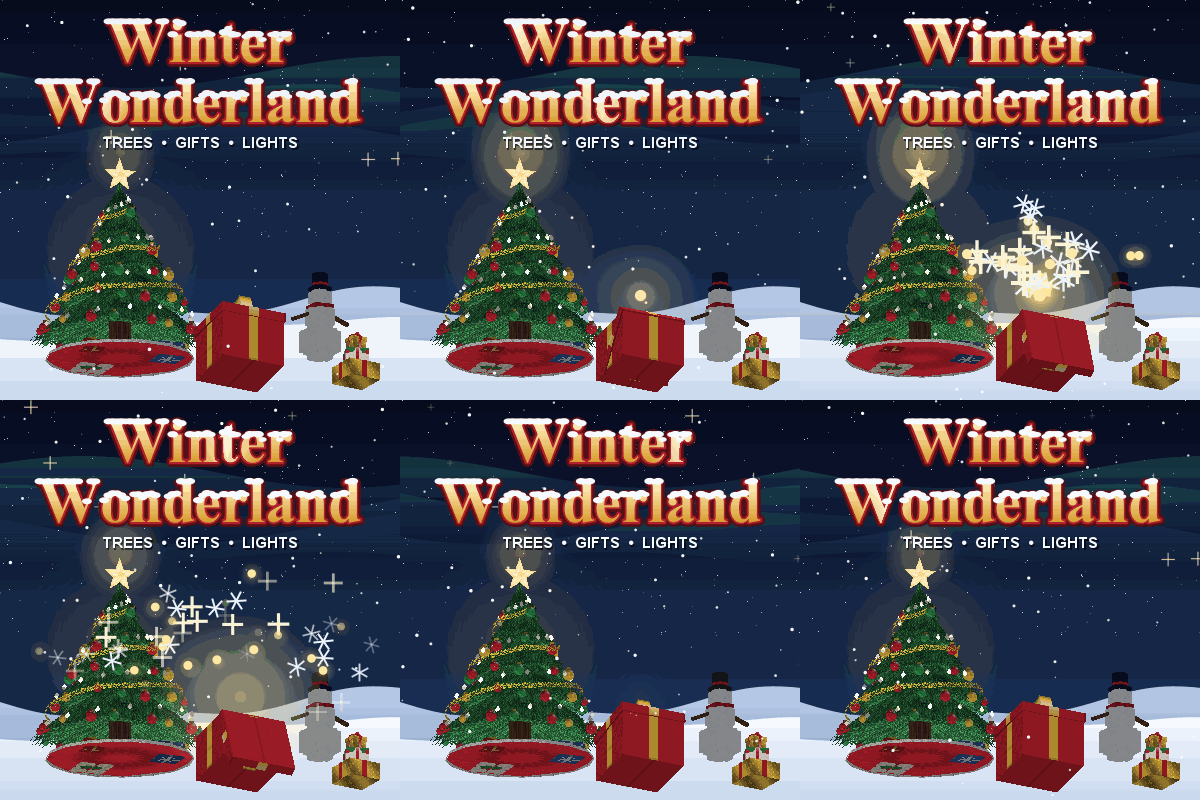
Winter Wonderland: Christmas Trees, Gifts & Lights
A cozy Christmas overhaul: multiblock trees, presents to wrap and open, string lights, an advent calendar, a sleigh, elves, reindeer and a winter boss.
 mod
CurseForge · Minecraft
Undead awakening
A mod that improves the AI of zombies so they are worthy of a movie zombie apocalypse. now a overhaul mod
 mod
CurseForge · Minecraft
Arise: Ant King Standalone Boss
Ant king standalone boss