Minecraft version
Back to mods 
CurseForge · Minecraft mod
Block Undo
Simple Ctrl+Z undo for placing and breaking blocks so you can quickly fix building mistakes.
Choose a version Pick your version below, then grab the matching file.
Quick answer
Which Block Undo release matches 26.3 Fabric?
Best match for your filters Block Undo 1.0.0
Game version 26.3
Loader Fabric, Forge, NeoForge
Block Undo 1.0.0 targets 26.3 with Fabric, Forge, NeoForge. The project page does not say whether this file belongs on the client, dedicated server, or both. No extra mods listed for this file.
Where it goes
Is Block Undo required on the client, server, or both?
The project page does not say whether this file belongs on the client, dedicated server, or both.
Client Source doesn’t say
Dedicated server Source doesn’t say
Loader for this release Fabric, Forge, NeoForge
Required install it here Optional supported, not mandatory Not supported do not install here Source doesn’t say do not assume
The source does not explicitly classify this release as client-only or server-only.
What else does Block Undo 1.0.0 need?
Block Undo 1.0.0 on 26.3 Fabric. Every mod below is checked against that same setup.
This file does not list any required mods. Do not add a library just because a different file uses it.
This file does not list any required or optional mods.
Before you install it
Add Block Undo without breaking your instance.
Built for Block Undo 1.0.0 on 26.3 Fabric. Pick another file and the loader, install side or required mods may change.
- 01
Stick to this file
Use Block Undo 1.0.0. It targets 26.3 with Fabric, Forge, NeoForge; another release may have different loader, side or dependency requirements.
- 02
Bring the mods it needs
This file does not list any required mods. Do not add a library just because a different file uses it.
- 03
Put it on the correct side
The project page does not say whether this file belongs on the client, dedicated server, or both.
- 04
Pick the file you checked
Use the “Get this file” button beside Block Undo 1.0.0. It opens that exact file at the source.
About this project
What does Block Undo add?
Ever placed the wrong block and wished you could just undo it? Block Undo brings a simple Ctrl+Z style undo to building in the game. Place blocks as usual, and if you make a mistake, hold Ctrl and press Z to reverse what you just did.

It works for both placing and breaking. Put a block down by accident and undo it to remove it and get the item back. Break a block by mistake and undo it to put that block right back where it was. You can press undo more than once to step back through your recent actions.
The mod is made for builders who want a quick safety net while they work. No new items, no complicated menus, just a familiar shortcut that helps you fix mistakes without digging through your inventory or rebuilding by hand.
How to use
- Place or break blocks as you normally would.
- Hold Ctrl and press Z to undo your last action.
- Press it again to undo earlier actions in order.
Controls can be changed in the game keybind settings if you want a different key.
Project description from CurseForge.
Pick your setup
Block Undo by Minecraft version and loader
Choose the version and loader you play, then open the matching release.
Minecraft version
26.2
3 loader buildsCheck the dependencies, then try the file in a copied instance before changing a world you care about.
Recent files
Block Undo versions and loaders
Block Undo 1.0.0
BlockUndo-26.3.jar
3 Oct 2026
Client Source doesn’t say Server Source doesn’t say Dependencies No extras listed Listed on Release listing
Check the 26.3 · Fabric setup FabricForgeNeoForge26.3 release
Looking for an older file? The official CurseForge project page is in Resources.
 mod
CurseForge · Minecraft
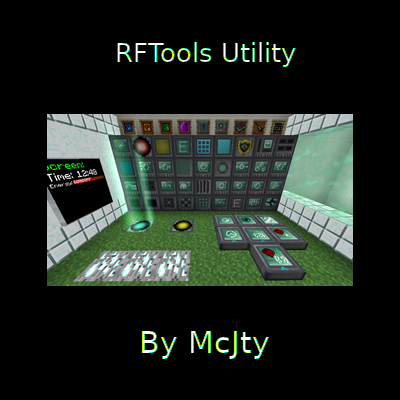
RFTools Utility
General RFTools blocks that don't fit in a more specific category
 mod
CurseForge · Minecraft
Villager Trading Overhaul
A fully client-side mod that enhances vanilla villager trading screen with mod supports
 mod
CurseForge + Modrinth · Minecraft
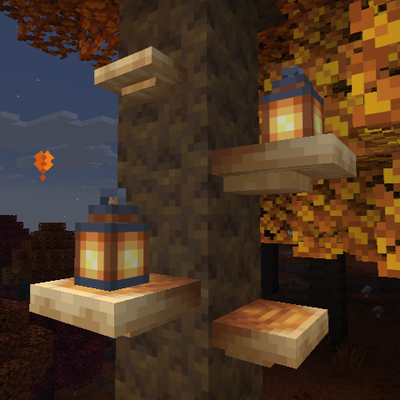
Actual Shelf Mushrooms
Makes the shelf mushroom an actual shelf!