Create Needed by Create: Train Functionality create_train_functionality-0.1.22.jar
requiredMatching file found Matched file: Create 6.0.10 for mc1.21.1
CurseForge · Minecraft mod
> Build on your Create train while it drives. A Functional Fob makes a carriage's blocks real: place and break them, open chests, run machines. Disassemble and your build stays in the world. Early build — back up first. ---
Quick answer
Create: Train Functionality create_train_functionality-0.1.22.jar targets 1.21.1 with NeoForge. The project page does not say whether this file belongs on the client, dedicated server, or both. All 2 required mods have matching files.
Where it goes
The project page does not say whether this file belongs on the client, dedicated server, or both.
The source does not explicitly classify this release as client-only or server-only.
create_train_functionality-0.1.22.jar. Change the file and its required mods may change too.
Install Create, Sable first. We found matching files for this game-version and loader setup. 1 comes through another mod in the chain.
1 extra mod was pulled in by another dependency. Indented rows show who needs each one. We only count dependency files that match this setup. A file for another loader does not fill the gap.
Before you install it
Built for Create: Train Functionality create_train_functionality-0.1.22.jar. Pick another file and the loader, install side or required mods may change.
Use create_train_functionality-0.1.22.jar. It targets 1.21.1 with NeoForge; another release may have different loader, side or dependency requirements.
Install Create, Sable first. We found matching files for this game-version and loader setup. 1 comes through another mod in the chain.
The project page does not say whether this file belongs on the client, dedicated server, or both.
Use the “Get this file” button beside create_train_functionality-0.1.22.jar. It opens that exact file at the source.
About this project
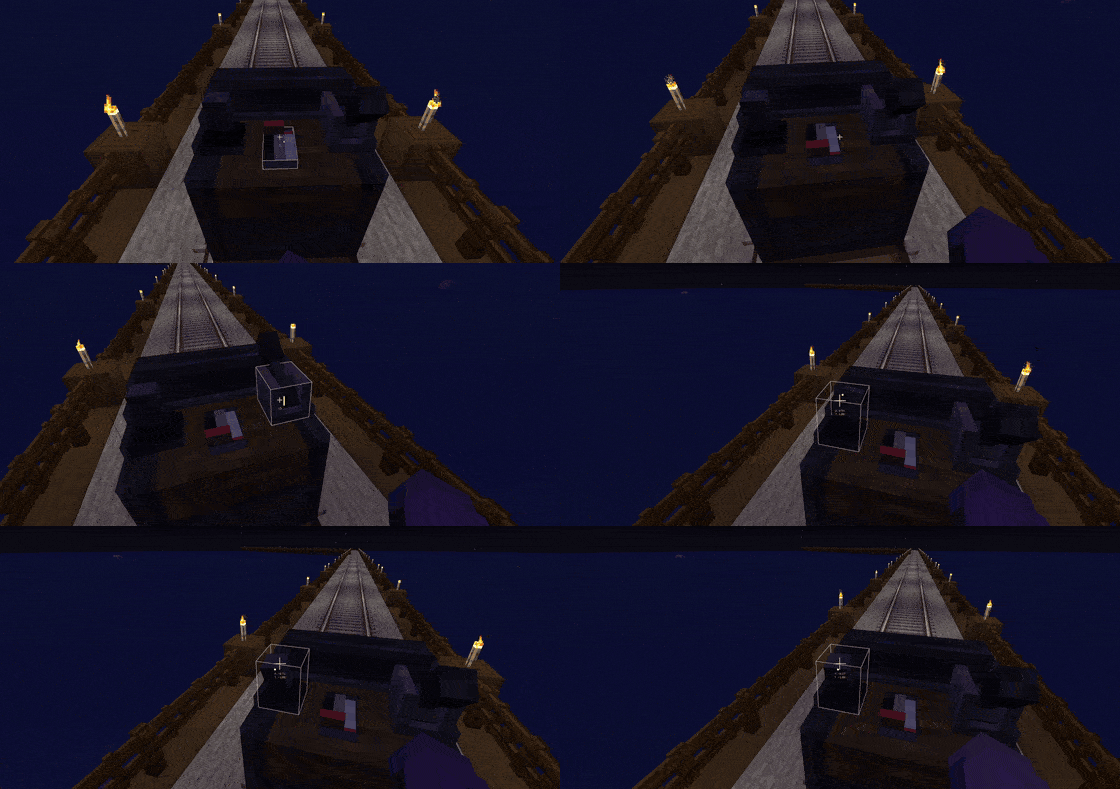
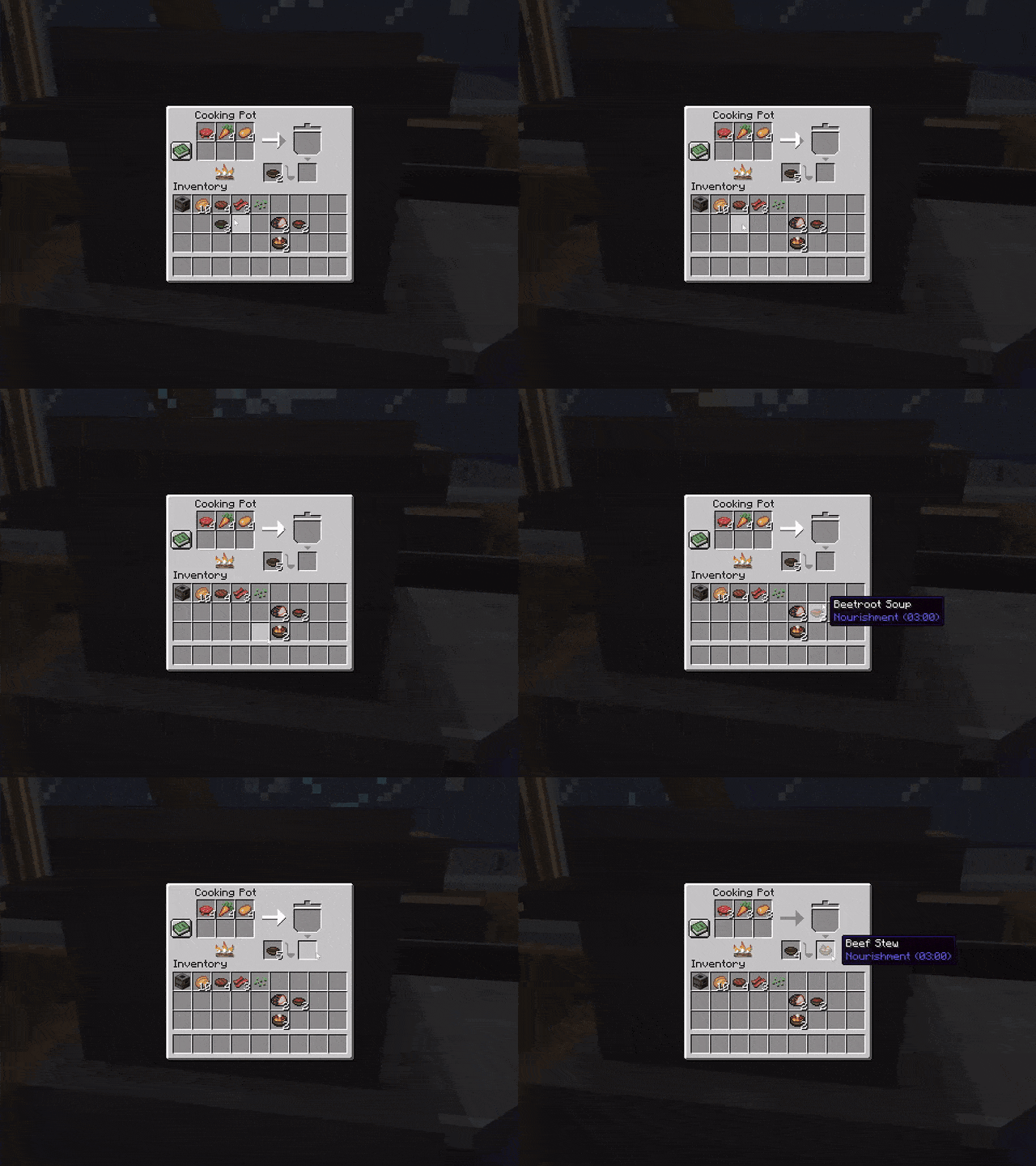
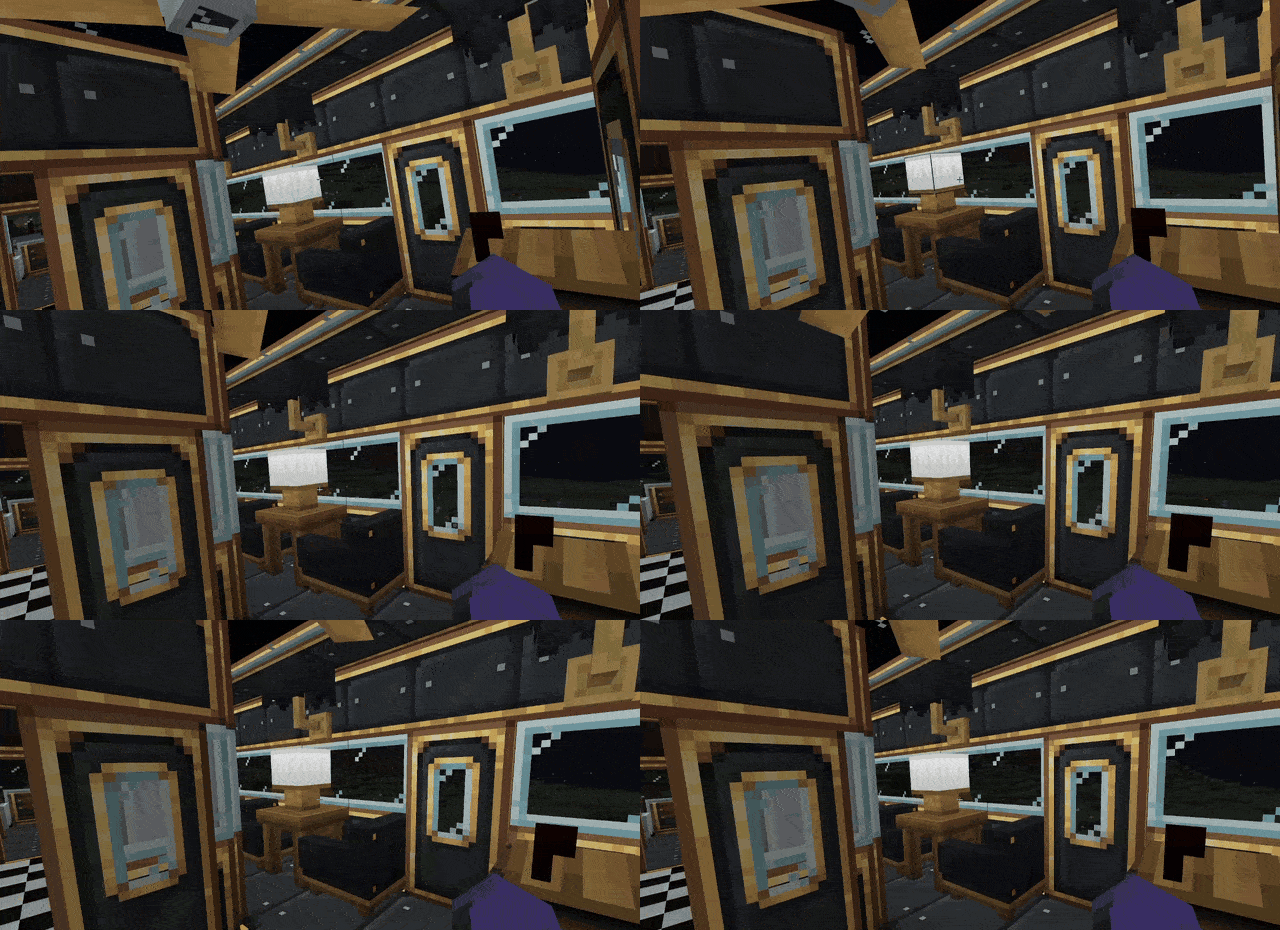
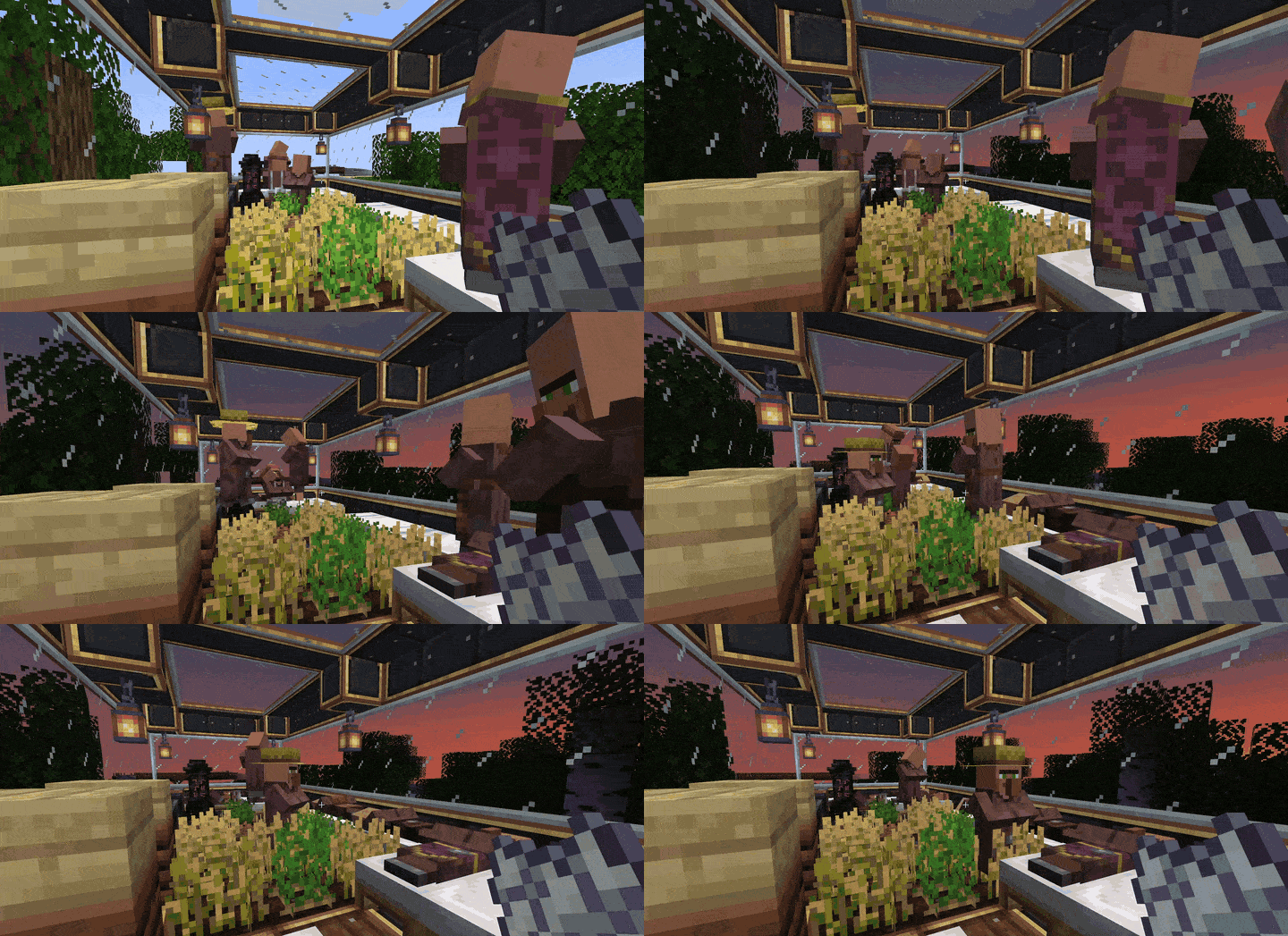
Build on your Create train while it drives. Stick a Functional Fob on an assembled carriage and its blocks become real: place and break them, open the chests, use the controls, run the machines — on the move. Disassemble the train and your build is simply there in the world; put it back together and it is part of the train again. No re-gluing.
| Mod | Versions |
|---|---|
| NeoForge | 21.1.228 – 21.1.x |
| Create | 6.0.10 – 6.0.x |
| Sable | 2.0.5 – 2.0.x (2.0.6 verified) — standalone, or the copy inside Create: Aeronautics |
Recipe (shapeless): lever + redstone dust + brass sheet + andesite alloy — makes two.
The fob is what makes a carriage buildable. Stick it on any block of a carriage's body before you assemble the train; every carriage with a fob on it becomes buildable, and the rest stay normal Create carriages. Its lamp lights up while the train is assembled. To hide it, right-click it with a Copycat Panel — it still works inside.
Recipe (shapeless): lever + ender pearl + brass sheet.
Keeps a parked train running while you are away. Put it on any carriage of a buildable train and flip it on: the whole train stays loaded even when parked, so machines keep running and crops keep growing. Flip it off and the train stays loaded only while it moves (a moving buildable train always keeps its chunks, so its build arrives with it). Its lamp shows when it is on, and right-clicking it says what it is doing. Only your hand flips it — it ignores redstone and gives none out. Server owners can turn it off (chunkAnchorLever) and cap how many trains keep chunks loaded (maxTrainsHoldingChunks, default 32) in the mod's config.
Recipe (shapeless): any Create casing + electron tube + 2 redstone.
Lets a DashPanels dashboard drive the train.
| Control | What it does |
|---|---|
| Joystick | Up drives forward, down drives back. Hold it left or right through a junction to take that branch. |
| Control lever | The throttle: how far you push it sets the speed. |
| Gearshift (DashPanels Expanded) | Forward, neutral or reverse for the throttle. |
| Brake lever (DashPanels Expanded) | Stops the train, even with the throttle open. |
| Anything renamed | Rename any lever, knob or switch throttle, reverse, left, right or brake to give it that job. |
Right-click the controller to see which way pushing up will drive. A panel without a controller under it is just a panel. A cab at each end of a train drives its own way. While every control is at rest the train is left alone, so it keeps running its schedule; touching a control takes over, as sitting at Create's own controls does, and the schedule stays paused until you hand it one again. It drives at the same speeds and uses the same fuel as Create's controls.
Right-click the stranded piece with a Create wrench, put a station into assembly mode, and click the track in front of it. The piece is placed on the run, turned the right way and glued — press Assemble. Or click the ground to just get the blocks back (they cannot be picked up again after that).
A SECOND ENTITY FOR AN ALREADY-BUILDABLE CARRIAGE, please send it.About 450 blocks from over 100 Create, Sable and Aeronautics add-ons have been checked and do not break on a train.
Can cost you something
Does not work yet
Not tested yet: 45° track, stacked fridges, collisions with other Sable bodies.
fireGuard = false — and fire eats the build again.schematics folder) - start the selection on the ground beside the train, not on it. It works as a Railways Untold starting train (see the changelog). On a server they are refused for now (schematicGuard).config/create_train_functionality-common.toml
| Option | Default | What it does |
|---|---|---|
trainHandling |
WITH_STICKER |
Which trains become buildable: fobbed ones, ALWAYS or NEVER |
saveWhenTrainsChange |
QUICK |
Save soon after assembling or disassembling, so a crash cannot lose a train |
schematicGuard |
true |
Refuse schematics of a buildable train |
fireGuard |
true |
Put out fire on a buildable deck |
doorProbeLogging |
false |
Debug logging for sliding doors |
renderTakeover |
true |
Leave on unless diagnosing something |
/ctf stranded — list loose pieces and where they are./ctf recover <uuid> [confirm] — recover a piece you cannot reach. Needs "Allow Cheats" in single player; the wrench is usually all you need.Use the Issues tab, and attach a log if you can. Lines worth including: [CTF] rotation:, rail gap, WHICH ONE MOVED, [CTF FAILSAFE], treating it as a teleport, and anything that says Please report.
Works on dedicated servers (tested on BisectHosting).
By NoogieBoogie. MIT, code and art. Needs Create (MIT) and Sable (PolyForm Shield 1.0.0) installed alongside; it redistributes neither. Bug reports with a log are very welcome.
Project description from CurseForge.
Pick your setup
Choose the version and loader you play, then open the matching release.
Check the dependencies, then try the file in a copied instance before changing a world you care about.
Recent files
15 Oct 2026
9 Oct 2026
9 Oct 2026
8 Oct 2026
5 Oct 2026
3 Oct 2026
Looking for an older file? The official CurseForge project page is in Resources.