Create: Copycats+ Optional for Create: MoreFix MoreFix 1.5.18 — Minecraft 1.21.1 NeoForge
optionalMatching file found Matched file: copycats-3.0.9+mc.1.21.1-neoforge

CurseForge · Minecraft mod
Building improvements, connected textures, Copycat compatibility and moving sublevels for Create.
Quick answer
Create: MoreFix MoreFix 1.5.18 — Minecraft 1.21.1 NeoForge targets 1.21.1 with NeoForge. The project page does not say whether this file belongs on the client, dedicated server, or both. All 1 required mods have matching files.
Where it goes
The project page does not say whether this file belongs on the client, dedicated server, or both.
The source does not explicitly classify this release as client-only or server-only.
MoreFix 1.5.18 — Minecraft 1.21.1 NeoForge. Change the file and its required mods may change too.
Install Create first. We found matching files for this game-version and loader setup. 3 come through another mod in the chain.
3 extra mods were pulled in by other dependencies. Indented rows show who needs each one. We only count dependency files that match this setup. A file for another loader does not fill the gap.
Before you install it
Built for Create: MoreFix MoreFix 1.5.18 — Minecraft 1.21.1 NeoForge. Pick another file and the loader, install side or required mods may change.
Use MoreFix 1.5.18 — Minecraft 1.21.1 NeoForge. It targets 1.21.1 with NeoForge; another release may have different loader, side or dependency requirements.
Install Create first. We found matching files for this game-version and loader setup. 3 come through another mod in the chain.
The project page does not say whether this file belongs on the client, dedicated server, or both.
Use the “Get this file” button beside MoreFix 1.5.18 — Minecraft 1.21.1 NeoForge. It opens that exact file at the source.
About this project
More building options, connected textures and compatibility fixes for Create.
1.5.15: Create Deco and Copycats are now optional. Supports also work with Copycat fluid pipes.
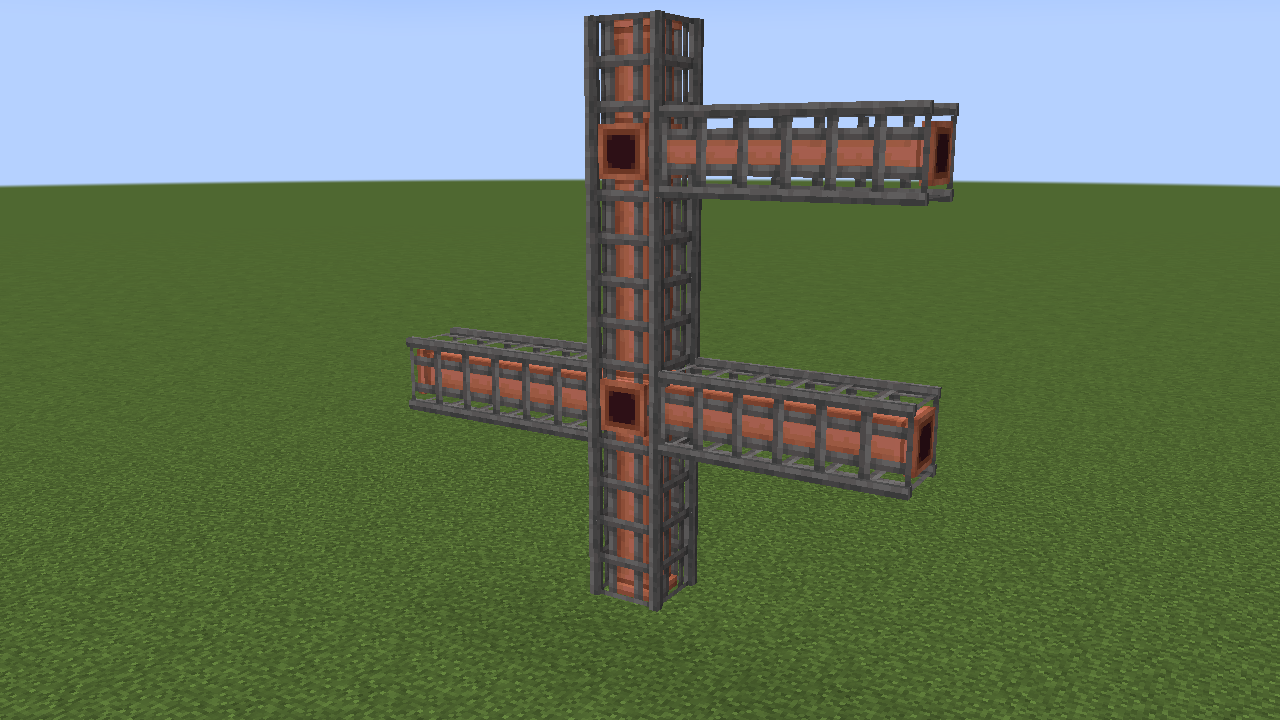
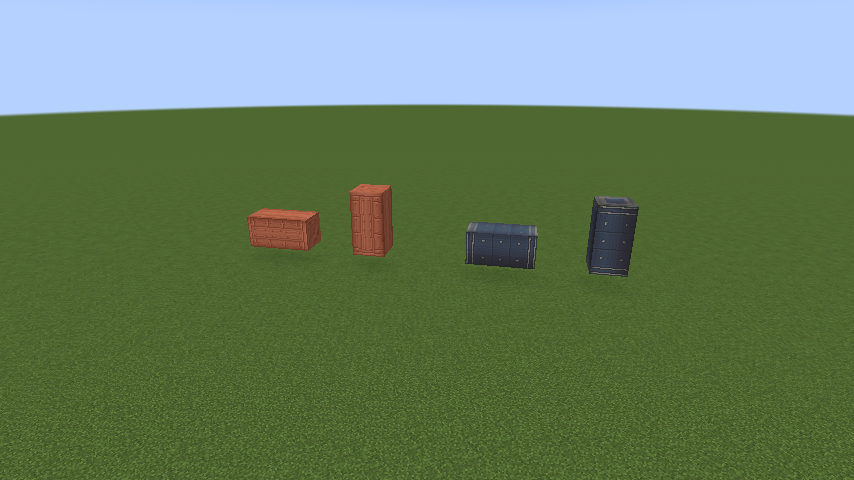
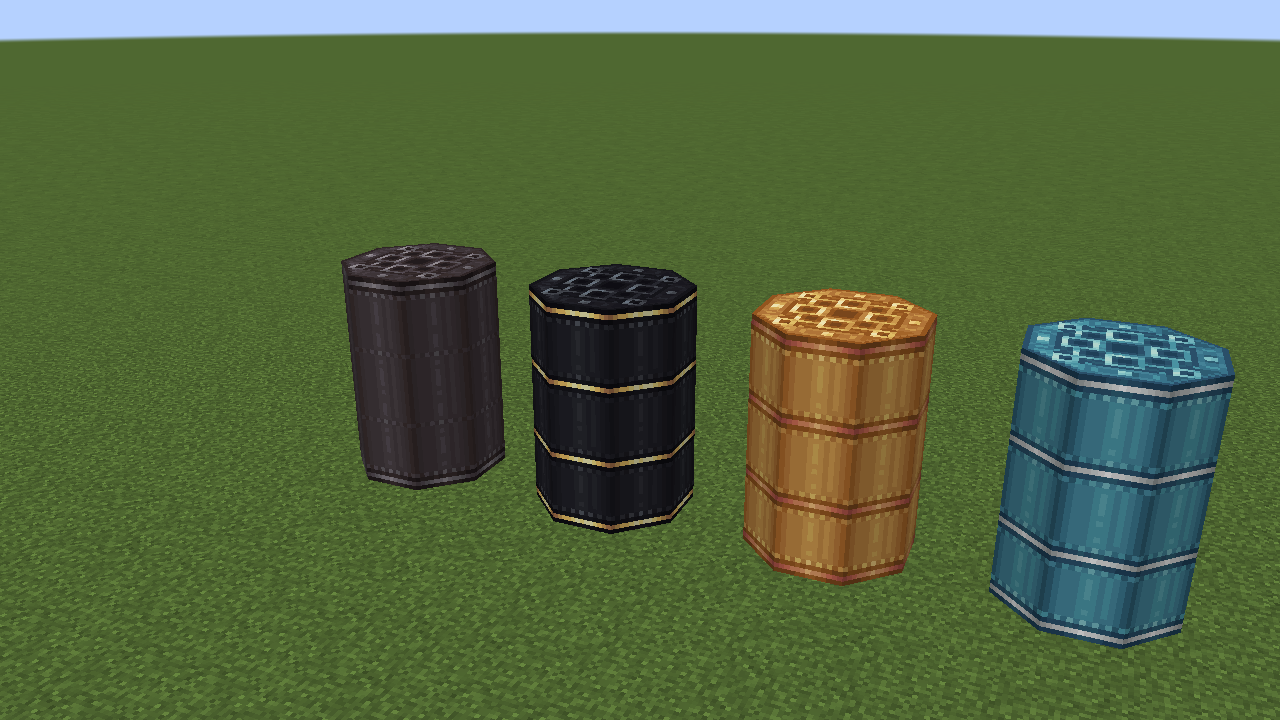
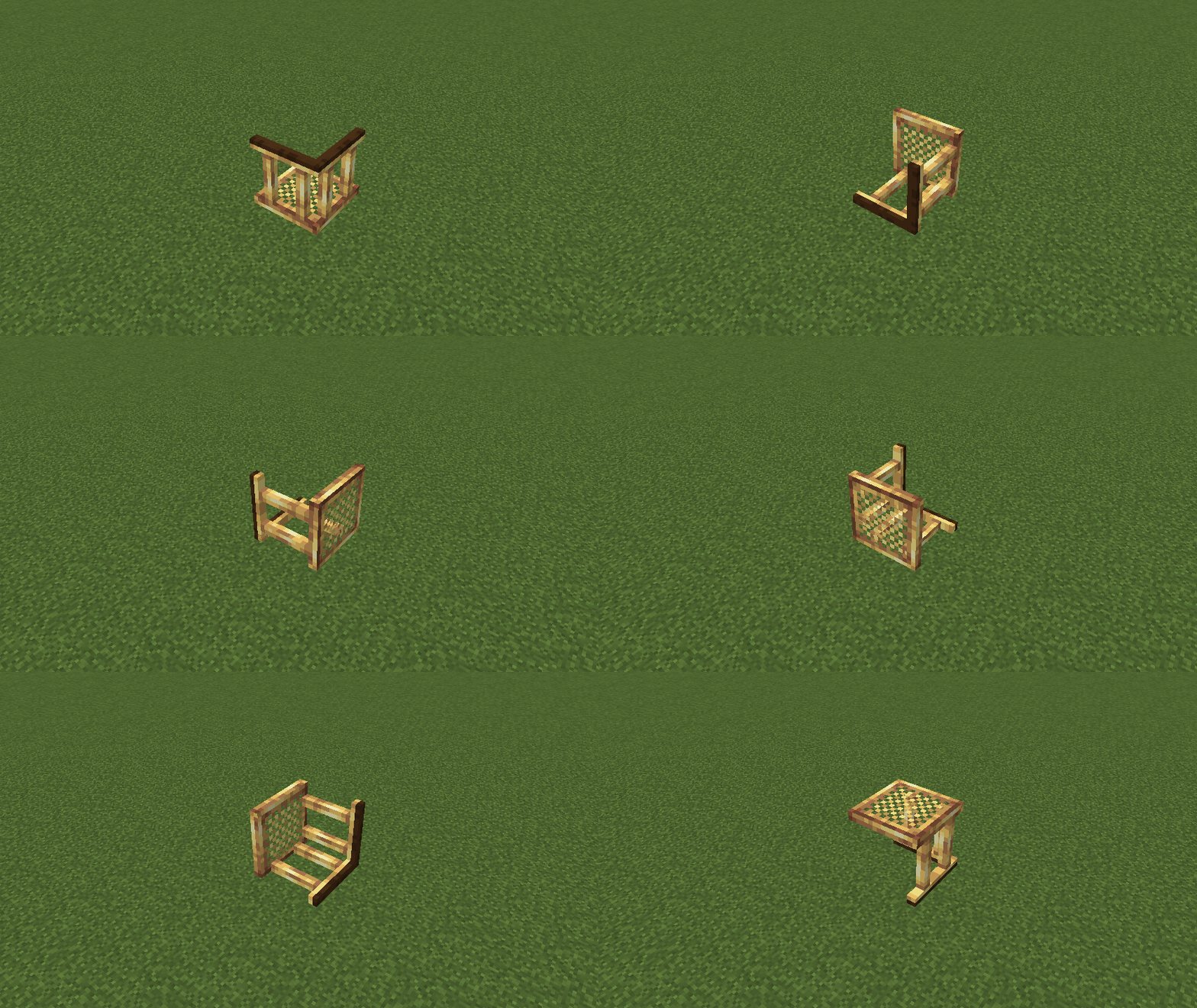
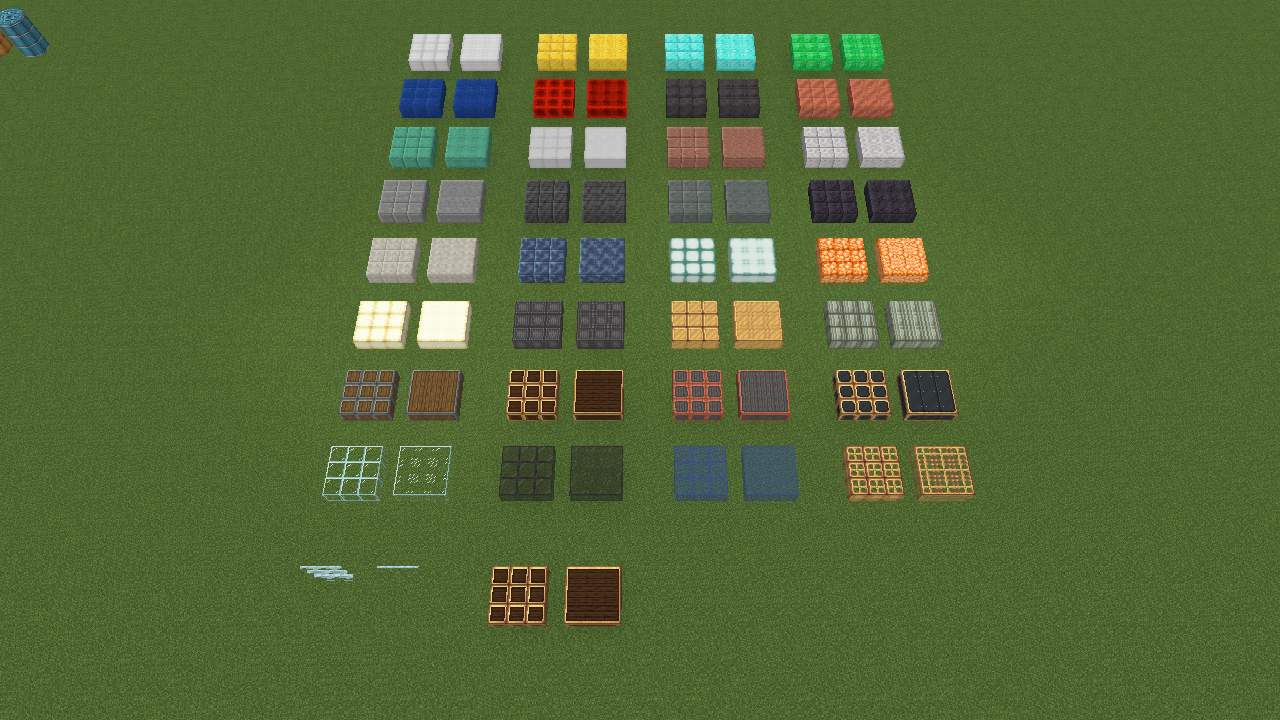
Each pair shows ordinary blocks on the left and connected blocks on the right.
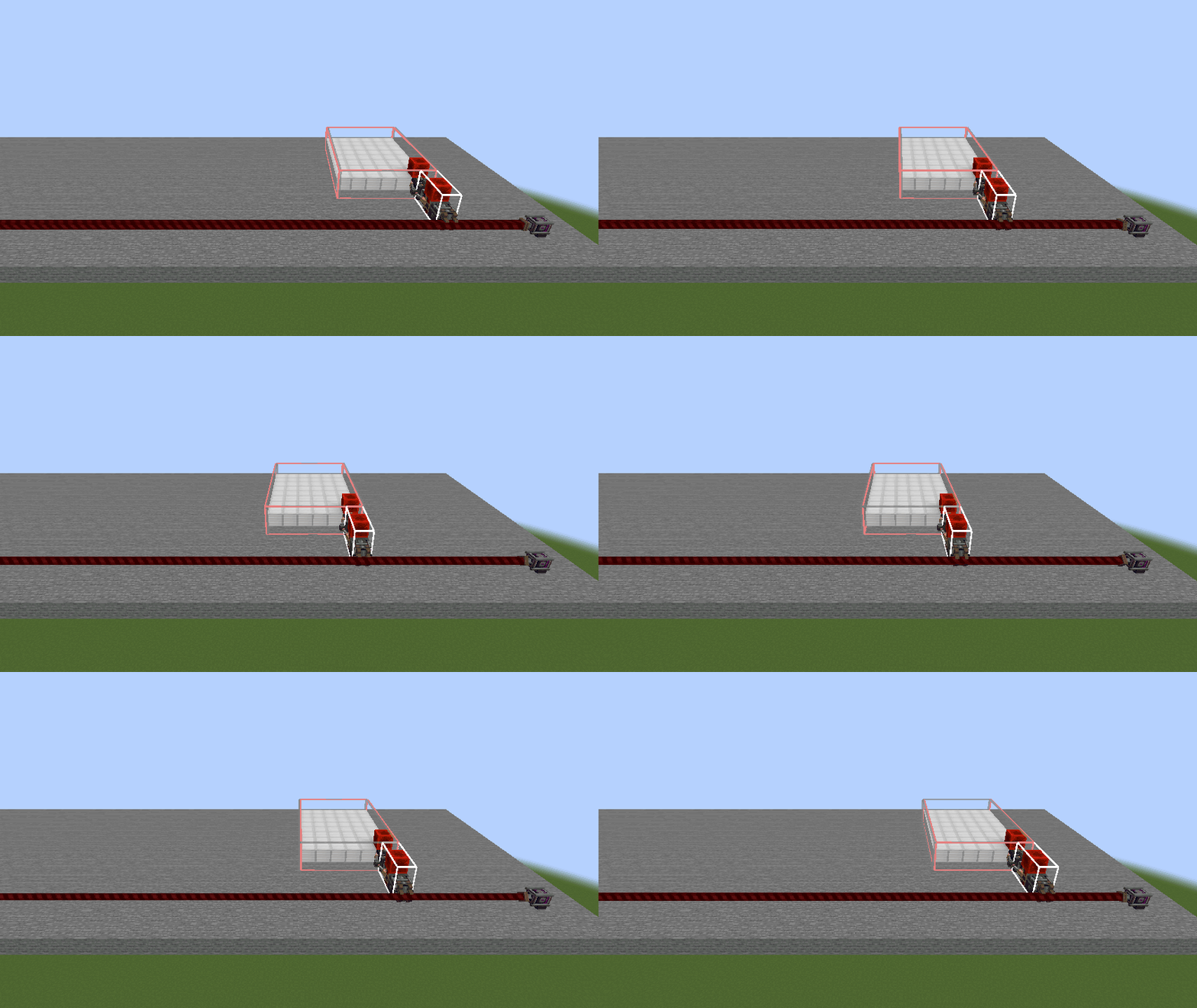
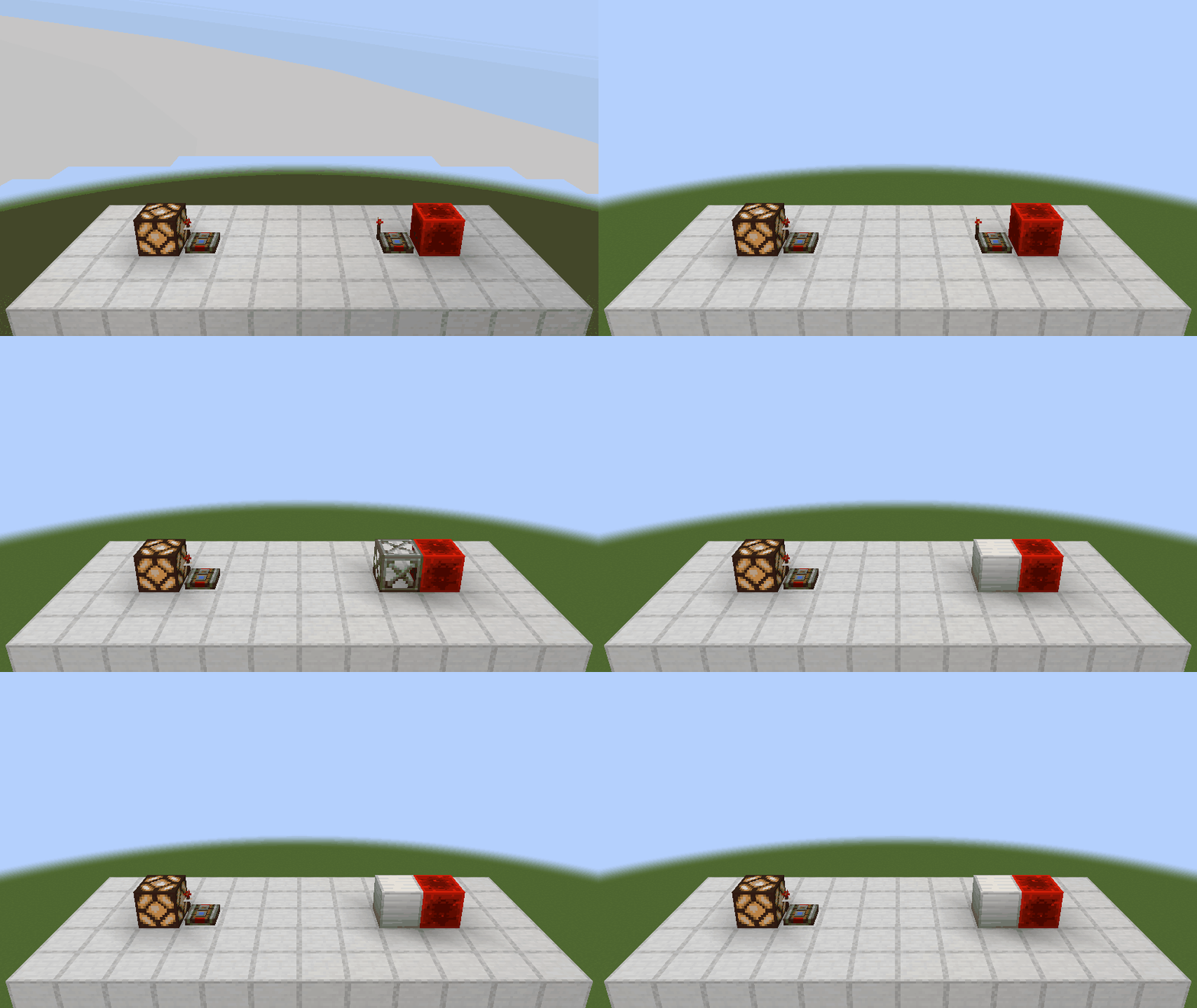
Copycat-covered wireless transmitter
Minecraft 1.21.1 · NeoForge 21.1.228+ · Java 21
Requires Create 6.0.10. Create Deco 2.1.3 and Copycats 3.0.4+ are optional; install each to enable its related features. Other add-ons are needed only for their integrations.
Place the JAR in mods; use the same version and optional add-on set on the server and clients. Back up your world before updating.
<details> <summary>Testing and limitations</summary>
Tested in separate game worlds. Dedicated servers and rotating docking structures have not been tested separately.
</details>
Created with OpenAI Codex. Thanks to the authors of Create and its compatible add-ons.
Questions or suggestions? 💬 Message me on Discord
Source code & issues: GitHub
Project description from CurseForge.
Pick your setup
Choose the version and loader you play, then open the matching release.
Check the dependencies, then try the file in a copied instance before changing a world you care about.
Recent files
create-more-fix-1.5.18-mc1.21.1.jar
7 Oct 2026
create-more-fix-1.5.16-mc1.21.1.jar
7 Oct 2026
create-more-fix-1.5.15-mc1.21.1.jar
6 Oct 2026
create-more-fix-1.5.13-mc1.21.1.jar
4 Oct 2026
Looking for an older file? The official CurseForge project page is in Resources.
 mod
modAdds alternatives to leather, ink etc. without killing animals. Makes chicken drop feathers. Vegan and children-friendly mod.
 mod
modA flexible attribute framework for Minecraft. Configure attribute bounds, connect stats, and customize entity base values through datapacks and live server settings.
 mod
modCreate custom NPC traders and shops with in-game GUIs, player skins, limits, and cooldowns!