Minecraft version
Back to mods 
CurseForge · Minecraft mod
Finite Structures
Data-driven structure count limiting in Minecraft
Choose a version Pick your version below, then grab the matching file.
Quick answer
Which Finite Structures release should I use?
Latest stable file 1.0.0
Game version 1.21.8, 1.21.5, 1.21.6
Loader NeoForge
Finite Structures 1.0.0 targets 1.21.8, 1.21.5, 1.21.6 with NeoForge. The project page does not say whether this file belongs on the client, dedicated server, or both. No extra mods listed for this file.
Where it goes
Is Finite Structures required on the client, server, or both?
The project page does not say whether this file belongs on the client, dedicated server, or both.
Client Source doesn’t say
Dedicated server Source doesn’t say
Loader for this release NeoForge
Required install it here Optional supported, not mandatory Not supported do not install here Source doesn’t say do not assume
The source does not explicitly classify this release as client-only or server-only.
What else does Finite Structures 1.0.0 need?
1.0.0. Change the file and its required mods may change too.
This file does not list any required mods. Do not add a library just because a different file uses it.
This file does not list any required or optional mods.
Before you install it
Add Finite Structures without breaking your instance.
Built for Finite Structures 1.0.0. Pick another file and the loader, install side or required mods may change.
- 01
Stick to this file
Use 1.0.0. It targets 1.21.8, 1.21.5, 1.21.6 with NeoForge; another release may have different loader, side or dependency requirements.
- 02
Bring the mods it needs
This file does not list any required mods. Do not add a library just because a different file uses it.
- 03
Put it on the correct side
The project page does not say whether this file belongs on the client, dedicated server, or both.
- 04
Pick the file you checked
Use the “Get this file” button beside 1.0.0. It opens that exact file at the source.
About this project
What does Finite Structures add?
Finite Structures
- Data packs can define Structure Limits to limit the amount of structures of a specified type that generate.
- The structure locations are stored which makes /locate and Explorer Map generation faster for these structures
- Fixes MC-177381 to return the correct distances on /locate
Structure Limit Syntax
Path in datapack: data/<namespace>/worldgen/structure_limit
File extension: .json
{
  "target": "#wonders:wonder",
  "count": 7,
  "priority": 0,
  "group_mode": "group",
  "override_mode": "reduce_count",
  "limit_mode": "nearest",
  "center": {
    "source": "spawn",
    "x_offset": 0,
    "z_offset": 0
  }
}
target: The structures to be limited
- A structure, structure tag or list of structures
- Required
- Examples:
"#minecraft:village","minecraft:mansion",["minecraft:desert_pyramid","minecraft:jungle_pyramid"]
count: The number of structures you want to be generated. The resulting count of the provider is clamped between 0 and 1024
- A Number Provider
- Required
- Examples:
1,{"type":"uniform","min":1,"max":2},{"type":"binomial","n":{"type":"uniform","min":13,"max":23},"p":0.5}
priority: Controls how structure limits that target the same structures behave. Every structure can have exactly one structure limit targeting that structure. If multiple structure limits target the same structure, the one with the highest priority is applied. If multiple limits have the same priority, consistency can't be guaranteed
- Any integer, can be negative
- Optional, defaults to
0 - Examples:
0,-2000,1000 - Conventions: Use
0if you target a structure in the same datapack; use100if you target structures in a datapack that does not have any limits by itself; use100to override a target with a priority of0, use200to override a target with a priority of100, ...; use numbers in between if you aim to override one limit but be overridden by another
group_mode: How the limit should be applied to a list of multiple structures. separate applies the limit to all structures separately. group creates a group of structures with a shared limit that doesn't distinguish different structures in the group. A structure is removed from the group if a higher priority limit targets that structure. Use override_mode to control the reaction to group modifications
- Either
"separate"or"group" - Optional, defaults to
"separate"
override_mode: Only required if group_mode is group. What to do if a structure is removed from a group because it is targeted by a limit with higher priority. ignore does nothing, remove_group removes the limit for the whole group and reduce_count reduces the resulting count proportionally to the reduced group size. (A count of 24 becomes 8 if 4 of 6 structures are removed from the group)
- Either
"ignore","remove_group"or"reduce_count" - Optional, defaults to
"reduce_count"
limit_mode: How to decide which structure positions are allowed to generate. found_first allows the first structures that are found (because a player has either approached the generation position, found a map to the structure or located the structure using /locate) to be generated, nearest searches around a center position and allows the nearest found structures to be generated. found_first is dependent on player actions and thus not consistent per world seed, nearest is consistent but slows down world generation when first entering a newly created world, especially for a large count.
- Either
"nearest"or"found_first" - Optional, defaults to
"nearest"
center: Only required if limit_mode is nearest. Specifies the position to use as position for the search for nearest structures. Consists of a source that defines the original position and x_offset/z_offset modifiers. If the offset is not constant, the center position will be evaluated once and apply to every dimension and every affected structure. For dimensions that have a coordinate_scale other than 1, the position is adjusted to correspond to the center position in the Overworld. (For example, a center position of [x=800, z=800] becomes [x=100, z=100] in the Nether)
- Optional, defaults to
{"source":"spawn","x_offset":0,"z_offset"0}
source: What position to use as the base for the center positon. spawn uses the world spawn, fixed uses the position [x=0, z=0]
- Either
"spawn"or"fixed" - Optional, defaults to
"spawn"
x_offset: The offset to apply to the source position in x-direction
- A Number Provider
- Optional, defaults to
0 - Examples:
0,-12000,{"type":"uniform","min":-30000000,"max":30000000},{"type":"binomial","n":{"type":"uniform","min":10000,"max":2000000},"p":0.99}
z_offset: The offset to apply to the source position in z-direction
- A Number Provider
- Optional, defaults to
0 - Examples:
0,-12000,{"type":"uniform","min":-30000000,"max":30000000},{"type":"binomial","n":{"type":"uniform","min":10000,"max":2000000},"p":0.99}
Examples
{
  "target": "#wonders:wonder",
  "count": 1
}
All structures from the wonders:wonder tag will generate once, with consistent positions per seed.
{
  "target": "#minecraft:ruined_portal",
  "priority": 100,
  "group_mode": "group",
  "count": 5
}
In every dimension, 5 structures from the #minecraft:ruined_portal tag will generate. In the overworld, this means a total of five ruined portals from different biomes will generate, not guaranteeing any biome variant to spawn in every world. In the nether, minecraft:ruined_portal_nether will generate five times as it is the only entry in the tag that can generate in the nether. The limit will override limits with a priority below 100.
{
  "target": ["minecraft:desert_pyramid", "minecraft:ruined_portal_desert"],
  "group_mode": "group",
  "count": 25
}
The combined count of generated structures of the types minecraft:desert_pyramid and minecraft:ruined_portal_desert will be 25. If the limit above was to be loaded in the same world, this limit would be overridden for minecraft:ruined_portal_desert since the #minecraft:ruined_portal tag contains minecraft:ruined_portal_desert. As no override_mode is specified, the default reduce_count would cause the count to be multiplied by 1/2, resulting in 13 structures of type minecraft:desert_pyramid generating.
{
  "target": "minecraft:mansion",
  "limit_mode": "found_first",
  "count": {
    "type": "uniform",
    "min": -1,
    "max": 41
  }
}
A random number of Woodland Mansions (minecraft:mansion) between 0 and 41 would generate, with each count between 0 and 41 being equally likely except for 0. Since -1 is clamped to 0, the outcome of 0 mansions generating is twice as likely. The positions of the mansions that generate are not consistent with the seed, but instead the first 0-41 mansions that are found by players.
{
  "target": "#minecraft:village",
  "count": 120,
  "group_mode": "group",
  "override_mode": "remove_group",
  "center": {
    "source": "fixed",
    "x_offset": {
      "type": "uniform",
      "min": -1000,
      "max": 1000
    },
    "z_offset": {
      "type": "uniform",
      "min": -1000,
      "max": 1000
    }
  }
}
A random number between -1000 and 1000 is picked for both x and z coordinate to get a position, e.g. [x=-451, z=294]. The 120 villages nearest to that position will generate. If any village has another limit with a higher priority applied to it, however, the limit to villages will not apply (remove_group) and all villages not affected by any limit will generate normally.
Project description from CurseForge.
Pick your setup
Finite Structures by Minecraft version and loader
Choose the version and loader you play, then open the matching release.
Minecraft version
26.2
2 loader buildsMinecraft version
26.1.2
2 loader buildsMinecraft version
26.1.1
2 loader buildsMinecraft version
26.1
2 loader buildsMinecraft version
1.21.11
2 loader buildsMinecraft version
1.21.10
2 loader buildsMinecraft version
1.21.9
2 loader buildsMinecraft version
1.21.8
2 loader buildsMinecraft version
1.21.7
2 loader buildsMinecraft version
1.21.6
2 loader buildsMinecraft version
1.21.5
2 loader buildsShowing the newest 12 of 17 game versions. Older files are in the list below.
Check the dependencies, then try the file in a copied instance before changing a world you care about.
Recent files
Finite Structures versions and loaders
1.0.0
finite_structures-neoforge-1.21.8-1.0.0.jar
9 Oct 2026
Client Source doesn’t say Server Source doesn’t say Dependencies No extras listed Listed on Release listing
Check the 1.21.8 · NeoForge setup 1.21.81.21.51.21.61.21.7 release
1.0.0
finite_structures-neoforge-1.21.4-1.0.0.jar
9 Oct 2026
Client Source doesn’t say Server Source doesn’t say Dependencies No extras listed Listed on Release listing
Check the 1.21.4 · NeoForge setup 1.21.4NeoForge release
1.0.0
finite_structures-neoforge-1.21.10-1.0.0.jar
9 Oct 2026
Client Source doesn’t say Server Source doesn’t say Dependencies No extras listed Listed on Release listing
Check the 1.21.10 · NeoForge setup NeoForge1.21.91.21.10 release
1.0.0
finite_structures-neoforge-1.21.3-1.0.0.jar
9 Oct 2026
Client Source doesn’t say Server Source doesn’t say Dependencies No extras listed Listed on Release listing
Check the 1.21.3 · NeoForge setup 1.21.3NeoForge1.21.2 release
1.0.0
finite_structures-neoforge-1.21.1-1.0.0.jar
9 Oct 2026
Client Source doesn’t say Server Source doesn’t say Dependencies No extras listed Listed on Release listing
Check the 1.21.1 · NeoForge setup 1.211.21.1NeoForge release
1.0.0
finite_structures-neoforge-26.3-1.0.0.jar
6 Oct 2026
Client Source doesn’t say Server Source doesn’t say Dependencies No extras listed Listed on Release listing
Check the 26.3 · NeoForge setup NeoForge26.3 release
1.0.0
finite_structures-neoforge-26.2-1.0.0.jar
6 Oct 2026
Client Source doesn’t say Server Source doesn’t say Dependencies No extras listed Listed on Release listing
Check the 26.2 · NeoForge setup NeoForge26.2 release
1.0.0
finite_structures-neoforge-26.1-1.0.0.jar
6 Oct 2026
Client Source doesn’t say Server Source doesn’t say Dependencies No extras listed Listed on Release listing
Check the 26.1.2 · NeoForge setup NeoForge26.126.1.126.1.2 release
1.0.0
finite_structures-neoforge-1.21.1-1.0.0.jar
6 Oct 2026
Client Source doesn’t say Server Source doesn’t say Dependencies 1 required · 1 unchecked Listed on Release listing
Check the 1.21.1 · Fabric setup 1.21Fabric1.21.1 release
1.0.0
finite_structures-neoforge-1.21.11-1.0.0.jar
6 Oct 2026
Client Source doesn’t say Server Source doesn’t say Dependencies No extras listed Listed on Release listing
Check the 1.21.11 · NeoForge setup NeoForge1.21.11 release
1.0.0
finite_structures-fabric-26.3-1.0.0.jar
6 Oct 2026
Client Source doesn’t say Server Source doesn’t say Dependencies 1 required · 1 unchecked Listed on Release listing
Check the 26.3 · Fabric setup Fabric26.3 release
1.0.0
finite_structures-fabric-26.2-1.0.0.jar
6 Oct 2026
Client Source doesn’t say Server Source doesn’t say Dependencies 1 required · 1 unchecked Listed on Release listing
Check the 26.2 · Fabric setup Fabric26.2 release
Looking for an older file? The official CurseForge project page is in Resources.
 mod
mod CurseForge · Minecraft
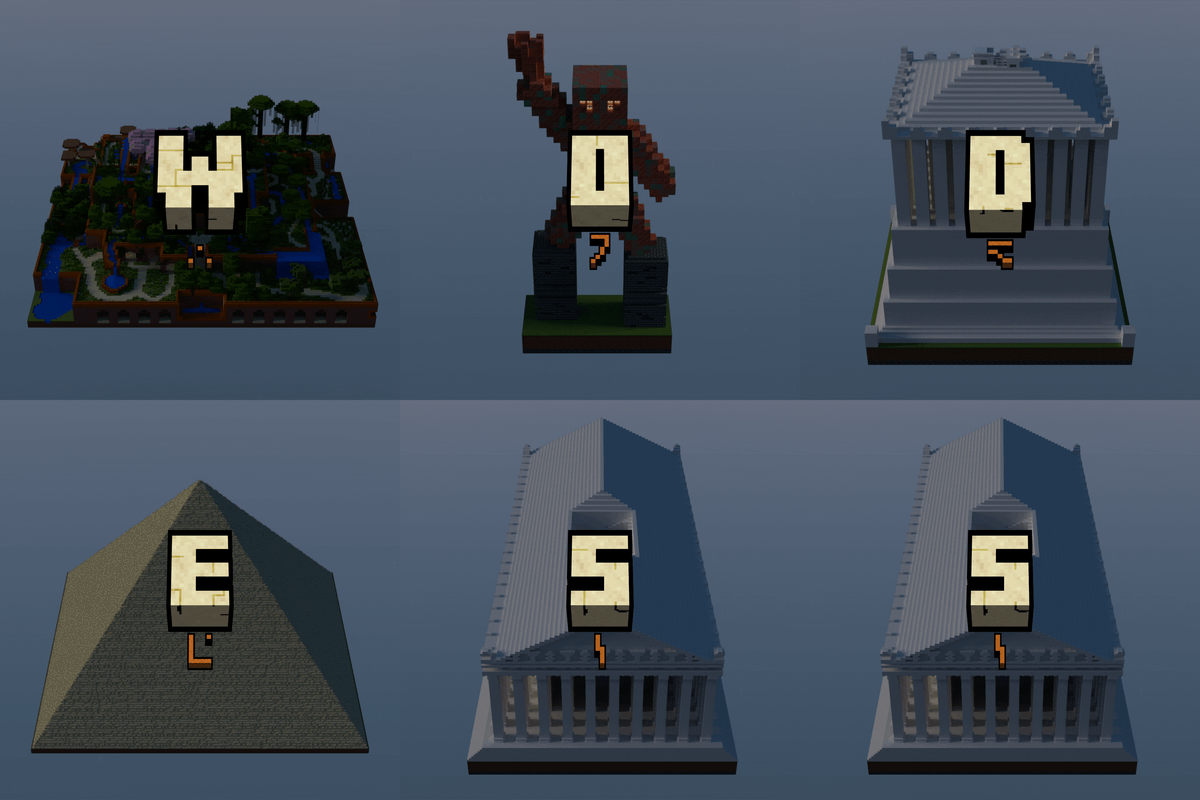
Wonders
The Seven Wonders of the Ancient World in Minecraft
 mod
mod CurseForge · Minecraft
Passable Foliage Forked
Passable Foliage Forked is an unofficial, independently maintained fork of Snownee's Passable Foliage for Fabric/Quilt.
 mod
mod Modrinth · Minecraft
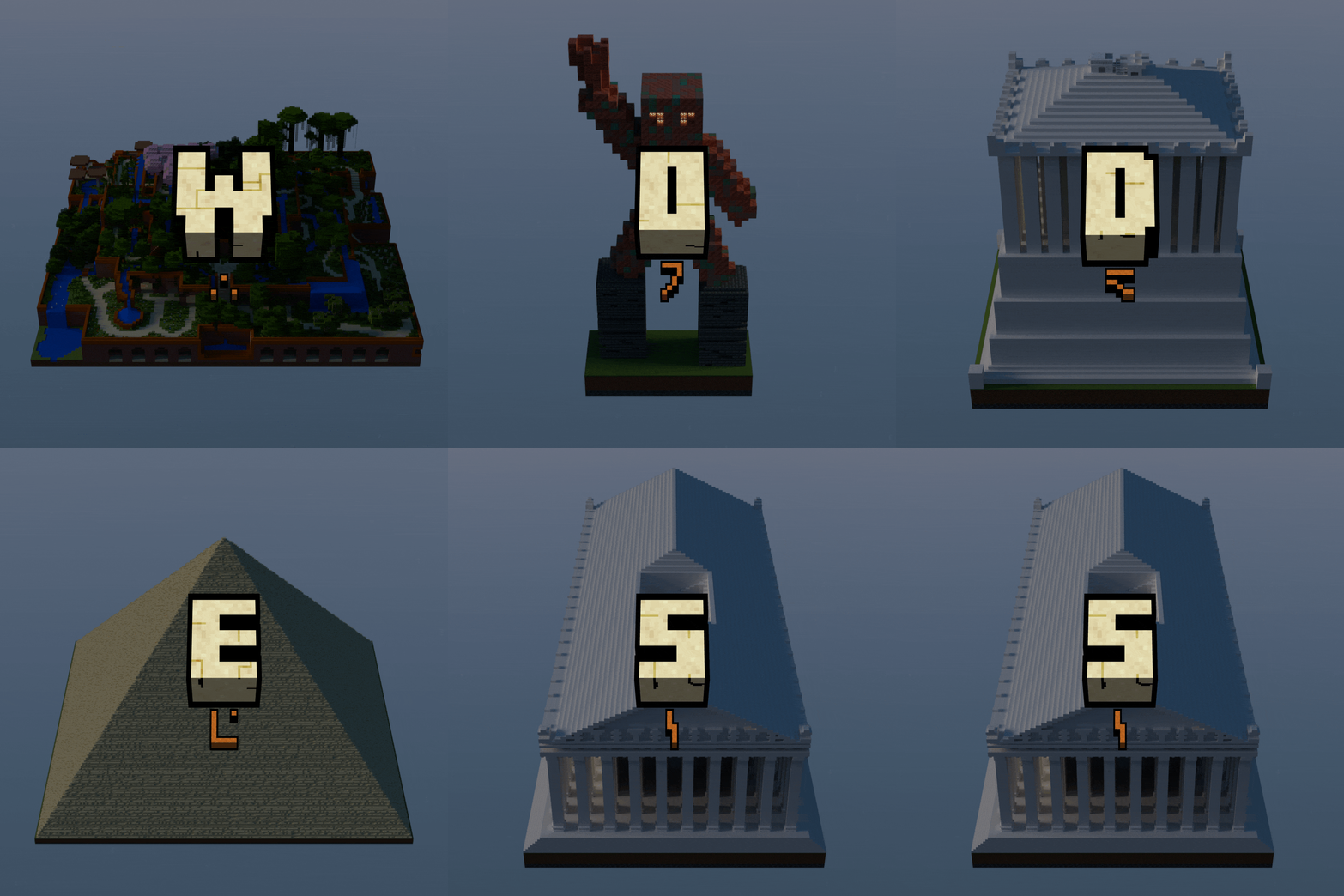
Wonders
The Seven Wonders of the Ancient World in Minecraft