RinLib Needed by Structure DFU Cache 2.0.5 (26.3 NeoForge)
requiredNo matching file
CurseForge · Minecraft mod
Moves repetitive structure DataFixerUpper (DFU) migration to the startup phase and caches the result to improve TPS during heavy chunk loading.
Quick answer
Structure DFU Cache 2.0.5 (26.3 NeoForge) targets 26.3 with NeoForge. The project page does not say whether this file belongs on the client, dedicated server, or both. 1 required mod needs a matching file.
Where it goes
The project page does not say whether this file belongs on the client, dedicated server, or both.
The source does not explicitly classify this release as client-only or server-only.
Structure DFU Cache 2.0.5 (26.3 NeoForge) on 26.3. Every mod below is checked against that same setup.
Install RinLib first, but 1 required mod has no matching file for this setup. Do not mix loader builds to force a match.
We only count dependency files that match this setup. A file for another loader does not fill the gap.
Before you install it
Built for Structure DFU Cache 2.0.5 (26.3 NeoForge) on 26.3. Pick another file and the loader, install side or required mods may change.
Use Structure DFU Cache 2.0.5 (26.3 NeoForge). It targets 26.3 with NeoForge; another release may have different loader, side or dependency requirements.
Install RinLib first, but 1 required mod has no matching file for this setup. Do not mix loader builds to force a match.
The project page does not say whether this file belongs on the client, dedicated server, or both.
Use the “Get this file” button beside Structure DFU Cache 2.0.5 (26.3 NeoForge). It opens that exact file at the source.
About this project
Speeds up world loading and /reload in modpacks by caching upgraded structure templates on disk.
Many structure and dungeon mods ship .nbt structure files saved on older Minecraft versions, forcing vanilla DataFixerUpper (DFU) to re-upgrade the exact same templates every time you open a world or run /reload. Structure DFU Cache upgrades outdated structure templates once into a local cache/structure_dfu_cache/ folder and serves the upgraded files directly on future launches.
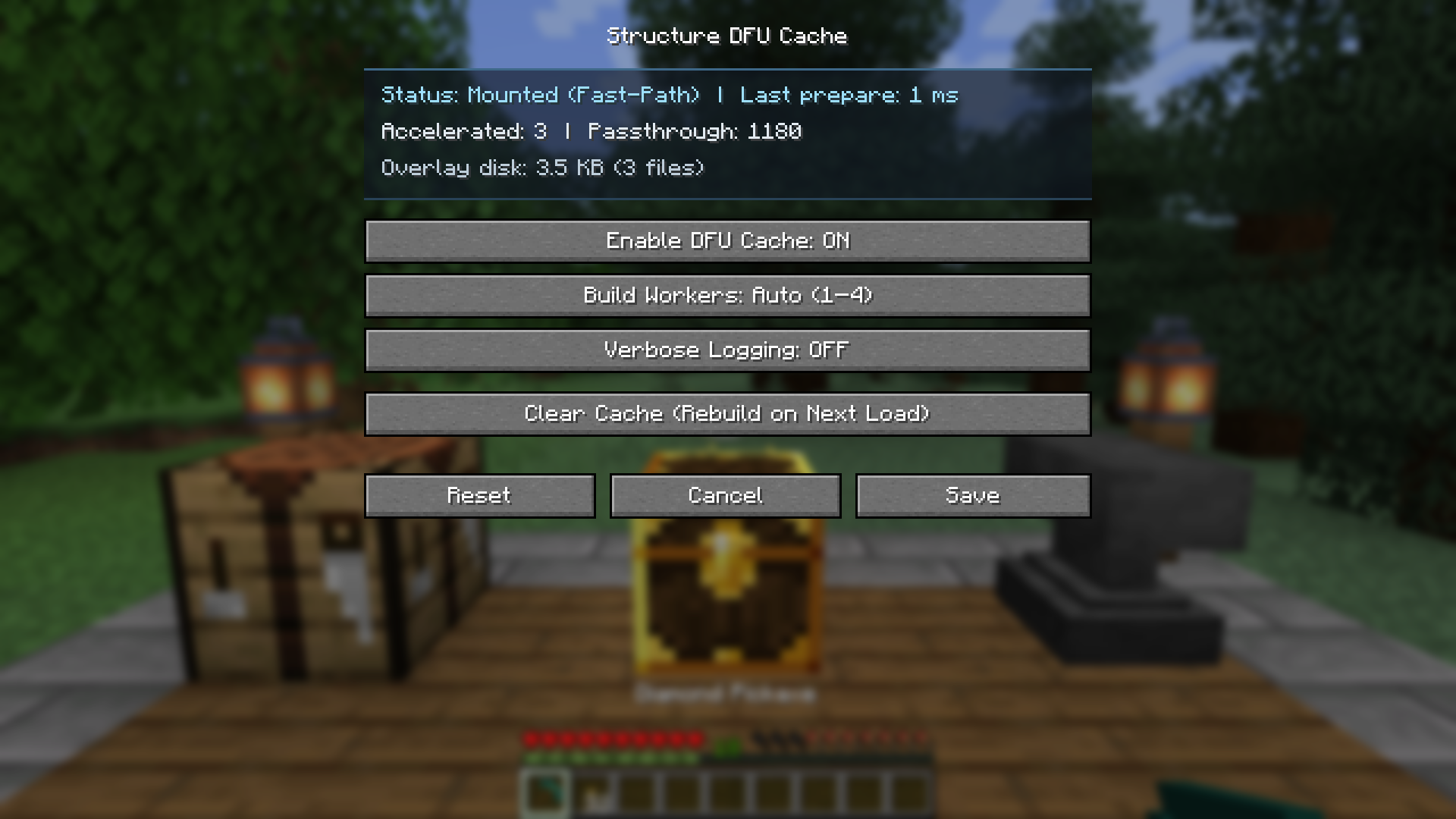
-Xmx <= 6.8G) so initial cache builds don't spike memory./structuredfucache status and /structuredfucache clear (OPs only). Chat stays quiet by default (notifyInChat = false), with an optional toggle to send a single status notice to joining OPs or the singleplayer host.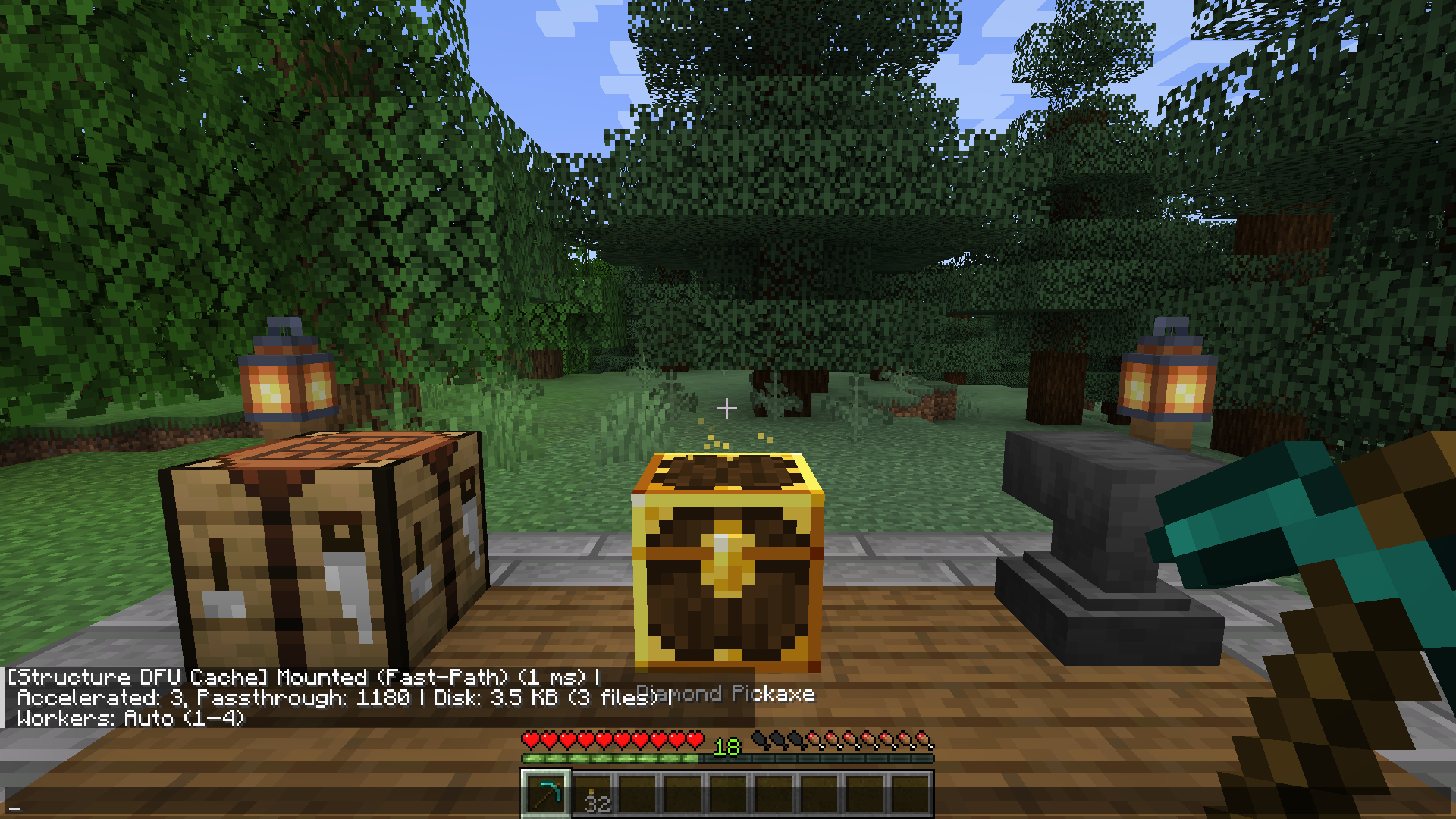
Edit in-game or in config/structure_dfu_cache.toml:
# Master switch. Set false to bypass the cache and load raw mod/datapack structures directly.
enabled = true

# Max background threads during initial/incremental cache builds (0 = automatic 1..4 based on free heap).
maxWorkers = 0

# Log detailed cache build diagnostics at INFO level.
verboseLogging = false

# Send a single concise cache status notice in chat to joining OPs / singleplayer host (off by default).
notifyInChat = false
Project description from CurseForge.
Pick your setup
Choose the version and loader you play, then open the matching release.
Check the dependencies, then try the file in a copied instance before changing a world you care about.
Recent files
structure-dfu-cache-2.0.5-26.3-neoforge.jar
28 Nov 2026
structure-dfu-cache-2.0.5-26.3-fabric.jar
28 Nov 2026
structure-dfu-cache-2.0.4-26.3-neoforge.jar
28 Nov 2026
structure-dfu-cache-2.0.4-26.3-fabric.jar
28 Nov 2026
structure-dfu-cache-2.0.3-26.3-neoforge.jar
21 Nov 2026
structure-dfu-cache-2.0.3-26.3-fabric.jar
21 Nov 2026
Looking for an older file? The official CurseForge project page is in Resources.
 mod
Keep inventory on death while applying configurable experience, equipment durability, and vanilla respawn-debuff penalties.
 mod
Add avaritia shader to the game add can use /rashader to give your item shader.
 mod
Five worktables and 901 building blocks, functional furniture, gardening and a Porter companion, with all nineteen expansion collections in one download.