Minecraft version
Back to mods 
CurseForge · Minecraft mod
nojbput
Added a button to enable/disable the function of placing blocks with the assistant
Choose a version Pick your version below, then grab the matching file.
Quick answer
Which nojbput release matches 1.16.5 Forge?
Best match for your filters nojbput-1.8.0-forge-1.16.5.jar
Game version 1.16.5
Loader Forge
nojbput-1.8.0-forge-1.16.5.jar targets 1.16.5 with Forge. The project page does not say whether this file belongs on the client, dedicated server, or both. No extra mods listed for this file.
Where it goes
Is nojbput required on the client, server, or both?
The project page does not say whether this file belongs on the client, dedicated server, or both.
Client Source doesn’t say
Dedicated server Source doesn’t say
Loader for this release Forge
Required install it here Optional supported, not mandatory Not supported do not install here Source doesn’t say do not assume
The source does not explicitly classify this release as client-only or server-only.
What else does nojbput-1.8.0-forge-1.16.5.jar need?
nojbput-1.8.0-forge-1.16.5.jar on 1.16.5 Forge. Every mod below is checked against that same setup.
This file does not list any required mods. Do not add a library just because a different file uses it.
This file does not list any required or optional mods.
Before you install it
Add nojbput without breaking your instance.
Built for nojbput-1.8.0-forge-1.16.5.jar on 1.16.5 Forge. Pick another file and the loader, install side or required mods may change.
- 01
Stick to this file
Use nojbput-1.8.0-forge-1.16.5.jar. It targets 1.16.5 with Forge; another release may have different loader, side or dependency requirements.
- 02
Bring the mods it needs
This file does not list any required mods. Do not add a library just because a different file uses it.
- 03
Put it on the correct side
The project page does not say whether this file belongs on the client, dedicated server, or both.
- 04
Pick the file you checked
Use the “Get this file” button beside nojbput-1.8.0-forge-1.16.5.jar. It opens that exact file at the source.
About this project
What does nojbput add?
Have you ever carried a torch in your offhand into a mine, wanted it for dynamic lighting, and ended up planting it in the floor over and over? This mod fixes exactly that. It intercepts offhand block placement and offhand item usage, so the offhand stays a utility slot instead of a second hotbar.
Two rules, three switches
- Offhand placement — stop blocks held in the offhand from being placed.
- Offhand usage — stop items held in the offhand from being used (torches, food, potions, firework rockets, ...).
- Master switch — turn everything off at once without touching any other setting. Four-state toggle The button in your inventory cycles through four states, shown by colour:
- 🟩 green — allow everything
- 🟦 blue — block placement only
- 🟨 yellow — block usage only
- 🟥 red — block both Controls
- A button right next to the offhand slot in your inventory.
- A keybind (right Alt by default) so you can switch without opening the inventory.
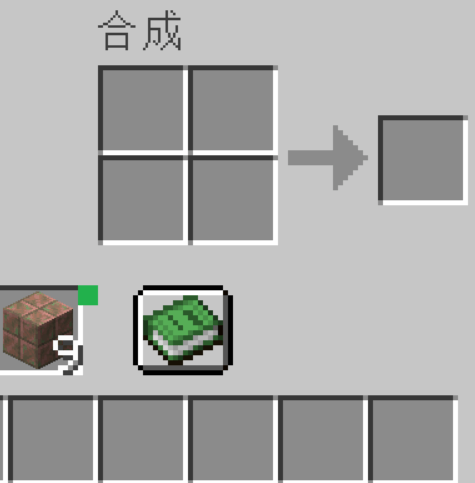
Project description from CurseForge.
Pick your setup
nojbput by Minecraft version and loader
Choose the version and loader you play, then open the matching release.
Minecraft version
26.1.2
1 loader buildMinecraft version
1.21.1
1 loader buildMinecraft version
1.20.1
1 loader buildMinecraft version
1.16.5
1 loader buildCheck the dependencies, then try the file in a copied instance before changing a world you care about.
Recent files
nojbput versions and loaders
nojbput-1.8.0-forge-1.16.5.jar
6 Oct 2026
Client Source doesn’t say Server Source doesn’t say Dependencies No extras listed Listed on Release listing
Check the 1.16.5 · Forge setup 1.16.5Forge release
Looking for an older file? The official CurseForge project page is in Resources.
 mod
CurseForge · Minecraft
Stash Radar
Find which nearby chest, barrel or shulker box has your item. The server checks what's inside and highlights it.
 mod
CurseForge · Minecraft
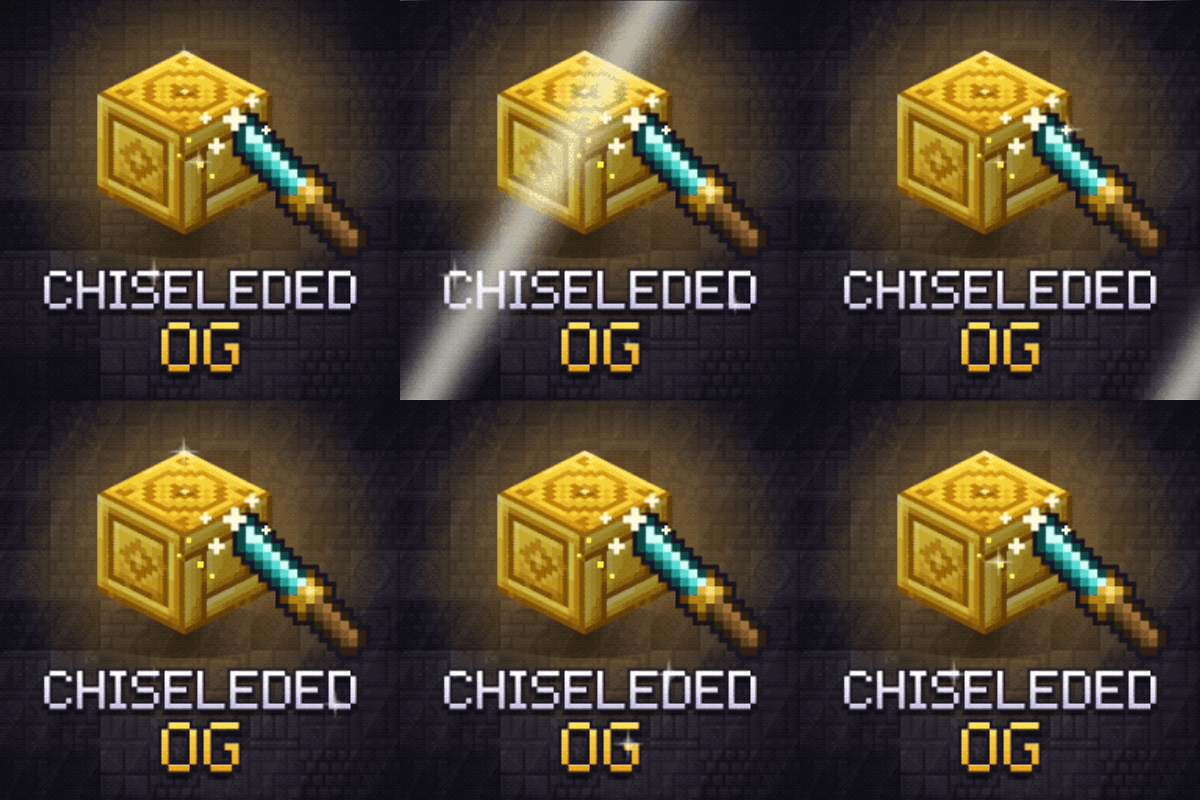
Chiseleded OG - Chisel & 2000+ Decorative Blocks
Chisel any block into new styles: 2,264 decorative building blocks from stone, concrete, wood, metal and glass, with stairs, slabs, walls and panes. Three chisels, endless builds.
 mod
CurseForge · Minecraft
AppleStats :timmer+ AppleSkin+ Jade +GUI Clock+Coordinates+Horse Stat
HUD:A lightweight Jade alternative ,effect timmer ,Target Info,Saturation and Coordinates Monitor ,Waila,HWYLA,show Horse speed and jump stats,death location,Death Finder