
Minecraft version
Back to mods 
CurseForge · Minecraft mod
Common Trades
Adds missing modded plants, seeds, saplings, flowers, and other crop starters to Wandering Trader trades with automatic duplicate protection.
Choose a version Pick your version below, then grab the matching file.
Quick answer
Which Common Trades release matches 26.1?
Best match for your filters commontrades-1.0.0-neoforge-mc26.1
Game version 26.1
Loader NeoForge
Common Trades commontrades-1.0.0-neoforge-mc26.1 targets 26.1 with NeoForge. The project page does not say whether this file belongs on the client, dedicated server, or both. No extra mods listed for this file.
Where it goes
Is Common Trades required on the client, server, or both?
The project page does not say whether this file belongs on the client, dedicated server, or both.
Client Source doesn’t say
Dedicated server Source doesn’t say
Loader for this release NeoForge
Required install it here Optional supported, not mandatory Not supported do not install here Source doesn’t say do not assume
The source does not explicitly classify this release as client-only or server-only.
What else does Common Trades commontrades-1.0.0-neoforge-mc26.1 need?
commontrades-1.0.0-neoforge-mc26.1 on 26.1. Every mod below is checked against that same setup.
This file does not list any required mods. Do not add a library just because a different file uses it.
This file does not list any required or optional mods.
Before you install it
Add Common Trades without breaking your instance.
Built for Common Trades commontrades-1.0.0-neoforge-mc26.1 on 26.1. Pick another file and the loader, install side or required mods may change.
- 01
Stick to this file
Use commontrades-1.0.0-neoforge-mc26.1. It targets 26.1 with NeoForge; another release may have different loader, side or dependency requirements.
- 02
Bring the mods it needs
This file does not list any required mods. Do not add a library just because a different file uses it.
- 03
Put it on the correct side
The project page does not say whether this file belongs on the client, dedicated server, or both.
- 04
Pick the file you checked
Use the “Get this file” button beside commontrades-1.0.0-neoforge-mc26.1. It opens that exact file at the source.
About this project
What does Common Trades add?

Common Trades adds missing modded plants and crop starters to Wandering Trader trades.
Saplings, flowers, mushrooms, seeds, and other small plants can automatically become trader offers when they are not already provided by vanilla or another mod.

Common Trades is designed to work automatically with modded content without requiring individual integrations for every supported mod.
Compatible items are discovered through item tags, allowing new mods to work with the system automatically as long as their items use the appropriate tags.
Common Trades is server-authoritative. Trade generation, prices, categories, and blacklists are controlled by the server.

Automatic Modded Trades
Automatically discovers suitable modded saplings, flowers, mushrooms, seeds, and other plant starters through item tags.
Duplicate Protection
Existing Wandering Trader trades are checked before new offers are added, helping prevent duplicate trades from vanilla or other mods.
Configurable
Configure offer counts, categories, emerald prices, blacklists, and pack-specific additions or exclusions through config files and datapack tags.
Trade Markers
Common Trades-generated offers can optionally be marked in the Wandering Trader interface so they are easy to identify.
Debug Command
An operator-only command can display existing Wandering Trader trades and separate vanilla, mod-added, and Common Trades-generated offers.

Join the "Intelligence" community for updates, support, and future projects.


Project description from CurseForge.
Pick your setup
Common Trades by Minecraft version and loader
Choose the version and loader you play, then open the matching release.
Minecraft version
26.2
2 loader buildsMinecraft version
26.1.2
2 loader buildsMinecraft version
26.1.1
1 loader buildMinecraft version
26.1
1 loader buildMinecraft version
1.21.11
2 loader buildsMinecraft version
1.21.10
1 loader buildMinecraft version
1.21.9
1 loader buildMinecraft version
1.21.8
1 loader buildMinecraft version
1.21.7
1 loader buildMinecraft version
1.21.6
1 loader buildMinecraft version
1.21.5
1 loader buildShowing the newest 12 of 20 game versions. Older files are in the list below.
Check the dependencies, then try the file in a copied instance before changing a world you care about.
Recent files
Common Trades versions and loaders
commontrades-1.0.0-neoforge-mc26.1
commontrades-1.0.0-neoforge-mc26.1.jar
8 Oct 2026
Client Source doesn’t say Server Source doesn’t say Dependencies No extras listed Listed on Release listing
Check the 26.1 · NeoForge setup NeoForge26.1 release
Looking for an older file? The official CurseForge project page is in Resources.
 mod
CurseForge · Minecraft
Respawning Structures
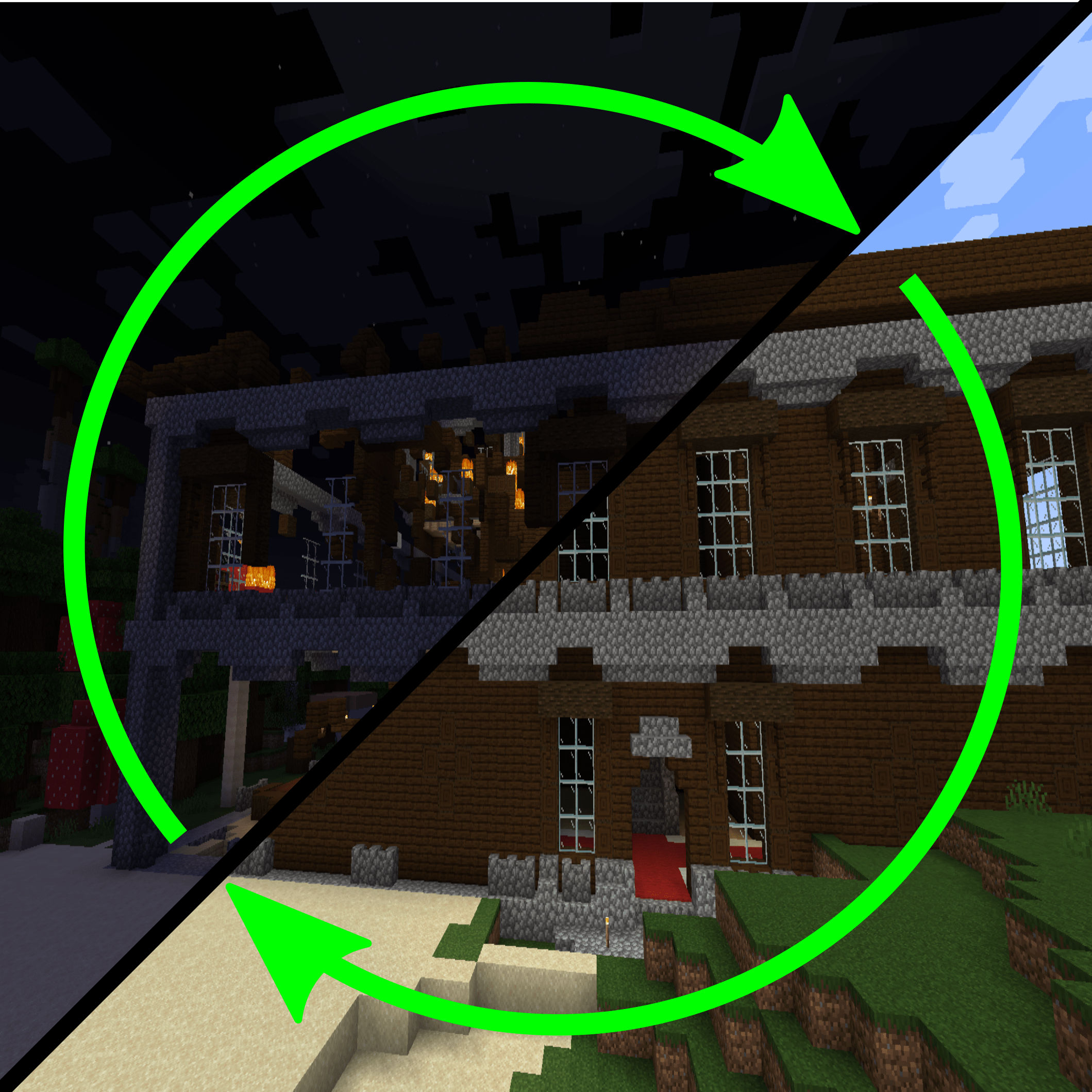
Enables structures to respawn automatically after some time
 mod
CurseForge · Minecraft
No Trade Cycling, Just Pick
Stop rerolling villagers. Press Pick trade and select any 2 trades its profession can offer (max-level enchanted books included). Fast trade and saves time.
 mod
CurseForge · Minecraft
Samurai Dynasty: Legends of Feudal Japan
Feudal Japan RPG: katana combos and parries, ninja parkour, dragon-wing elytra you wear over full armor, sakura forests, shrines and pagodas, and oni, tengu and kitsune to fight or befriend.