Minecraft version
Back to mods 
CurseForge · Minecraft mod
Tensura: Main Menu
A cinematic Tensura frontend with an animated mirror lake, loading crystal, world entry transitions, themed menus, radial pause wheel and customizable typography.
Choose a version Pick your version below, then grab the matching file.
Quick answer
Which Tensura: Main Menu release should I use?
Latest stable file tensura_mainmenu-0.5.9.jar
Game version 1.21.1
Loader NeoForge
Tensura: Main Menu tensura_mainmenu-0.5.9.jar targets 1.21.1 with NeoForge. The project page does not say whether this file belongs on the client, dedicated server, or both. No extra mods listed for this file.
Where it goes
Is Tensura: Main Menu required on the client, server, or both?
The project page does not say whether this file belongs on the client, dedicated server, or both.
Client Source doesn’t say
Dedicated server Source doesn’t say
Loader for this release NeoForge
Required install it here Optional supported, not mandatory Not supported do not install here Source doesn’t say do not assume
The source does not explicitly classify this release as client-only or server-only.
What else does Tensura: Main Menu tensura_mainmenu-0.5.9.jar need?
tensura_mainmenu-0.5.9.jar. Change the file and its required mods may change too.
This file does not list any required mods. Do not add a library just because a different file uses it.
This file does not list any required or optional mods.
Before you install it
Add Tensura: Main Menu without breaking your instance.
Built for Tensura: Main Menu tensura_mainmenu-0.5.9.jar. Pick another file and the loader, install side or required mods may change.
- 01
Stick to this file
Use tensura_mainmenu-0.5.9.jar. It targets 1.21.1 with NeoForge; another release may have different loader, side or dependency requirements.
- 02
Bring the mods it needs
This file does not list any required mods. Do not add a library just because a different file uses it.
- 03
Put it on the correct side
The project page does not say whether this file belongs on the client, dedicated server, or both.
- 04
Pick the file you checked
Use the “Get this file” button beside tensura_mainmenu-0.5.9.jar. It opens that exact file at the source.
About this project
What does Tensura: Main Menu add?
A CINEMATIC MINECRAFT FRONTEND
Tensura: Main Menu
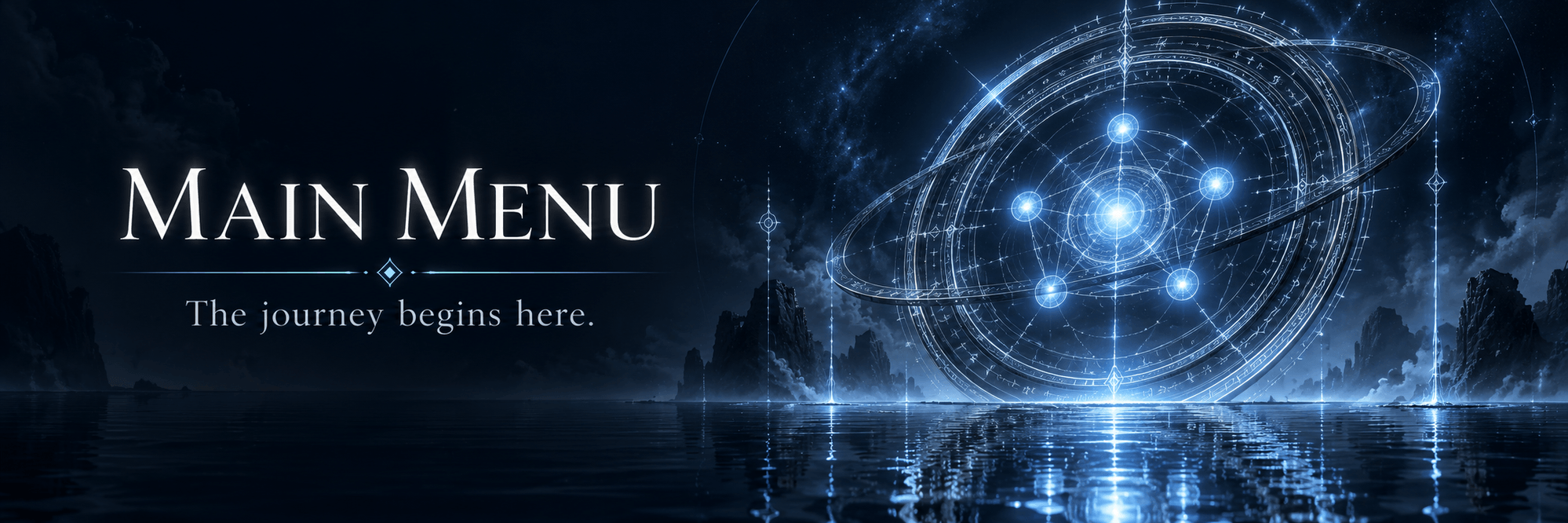
The journey begins here.
A cinematic title. Rune-lit transitions.
Familiar menus, reimagined.
In development
The UI is subject to change in later versions. Originally created for the upcoming Tensura: World of Monsters modpack.
Title & navigation
A world before your world.
Part of the Tempest Interface family, Main Menu opens Minecraft onto a dark lake, luminous rune work and a cinematic title scene. Camera journeys connect the title to the menus you use to enter and manage your worlds.
Browse Singleplayer, Multiplayer, Realms, Mods and Options through coordinated pages, with selectable scenery for supported destinations. Familiar actions stay close at hand.
Loading & transitions
Let the system set the scene.
Enter through the light.
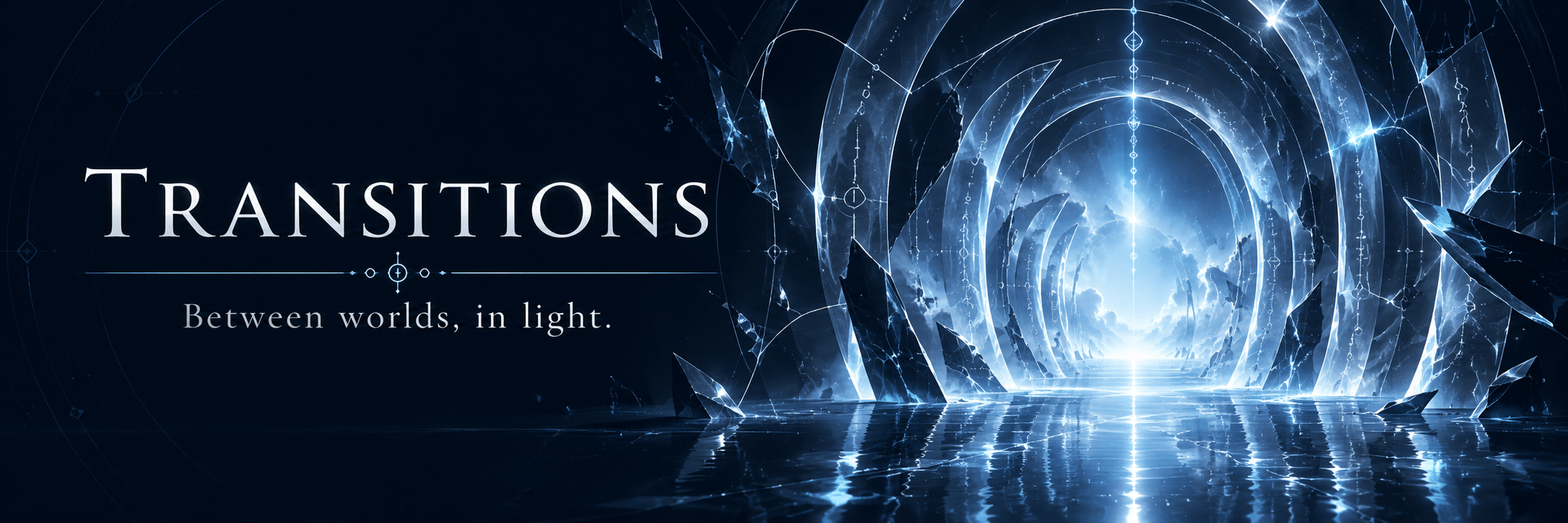
Rune-lit world entry and arrival sequences carry you from the menus into play. Loading notices follow Minecraft’s progress, while saving and leaving a single-player world have their own closing sequence.
A different way back.
The death screen fractures the view like glass; respawning traces light through the cracks as the picture mends. The presentation follows Minecraft’s existing death and respawn actions.

Controls & settings
Find the binding.
Make it yours.
Search registered actions by mod or category, inspect conflicts and unbound actions, and work with a visual keyboard or mouse alongside the list view.
Press Esc while capturing a binding to unbind it, or use Delete on a selected action outside text fields. Undo is there when you need it.
Explore themed settings, resource-pack pages and the pause menu. Choose fonts, button designs, high contrast and reduced motion, with links to HUD and GUI settings when those mods are installed.
Optional integrations
Keep your familiar tools.
Supported Sodium and Iris screens keep their native settings. With Custom Crosshairs installed, a shortcut in Controls opens its own crosshair editor.
Loading-screen compatibility also supports SlimeThroneExtras.
Optional companion mods
Complete your interface.
Tensura GUI adds Tempest Rebirth race selection, Tempest Codex and other inventory layouts, the Chronicle, and race and evolution views. Tensura HUD adds live vitals, the hotbar and eight skill slots per preset.
Install either companion for those features in the same visual style. Each has its own dependencies and installation requirements.
Installation
Ready from the title screen.
Minecraft 1.21.1 · NeoForge 21.1+ · Client only
Runs on Minecraft and NeoForge. Tensura Reincarnated, ManasCore, Tensura HUD and Tensura GUI are optional. Dedicated servers do not need this mod.
The very first NeoForge loading window uses the separate Tensura Archive Boot helper. Main Menu handles the later loading screens, transitions and menus.
Project description from CurseForge.
Pick your setup
Tensura: Main Menu by Minecraft version and loader
Choose the version and loader you play, then open the matching release.
Check the dependencies, then try the file in a copied instance before changing a world you care about.
Recent files
Tensura: Main Menu versions and loaders
tensura_mainmenu-0.5.9.jar
18 Nov 2026
Client Source doesn’t say Server Source doesn’t say Dependencies No extras listed Listed on Release listing
Check the 1.21.1 · NeoForge setup 1.21.1NeoForge release
tensura_mainmenu-0.5.8.jar
30 Oct 2026
Client Source doesn’t say Server Source doesn’t say Dependencies No extras listed Listed on Release listing
Check the 1.21.1 · NeoForge setup 1.21.1NeoForge release
tensura_mainmenu-0.5.7.jar
27 Oct 2026
Client Source doesn’t say Server Source doesn’t say Dependencies No extras listed Listed on Release listing
Check the 1.21.1 · NeoForge setup 1.21.1NeoForge release
tensura_mainmenu-0.5.1.jar
24 Oct 2026
Client Source doesn’t say Server Source doesn’t say Dependencies No extras listed Listed on Release listing
Check the 1.21.1 · NeoForge setup 1.21.1NeoForge release
tensura_mainmenu-0.4.41.jar
23 Oct 2026
Client Source doesn’t say Server Source doesn’t say Dependencies No extras listed Listed on Release listing
Check the 1.21.1 · NeoForge setup 1.21.1NeoForge release
tensura_mainmenu-0.4.40.jar
22 Oct 2026
Client Source doesn’t say Server Source doesn’t say Dependencies No extras listed Listed on Release listing
Check the 1.21.1 · NeoForge setup 1.21.1NeoForge release
tensura_mainmenu-0.4.33.jar
19 Oct 2026
Client Source doesn’t say Server Source doesn’t say Dependencies 2 required · 2 unchecked Listed on Release listing
Check the 1.21.1 · NeoForge setup 1.21.1NeoForge release
tensura_mainmenu-0.4.28.jar
18 Oct 2026
Client Source doesn’t say Server Source doesn’t say Dependencies 2 required · 2 unchecked Listed on Release listing
Check the 1.21.1 · NeoForge setup 1.21.1NeoForge release
tensura_mainmenu-0.4.27.jar
17 Oct 2026
Client Source doesn’t say Server Source doesn’t say Dependencies 2 required · 2 unchecked Listed on Release listing
Check the 1.21.1 · NeoForge setup 1.21.1NeoForge release
tensura_mainmenu-0.4.26.jar
17 Oct 2026
Client Source doesn’t say Server Source doesn’t say Dependencies 2 required · 2 unchecked Listed on Release listing
Check the 1.21.1 · NeoForge setup 1.21.1NeoForge release
tensura_mainmenu-0.4.23.jar
16 Oct 2026
Client Source doesn’t say Server Source doesn’t say Dependencies 2 required · 2 unchecked Listed on Release listing
Check the 1.21.1 · NeoForge setup 1.21.1NeoForge release
tensura_interface-0.3.66.jar
8 Oct 2026
Client Source doesn’t say Server Source doesn’t say Dependencies 2 required · 2 unchecked Listed on Release listing
Check the 1.21.1 · NeoForge setup 1.21.1NeoForge release
Looking for an older file? The official CurseForge project page is in Resources.
 mod
CurseForge · Minecraft
BLib: Resurrection
Cloned with permission. Continuation of the Blib Library. Dependency of AVP mods.
 mod
CurseForge · Minecraft
ProjectE Addon (TTO Tweaks)
ProjectE Addon (TTO Tweaks) is a addon for ProjectE and Transmutation Table Overhaul that adds missing quality-of-life features to the both mods.
 mod
CurseForge + Modrinth · Minecraft
Dynamic Trees - BetterNether
Compatibility between Dynamic Trees and BetterNether