Chest & Inventory Sorter Optional for Balanced Backpacks 2.1.1 - Forge 26.2.jar
optionalMatching file found Matched file: Chest Inventory Sorter 1.2.0 Forge 26.2.jar
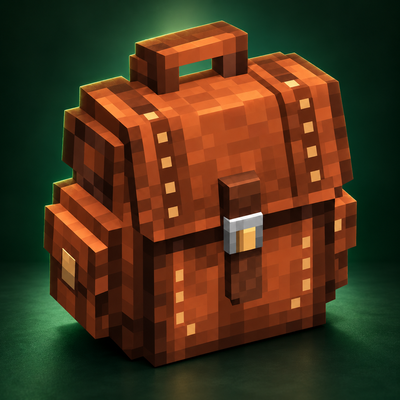
CurseForge · Minecraft mod
Upgradeable, dyeable survival backpacks with balanced capacities and optional sorting controls from my Chest & Inventory Sorter mod.
Quick answer
Balanced Backpacks 2.1.1 - Forge 26.2.jar targets 26.2 with Forge. The project page does not say whether this file belongs on the client, dedicated server, or both. No extra mods listed for this file.
Where it goes
The project page does not say whether this file belongs on the client, dedicated server, or both.
The source does not explicitly classify this release as client-only or server-only.
Balanced Backpacks 2.1.1 - Forge 26.2.jar on 26.2 Forge. Every mod below is checked against that same setup.
This file does not list any required mods. Do not add a library just because a different file uses it.
We only count dependency files that match this setup. A file for another loader does not fill the gap.
Before you install it
Built for Balanced Backpacks 2.1.1 - Forge 26.2.jar on 26.2 Forge. Pick another file and the loader, install side or required mods may change.
Use Balanced Backpacks 2.1.1 - Forge 26.2.jar. It targets 26.2 with Forge; another release may have different loader, side or dependency requirements.
This file does not list any required mods. Do not add a library just because a different file uses it.
The project page does not say whether this file belongs on the client, dedicated server, or both.
Use the “Get this file” button beside Balanced Backpacks 2.1.1 - Forge 26.2.jar. It opens that exact file at the source.
About this project
Add a rewarding backpack progression to your survival world. Start with a compact leather backpack, upgrade it as you progress, or craft an Ender Backpack for portable access to your personal Ender Chest inventory.
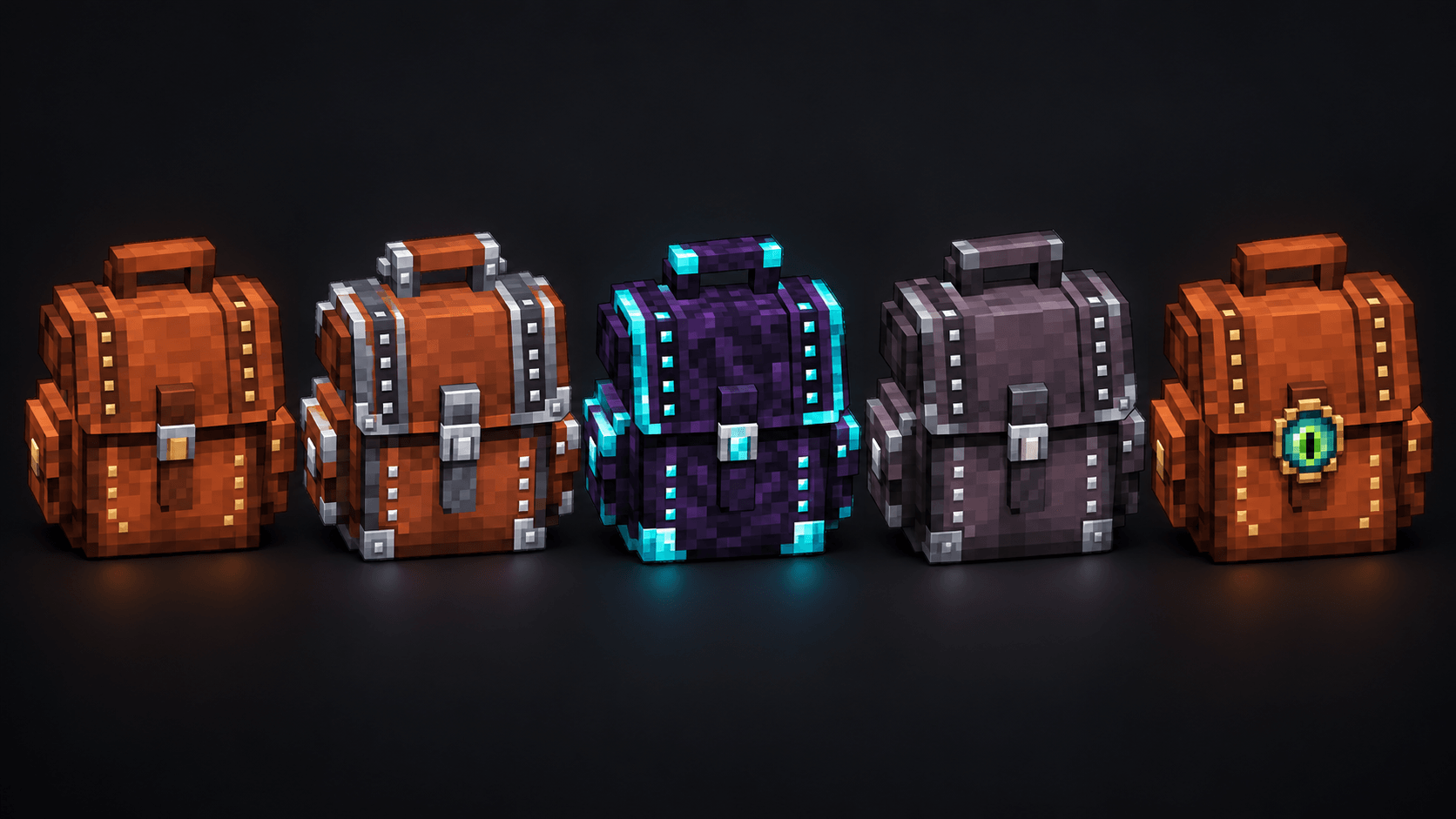 Equip your backpack, wear it on your back, place it in the world, or display it on an armor stand. Created by Veltrix. The gallery shows the five backpack types, dye colors, crafting recipes, and more.
These 2.0 features are available for Forge on Minecraft 26.2 and 26.3.
Place a backpack in the dedicated backpack slot in your inventory. Equipped backpacks appear on your character’s back with their 3D model and dye color. 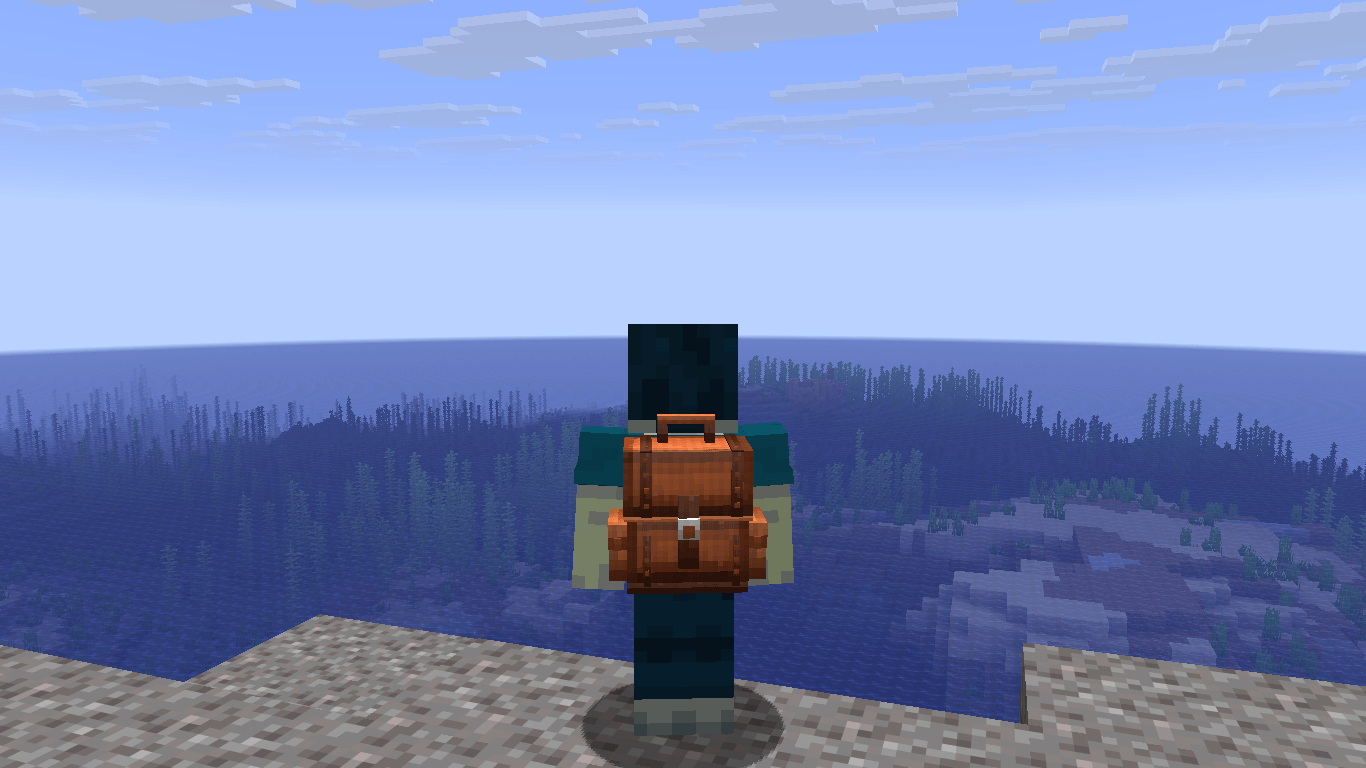 Press B to open your equipped backpack and press it again to close it. You can change this binding in the game’s Controls settings.
The eye button above the backpack slot lets you show or hide your backpack without unequipping it. Other players can see your equipped backpack when its visibility is enabled.
You can also open a backpack with right-click while holding it in your main hand.
Use Sneak + right-click on a block while holding a backpack in your main hand to place it. Its front pockets face toward you when placed. 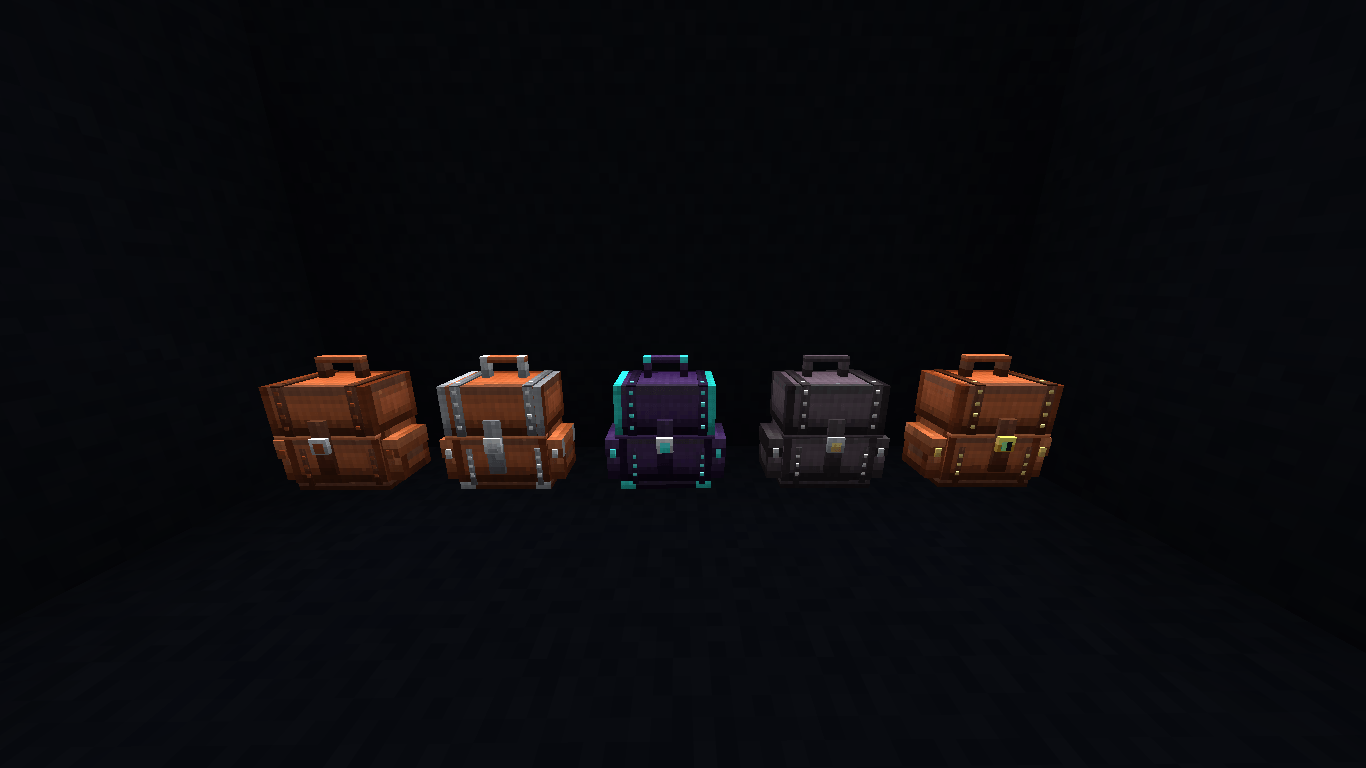 Right-click the placed backpack to access its storage. Break it to pick it up again with its contents, name, and dye preserved.
Pickaxes break placed backpacks faster, and their collision shapes follow the backpack model.
Display backpacks on armor stands with their 3D appearance and dye colors.
Hold Left Shift while hovering over a regular backpack in your inventory to preview its contents. The content preview stays hidden unless you hold the preview key. 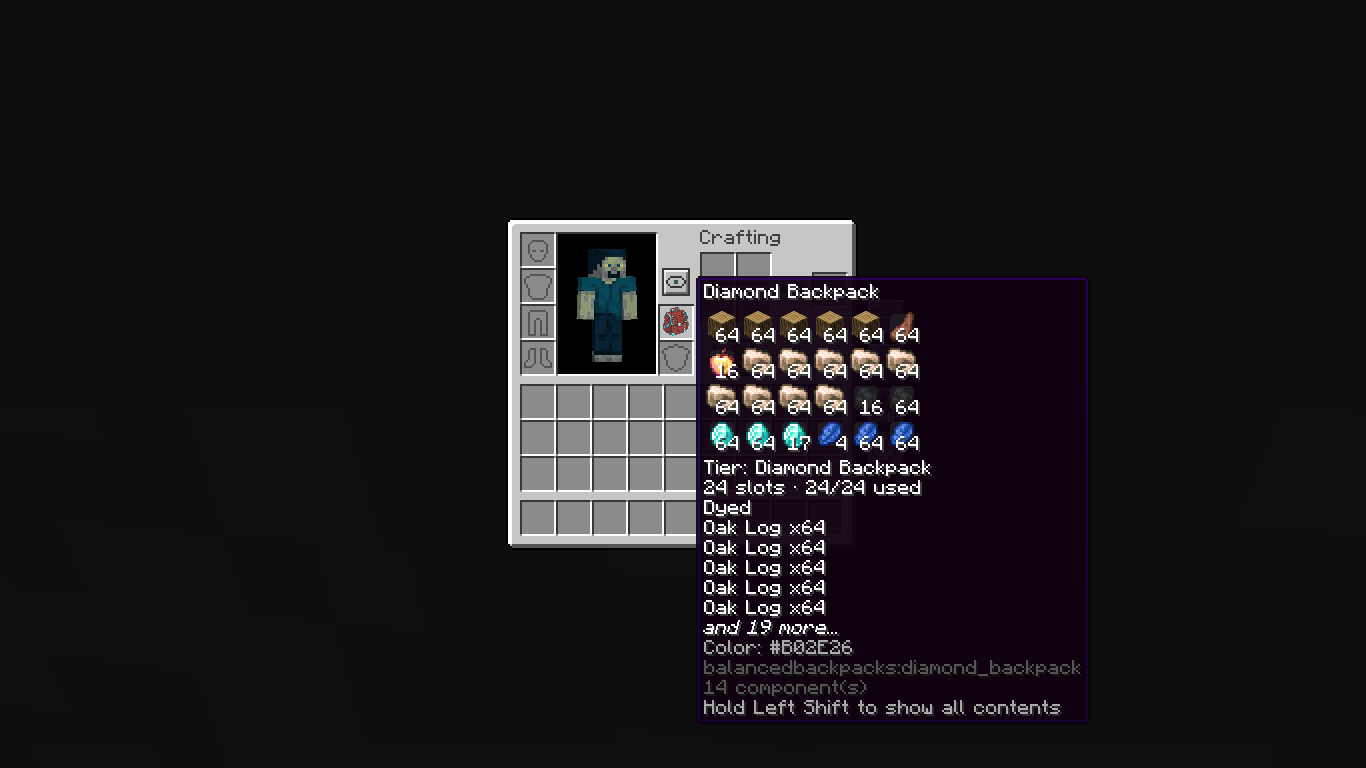 The preview binding is configurable in Controls. Ender Backpacks access your Ender Chest inventory instead of carrying a separate item inventory.
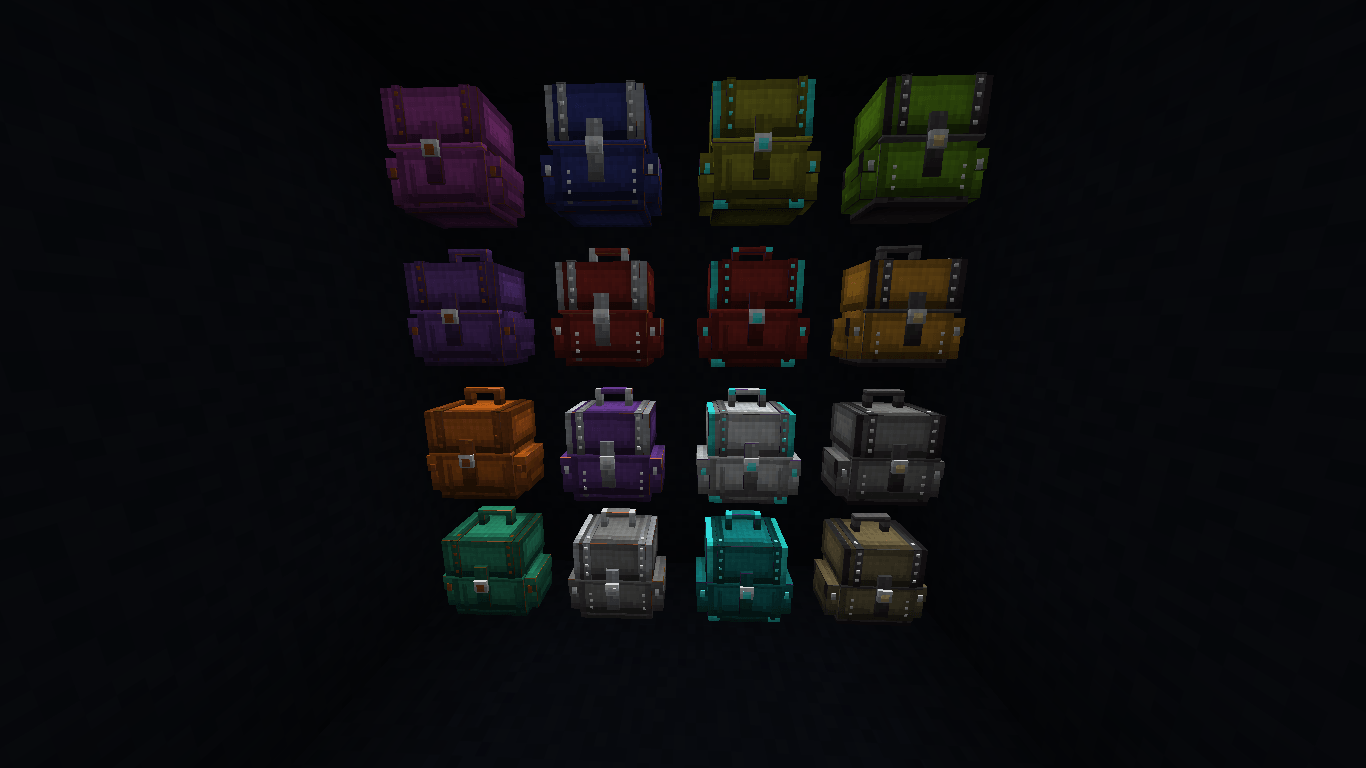 Leather, iron, diamond, and Netherite backpacks can be dyed. Dye colors also appear on equipped and placed backpacks.
Material upgrades preserve the backpack’s name and contents, but reset its dye. The Netherite upgrade uses a Smithing Table.
Craft the Ender Backpack from an empty leather backpack. It accesses the same personal storage as your Ender Chests; each player accesses their own Ender inventory.
Backpacks are obtained through crafting in Survival, rather than enemy spawns or loot drops.
Regular backpacks cannot contain other backpacks, shulker boxes, bundles, or other restricted portable containers. Backpacks also cannot be stored inside shulker boxes or bundles.
These restrictions keep backpack progression balanced and prevent nested portable storage.
Backpacks have separate opening and closing sounds.
Adjust them under Options → Music & Sounds → Backpack volume:
The setting is saved individually for each player and controls the backpack sounds they hear, including those of nearby players. The game’s Master and Players volume controls still apply.
I also created Chest & Inventory Sorter. Install compatible versions of both Veltrix mods to enable sorting and item-transfer controls inside backpack screens.
The first before/after gallery images show a backpack before and after sorting.
Balanced Backpacks works on its own; the companion mod is optional.
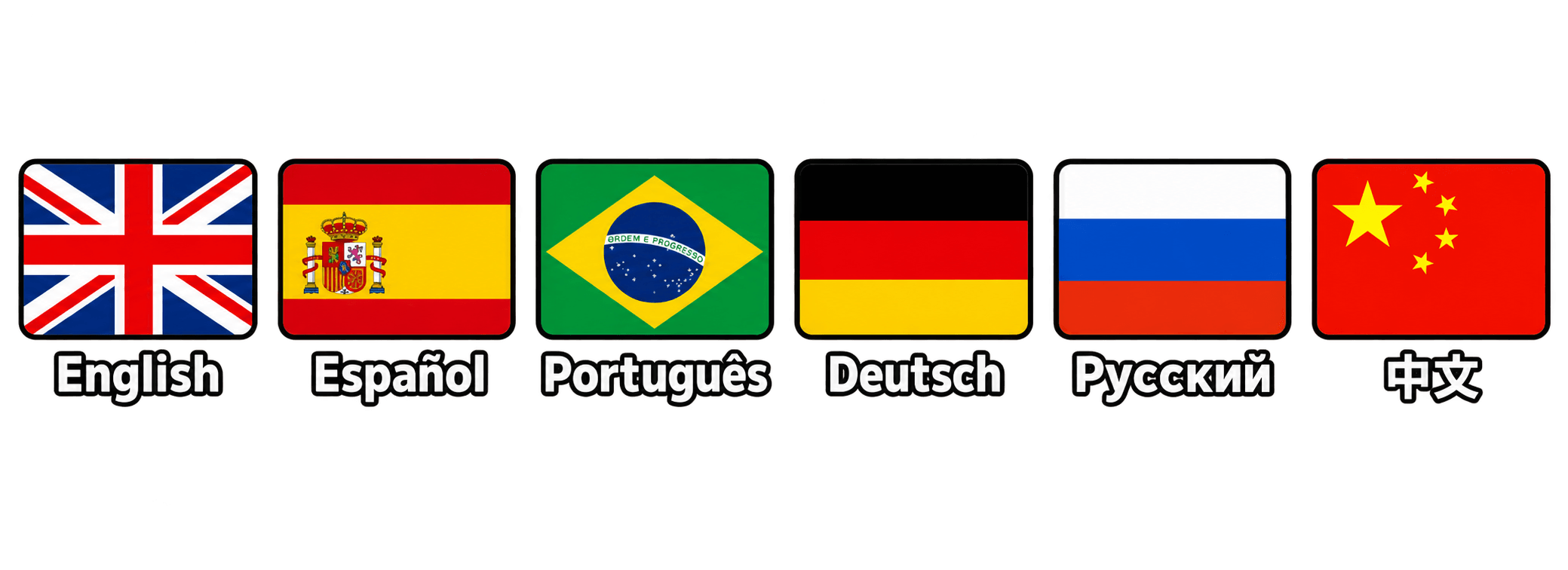 Available in English, Spanish, Portuguese, German, Russian, and Chinese.
All included regional Spanish options use the same Spanish translation. Portuguese includes Brazilian and European variants, and Chinese includes Simplified and Traditional variants.
Use backpacks in personal worlds or on multiplayer servers. Equipped backpack appearance, dye colors, and visibility are synchronized for players and armor stands.
Install the matching Minecraft, Forge, and Balanced Backpacks versions on both client and server.
This mod is free to download. If you enjoy it, you can leave a one-time tip of any amount on Ko-fi, or send a one-time payment of any amount directly through PayPal.
For optional monthly support, visit Patreon. Every contribution helps me maintain the mod and prepare updates for more Minecraft versions.
Have a feature suggestion, want something added or removed, or need a build for another Minecraft version?
Email me at VeltrixModer@gmail.com. Please include the Minecraft version, mod loader, and mod version.
Project description from CurseForge.
Pick your setup
Choose the version and loader you play, then open the matching release.
Check the dependencies, then try the file in a copied instance before changing a world you care about.
Recent files
balanced-backpacks-26.2-forge-2.1.1.jar
30 Oct 2026
Looking for an older file? The official CurseForge project page is in Resources.
 mod
Iron Age Style Furniture, Chairs, Dynamic Benches, Sconces and new Lighting Options
 mod
Adds new block sets and items themed around snot. Press P to pick your nose and get started.
 mod
Don’t mess with the server Play Minecraft with your friends in 2 clicks via P2P