Cloth Config API (Fabric/Forge/NeoForge) Optional for Just Enough Structures 1.2.0-26.1.2 [FORGE]
optionalNo matching file
CurseForge · Minecraft mod
Browse every structure in the game, and lots of info about them! Pack Tools for pack devs
Quick answer
Just Enough Structures 1.2.0-26.1.2 [FORGE] targets 26.1.2 with Forge. The project page does not say whether this file belongs on the client, dedicated server, or both. No extra mods listed for this file.
Where it goes
The project page does not say whether this file belongs on the client, dedicated server, or both.
The source does not explicitly classify this release as client-only or server-only.
Just Enough Structures 1.2.0-26.1.2 [FORGE] on 26.1.2 Forge. Every mod below is checked against that same setup.
This file does not list any required mods. Do not add a library just because a different file uses it.
We only count dependency files that match this setup. A file for another loader does not fill the gap.
Before you install it
Built for Just Enough Structures 1.2.0-26.1.2 [FORGE] on 26.1.2 Forge. Pick another file and the loader, install side or required mods may change.
Use Just Enough Structures 1.2.0-26.1.2 [FORGE]. It targets 26.1.2 with Forge; another release may have different loader, side or dependency requirements.
This file does not list any required mods. Do not add a library just because a different file uses it.
The project page does not say whether this file belongs on the client, dedicated server, or both.
Use the “Get this file” button beside Just Enough Structures 1.2.0-26.1.2 [FORGE]. It opens that exact file at the source.
About this project

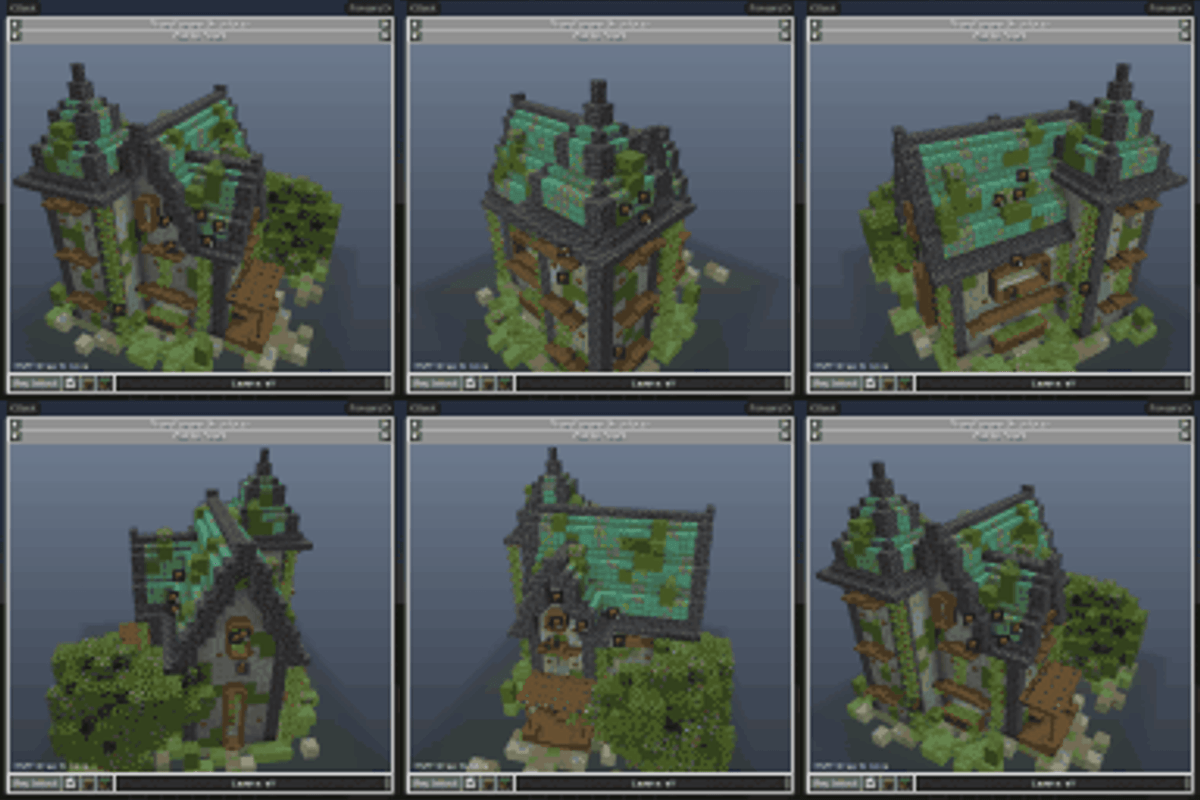
A structure browser in the style of JEI. Press K to see every structure in your game. Turn it around in 3D, see each layer and open its chests to see what they can hold.
To ensure compatibility with every type of structure, we generate each structure using its own mod's code, the same way it generates in a world, so what you see is what you'll find.
 |
 |
|---|---|
| Press K to browse every structure in your game, from vanilla, mods and datapacks | Search by name, by mod with @, or by item with $ to find the structures whose loot can give it |
 |
 |
| Turn, zoom and move the preview, and cut it down layer by layer to see inside | New layout builds the structure again from a new seed |
 |
 |
| Works for all dimensions | Star structures to mark them as favourites |
 |
 |
|---|---|
| Click a chest to see a real roll of its loot, roll it again, or see every item's chance | Containers that share a loot table are grouped, use the arrows to see each one |
 |
 |
| The Loot tab lights up each kind of container and lists every item's chance across the whole structure | The Mobs tab shows what a structure places and what its spawners can spawn |
 |
 |
| The Blocks tab shows a material list for each structure | With JEI, EMI or REI, an item's recipes list every structure it can be found in |
For pack makers and server owners: in singleplayer with cheats on, and on a server for whoever is given access.
 |
 |
|---|---|
| Edit any loot table | Point a specific chest at another existing or new loot table |
 |
 |
| Give a spawner a different mob | Write notes for players on a structure, or hide it from the browser. You can also hide loot locations |
Pack tools never changes a mod's files. Your changes are saved in your config folder, so they ship with your modpack.
Found a bug? Please report it on GitHub. The best and fastest way to get replies is to join our Discord server.
Project description from CurseForge.
Pick your setup
Choose the version and loader you play, then open the matching release.
Check the dependencies, then try the file in a copied instance before changing a world you care about.
Recent files
JustEnoughStructures-forge-26.1.2-1.2.0.jar
5 Nov 2026
JustEnoughStructures-forge-26.1.2-1.1.0.jar
27 Oct 2026
JustEnoughStructures-forge-26.1.2-1.0.0.jar
22 Oct 2026
JustEnoughStructures-forge-26.1.2-0.1.0-alpha.4.jar
16 Oct 2026
Looking for an older file? The official CurseForge project page is in Resources.
 mod
auto , instant and easy quick Shift + Right-Click: Empty your backpack of all affordable resources and complete bulk trades automatically with one click
 mod
Advancement now give permanent player buffs. Health, Damage, Reach, Step Assist, Pick up radius and much more.
 mod
This mod introduces 7 colorful chocobos into the Overworld! Summon them as flying mounts, explore the world with your loyal companions, and now with Minecraft 26.3, call them into battle!