Create Aeronautics Needed by Create Aeronautics: Landing Legs legworks-1.0.0+mc1.21.1.jar
requiredMatching file found Matched file: Create Aeronautics 1.3.3 for mc1.21.1
CurseForge · Minecraft mod
Landing legs for your Create Aeronautics Ships
Quick answer
Create Aeronautics: Landing Legs legworks-1.0.0+mc1.21.1.jar targets 1.21.1 with NeoForge. The project page does not say whether this file belongs on the client, dedicated server, or both. All 3 required mods have matching files.
Where it goes
The project page does not say whether this file belongs on the client, dedicated server, or both.
The source does not explicitly classify this release as client-only or server-only.
legworks-1.0.0+mc1.21.1.jar. Change the file and its required mods may change too.
Install Create Aeronautics, Sable, Create first. We found matching files for this game-version and loader setup. 3 come through another mod in the chain.
3 extra mods were pulled in by other dependencies. Indented rows show who needs each one. We only count dependency files that match this setup. A file for another loader does not fill the gap.
Before you install it
Built for Create Aeronautics: Landing Legs legworks-1.0.0+mc1.21.1.jar. Pick another file and the loader, install side or required mods may change.
Use legworks-1.0.0+mc1.21.1.jar. It targets 1.21.1 with NeoForge; another release may have different loader, side or dependency requirements.
Install Create Aeronautics, Sable, Create first. We found matching files for this game-version and loader setup. 3 come through another mod in the chain.
The project page does not say whether this file belongs on the client, dedicated server, or both.
Use the “Get this file” button beside legworks-1.0.0+mc1.21.1.jar. It opens that exact file at the source.
About this project
Adaptive landing legs for Create Aeronautics Ships. Land on uneven ground and stay level.
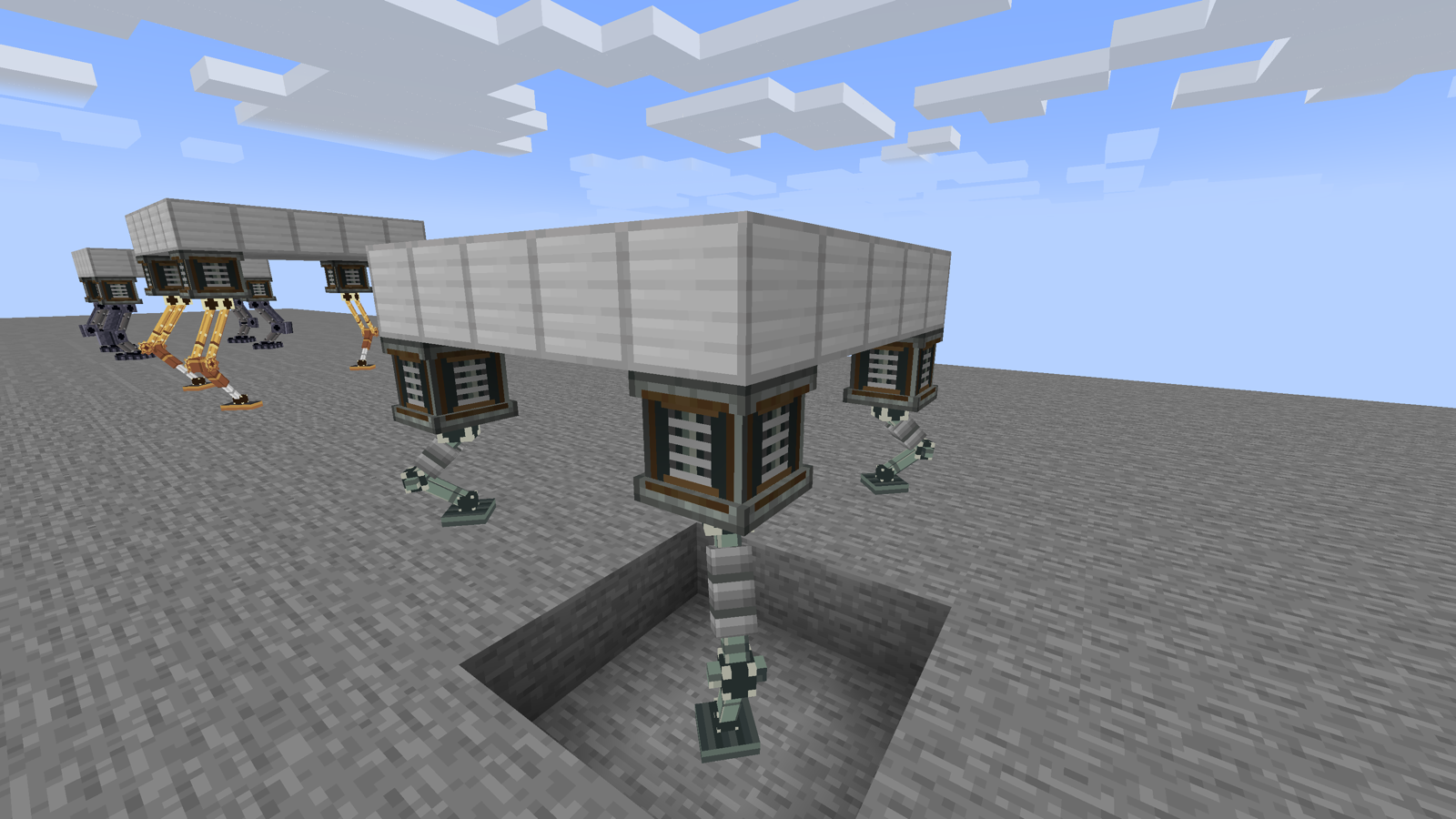
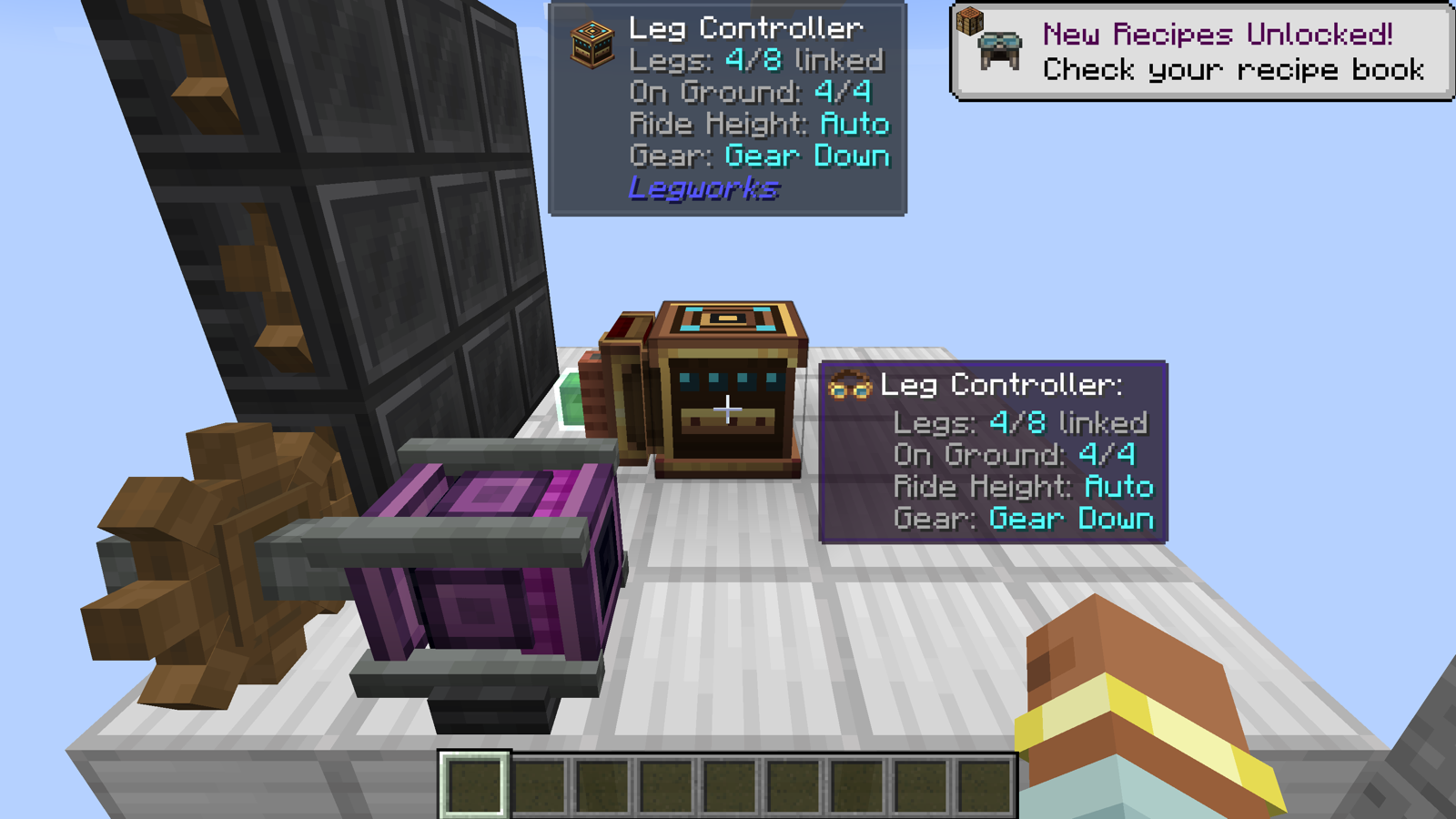
Put a Leg Mount on your Ship's hull and fit a Limb into it. That makes a Leg. Each Leg reaches down to the ground on its own, so the deck stays level on slopes, steps and holes. Simple Legs work by themselves. Hydraulic Legs are run by a Leg Controller, which sets the Ride Height and folds the Legs up for flight.
legworks:limb data component is a Limb too.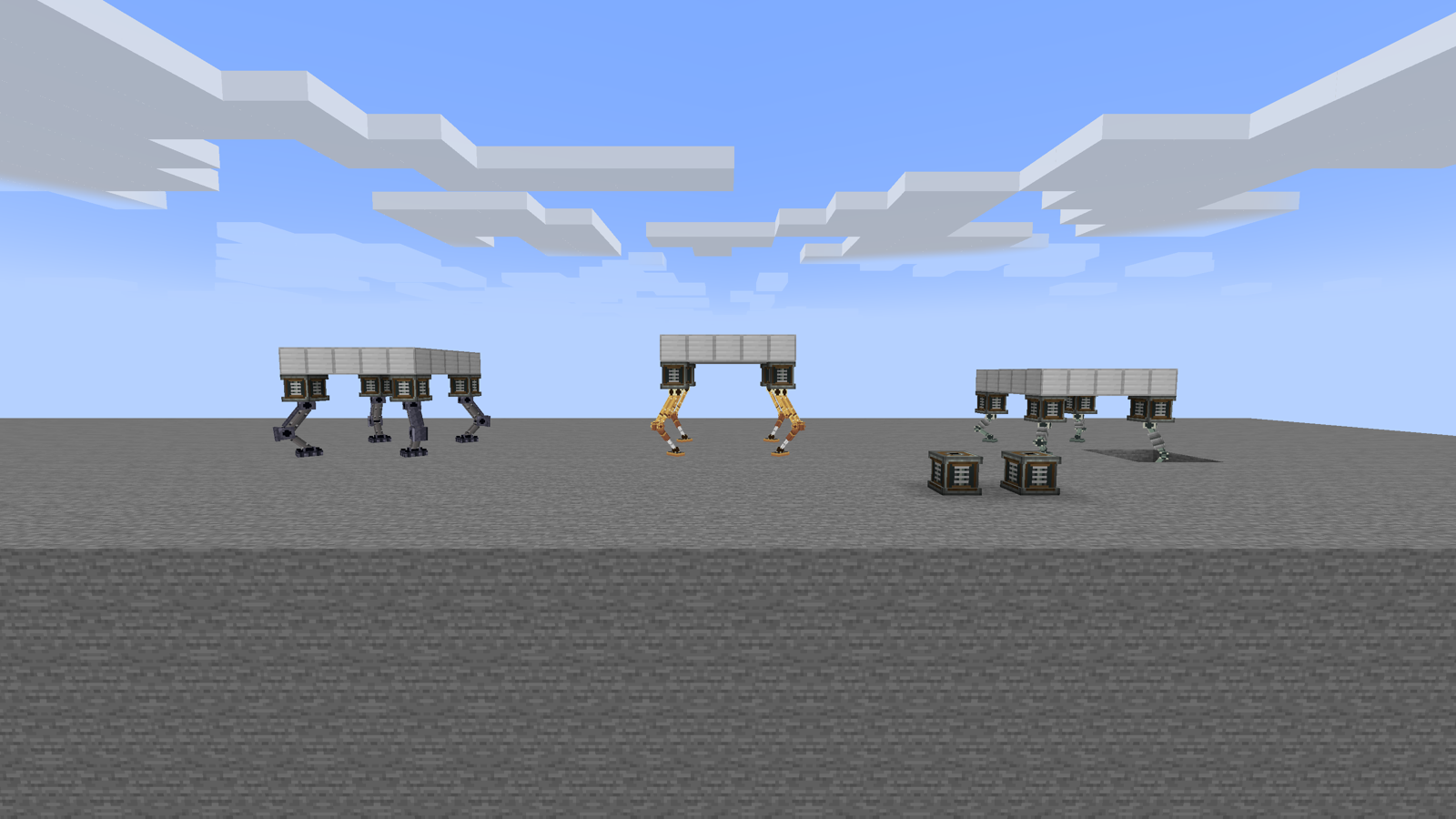
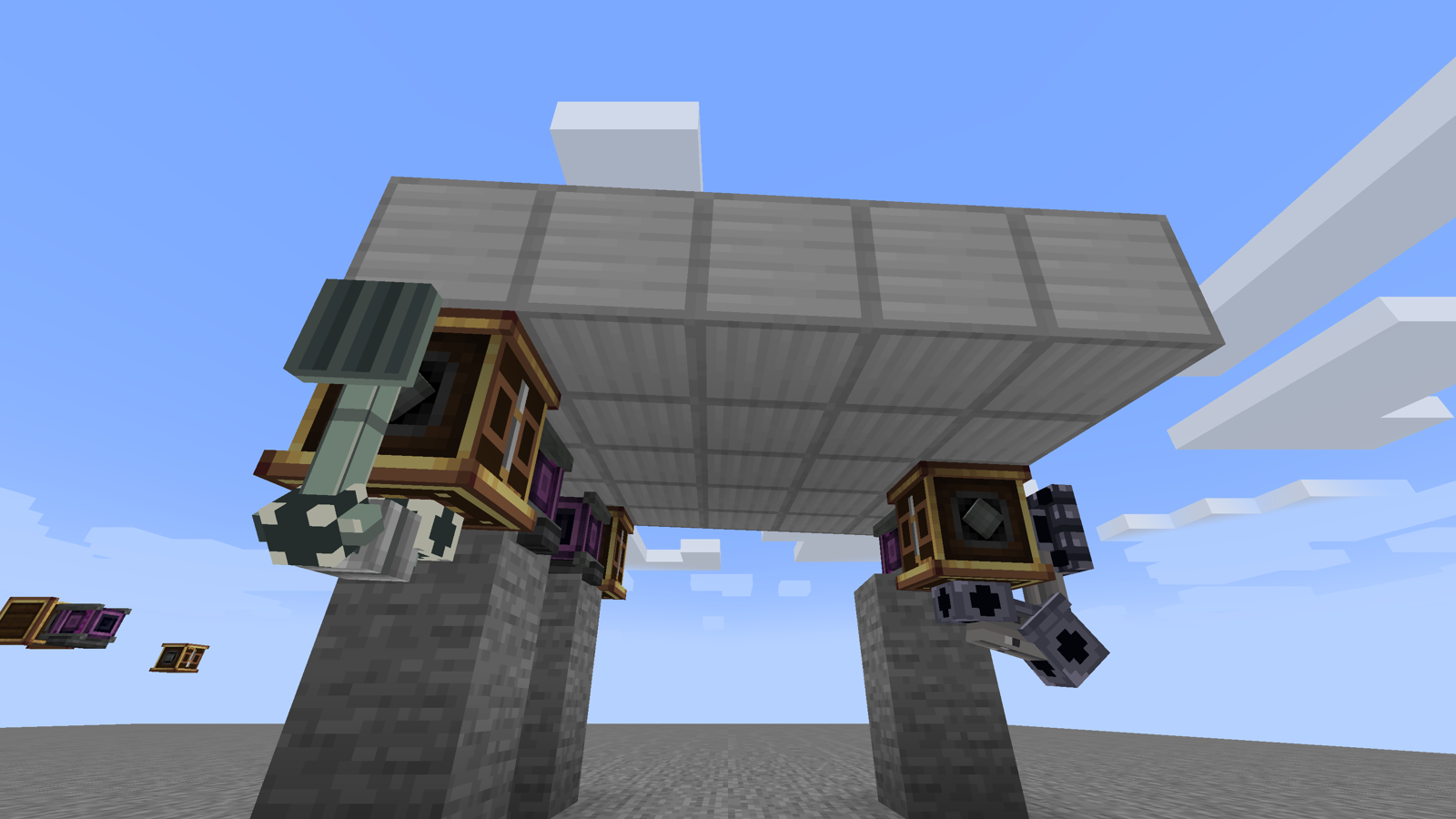
Ponder (hold W over an item) shows all of this step by step.
| Mod | Version |
|---|---|
| Minecraft | 1.21.1 |
| NeoForge | 21.1.228+ |
| Create | 6.0.10+, below 6.1.0 |
| Create Aeronautics | 1.3.2+, below 1.4.0 |
| Sable | 2.0.5+, below 2.1 |
| JEI, Jade | optional |
Install on both client and server.
MIT License. Built on Create, Create Aeronautics and Sable (not bundled). Thanks to the Offroad addon for the Wheel Mount pattern. Developed with AI assistance (Claude); design, testing and direction by SenDeliver.
Project description from CurseForge.
Pick your setup
Choose the version and loader you play, then open the matching release.
Check the dependencies, then try the file in a copied instance before changing a world you care about.
Recent files
9 Oct 2026
Looking for an older file? The official CurseForge project page is in Resources.
 mod
A new spell school called Immortal Arts has been added.
 mod
A quality-of-life overhaul for your inventory.
 mod
A brass tablet for Create: phone numbers, messages and photos, calls through Simple Voice Chat, and keyboard keys that drive Redstone Links.