Physics Mod Needed by Physics Droid Forge- v1.0.0-release
requiredMatching file found Matched file: Physics 3.1.22 (Forge 1.21.10)
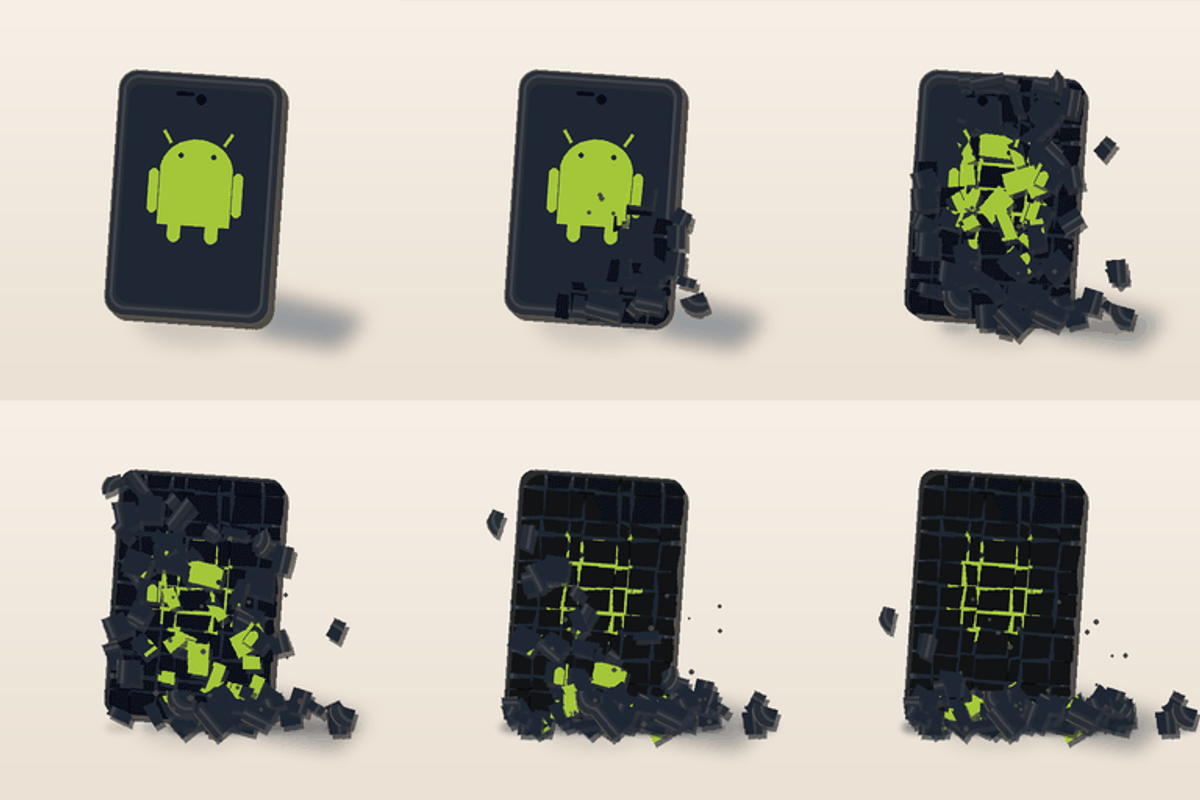
CurseForge · Minecraft mod
Enables Physics Mod to work on arm64 Android Devices!
Quick answer
Physics Droid Forge- v1.0.0-release targets 1.21, 1.20.2, 1.21.8 with Forge. The project page does not say whether this file belongs on the client, dedicated server, or both. All 1 required mods have matching files.
Where it goes
The project page does not say whether this file belongs on the client, dedicated server, or both.
The source does not explicitly classify this release as client-only or server-only.
Forge- v1.0.0-release on 1.21.9 Forge. Every mod below is checked against that same setup.
Install Physics Mod first. We found matching files for this game-version and loader setup.
We only count dependency files that match this setup. A file for another loader does not fill the gap.
Before you install it
Built for Physics Droid Forge- v1.0.0-release on 1.21.9 Forge. Pick another file and the loader, install side or required mods may change.
Use Forge- v1.0.0-release. It targets 1.21, 1.20.2, 1.21.8 with Forge; another release may have different loader, side or dependency requirements.
Install Physics Mod first. We found matching files for this game-version and loader setup.
The project page does not say whether this file belongs on the client, dedicated server, or both.
Use the “Get this file” button beside Forge- v1.0.0-release. It opens that exact file at the source.
About this project
Physics Droid is an ARM64 compatibility mod that allows the original Physics Mod to run on compatible Android devices.
The original Physics Mod depends on native libraries that are normally built for desktop platforms. Physics Droid provides the ARM64 compatibility needed for supported Android devices, allowing mobile Minecraft Java Edition players to use the original Physics Mod through compatible Android launchers.
Physics Droid itself does not replace Physics Mod or add a separate physics system.
Instead, it works alongside the original Physics Mod by providing ARM64-compatible PhysX support at runtime. This allows Physics Mod to load and function on compatible ARM64 Android devices where it otherwise would not work because of missing native ARM64 support.
Once installed correctly, players can experience the features provided by the original Physics Mod on Android, including features such as:
The exact physics features available depend on the version and configuration of Physics Mod you are using.
Without Physics Droid, the original Physics Mod may fail to load on ARM64 Android devices because the required native PhysX libraries are not available for that platform.
Physics Droid bridges that compatibility gap.
For example, instead of blocks simply disappearing when destroyed, Physics Mod can display physical debris, fragments, animations, and other effects depending on your Physics Mod settings.
Physics Droid makes it possible for Android users to experience those effects without modifying or redistributing the original Physics Mod.
You will need:
Make sure you are using an ARM64-compatible Android device.
Install Physics Droid into your Minecraft instance.
Install the original Physics Mod.
Install any dependencies required by Physics Mod, such as Fabric API when applicable.
Launch Minecraft using a compatible launcher.
Configure Physics Mod normally from within the game.
Physics Droid handles the ARM64 compatibility layer necessary for the original Physics Mod to work on supported devices.
Physics Droid does not contain or redistribute the original source code of Physics Mod.
Physics Droid is an independent compatibility project and is not affiliated with, endorsed by, or maintained by the developers of Physics Mod.
The purpose of Physics Droid is simply to provide ARM64-compatible PhysX support so that users can run the original Physics Mod on compatible Android devices.
You must download Physics Mod separately.
Project description from CurseForge.
Pick your setup
Choose the version and loader you play, then open the matching release.
Showing the newest 12 of 23 game versions. Older files are in the list below.
Check the dependencies, then try the file in a copied instance before changing a world you care about.
Recent files
Forge- v1.0.0-release.jar
11 Oct 2026
Looking for an older file? The official CurseForge project page is in Resources.
 mod
why did you come here you're not meant to be here leave.
 mod
Client-side FPS booster , switches graphics to Fast when you join a world, a simple way to get more FPS on weak PCs. No config, no gameplay change.
 mod
Client-side FPS saver , caps your frame rate to 30 FPS while the Minecraft window is in the background, then restores your limit. Less heat and GPU load while alt-tabbed.