Minecraft version
Back to mods 
CurseForge · Minecraft mod
Coordy! Screen Coordinates
Keep your coordinates on screen with a single key press! Choose from multiple formats and colors to customize your display.
Choose a version Pick your version below, then grab the matching file.
Quick answer
Which Coordy! Screen Coordinates release should I use?
Latest stable file coordhud-1.16.5-1.0.0+mc1.16.5.jar
Game version 1.16.5
Loader Fabric
Coordy! Screen Coordinates coordhud-1.16.5-1.0.0+mc1.16.5.jar targets 1.16.5 with Fabric. The project page does not say whether this file belongs on the client, dedicated server, or both. No extra mods listed for this file.
Where it goes
Is Coordy! Screen Coordinates required on the client, server, or both?
The project page does not say whether this file belongs on the client, dedicated server, or both.
Client Source doesn’t say
Dedicated server Source doesn’t say
Loader for this release Fabric
Required install it here Optional supported, not mandatory Not supported do not install here Source doesn’t say do not assume
The source does not explicitly classify this release as client-only or server-only.
What else does Coordy! Screen Coordinates coordhud-1.16.5-1.0.0+mc1.16.5.jar need?
coordhud-1.16.5-1.0.0+mc1.16.5.jar. Change the file and its required mods may change too.
This file does not list any required mods. Do not add a library just because a different file uses it.
This file does not list any required or optional mods.
Before you install it
Add Coordy! Screen Coordinates without breaking your instance.
Built for Coordy! Screen Coordinates coordhud-1.16.5-1.0.0+mc1.16.5.jar. Pick another file and the loader, install side or required mods may change.
- 01
Stick to this file
Use coordhud-1.16.5-1.0.0+mc1.16.5.jar. It targets 1.16.5 with Fabric; another release may have different loader, side or dependency requirements.
- 02
Bring the mods it needs
This file does not list any required mods. Do not add a library just because a different file uses it.
- 03
Put it on the correct side
The project page does not say whether this file belongs on the client, dedicated server, or both.
- 04
Pick the file you checked
Use the “Get this file” button beside coordhud-1.16.5-1.0.0+mc1.16.5.jar. It opens that exact file at the source.
About this project
What does Coordy! Screen Coordinates add?
Quick Coordinates 📍
Keep your coordinates on screen with just a single key press! Quick Coordinates is a lightweight and easy-to-use mod that lets you display your X, Y, and Z coordinates whenever you need them.
Customize your HUD to match your preferences by choosing from 10 color modes, 6 screen positions, multiple text sizes, and different coordinate formats. Everything can be changed instantly in-game without opening any menus!
🎮 How to Use
All controls can be customized in Options → Controls → Key Binds.
M — Show or hide the coordinates HUD. It starts hidden.
N — Cycle through the available color modes.
J — Move the HUD to a different screen position.
K — Change the text size.
H — Switch between coordinate formats.
🎨 Customize Your HUD
Choose from 10 color modes, including white, black, cyan, red, magenta, pink, orange, and blue combinations.
Place your coordinates wherever you prefer: top center, top left, top right, bottom left, bottom center, or bottom right.
Each customization key cycles through its available options and automatically returns to the first option when it reaches the end.
Simple, customizable, and always within reach. Find your coordinates at a glance and get back to exploring!
Project description from CurseForge.
Pick your setup
Coordy! Screen Coordinates by Minecraft version and loader
Choose the version and loader you play, then open the matching release.
Minecraft version
1.20.1
1 loader buildMinecraft version
1.19.4
1 loader buildMinecraft version
1.18.2
1 loader buildMinecraft version
1.16.5
1 loader buildCheck the dependencies, then try the file in a copied instance before changing a world you care about.
Recent files
Coordy! Screen Coordinates versions and loaders
coordhud-1.16.5-1.0.0+mc1.16.5.jar
coordhud-1.16.5-1.0.0-mc1.16.5.jar
31 Oct 2026
Client Source doesn’t say Server Source doesn’t say Dependencies No extras listed Listed on Release listing
Check the 1.16.5 · Fabric setup 1.16.5Fabric release
coordhud-1.20.1-1.0.0+mc1.20.1.jar
coordhud-1.20.1-1.0.0-mc1.20.1.jar
31 Oct 2026
Client Source doesn’t say Server Source doesn’t say Dependencies No extras listed Listed on Release listing
Check the 1.20.1 · Fabric setup Fabric1.20.1 release
coordhud-1.19.4-1.0.0+mc1.19.4.jar
coordhud-1.19.4-1.0.0-mc1.19.4.jar
31 Oct 2026
Client Source doesn’t say Server Source doesn’t say Dependencies No extras listed Listed on Release listing
Check the 1.19.4 · Fabric setup 1.19.4Fabric release
coordhud-1.18.2-1.0.0+mc1.18.2.jar
coordhud-1.18.2-1.0.0-mc1.18.2.jar
31 Oct 2026
Client Source doesn’t say Server Source doesn’t say Dependencies No extras listed Listed on Release listing
Check the 1.18.2 · Fabric setup Fabric1.18.2 release
Coordinate_HUD.jar
Coordinate HUD.jar
11 Oct 2026
Client Source doesn’t say Server Source doesn’t say Dependencies No extras listed Listed on Release listing
Check the 26.3 · Fabric setup Fabric26.3 release
Looking for an older file? The official CurseForge project page is in Resources.
 mod
mod CurseForge · Minecraft
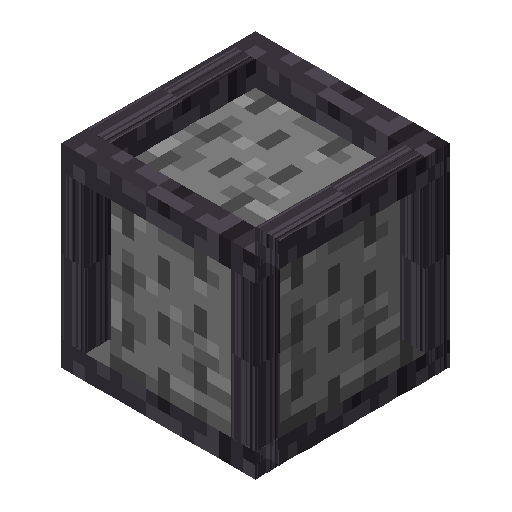
Ninefold Compressed Blocks
Compressed blocks: nine cobblestone, dirt, sand and the like in one block, and nine of those in a double. They unpack again in a crafting grid.
 mod
mod CurseForge · Minecraft
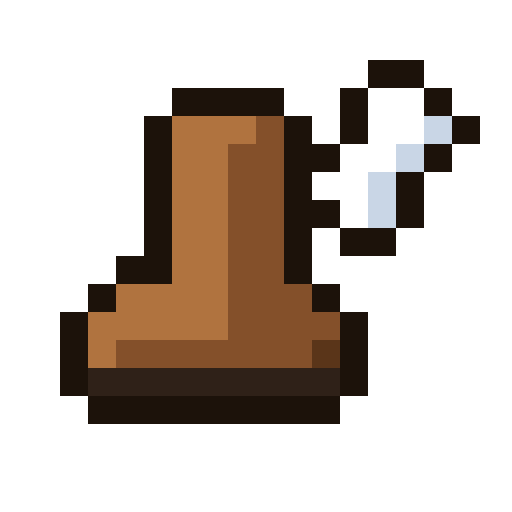
Farstride
Travel the slow ways: faster roads and boats, a walking staff, climbing claws, a glider, a grappling hook, saddlebags, a horse whistle and a scroll home.
 mod
mod CurseForge · Minecraft
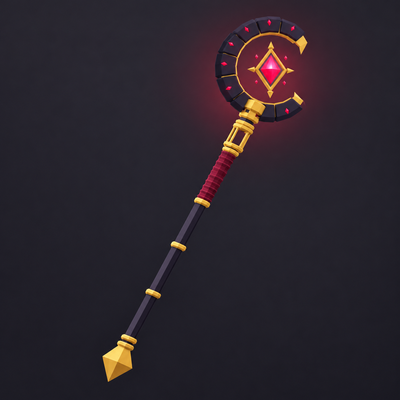
God Wand
God Wand adds a multi-modewand with multiple skills