Minecraft version
Back to mods 
CurseForge · Minecraft mod
SwordSize
Customize first- and third-person held-item sizes for you and other players.
Choose a version Pick your version below, then grab the matching file.
Quick answer
Which SwordSize release matches 1.13.2?
alpha file SwordSize 0.1.1 - Forge - Minecraft 1.13.2
Game version 1.13.2
Loader Forge
SwordSize 0.1.1 - Forge - Minecraft 1.13.2 targets 1.13.2 with Forge. The project page does not say whether this file belongs on the client, dedicated server, or both. No extra mods listed for this file.
Where it goes
Is SwordSize required on the client, server, or both?
The project page does not say whether this file belongs on the client, dedicated server, or both.
Client Source doesn’t say
Dedicated server Source doesn’t say
Loader for this release Forge
Required install it here Optional supported, not mandatory Not supported do not install here Source doesn’t say do not assume
The source does not explicitly classify this release as client-only or server-only.
What else does SwordSize 0.1.1 - Forge - Minecraft 1.13.2 need?
SwordSize 0.1.1 - Forge - Minecraft 1.13.2 on 1.13.2. Every mod below is checked against that same setup.
This file does not list any required mods. Do not add a library just because a different file uses it.
This file does not list any required or optional mods.
Before you install it
Add SwordSize without breaking your instance.
Built for SwordSize 0.1.1 - Forge - Minecraft 1.13.2 on 1.13.2. Pick another file and the loader, install side or required mods may change.
- 01
Stick to this file
Use SwordSize 0.1.1 - Forge - Minecraft 1.13.2. It targets 1.13.2 with Forge; another release may have different loader, side or dependency requirements.
- 02
Bring the mods it needs
This file does not list any required mods. Do not add a library just because a different file uses it.
- 03
Put it on the correct side
The project page does not say whether this file belongs on the client, dedicated server, or both.
- 04
Pick the file you checked
Use the “Get this file” button beside SwordSize 0.1.1 - Forge - Minecraft 1.13.2. It opens that exact file at the source.
About this project
What does SwordSize add?
Make held items fit your view.
- Set separate held-item scales for yourself and other visible players
- Adjust first- and third-person rendering
- Configure swords, axes, and optional item groups such as shields, bows, tridents, maces, and pearls
- Add specific items by their namespaced IDs
- Choose scales from 0.1× to 2.0×
Open Options → SwordSize to change settings. On narrow screens, the button is labeled Swords.
Visual and client-side only. SwordSize does not change reach, hitboxes, damage, or gameplay. Other-player scaling changes only your view; inventory icons and dropped items are unaffected.
Project description from CurseForge.
Pick your setup
SwordSize by Minecraft version and loader
Choose the version and loader you play, then open the matching release.
Minecraft version
26.2
2 loader buildsMinecraft version
26.1.2
2 loader buildsMinecraft version
26.1.1
2 loader buildsMinecraft version
26.1
2 loader buildsMinecraft version
1.21.11
2 loader buildsMinecraft version
1.21.10
2 loader buildsMinecraft version
1.21.9
2 loader buildsMinecraft version
1.21.8
2 loader buildsMinecraft version
1.21.7
1 loader buildMinecraft version
1.21.6
1 loader buildMinecraft version
1.21.5
1 loader buildShowing the newest 12 of 34 game versions. Older files are in the list below.
Check the dependencies, then try the file in a copied instance before changing a world you care about.
Recent files
SwordSize versions and loaders
SwordSize 0.1.1 - Forge - Minecraft 1.13.2
swordsize-0.1.1+1.13.2-forge.jar
16 Oct 2026
Client Source doesn’t say Server Source doesn’t say Dependencies No extras listed Listed on Release listing
Check the 1.13.2 · Forge setup Forge1.13.2 alpha
Looking for an older file? The official CurseForge project page is in Resources.
 mod
CurseForge · Minecraft
OpenBlocks Elevator
Port of OpenBlocks Elevator.
 mod
CurseForge · Minecraft
Sky's Grass Slabs
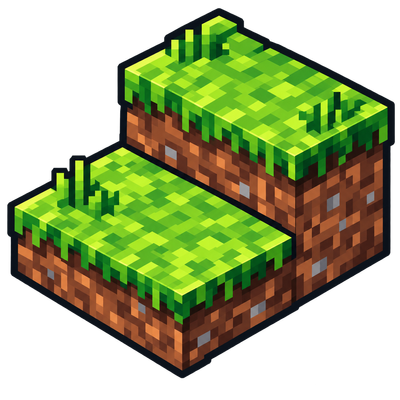
Provides grassy slabs into world generation to smooth the overworld, plus grass block, slab and turf recipes.
 mod
CurseForge · Minecraft
Minecraft Mineralogy
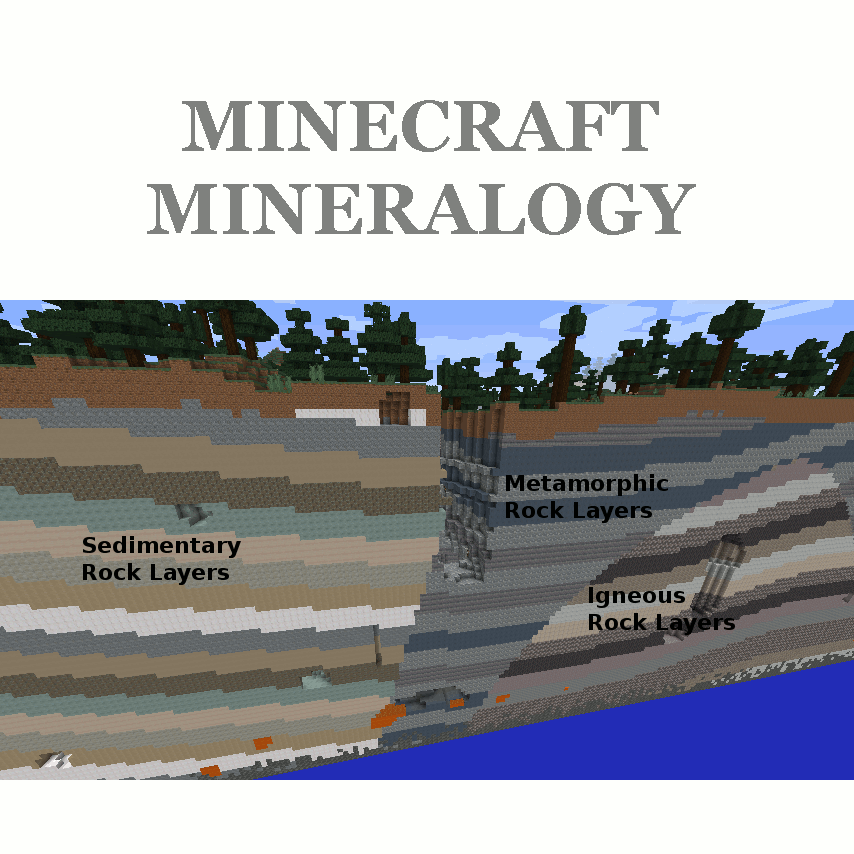
A geology-inspired mod for Minecraft that adds various types of real-world rocks.