TerraBlender (NeoForge) Needed by Tensura: HUD tensura_hud-0.5.1.jar
requiredMatching file found Matched file: TerraBlender NeoForge 1.21.1-4.1.0.8
CurseForge · Minecraft mod
Thirteen themed Tensura HUD styles with live vitals, eight activatable skills across nine presets, cooldowns, addon gauges and an editable layout.
Quick answer
Tensura: HUD tensura_hud-0.5.1.jar targets 1.21.1 with NeoForge. The project page does not say whether this file belongs on the client, dedicated server, or both. All 6 required mods have matching files.
Where it goes
The project page does not say whether this file belongs on the client, dedicated server, or both.
The source does not explicitly classify this release as client-only or server-only.
tensura_hud-0.5.1.jar. Change the file and its required mods may change too.
Install TerraBlender (NeoForge), ManasCore, Architectury API, SmartBrainLib (Forge/Fabric/Quilt) and 2 more first. We found matching files for this game-version and loader setup.
We only count dependency files that match this setup. A file for another loader does not fill the gap.
Before you install it
Built for Tensura: HUD tensura_hud-0.5.1.jar. Pick another file and the loader, install side or required mods may change.
Use tensura_hud-0.5.1.jar. It targets 1.21.1 with NeoForge; another release may have different loader, side or dependency requirements.
Install TerraBlender (NeoForge), ManasCore, Architectury API, SmartBrainLib (Forge/Fabric/Quilt) and 2 more first. We found matching files for this game-version and loader setup.
The project page does not say whether this file belongs on the client, dedicated server, or both.
Use the “Get this file” button beside tensura_hud-0.5.1.jar. It opens that exact file at the source.
About this project
A TENSURA REINCARNATED ADDON
Tensura: HUD
Stay in the fight.
Live vitals. Bound skills.
A HUD shaped around the way you play.
Vitals & hotbar
Keep the essentials in sight.
Follow Health, Spiritual Health, Magicules, Aura and EP alongside absorption, barriers, severance and status effects. Food, armour, air, XP and applicable mount information stay close at hand.
Damage, healing and harmful effects animate the relevant gauges. Your hotbar keeps real items, the selected slot and offhand in view.
Track race cooldowns and modes, dodge information and evolution readiness, with skill-progress notices, selected-item text and preset feedback. Chat, Analysis and supported addon overlays can move clear of occupied HUD space.
Pair the HUD with the optional Tensura: GUI companion to explore evolution requirements, connected forms and conditional paths in the Tempest Chronicle.
Skills & presets
More room for your abilities.
Eight slots. Nine presets.
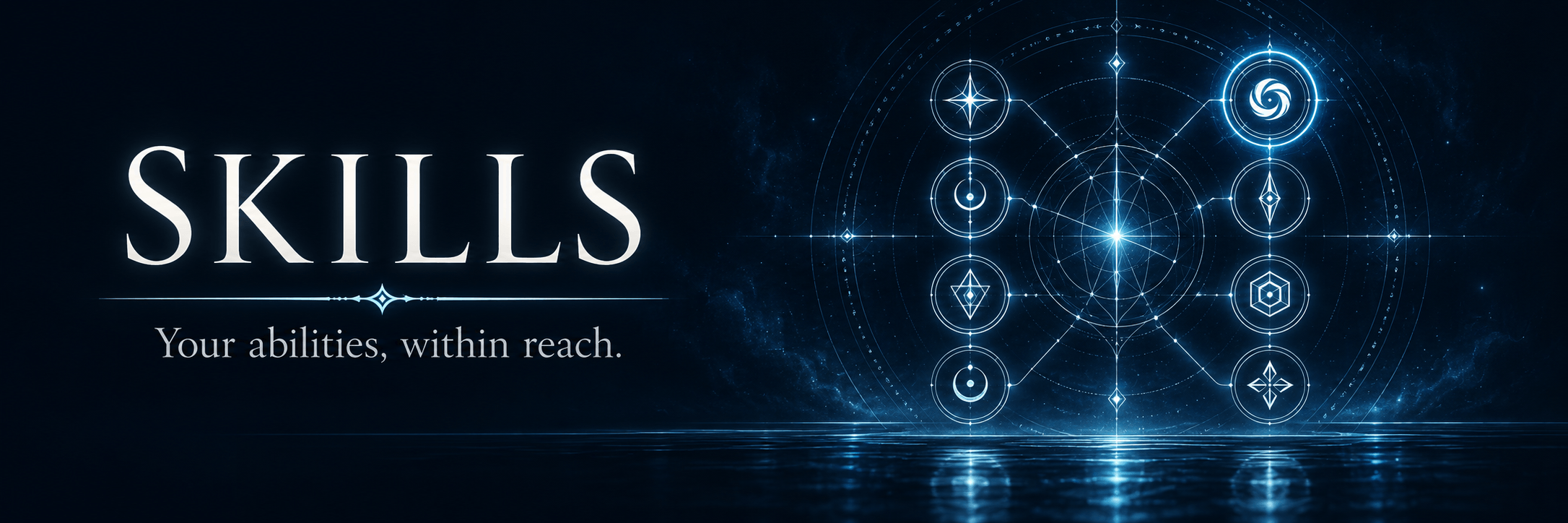
Expand Tensura’s three activatable skill slots to eight across nine presets. Rebind five extra controls with press, hold, release and mode actions, while sockets show actual keys, skill icons, toggles and cooldowns. Supported Nightmare deep slots stay separate.
Hold Left Alt. Take control.
Reveal a marker for every available mode of each bound skill, with the current mode highlighted. Hold Left Alt and press a skill’s bound key to cycle its mode. Hold Left Alt and scroll to move through all nine presets, wrapping at either end.
Styles & layout editor
Choose your look.
Find your balance.
Choose from 18 HUD styles: Tempest’s liquid orb and energy tubes, race-inspired looks such as Slime and Storm Dragon, and designs including Sageframe, Everbloom, Crimson Reign and Argent Oath. Arrangements range from bottom-centre crests to a crosshair reticle.
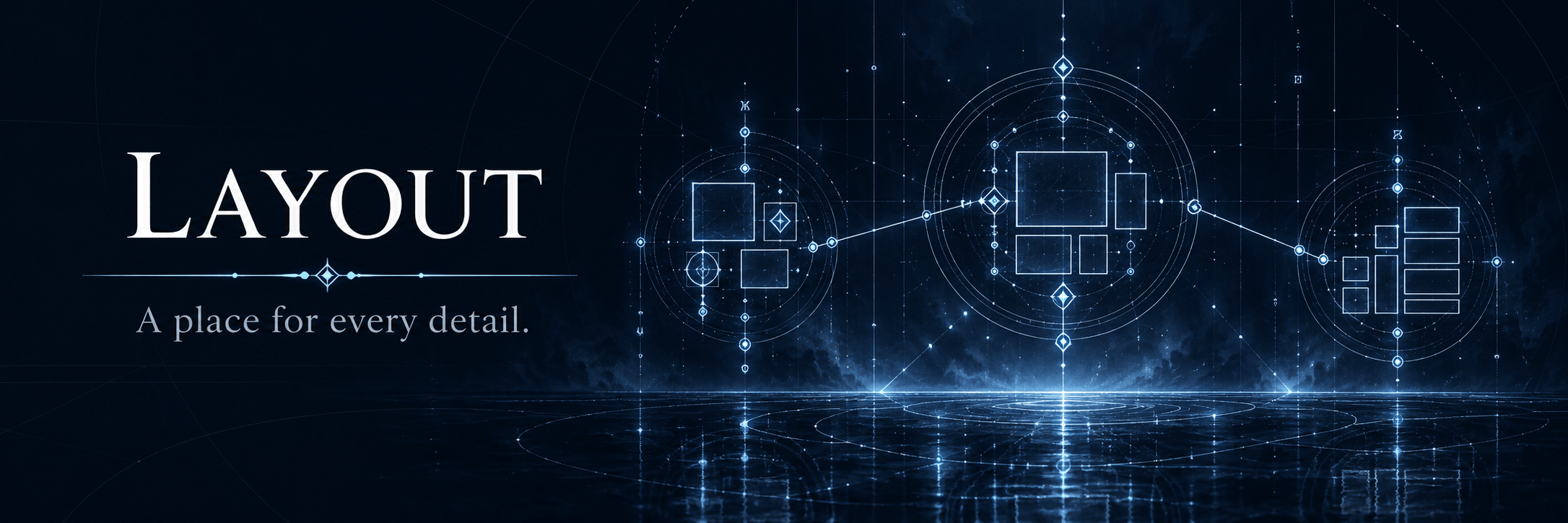
Switch styles in a live preview, then drag supported groups in Customise layout. Save positions separately for each style, use optional grid snapping and reset individual pieces.
With JourneyMap installed, move or resize its native minimap in the same editor. Map changes save to JourneyMap’s selected preset.
Presentation
Comfort comes with the style.
Choose six fonts, number formats, scale and key labels. Colour-blind patterns, high contrast, reduced motion and adjustable low-health warnings help keep the display comfortable to read.
Optional integrations
Keep your addons in the picture.
With supported addons installed, retain Nightmare’s Spiritron and Nihility resources, More Skills’ Bloodfiend gauge and Elite Tensura’s Voice notices. FTB Quests tracker support is available too.
Optional GUI and Status Menus bridges coordinate screen coverage and floating workstations. Native Teams, Chunks, Quests and JourneyMap keep their own interfaces.
Installation
Bring it to your world.
Minecraft 1.21.1 · NeoForge 21.1+ · Client & server
Install matching HUD versions on the server or host and every client for expanded skill storage and connection negotiation. Required: Tensura Reincarnated 2.0+, ManasCore 4.0+ and their upstream dependencies, including Architectury.
Optional companions: Tensura: Main Menu, Tensura: GUI, Tensura: Rebalanced and Tensura: Status Menus. Supported addons are optional too.
Project description from CurseForge.
Pick your setup
Choose the version and loader you play, then open the matching release.
Check the dependencies, then try the file in a copied instance before changing a world you care about.
Recent files
24 Oct 2026
22 Oct 2026
22 Oct 2026
22 Oct 2026
20 Oct 2026
19 Oct 2026
18 Oct 2026
17 Oct 2026
17 Oct 2026
16 Oct 2026
Looking for an older file? The official CurseForge project page is in Resources.
 mod
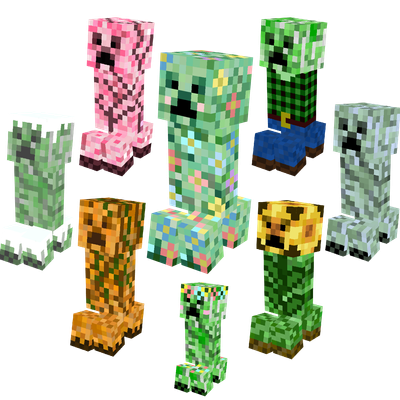
modSeasonal creeper variants with custom textures that change with the seasons! 💚
 mod
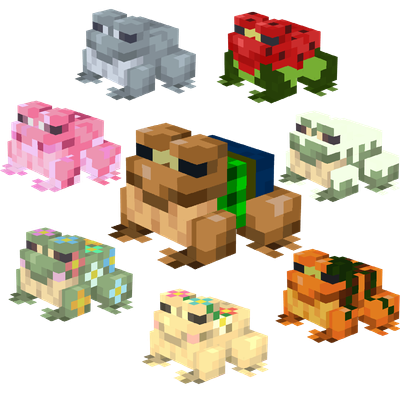
modSeasonal frog variants with custom textures that change with the seasons! 🐸
 mod
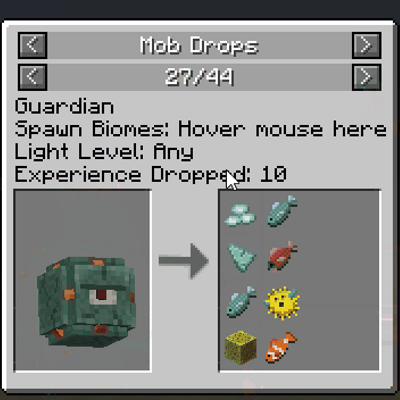
modJEI integration that adds info on mobs, world gen, villagers and many more!