Realmbreaker: Portals, Realms & the Void Optional for GeoLens 0.1.0 (NeoForge 1.21.1)
optionalMatching file found Matched file: Realmbreaker 3.3.0
CurseForge · Minecraft mod
3D minimap and world map that draws the real blocks, with exploration fog, waypoints, cave layers and structures.
Quick answer
GeoLens 0.1.0 (NeoForge 1.21.1) targets 1.21.1 with NeoForge. The project page does not say whether this file belongs on the client, dedicated server, or both. No extra mods listed for this file.
Where it goes
The project page does not say whether this file belongs on the client, dedicated server, or both.
The source does not explicitly classify this release as client-only or server-only.
GeoLens 0.1.0 (NeoForge 1.21.1). Change the file and its required mods may change too.
This file does not list any required mods. Do not add a library just because a different file uses it.
We only count dependency files that match this setup. A file for another loader does not fill the gap.
Before you install it
Built for GeoLens 0.1.0 (NeoForge 1.21.1). Pick another file and the loader, install side or required mods may change.
Use GeoLens 0.1.0 (NeoForge 1.21.1). It targets 1.21.1 with NeoForge; another release may have different loader, side or dependency requirements.
This file does not list any required mods. Do not add a library just because a different file uses it.
The project page does not say whether this file belongs on the client, dedicated server, or both.
Use the “Get this file” button beside GeoLens 0.1.0 (NeoForge 1.21.1). It opens that exact file at the source.
About this project
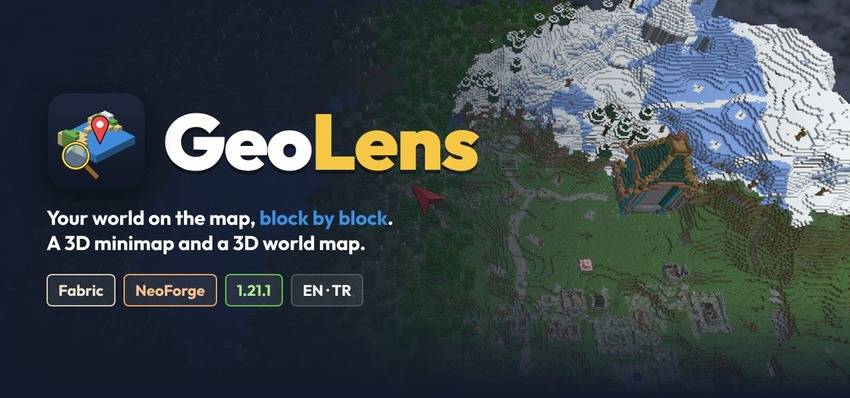
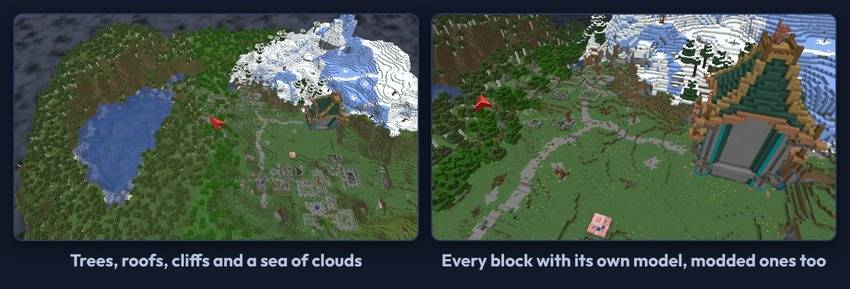
A 3D minimap and a full screen 3D world map that draws the world with its real blocks. Trees with their trunks under the leaves, houses with their roofs, cliffs with their overhangs: you see your world on the map the way it really looks, and you can turn it, tilt it and zoom in on it.
Fabric and NeoForge, Minecraft 1.21.1. Works with GeoLens on the client only; install it on the server too for structure markers, the admin panel and party map sharing. The Fabric version needs Fabric API.
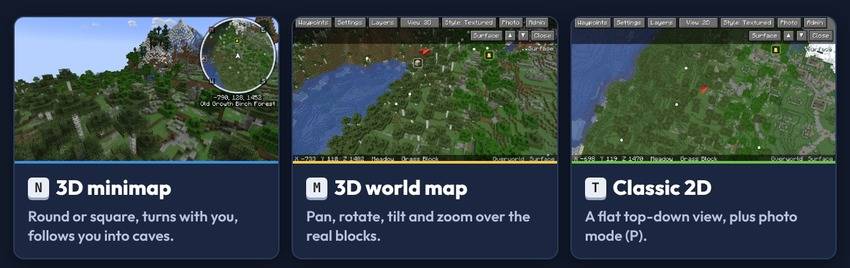
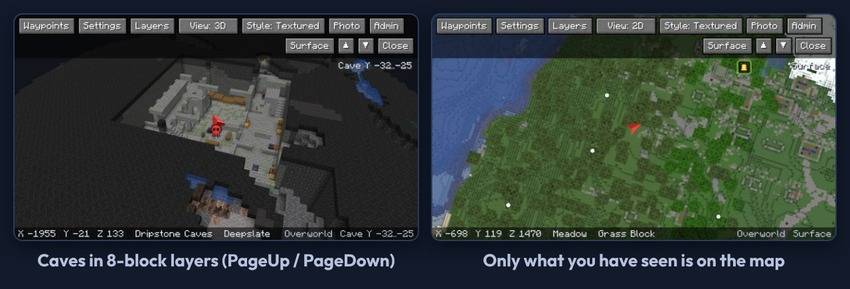
🧭 3D minimap. Round or square, in any corner. It turns with you or keeps north up; tilt, range, size and opacity are adjustable. Go underground and it switches to the cave level you are on and zooms in. N toggles it, = and - zoom.
🗺️ Full screen 3D map (M). Drag to pan, right-drag to rotate and tilt, scroll to zoom at the cursor. Block textures or flat colors, and a classic 2D view (T). The map does not pause your singleplayer world unless you want it to.
📸 Photo mode. P on the world map saves a picture of the map at up to 4 times your screen resolution.


Only what you have seen is on the map. Caves and the Nether are mapped in 8-block layers you can step through (PageUp / PageDown); the End and dimensions added by mods get their own maps.
📡 Radar: players with their heads, hostile and passive mobs, and items on the ground if you want them.

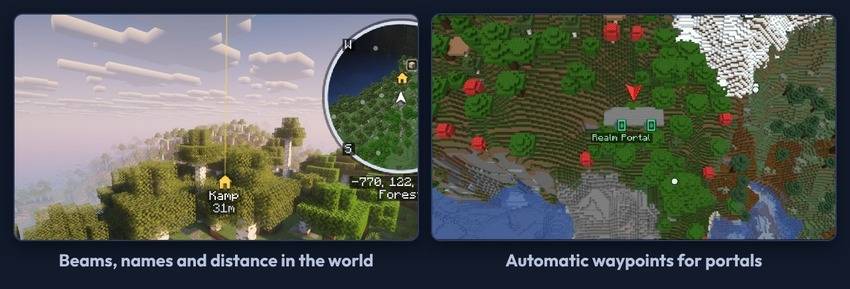
Add (B), edit and list (U) waypoints with colors and icons. They show on the map, on the minimap and in the world with a beam, name and distance. Death points, a navigation arrow, automatic waypoints for Nether, End and modded portals, and import from Xaero's Minimap and JourneyMap.

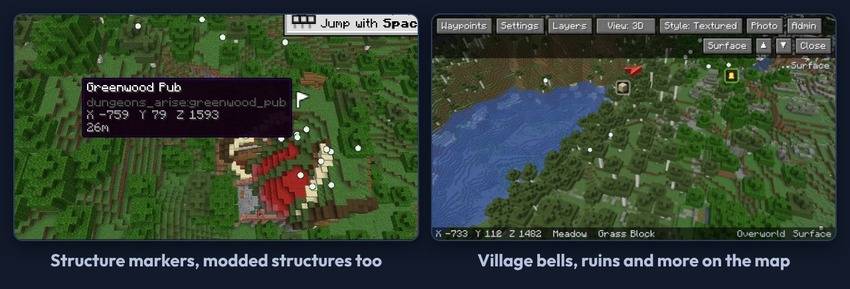

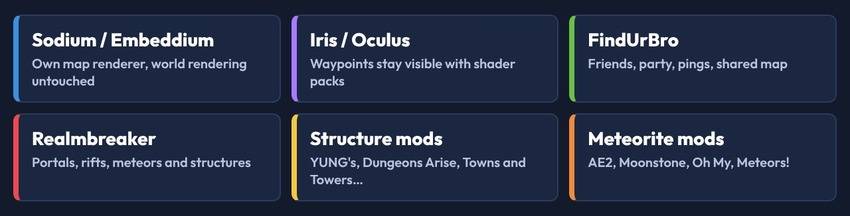


On the world map: WASD pan, Q/E rotate, R/F tilt, Space back to you, PageUp/PageDown layers, T 3D/2D, G chunk grid, H hide the interface, P photo. All keys can be changed in the controls. With Realmbreaker installed, M, N, B and U need Alt, as Realmbreaker uses those keys.
For mod and pack makers: structure icons, block markers and entity markers are plain JSON in resource packs or data packs, and other mods can add markers, layers and waypoints through a small API.
Languages: English and Turkish.



Dünyayı gerçek bloklarıyla çizen 3D minimap ve tam ekran 3D dünya haritası. Yaprakların altındaki gövdesiyle ağaçlar, çatılarıyla evler, çıkıntılarıyla uçurumlar: dünyanı haritada gerçekte nasıl görünüyorsa öyle görürsün; döndürür, eğer, yakınlaştırırsın.
Fabric ve NeoForge, Minecraft 1.21.1. Sadece istemcide kurulu olsa da çalışır; yapı işaretleme, yönetici paneli ve parti harita paylaşımı için sunucuya da kur. Fabric sürümü için Fabric API gerekir.
N aç/kapat, = ve - yakınlaştırır.M): sürükle: kaydır. Sağ tıkla sürükle: döndür ve eğ. Tekerlek: imlecin olduğu yere yakınlaş. Blok dokulu ya da düz renkli görünüm, ayrıca klasik 2D görünüm (T). İstemezsen tek oyunculu dünyanı durdurmaz.PageUp / PageDown); End ve modların eklediği boyutların da kendi haritası olur.B), düzenle, listele (U). Haritada, minimapte ve dünyada ışık huzmesi, isim ve mesafeyle görünür. Ölüm noktaları, yön oku, portallar için otomatik waypoint'ler, Xaero's Minimap ve JourneyMap'ten içe aktarma.P, haritanın resmini ekran çözünürlüğünün 4 katına kadar kaydeder.Tuşlar: M dünya haritası, N minimap aç/kapat, = / - yakınlaştır, B buraya waypoint, U waypoint listesi. Dünya haritasında: WASD kaydır, Q/E döndür, R/F eğ, Boşluk sana dön, T 3D/2D, G chunk ızgarası, H arayüzü gizle, P fotoğraf. Realmbreaker kuruluysa M, N, B ve U için Alt gerekir.
Diller: İngilizce ve Türkçe.

Project description from CurseForge.
Pick your setup
Choose the version and loader you play, then open the matching release.
Check the dependencies, then try the file in a copied instance before changing a world you care about.
Recent files
geolens-neoforge-1.21.1-0.1.0.jar
17 Oct 2026
geolens-fabric-1.21.1-0.1.0.jar
17 Oct 2026
Looking for an older file? The official CurseForge project page is in Resources.
 mod
It adds a wide variety of RPG-style attributes
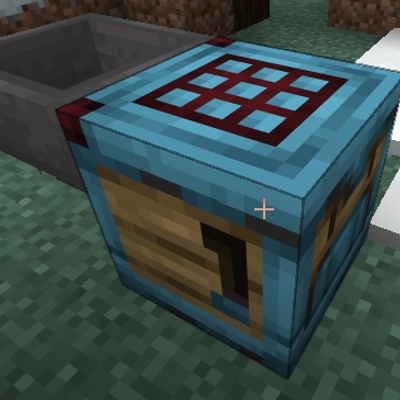 mod
Smart Crafter is a lightweight, vanilla-friendly automation mod that upgrades the vanilla Crafter into a true set-and-forget auto-crafter—no redstone clocks required, and no more accidentally emptying your crafting template!
 mod
Want to get some work done in a zombie apocalypse? Then Pentakel's Peaceful Days is perfect for you!