Minecraft version
Back to mods 
CurseForge · Minecraft mod
Friend Tracker
A smooth, infinite-distance player radar that tracks your friends using Minecraft-style edge nametags with directional pointers and dynamic scaling.
Choose a version Pick your version below, then grab the matching file.
Quick answer
Which Friend Tracker release should I use?
Latest stable file friendtracker-1.20.1-forge-1.0.1.jar
Game version 1.20.1
Loader Forge, NeoForge
Friend Tracker friendtracker-1.20.1-forge-1.0.1.jar targets 1.20.1 with Forge, NeoForge. The project page does not say whether this file belongs on the client, dedicated server, or both. No extra mods listed for this file.
Where it goes
Is Friend Tracker required on the client, server, or both?
The project page does not say whether this file belongs on the client, dedicated server, or both.
Client Source doesn’t say
Dedicated server Source doesn’t say
Loader for this release Forge, NeoForge
Required install it here Optional supported, not mandatory Not supported do not install here Source doesn’t say do not assume
The source does not explicitly classify this release as client-only or server-only.
What else does Friend Tracker friendtracker-1.20.1-forge-1.0.1.jar need?
friendtracker-1.20.1-forge-1.0.1.jar. Change the file and its required mods may change too.
This file does not list any required mods. Do not add a library just because a different file uses it.
This file does not list any required or optional mods.
Before you install it
Add Friend Tracker without breaking your instance.
Built for Friend Tracker friendtracker-1.20.1-forge-1.0.1.jar. Pick another file and the loader, install side or required mods may change.
- 01
Stick to this file
Use friendtracker-1.20.1-forge-1.0.1.jar. It targets 1.20.1 with Forge, NeoForge; another release may have different loader, side or dependency requirements.
- 02
Bring the mods it needs
This file does not list any required mods. Do not add a library just because a different file uses it.
- 03
Put it on the correct side
The project page does not say whether this file belongs on the client, dedicated server, or both.
- 04
Pick the file you checked
Use the “Get this file” button beside friendtracker-1.20.1-forge-1.0.1.jar. It opens that exact file at the source.
About this project
What does Friend Tracker add?
Friend Tracker
**Friend Tracker** is a lightweight, elegant player radar for Minecraft that ensures you never lose sight of your companions again. Using the familiar aesthetic of Minecraft's native nametag boxes, the mod smoothly guides you toward your friends across any distance, terrain, or dimension.
When a player moves outside your field of view, their nametag automatically docks to the edge of your screen, complete with directional indicators and precise distance measurements.
Key Features
Native Minecraft Aesthetic
- Designed to look and feel like an authentic extension of Minecraft's interface.
- Utilizes the classic translucent dark nameplate styling, augmented with a subtle outline for enhanced contrast against bright snow, dark caves, or dense foliage.
Screen-Edge Directional Clamping
- When your friend is off-screen, behind you, above, or below, the nametag smoothly slides along the perimeter of your display.
- Directional pointers (
^,v,<,>) indicate exactly which direction you need to turn.
Infinite Distance & Cross-Dimension Support
- Built-in lightweight network synchronization broadcasts player coordinates across any distance.
- Works across thousands of blocks, unloaded chunks, and even different dimensions (with dedicated dimension badges for the Nether, The End, and custom worlds).
- Includes automatic fallback for servers without the mod, tracking any players loaded in client range.
Fluid Frame-Rate Interpolation
- Full partial-tick motion smoothing synchronizes tag positions with your monitor refresh rate (60Hz, 144Hz, 240Hz+).
- Completely eliminates stuttering and jitter when turning your camera or sprinting alongside friends.
Dynamic Proximity Scaling
- Nametags positioned directly at the proper height above the player's head, completely freeing up the player's face and eyes.
- Automatically shrinks in size (from 1.0x down to 0.65x) when approaching close distances (1 to 15 blocks) so your view remains clean and unobstructed during combat or close-quarters building.
Seamless Vanilla Replacement
- Automatically suppresses the default 3D nametag for tracked players, preventing duplicate text or awkward visual overlaps.
How It Works
- **Dedicated Servers, LAN, and Peer-to-Peer:** When installed on both client and host/server, coordinates are synced continuously every 0.5 seconds, providing true infinite-range tracking anywhere in the world.
- **Client-Only on Vanilla Servers:** If the server does not have the mod, Friend Tracker gracefully falls back to tracking all player entities within the client's loaded render distance.
Configuration
Friend Tracker is fully configurable through the NeoForge Mods menu or via config/friendtracker-client.toml:
| Setting | Default | Description |
|---|---|---|
enabled |
true |
Toggles the HUD tracker on or off |
showDistance |
true |
Displays distance in meters or kilometers |
showSelf |
false |
Enables tracking for your own player (useful for testing) |
edgeMargin |
24 |
Margin distance (in pixels) from the border of your screen |
boxOpacity |
0.65 |
Opacity of the background box (0.1 to 1.0) |
outlineEnabled |
true |
Toggles the high-visibility border outline |
outlineColor |
0x8055FF55 |
Hex ARGB color for the border highlight |
renderThroughWalls |
true |
Keeps nametags visible through blocks and obstacles |
Requirements
- **Minecraft:** 1.21.1
- **Mod Loader:** NeoForge (version 21.1.x or higher)
- **Java:** Java 21
Modpack Policy
You are completely free to include Friend Tracker in any public or private modpack on CurseForge or other platforms. No explicit permission is required.
Project description from CurseForge.
Pick your setup
Friend Tracker by Minecraft version and loader
Choose the version and loader you play, then open the matching release.
Minecraft version
1.20.1
3 loader buildsCheck the dependencies, then try the file in a copied instance before changing a world you care about.
Recent files
Friend Tracker versions and loaders
friendtracker-1.20.1-forge-1.0.1.jar
22 Oct 2026
Client Source doesn’t say Server Source doesn’t say Dependencies No extras listed Listed on Release listing
Check the 1.20.1 · Forge setup 1.20.1ForgeNeoForge release
friendtracker-1.20.1-fabric-1.0.1.jar
22 Oct 2026
Client Source doesn’t say Server Source doesn’t say Dependencies No extras listed Listed on Release listing
Check the 1.20.1 · Fabric setup Fabric1.20.1 release
friendtracker-forge-1.21.1-1.0.1.jar
21 Oct 2026
Client Source doesn’t say Server Source doesn’t say Dependencies No extras listed Listed on Release listing
Check the 1.21.1 · Forge setup Forge1.21.1 release
friendtracker-fabric-1.21.1-1.0.1.jar
21 Oct 2026
Client Source doesn’t say Server Source doesn’t say Dependencies No extras listed Listed on Release listing
Check the 1.21.1 · Fabric setup Fabric1.21.1 release
friendtracker-1.0.1.jar
17 Oct 2026
Client Source doesn’t say Server Source doesn’t say Dependencies No extras listed Listed on Release listing
Check the 1.21.1 · NeoForge setup 1.21.1NeoForge release
Looking for an older file? The official CurseForge project page is in Resources.
 mod
mod CurseForge · Minecraft
Carioca (Card game)
Play the famous game Carioca, the card game of all Chileans. Entertaining with friends.
 mod
mod CurseForge + Modrinth · Minecraft
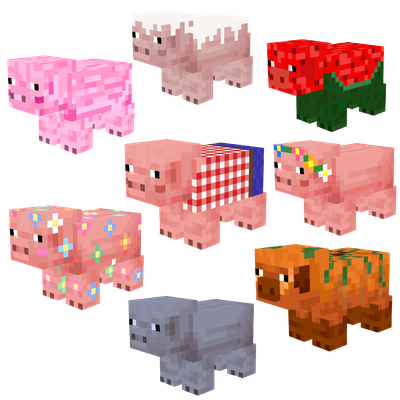
Maple's Pigs | Seasonal Variants
Seasonal pig variants with custom textures that change with the seasons! 🐷
 mod
mod CurseForge + Modrinth · Minecraft
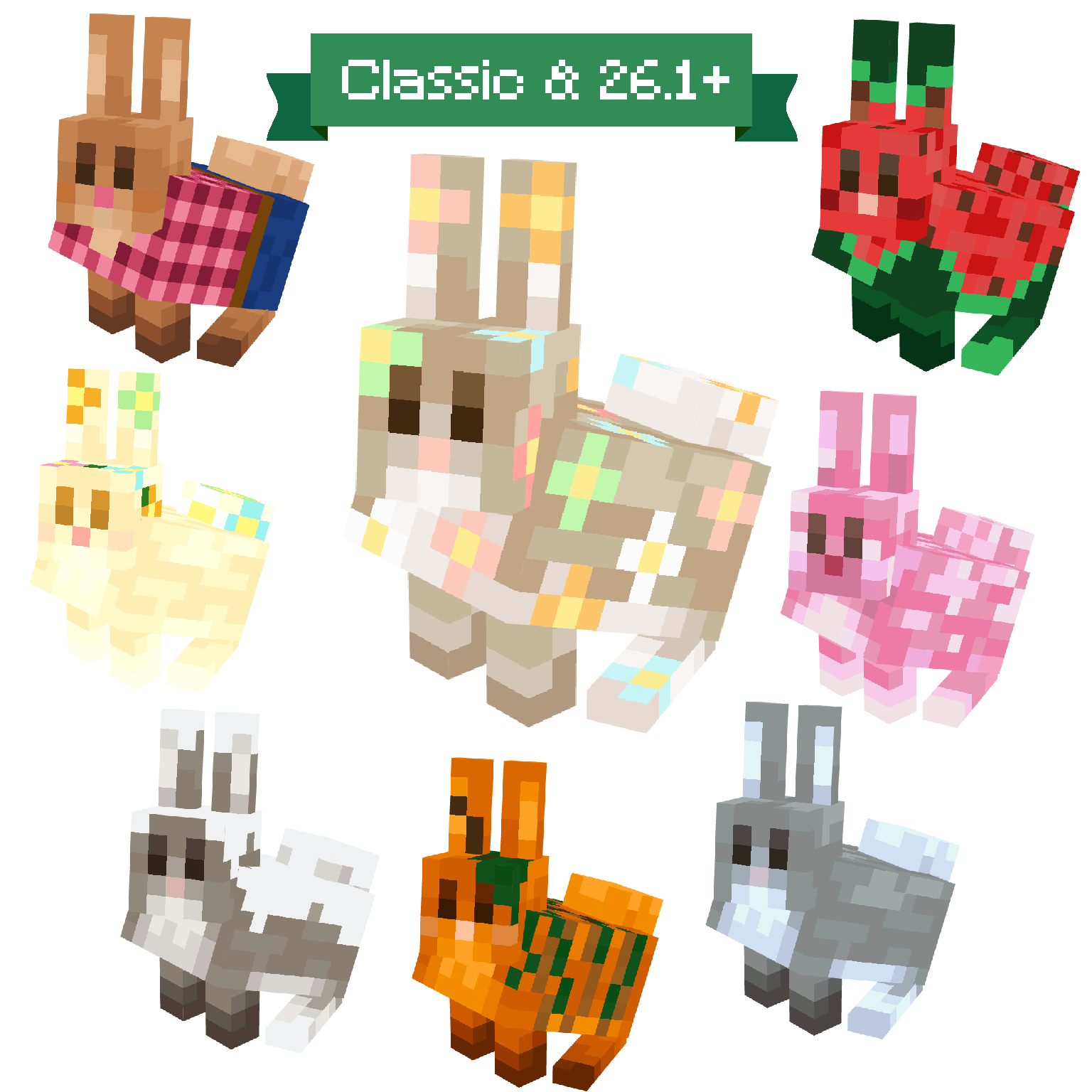
Maple's Rabbits | Seasonal Variants
Seasonal rabbit variants with custom textures that change with the seasons! 🐰 New and Classic Model✨