Fabric API Needed by Bundle Upgrade (Fabric) bundleupgrade-fabric-1.21.1-1.0.0.jar
requiredMatching file found Matched file: [1.21.1] Fabric API 0.116.18+1.21.1
CurseForge · Minecraft mod
Upgrade your vanilla Bundles sequentially through Copper, Iron, Gold, Emerald, and Diamond tiers for expanded storage capacity while keeping your items intact.
Quick answer
Bundle Upgrade (Fabric) bundleupgrade-fabric-1.21.1-1.0.0.jar targets 1.21.1 with Fabric. The project page does not say whether this file belongs on the client, dedicated server, or both. All 1 required mods have matching files.
Where it goes
The project page does not say whether this file belongs on the client, dedicated server, or both.
The source does not explicitly classify this release as client-only or server-only.
bundleupgrade-fabric-1.21.1-1.0.0.jar on Fabric. Every mod below is checked against that same setup.
Install Fabric API first. We found matching files for this game-version and loader setup.
We only count dependency files that match this setup. A file for another loader does not fill the gap.
Before you install it
Built for Bundle Upgrade (Fabric) bundleupgrade-fabric-1.21.1-1.0.0.jar on Fabric. Pick another file and the loader, install side or required mods may change.
Use bundleupgrade-fabric-1.21.1-1.0.0.jar. It targets 1.21.1 with Fabric; another release may have different loader, side or dependency requirements.
Install Fabric API first. We found matching files for this game-version and loader setup.
The project page does not say whether this file belongs on the client, dedicated server, or both.
Use the “Get this file” button beside bundleupgrade-fabric-1.21.1-1.0.0.jar. It opens that exact file at the source.
About this project
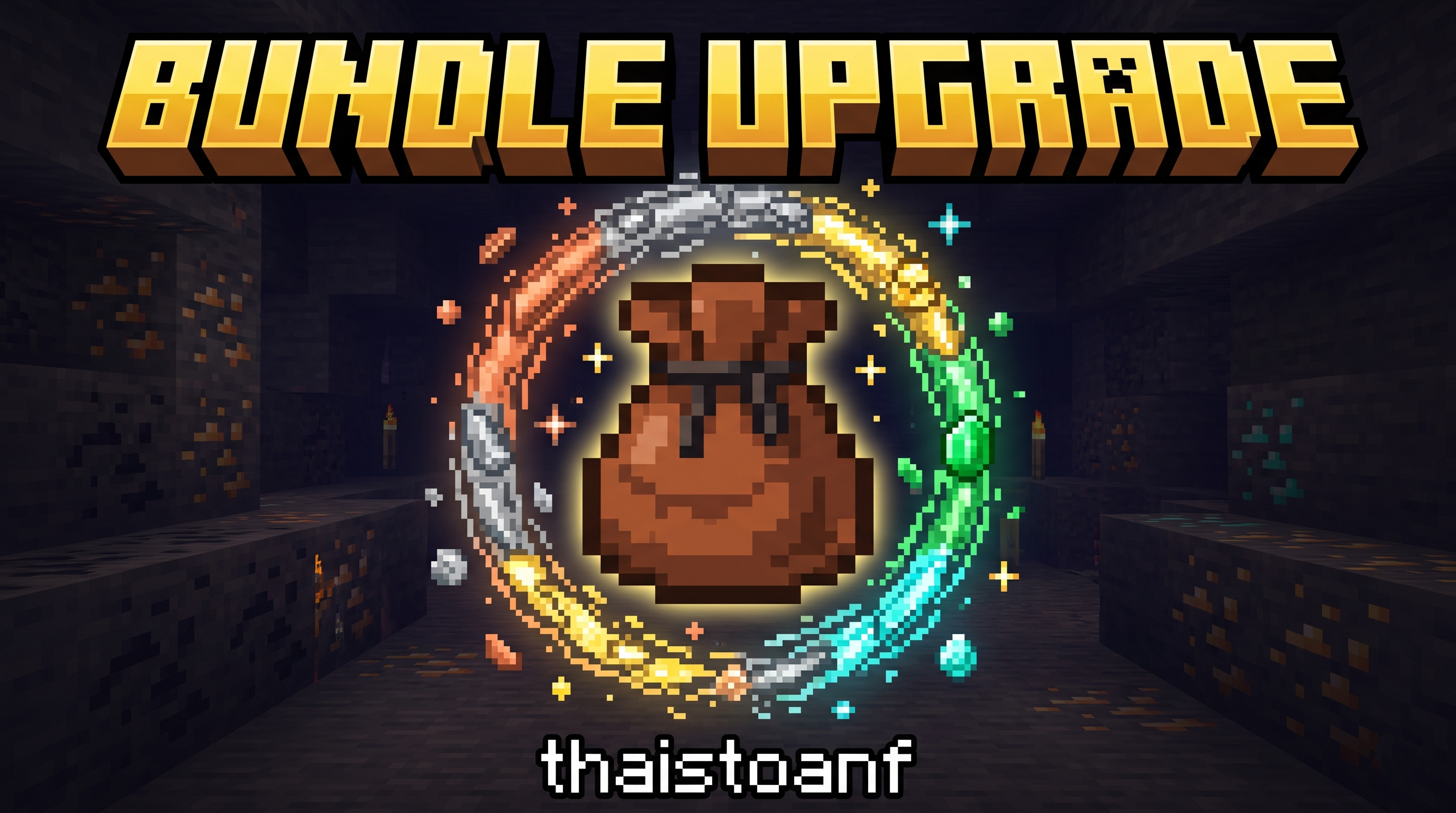
Sequential Bundle Storage Upgrades for Minecraft Fabric.

1.0.1Supported Minecraft versions1.21.2+ (current build: 1.21.11)Mod loaderFabric Loader 0.19.5+ with Fabric API[!IMPORTANT] 100% Item Retention: Upgrading a bundle on a Crafting Table safely transfers all stored contents (BUNDLE_CONTENTS) and custom anvil names (CUSTOM_NAME) directly to the newly crafted tier. You never have to empty your bundle before upgrading!Sequential Upgrade Tiers & Recipes TableAll recipes use a 3x3 Crafting Table: Place the previous tier bundle in center slot 5, surrounded by 8 tier upgrade materials in all outer slots.TierBundle NameItem Identifier3x3 Crafting RecipeExtra CapMax Capacity0Vanilla Bundleminecraft:bundle1x Rabbit Hide + 1x String (Vanilla)+064 units1Copper Bundlebundleupgrade:copper_bundleCenter: minecraft:bundle
Surrounding (x8): Copper Ingot+1074 units2Iron Bundlebundleupgrade:iron_bundleCenter: bundleupgrade:copper_bundle
Surrounding (x8): Iron Ingot+2094 units3Gold Bundlebundleupgrade:gold_bundleCenter: bundleupgrade:iron_bundle
Surrounding (x8): Gold Ingot+30124 units4Emerald Bundlebundleupgrade:emerald_bundleCenter: bundleupgrade:gold_bundle
Surrounding (x8): Emerald+40164 units5Diamond Bundlebundleupgrade:diamond_bundleCenter: bundleupgrade:emerald_bundle
Surrounding (x8): Diamond+50214 unitsHow to Use & Mechanics1. Controls (Identical to Vanilla 1.21.2+ Bundles)ActionHowInsert (Left-Click)Hold an item on your cursor and left-click the bundle, or hold the bundle on your cursor and left-click a slot containing an item.Extract (Right-Click)With an empty cursor, right-click the bundle to take out one stack (the selected stack, or the first stack).Place into an empty slot (Right-Click)Hold the bundle on your cursor and right-click an empty slot to place one stack from the bundle into it.Distribute (Right-Click & Drag)Hold the bundle on your cursor, then hold right-click and drag across empty slots: each empty slot receives one stack.Select (Mouse Wheel)Hover over the bundle and scroll the mouse wheel over its tooltip to choose which stack will be extracted next.Empty into the world (Use)Hold the bundle in your hand and hold right-click to drop every stored stack one after another.2. Capacity Weight Rules (Base-64 Unit System)Occupancy is calculated using standard base-64 fractions:Stack size 64 items (building blocks, minerals, seeds…): 1 unit / item (1/64 weight).Stack size 16 items (ender pearls, snowballs, empty buckets…): 4 units / item (4/64 weight).Unstackable items (tools, weapons, armor, enchanted books…): 64 units / item (64/64 weight).[!TIP] Since upgraded bundles feature capacities from 74 to 214 units, you can store unstackable gear (such as a sword or pickaxe, taking 64 units) while still having 10 to 150 units of remaining space for other items!3. Automatic Stack Splitting (Since 1.0.1)When you store more than 64 identical items (for example 200 stone in a Diamond Bundle), the bundle automatically keeps them as several standard stacks (64 + 64 + 64 + 8) instead of one oversized stack. Every extraction returns at most one standard stack.4. Fullness Bar & Dynamic TooltipsItem Fullness Bar: The gauge below the bundle item dynamically scales to currentUnits / maxCapacity of that tier without overflow or visual glitches.Informative Tooltips: Displays exact occupancy numbers in Current / Max format (e.g., 64 / 74, 180 / 214…).Installation & Building from SourcePlaying the ModInstall Fabric Loader.Install the matching Fabric API.Place the downloaded .jar file from Releases into your .minecraft/mods directory.Compiling from SourceRequires Java installedDeveloped by thaistoanf
Project description from CurseForge.
Pick your setup
Choose the version and loader you play, then open the matching release.
Check the dependencies, then try the file in a copied instance before changing a world you care about.
Recent files
13 Nov 2026
13 Nov 2026
13 Nov 2026
13 Nov 2026
3 Nov 2026
29 Oct 2026
bundleupgrade-1.0.0.jar
18 Oct 2026
Looking for an older file? The official CurseForge project page is in Resources.
 mod
This mod adds Knight Armor and Weapons to Minecraft.
 mod
This mod gives vanilla's fletching table a real GUI and nine new arrow types — explosive, lightning-calling, teleporting and more — crafted from a tip, a stick and a feather. For Fabric on Minecraft 1.21.11.
 mod
Intelligent new animals that make the world livelier