Minecraft version
Back to mods 
CurseForge · Minecraft mod
Enchanted Brew
Create realistic, procedural potions from anything
Choose a version Pick your version below, then grab the matching file.
Quick answer
Which Enchanted Brew release should I use?
Latest stable file enchantedbrew-1.1.1.jar
Game version 1.21.8
Loader NeoForge
Enchanted Brew enchantedbrew-1.1.1.jar targets 1.21.8 with NeoForge. The project page does not say whether this file belongs on the client, dedicated server, or both. No extra mods listed for this file.
Where it goes
Is Enchanted Brew required on the client, server, or both?
The project page does not say whether this file belongs on the client, dedicated server, or both.
Client Source doesn’t say
Dedicated server Source doesn’t say
Loader for this release NeoForge
Required install it here Optional supported, not mandatory Not supported do not install here Source doesn’t say do not assume
The source does not explicitly classify this release as client-only or server-only.
What else does Enchanted Brew enchantedbrew-1.1.1.jar need?
enchantedbrew-1.1.1.jar. Change the file and its required mods may change too.
This file does not list any required mods. Do not add a library just because a different file uses it.
This file does not list any required or optional mods.
Before you install it
Add Enchanted Brew without breaking your instance.
Built for Enchanted Brew enchantedbrew-1.1.1.jar. Pick another file and the loader, install side or required mods may change.
- 01
Stick to this file
Use enchantedbrew-1.1.1.jar. It targets 1.21.8 with NeoForge; another release may have different loader, side or dependency requirements.
- 02
Bring the mods it needs
This file does not list any required mods. Do not add a library just because a different file uses it.
- 03
Put it on the correct side
The project page does not say whether this file belongs on the client, dedicated server, or both.
- 04
Pick the file you checked
Use the “Get this file” button beside enchantedbrew-1.1.1.jar. It opens that exact file at the source.
About this project
What does Enchanted Brew add?
This mod adds the ability to create drinks by mixing any items from the game, resulting in a wide variety of effects.
To get started, you’ll need to build a campfire and place a cauldron on top of it; this is what enables the mechanic.
You can monitor the temperature, which depends on the current biome and the amount of heat generated by the campfire. Be careful—don’t break the campfire; use a shovel to extinguish it instead.
The temperature influences the potency of the potion effects. The effects themselves are quite intuitive: for instance, a golden apple grants regeneration, while honey shifts the potion’s color toward an orange hue and restores hunger points. Negative effects are also possible.
There are millions of potential combinations, and you can keep track of them by writing them down on pieces of paper.
There are millions of possible combinations, and you can record them on slips of paper. To do this, simply hold the Shift key and right-click with a slip of paper on a cauldron containing water to which you’ve already added ingredients. Share your recipes with others!
The mod is built on sound logic! For instance, in freezing temperatures, the current mixture is preserved for a long time—though you won’t be able to scoop any out. Hot blocks intensify the heat, while water that gets too hot will begin to evaporate.
Start creating today!
Project description from CurseForge.
Pick your setup
Enchanted Brew by Minecraft version and loader
Choose the version and loader you play, then open the matching release.
Check the dependencies, then try the file in a copied instance before changing a world you care about.
Recent files
Enchanted Brew versions and loaders
enchantedbrew-1.1.1.jar
18 Oct 2026
Client Source doesn’t say Server Source doesn’t say Dependencies No extras listed Listed on Release listing
Check the 1.21.8 · NeoForge setup 1.21.8NeoForge release
Looking for an older file? The official CurseForge project page is in Resources.
 mod
CurseForge + Modrinth · Minecraft
Remnants | RPG Mobs
Every mob has the potential to grow stronger, smarter, and more dangerous as they gain levels. With dynamic scaling of health, damage, and special abilities, each encounter becomes a unique challenge that will test your survival skills
 mod
CurseForge + Modrinth · Minecraft
Grabby Mobs
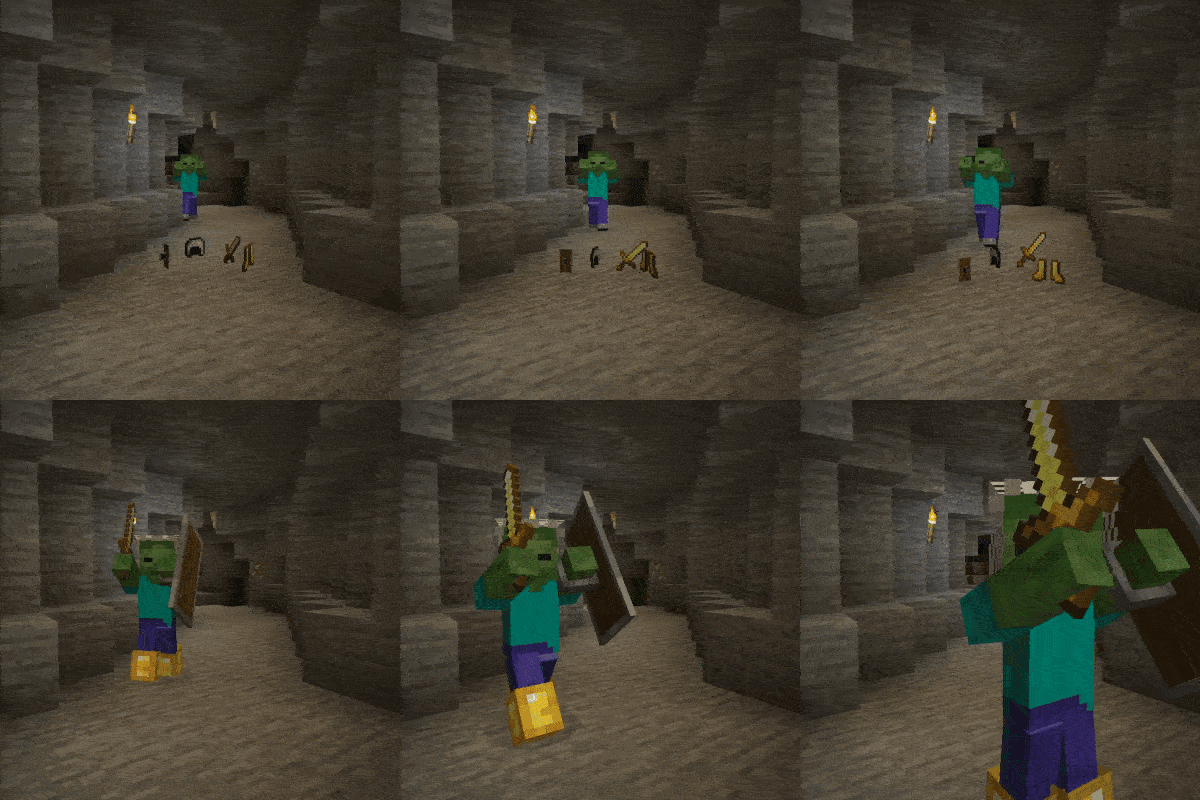
👾 Allows all mobs which can carry equipment to pick up items from the floor.
 mod
CurseForge + Modrinth · Minecraft
Core Utilities
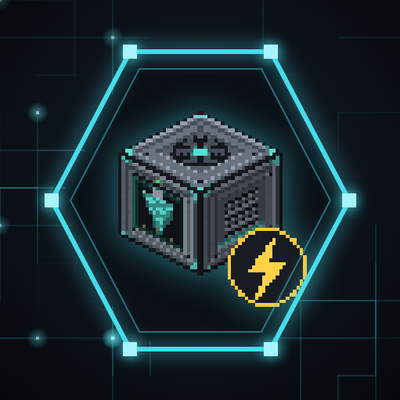
A futuristic tech-meets-automation mod for Minecraft, designed to expand the game’s core functionality with high-efficiency tools, modular machines, and directional logic systems.