Minecraft version
Back to mods 
CurseForge · Minecraft mod
Led Panel
Build LED screens of any size: scrolling text, YouTube video, dance-floor light patterns, ambilight and radio-linked speakers.
Choose a version Pick your version below, then grab the matching file.
Quick answer
Which Led Panel release matches 1.20.1 Forge?
Best match for your filters ledpanel.jar
Game version 1.20.1
Loader Forge
Led Panel ledpanel.jar targets 1.20.1 with Forge. The project page does not say whether this file belongs on the client, dedicated server, or both. No extra mods listed for this file.
Where it goes
Is Led Panel required on the client, server, or both?
The project page does not say whether this file belongs on the client, dedicated server, or both.
Client Source doesn’t say
Dedicated server Source doesn’t say
Loader for this release Forge
Required install it here Optional supported, not mandatory Not supported do not install here Source doesn’t say do not assume
The source does not explicitly classify this release as client-only or server-only.
What else does Led Panel ledpanel.jar need?
ledpanel.jar on 1.20.1 Forge. Every mod below is checked against that same setup.
This file does not list any required mods. Do not add a library just because a different file uses it.
This file does not list any required or optional mods.
Before you install it
Add Led Panel without breaking your instance.
Built for Led Panel ledpanel.jar on 1.20.1 Forge. Pick another file and the loader, install side or required mods may change.
- 01
Stick to this file
Use ledpanel.jar. It targets 1.20.1 with Forge; another release may have different loader, side or dependency requirements.
- 02
Bring the mods it needs
This file does not list any required mods. Do not add a library just because a different file uses it.
- 03
Put it on the correct side
The project page does not say whether this file belongs on the client, dedicated server, or both.
- 04
Pick the file you checked
Use the “Get this file” button beside ledpanel.jar. It opens that exact file at the source.
About this project
What does Led Panel add?
Tambien en Español
Welcome to the LED PANEL mod page!
Do you love lights, screens and big shows? Then you are in the right place!
LED PANEL brings real LED screens to Minecraft. Place panels, join as many as you want into one huge screen, and plug in a "brain" that decides what it shows: scrolling text, YouTube videos, dance-floor lights or sound through radio-linked speakers. Everything is built with simple blocks: no crafting recipes and no wires.
🧱Blocks and items
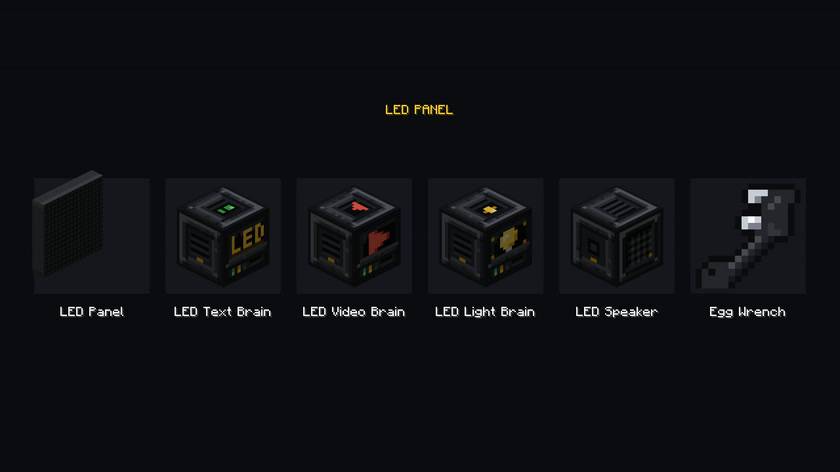
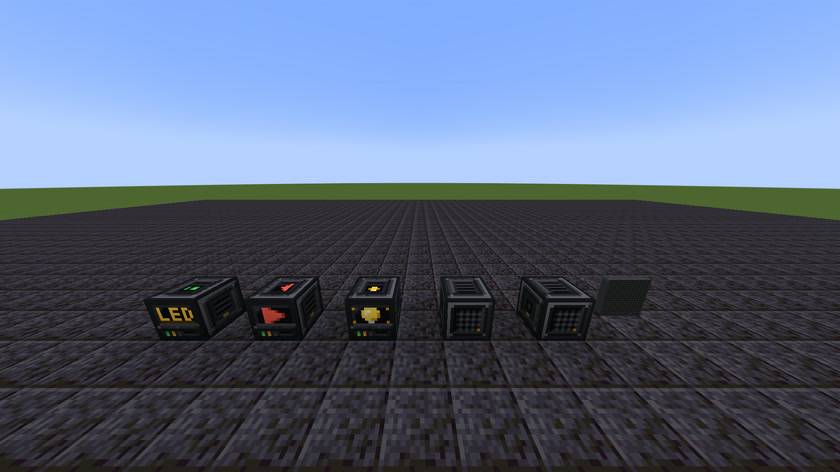
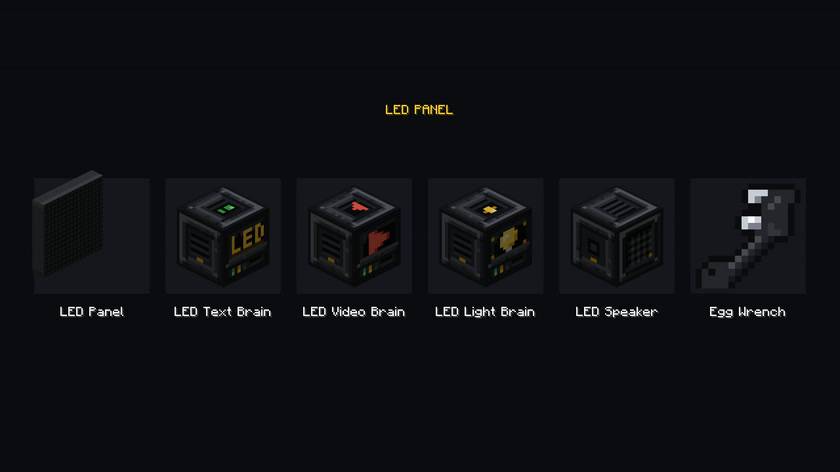
Everything lives in the creative tab "LED Panel": the LED Panel, three brains (Text, Video and Light), the LED Speaker and the Egg Wrench. A brain only has to touch the screen to link with it.

🔲Screens of any size
Panels join by themselves into one screen: 1x1, 5x3, 30x10... no limit. You choose how fine the LEDs are, from 4 to 64 LEDs per block, and the screens cast coloured light on the blocks around them.
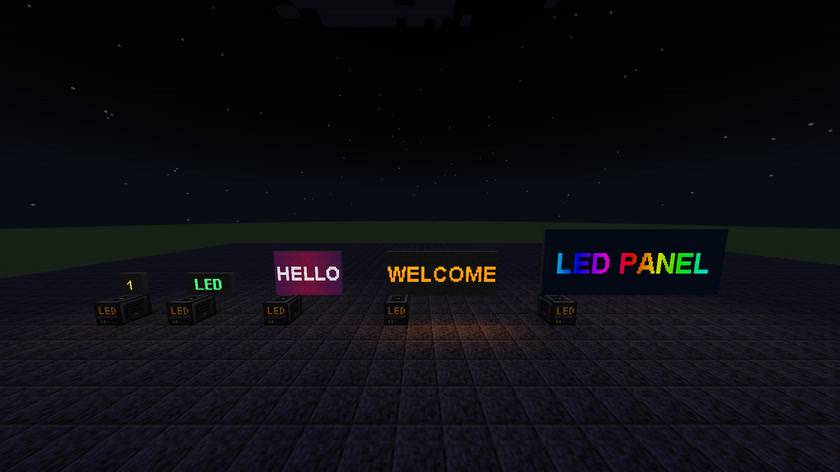
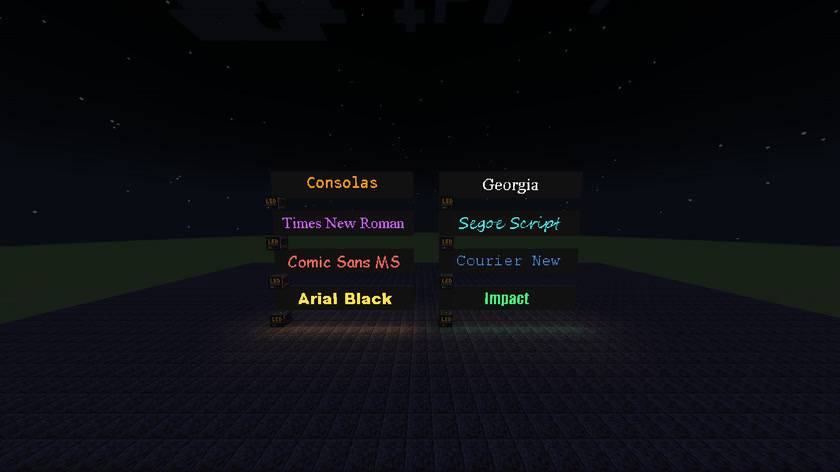
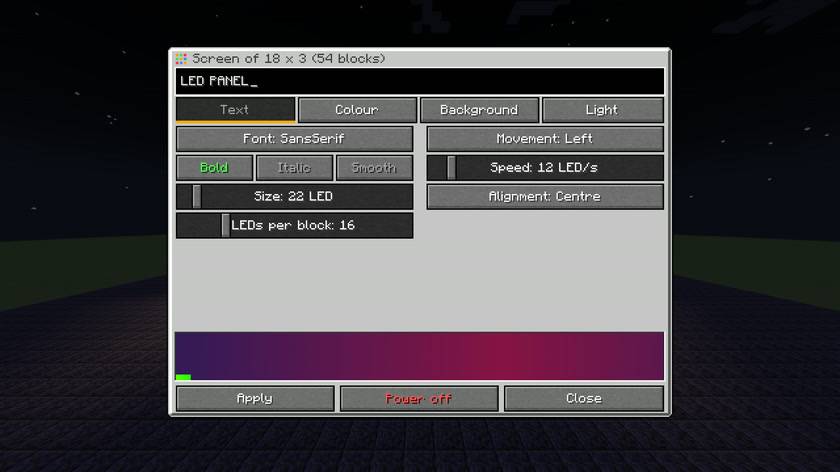
🔤Text Brain
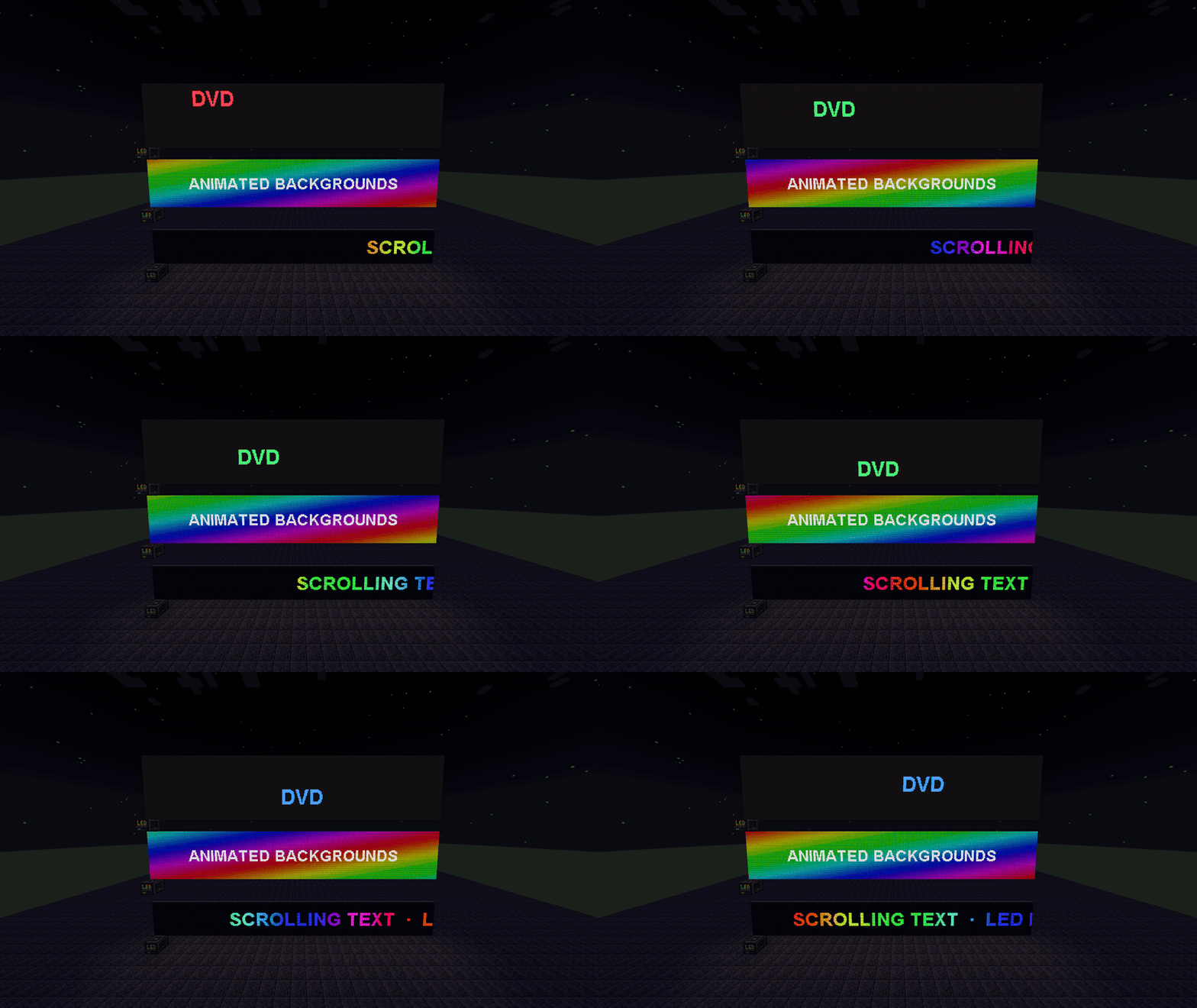
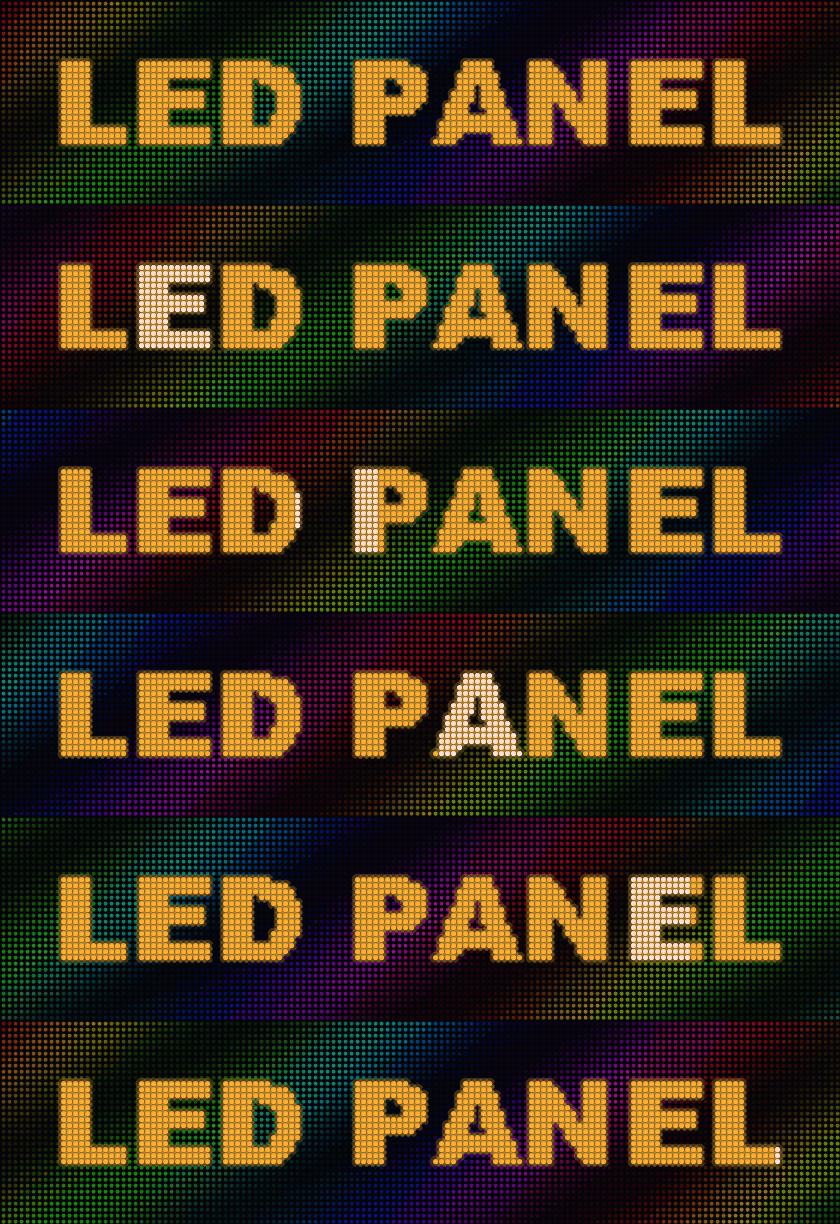
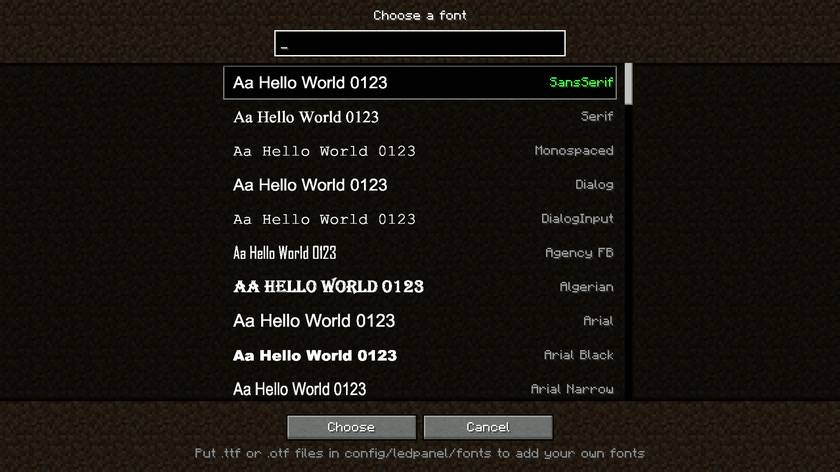
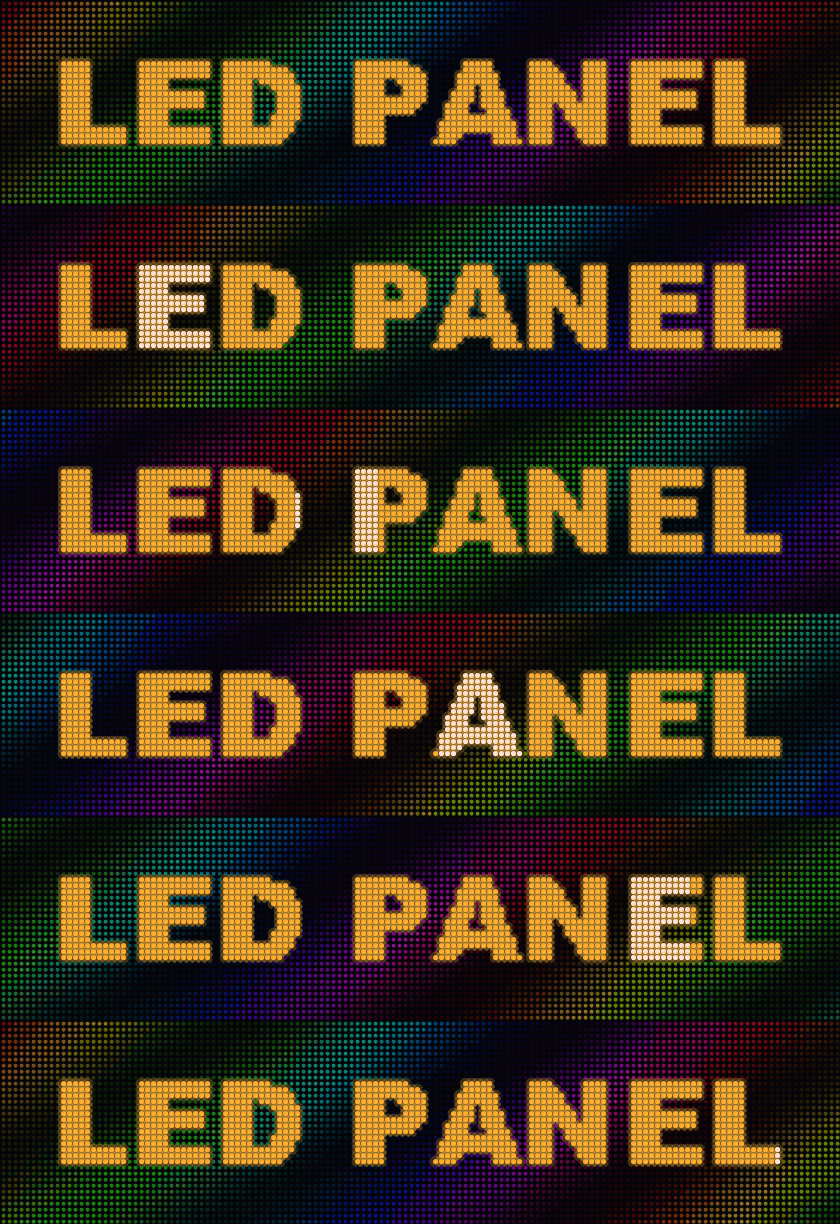
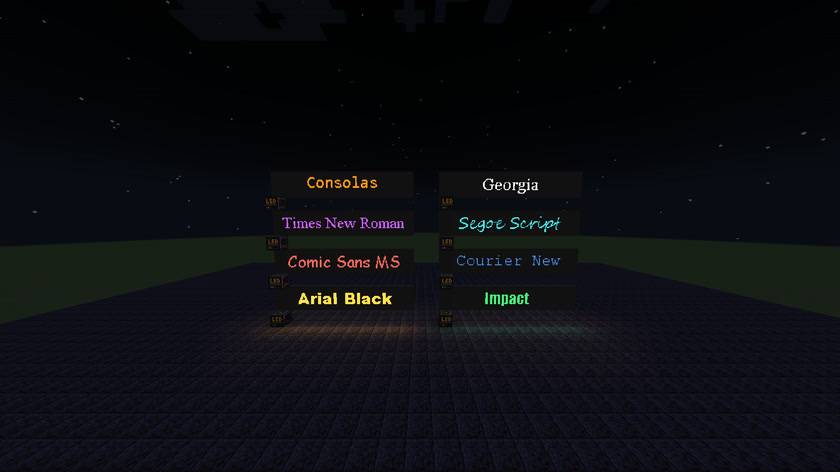
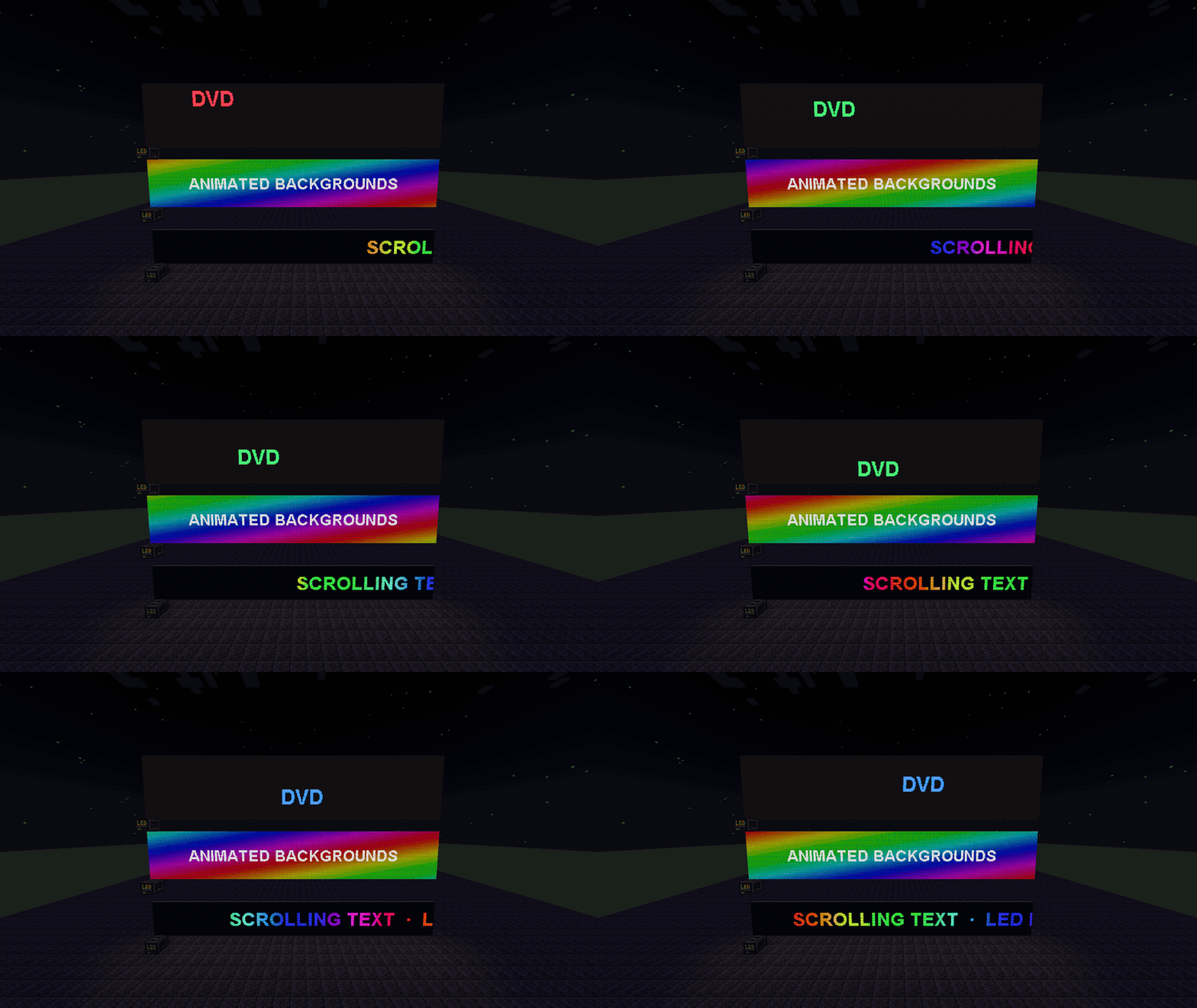
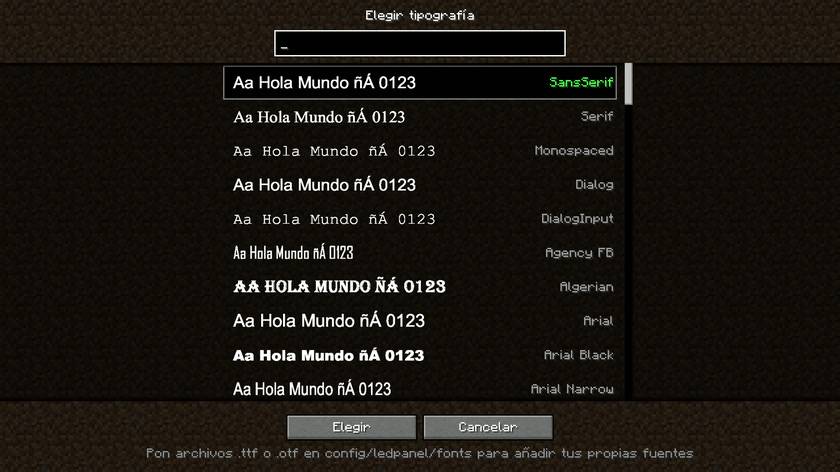
Scrolling or static text in any font installed on your computer (or your own .ttf and .otf files), bold, italic, colours, gradients, rainbow, animated backgrounds, glow and a bouncing "DVD" logo when nothing is playing.
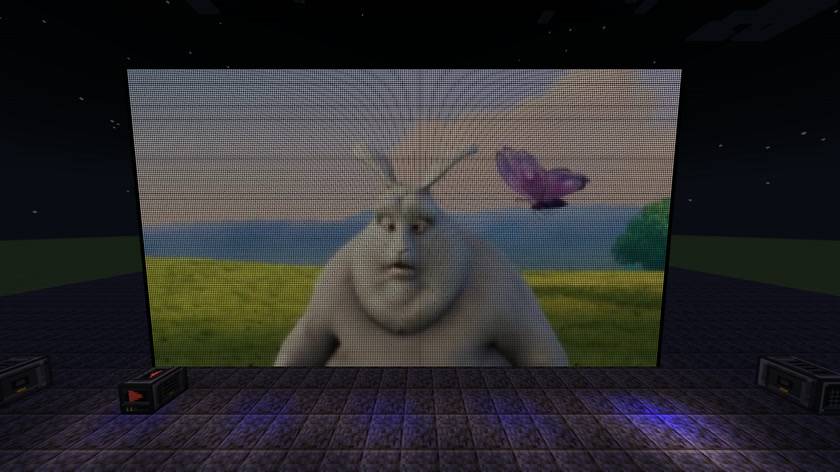
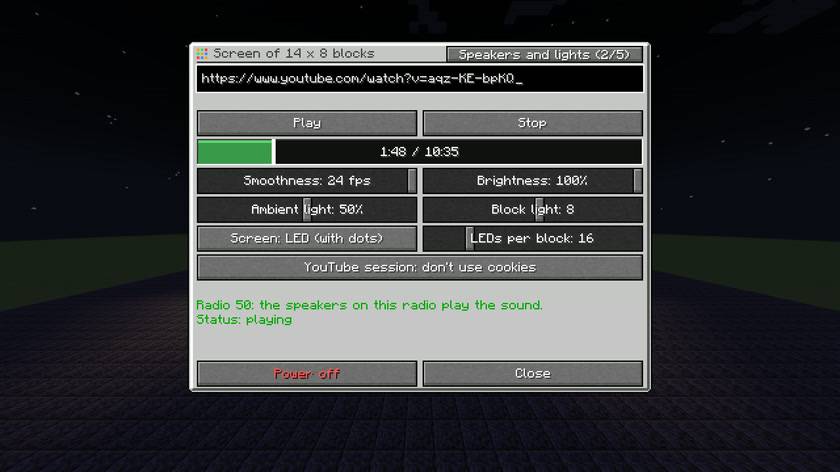
▶️Video Brain
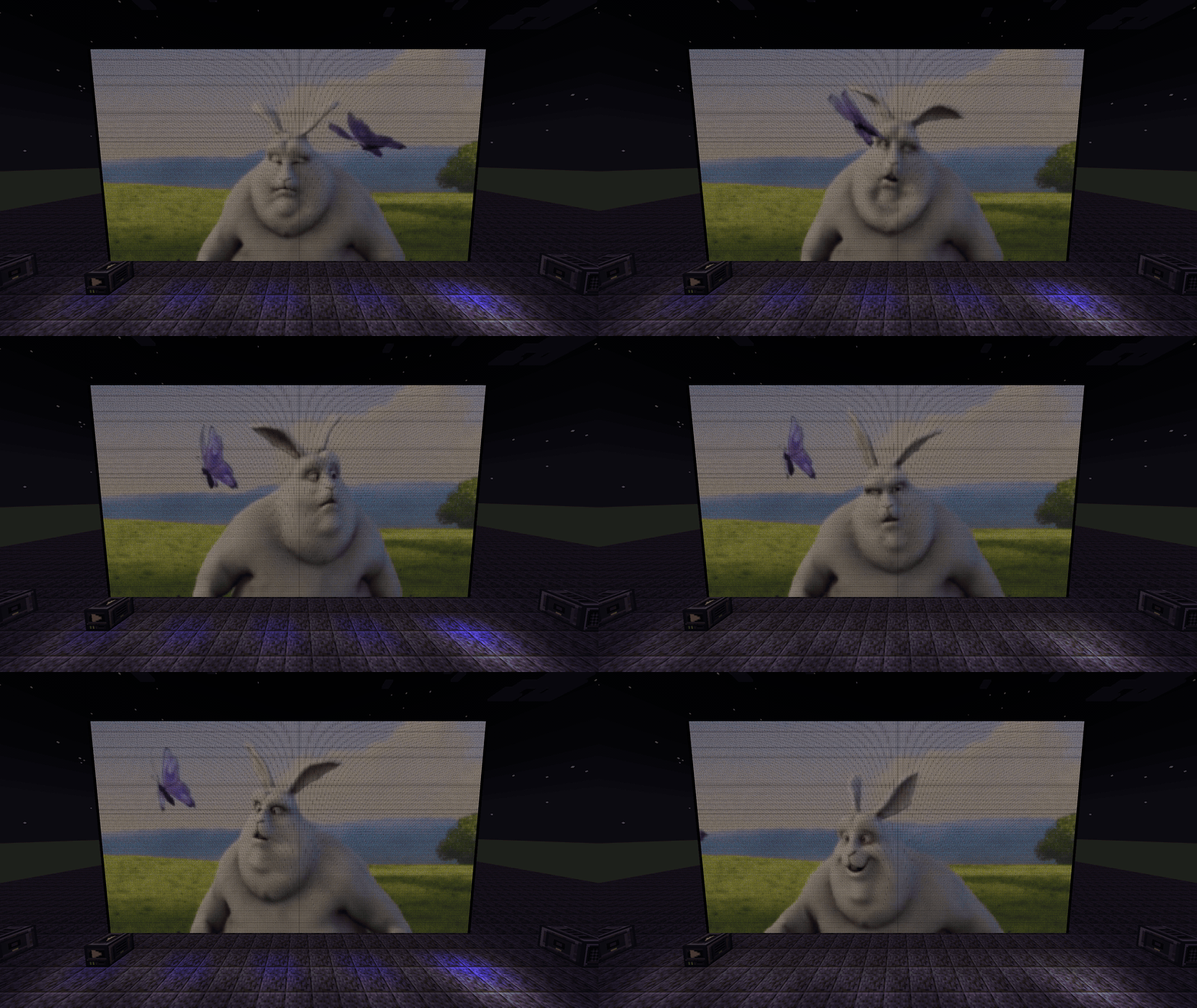
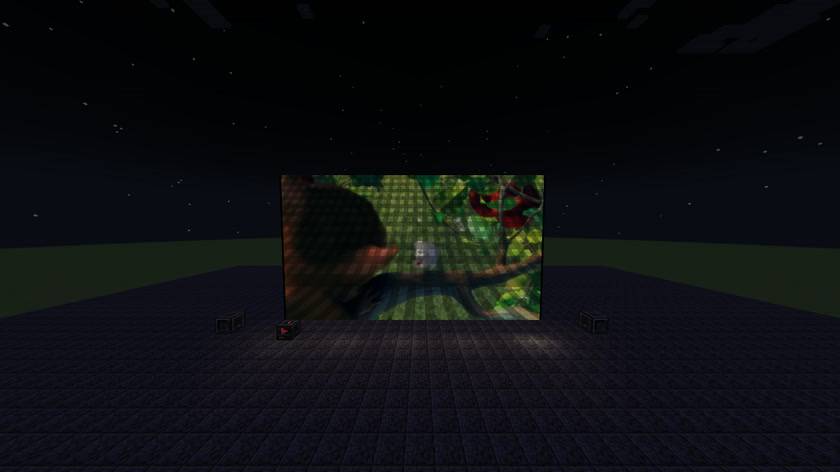
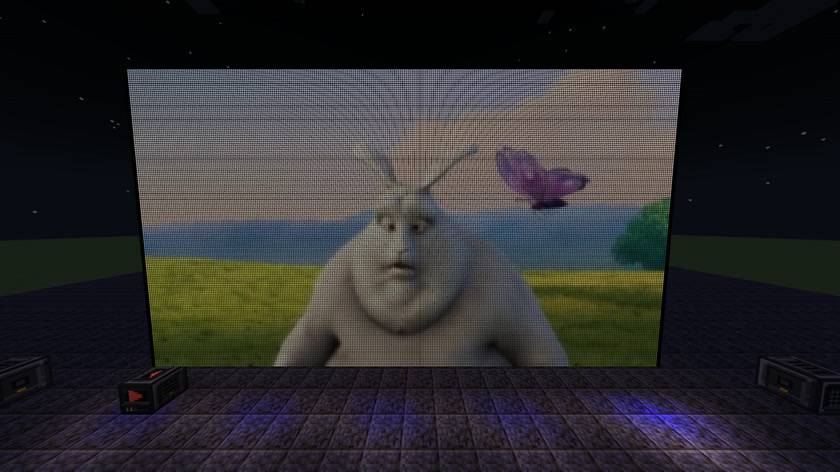
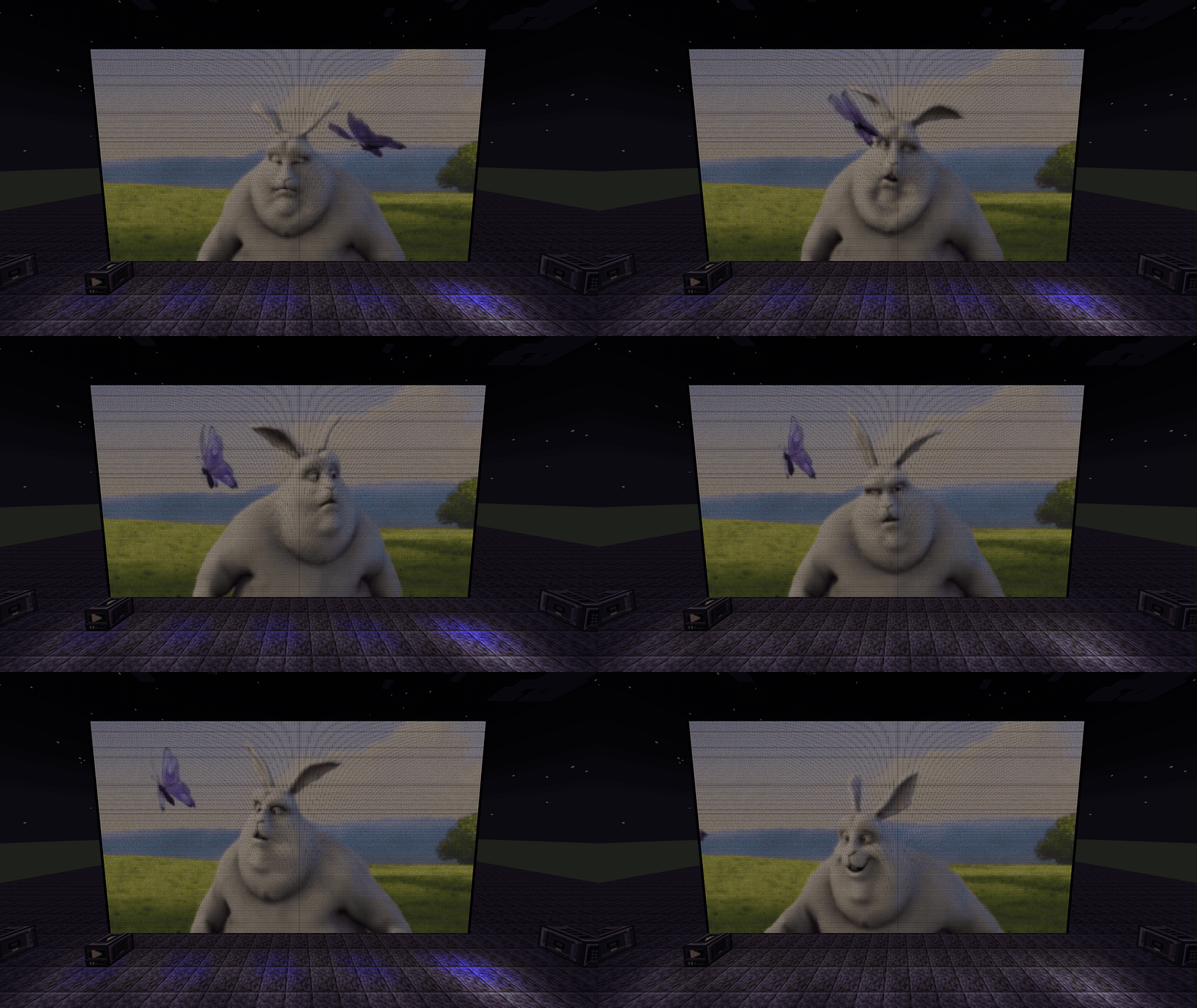
Play a YouTube link (or a picture) right on your screen, with a seek bar, smoothness, brightness, ambient light, an LED / LCD look and a LEDs per block slider for a sharper picture. Videos and pictures survive server restarts.
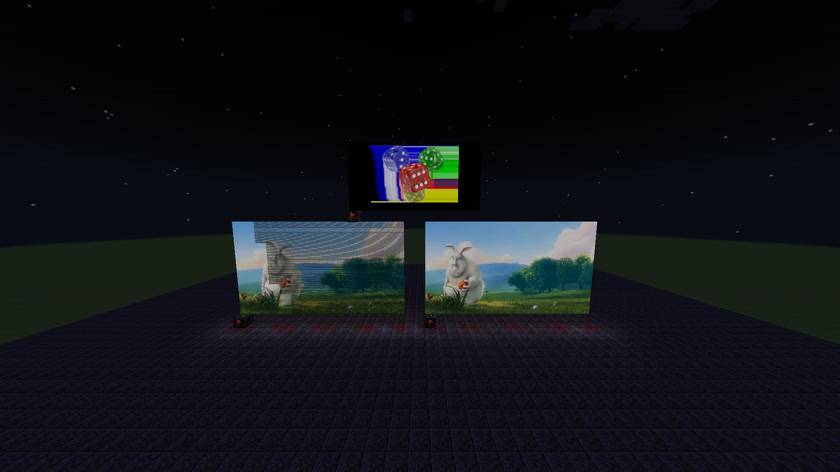
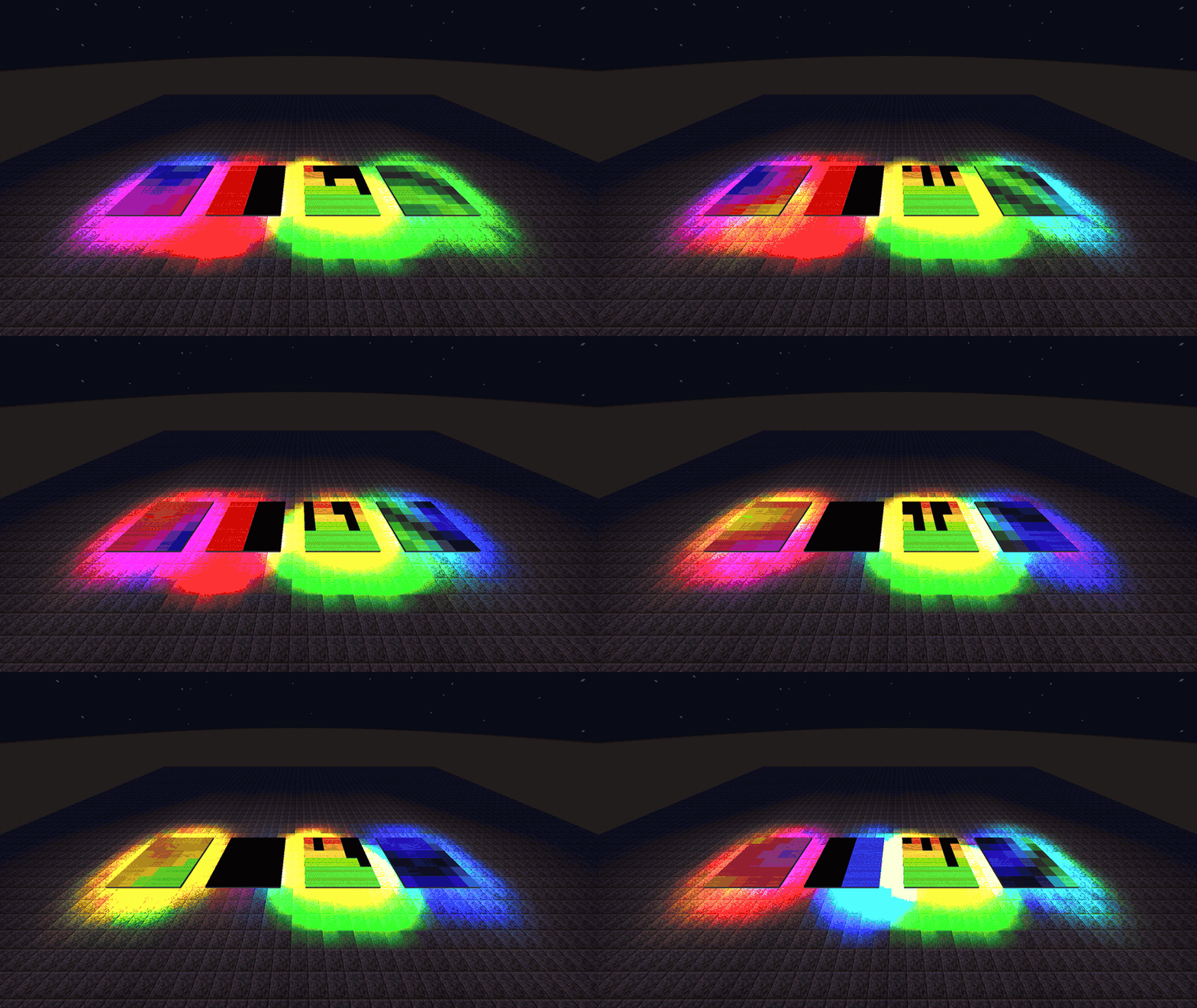
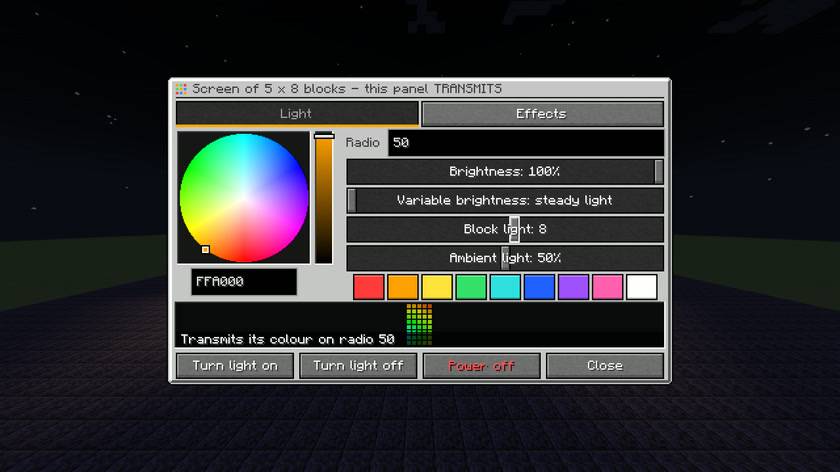
🎉Light Brain: dance floors
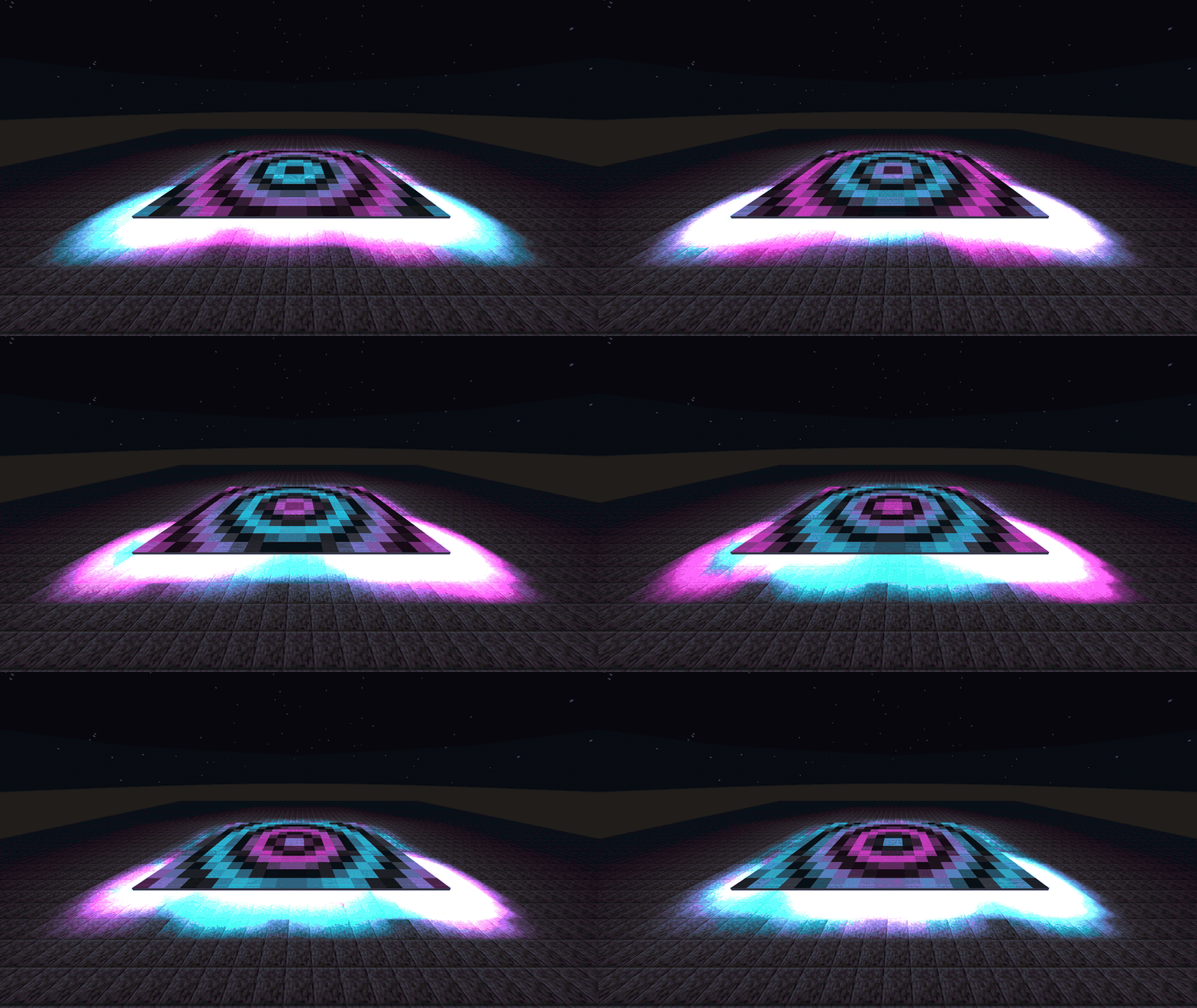
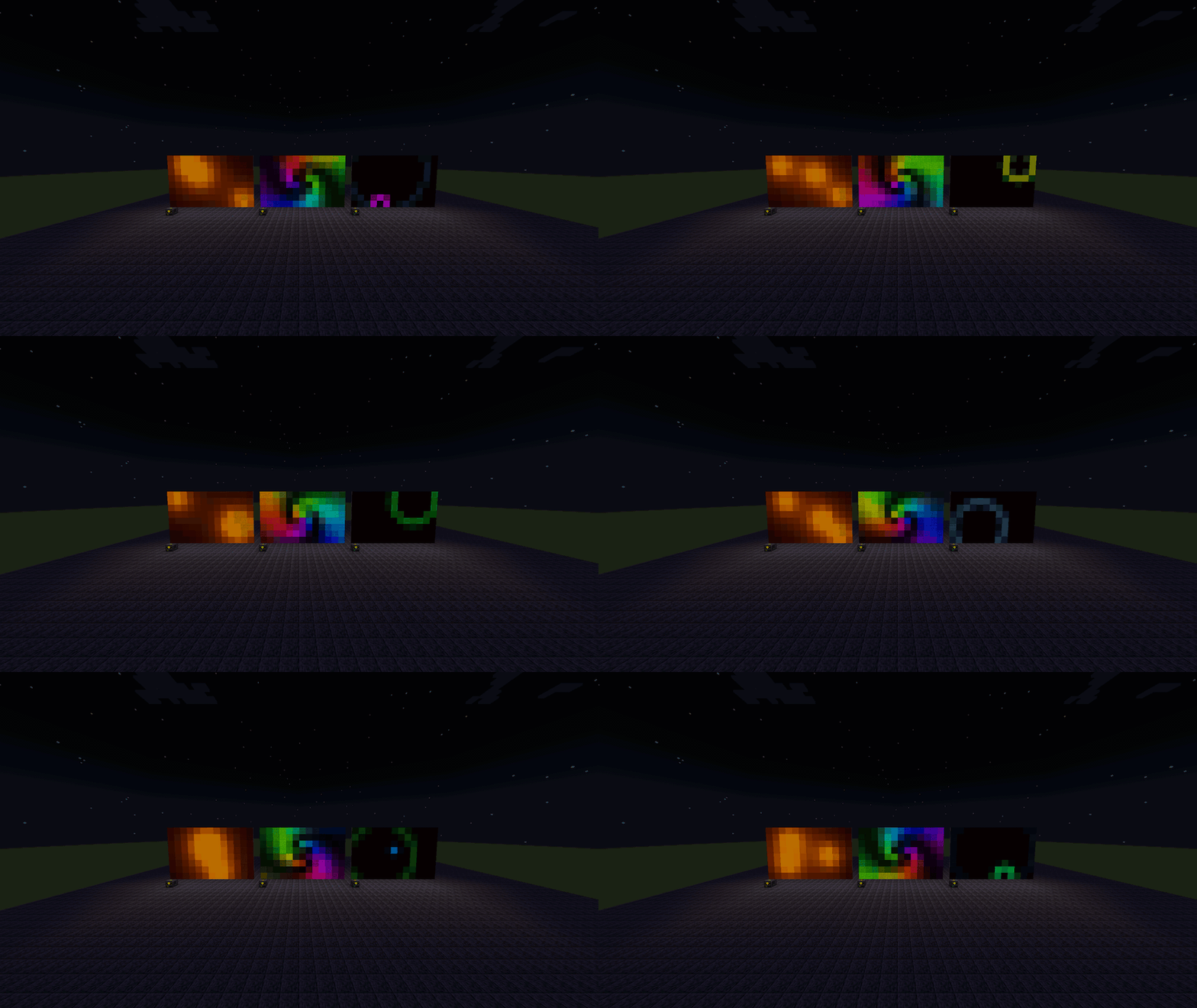
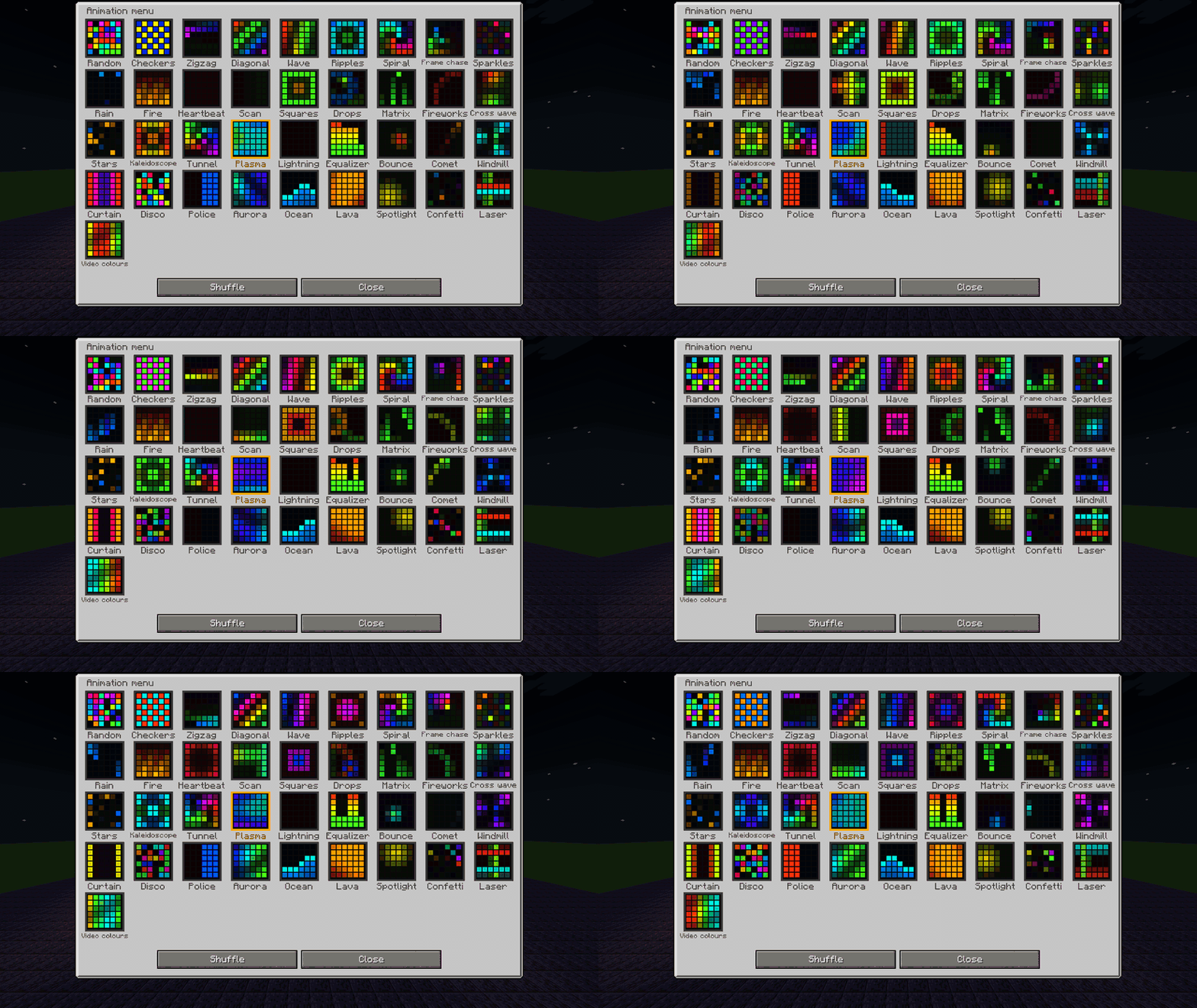
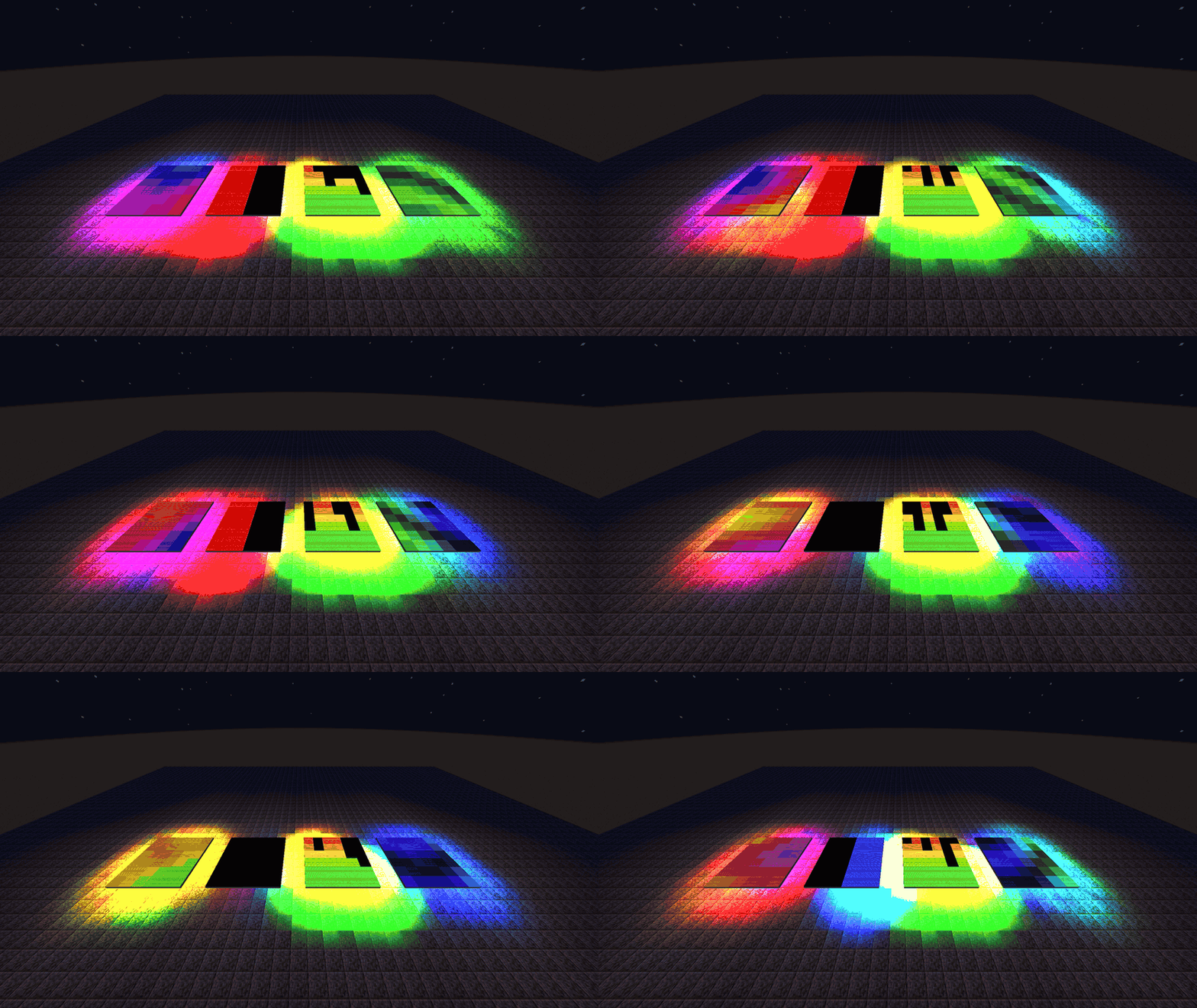
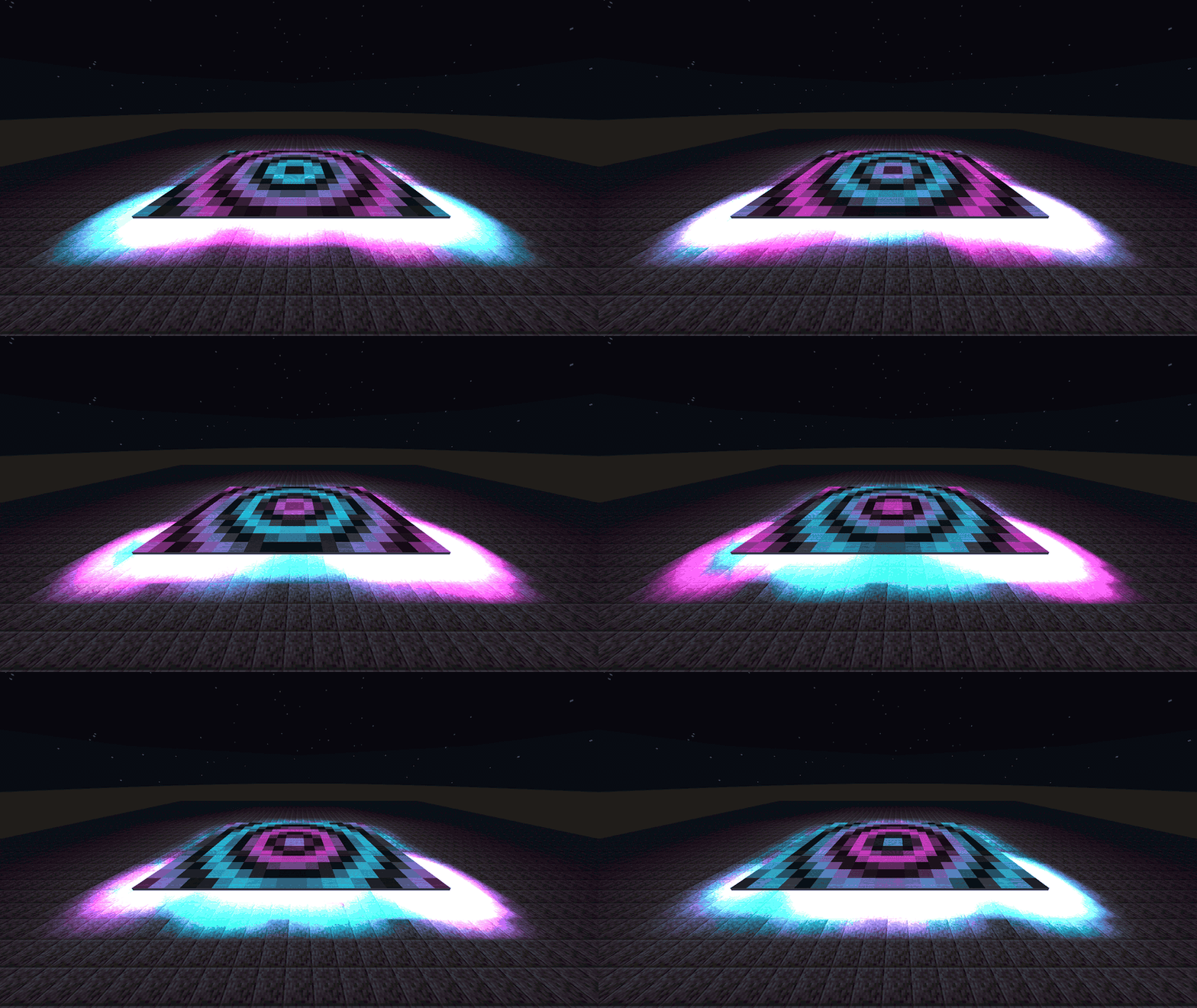
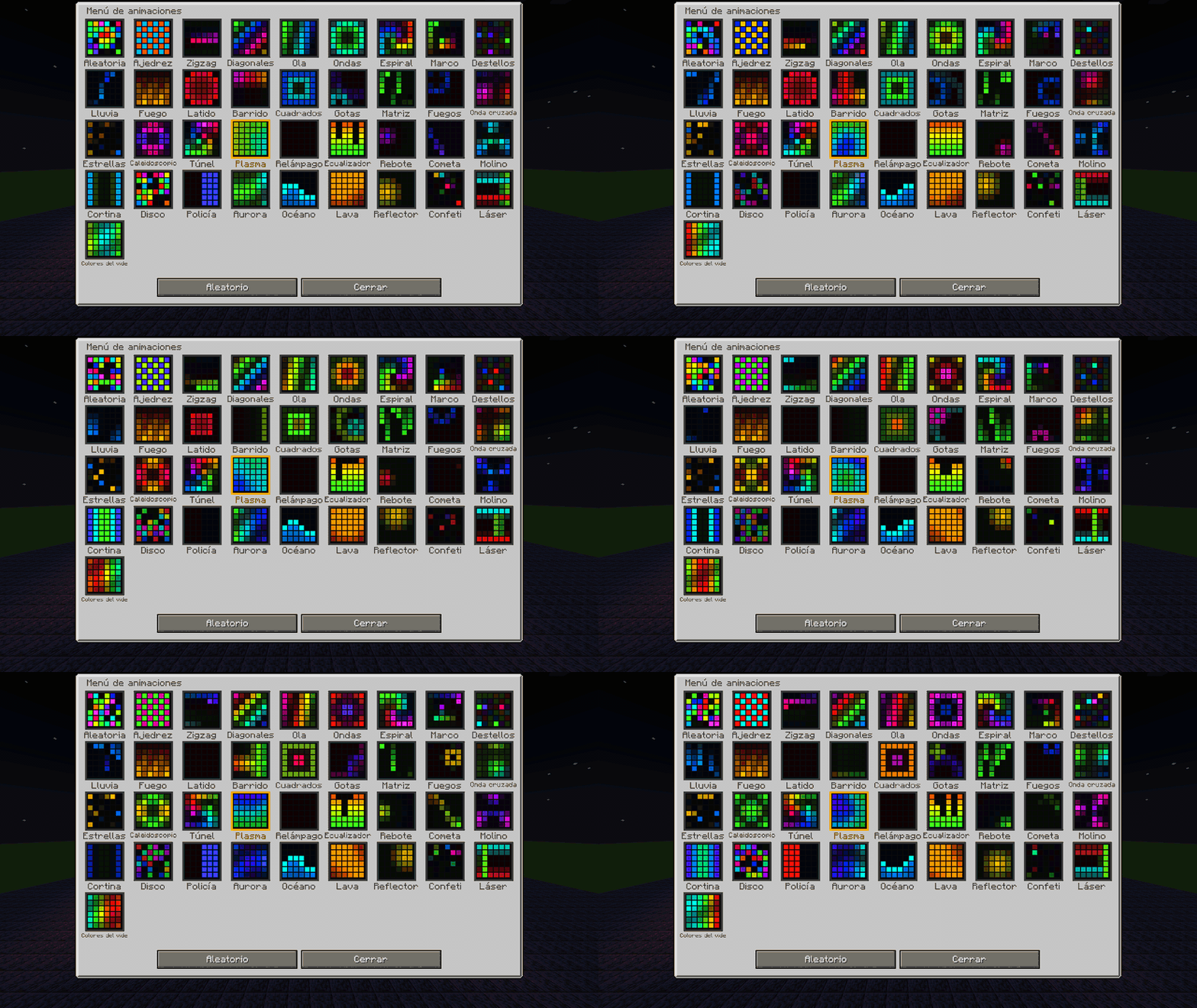
Turn panels into lamps, floors, walls and ceilings with 36 patterns: Rainbow, Plasma, Tunnel, Equalizer, Police, Aurora, Ocean, Lava, Laser, Confetti, Fireworks and more. A live preview menu shows every pattern moving, and a shuffle button picks one for you.
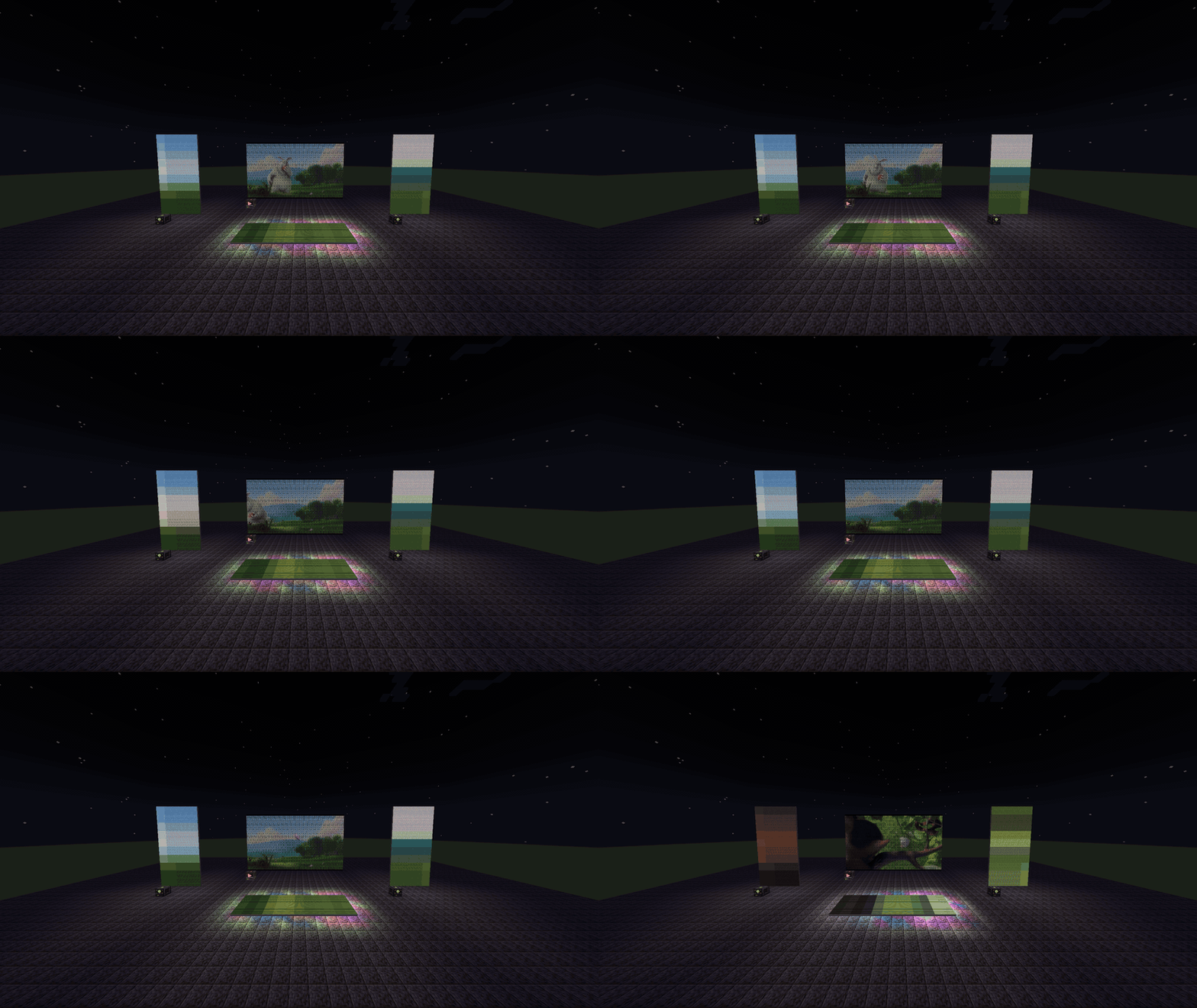
🎥Ambilight: video colours
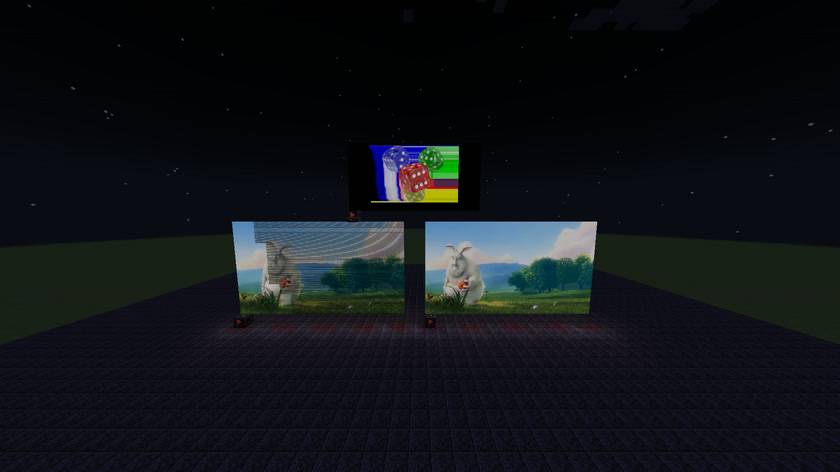
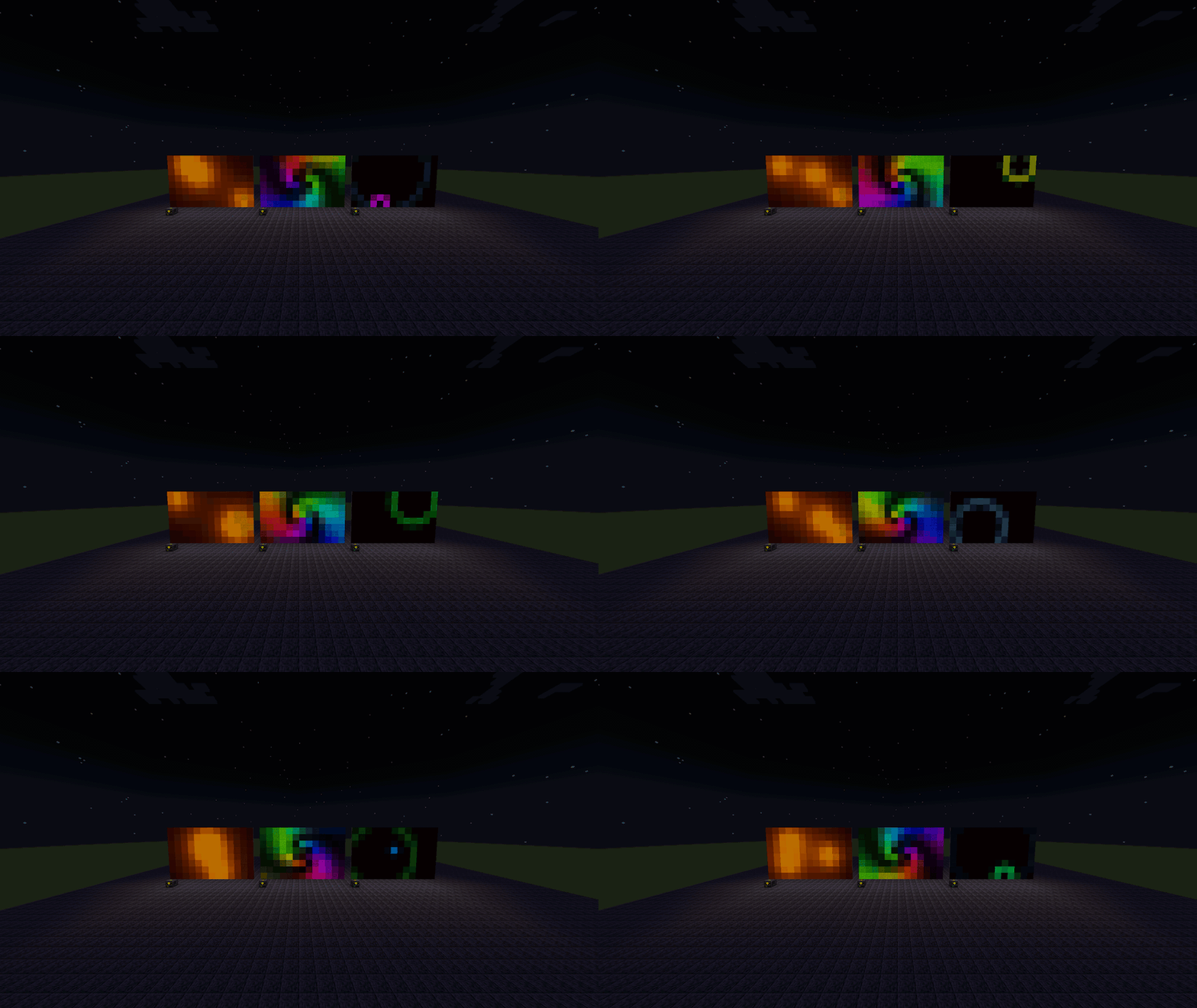
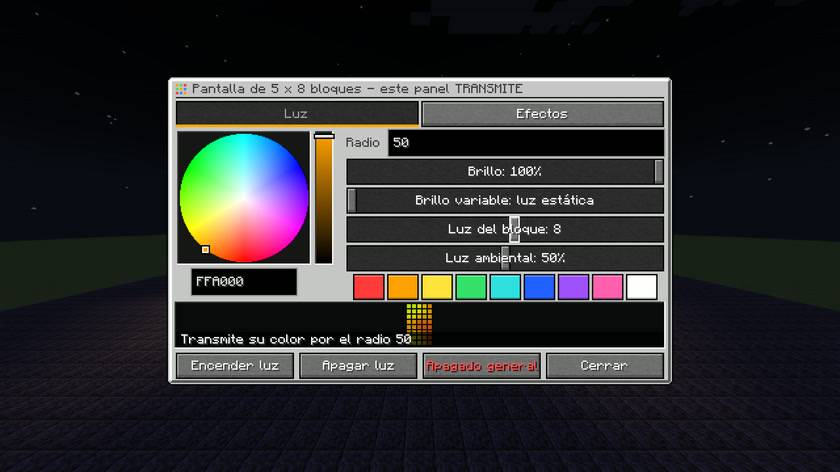
Light screens that share a radio with a video screen take the colours of the video. Each panel shows the part of the picture on its side of the screen: orange on the left, blue on the right... They do not even have to touch the screen!
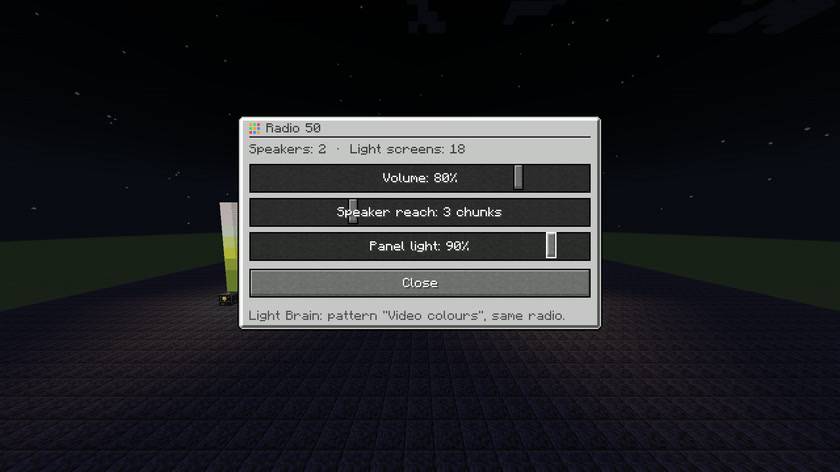
📻Speakers and radio
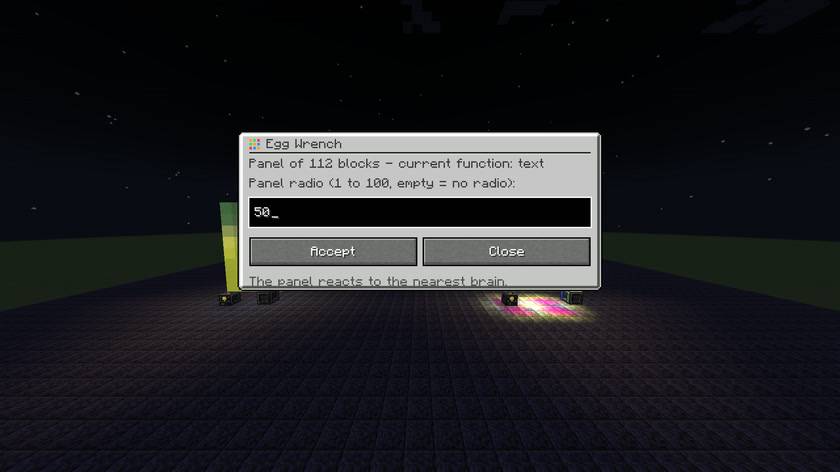
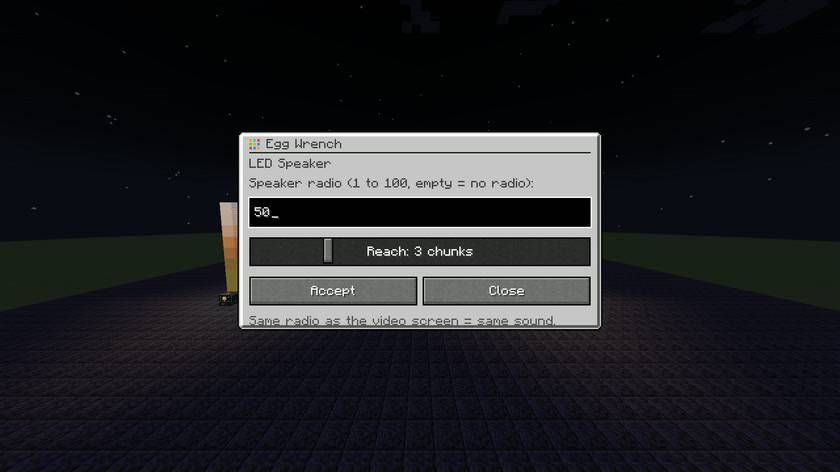
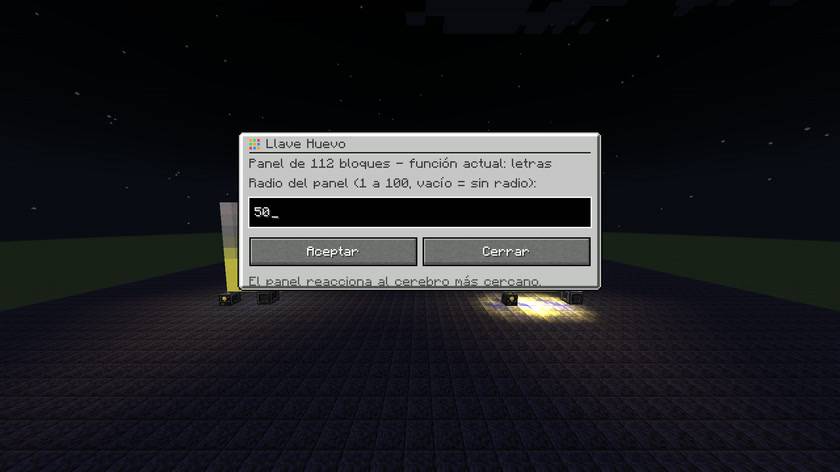
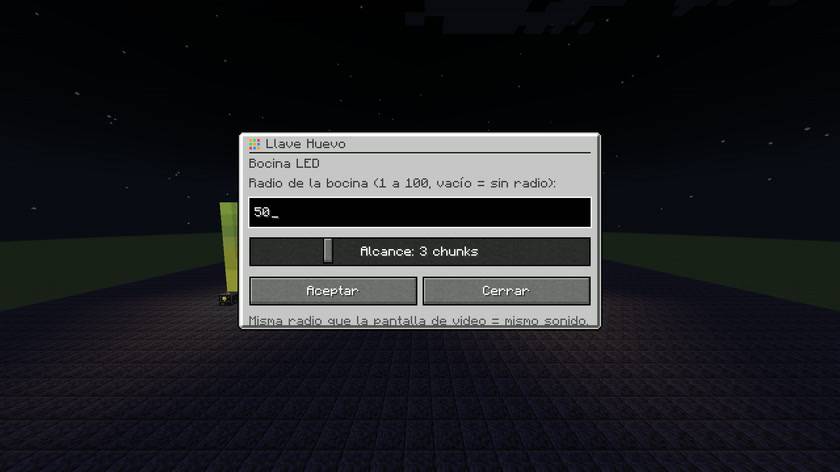
Radios 1 to 100 link screens, lights and speakers without cables. Speakers play the sound of the video on their radio: louder when you are closer and panned left or right. The video brain opens a menu for all the linked speakers and lights: volume, reach in chunks and light strength. A streamer mode mutes the speakers with one command.
🧰Interfaces
Everything is set up from simple screens that follow your Minecraft language.
📋Requirements
· Minecraft 1.20.1 with Forge 47.x (Java 17).
· Install it on the client and the server.
· Video needs the free tools ffmpeg and yt-dlp on the player's computer. The mod can install them for you, but only when you press the install button (or run /ledpanelinstall) or if you turn on auto_install in its config. Downloads are verified with SHA-256. Without them everything else works normally.
· The mod follows the language of Minecraft: English or Spanish. Items and commands are always in English.
💬Feedback
Found a bug or have an idea for a new pattern? Tell us in the comments!
Descripción en español
¡Bienvenido a la página de LED PANEL!
¿Te encantan las luces, las pantallas y los grandes shows? ¡Entonces estás en el lugar correcto!
LED PANEL trae pantallas LED de verdad a Minecraft. Coloca paneles, únelos en una pantalla gigante del tamaño que quieras y conéctale un "cerebro" que decida qué muestra: texto en movimiento, videos de YouTube, pistas de baile con luces o sonido por bocinas enlazadas por radio. Todo se arma con bloques sencillos: sin recetas de crafteo y sin cables.
🧱Bloques e items
Todo está en la pestaña creativa "LED Panel": el LED Panel, tres cerebros (Texto, Video y Luz), la LED Speaker (bocina) y la Egg Wrench (Llave Huevo). Un cerebro solo tiene que tocar la pantalla para vincularse con ella.
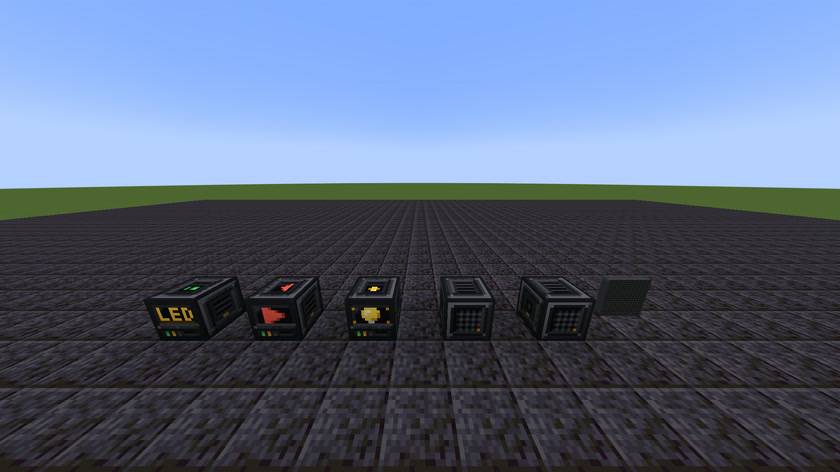
🔲Pantallas de cualquier tamaño
Los paneles se unen solos en una pantalla: 1x1, 5x3, 30x10... sin límite. Tú eliges qué tan finos son los LED, de 4 a 64 LED por bloque, y las pantallas lanzan luz de colores sobre los bloques de alrededor.
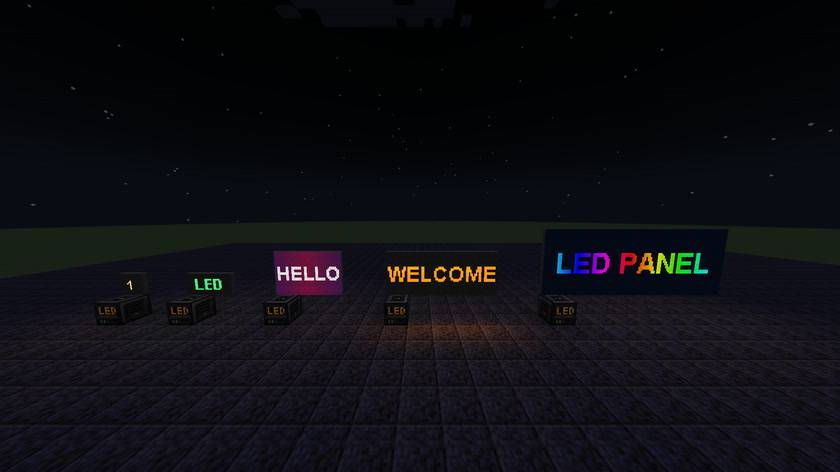
🔤Cerebro de Texto
Texto en movimiento o fijo en cualquier fuente instalada en tu computadora (o tus propios archivos .ttf y .otf), negrita, cursiva, colores, degradados, arcoíris, fondos animados, resplandor y un logo "DVD" que rebota cuando no se reproduce nada.
▶️Cerebro de Video
Reproduce un enlace de YouTube (o una imagen) directamente en tu pantalla, con barra de tiempo, fluidez, brillo, luz ambiental, estilo LED / LCD y un control de LED por bloque para una imagen más nítida. Las imágenes y los videos sobreviven a los reinicios del servidor.
🎉Cerebro de Luz: pistas de baile
Convierte los paneles en lámparas, pisos, paredes y techos con 36 patrones: Arcoíris, Plasma, Túnel, Ecualizador, Policía, Aurora, Océano, Lava, Láser, Confeti, Fuegos y más. Un menú con vista previa en vivo muestra cada patrón en movimiento y un botón aleatorio elige uno por ti.
🎥Ambilight: colores del video
Las pantallas de luz con la misma radio que una pantalla de video toman los colores del video. Cada panel muestra la parte de la imagen que está de su lado de la pantalla: naranja a la izquierda, azul a la derecha... ¡Ni siquiera tienen que tocarla!
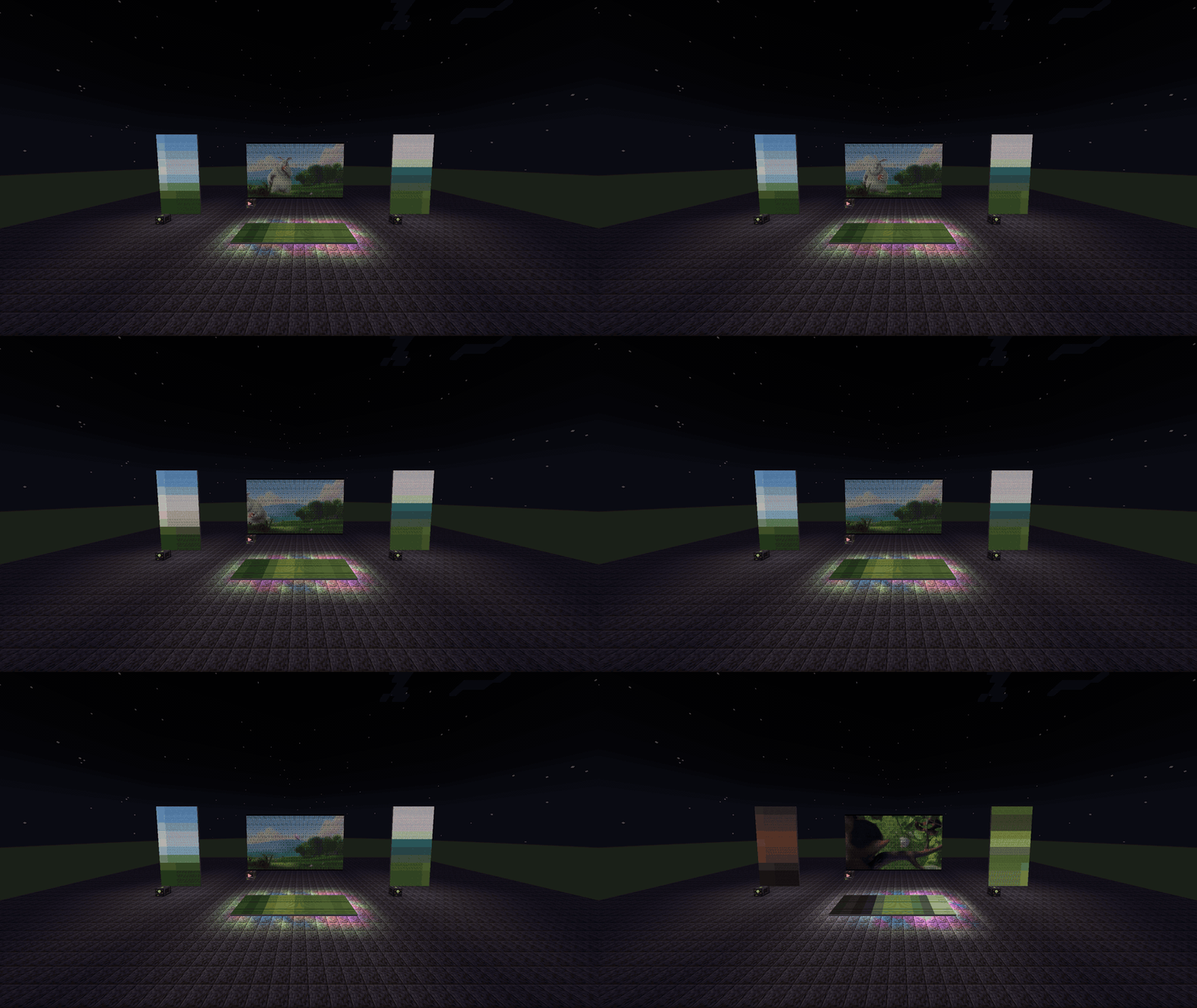
📻Bocinas y radio
Las radios del 1 al 100 enlazan pantallas, luces y bocinas sin cables. Las bocinas reproducen el sonido del video de su radio: más fuerte cuanto más cerca estás y con sonido de izquierda o derecha. El cerebro de video abre un menú para todas las bocinas y luces enlazadas: volumen, alcance en chunks y fuerza de la luz. Un modo streamer silencia las bocinas con un comando.
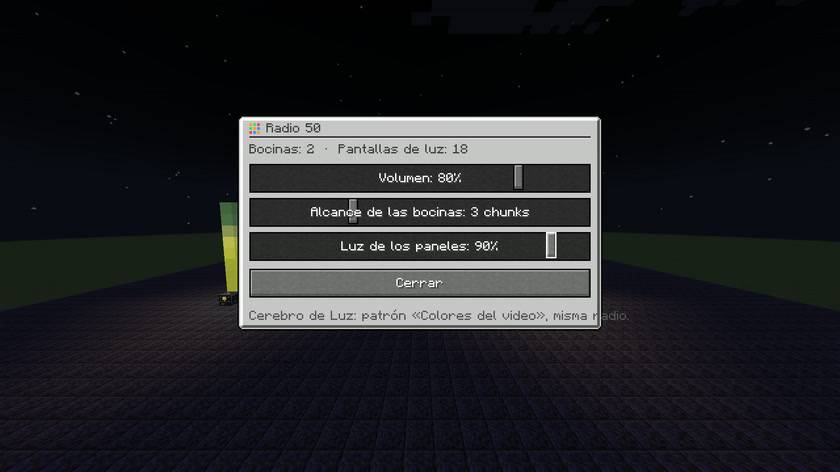
🧰Interfaces
Todo se configura desde pantallas sencillas que siguen el idioma de tu Minecraft.
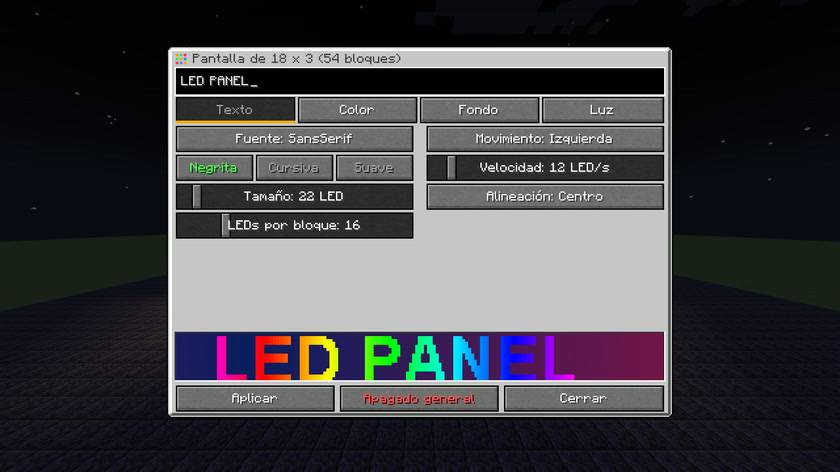
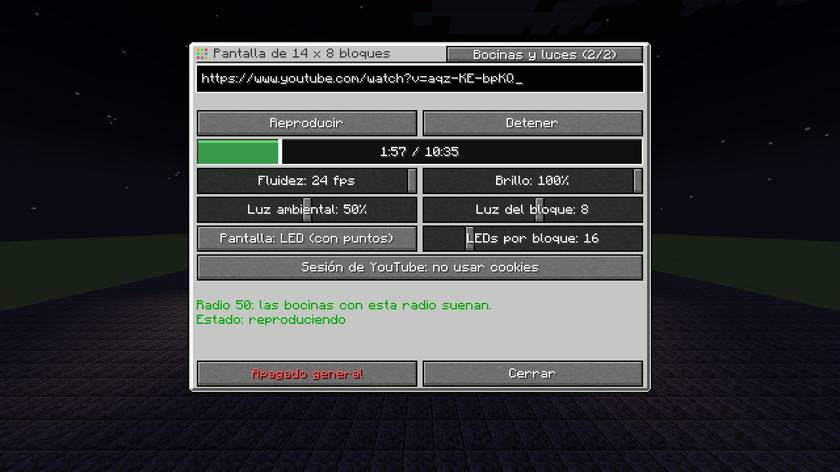
📋Requisitos
· Minecraft 1.20.1 con Forge 47.x (Java 17).
· Instálalo en el cliente y en el servidor.
· El video necesita las herramientas gratuitas ffmpeg y yt-dlp en la computadora del jugador. El mod puede instalarlas por ti, pero solo cuando pulsas el botón de instalar (o usas /ledpanelinstall) o si activas auto_install en su configuración. Las descargas se verifican con SHA-256. Sin ellas, todo lo demás funciona con normalidad.
· El mod sigue el idioma de Minecraft: inglés o español. Los items y los comandos siempre están en inglés.
💬Comentarios
¿Encontraste un error o tienes una idea para un nuevo patrón? ¡Cuéntanos en los comentarios!
Project description from CurseForge.
Pick your setup
Led Panel by Minecraft version and loader
Choose the version and loader you play, then open the matching release.
Check the dependencies, then try the file in a copied instance before changing a world you care about.
Recent files
Led Panel versions and loaders
ledpanel.jar
19 Oct 2026
Client Source doesn’t say Server Source doesn’t say Dependencies No extras listed Listed on Release listing
Check the 1.20.1 · Forge setup 1.20.1Forge release
Looking for an older file? The official CurseForge project page is in Resources.
 mod
Modrinth · Minecraft
Chakra: Bound
Chakra: Bound is an alpha-stage Naruto & Boruto–inspired Minecraft mod focused on canon-accurate chakra combat and shinobi progression. All clans, jutsu, and per-eye dōjutsu are built directly into the mod and expanded through updates.
 mod
Modrinth · Minecraft
RFTools Storage
RFTools Storage addon
 mod
Modrinth · Minecraft
XNet
A highly optimized networking cable system for items, energy, fluids, information, etc.