LRS Emoji Needed by Style Blocks 1.0.7
requiredMatching file found Matched file: LRS-Emoji-1.0.4.jar
CurseForge · Minecraft mod
11 decorative car-logo blocks for garages, signs and roleplay builds.
Quick answer
Style Blocks 1.0.7 targets 1.21.1 with NeoForge. The project page does not say whether this file belongs on the client, dedicated server, or both. All 2 required mods have matching files.
Where it goes
The project page does not say whether this file belongs on the client, dedicated server, or both.
The source does not explicitly classify this release as client-only or server-only.
Style Blocks 1.0.7 on 1.21.1 NeoForge. Every mod below is checked against that same setup.
Install LRS Emoji, Style Blocks first. We found matching files for this game-version and loader setup. 1 comes through another mod in the chain.
1 extra mod was pulled in by another dependency. Indented rows show who needs each one. We only count dependency files that match this setup. A file for another loader does not fill the gap.
Before you install it
Built for Style Blocks 1.0.7 on 1.21.1 NeoForge. Pick another file and the loader, install side or required mods may change.
Use Style Blocks 1.0.7. It targets 1.21.1 with NeoForge; another release may have different loader, side or dependency requirements.
Install LRS Emoji, Style Blocks first. We found matching files for this game-version and loader setup. 1 comes through another mod in the chain.
The project page does not say whether this file belongs on the client, dedicated server, or both.
Use the “Get this file” button beside Style Blocks 1.0.7. It opens that exact file at the source.
About this project
Build a garage with personality — 11 decorative car-logo blocks.
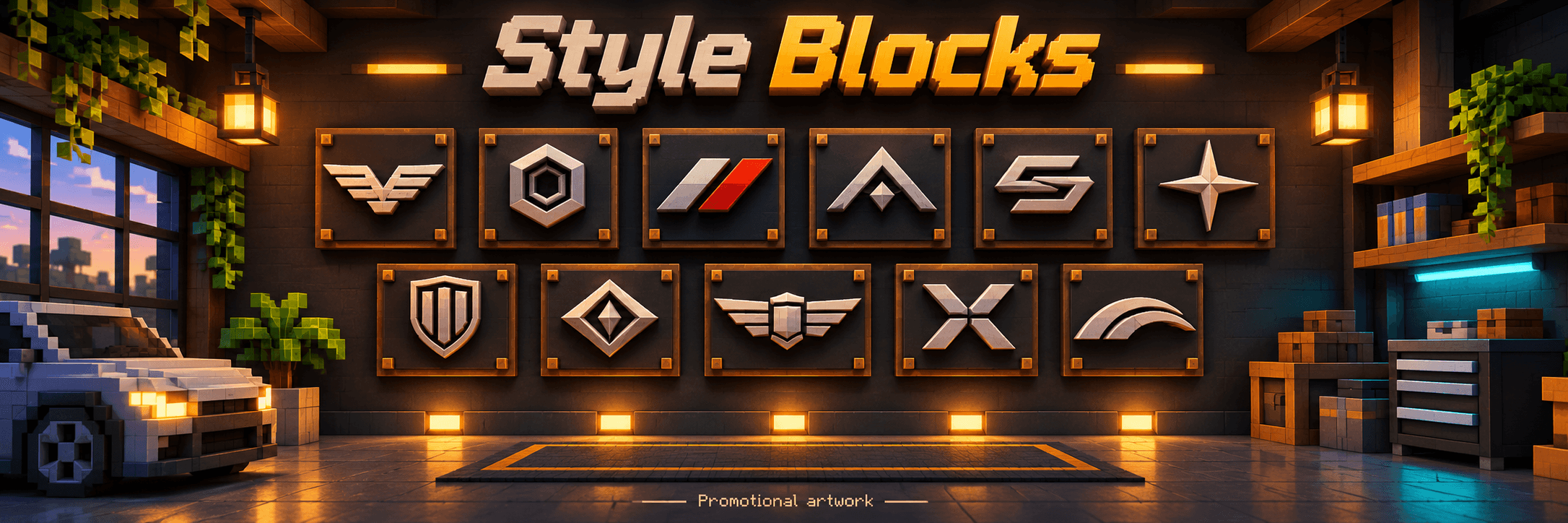
A collection of 11 decorative car-logo blocks for garages, signs, roleplay scenes and creative builds.
Find the blocks in the Style Blocks creative tab. With LRS Emoji installed, their tabs are grouped together at the end of the creative inventory.
Requires Minecraft 1.21.1 and NeoForge. Install on the server and all clients.
Emoji blocks are now available separately in LRS Emoji. When updating from a Style Blocks version older than 1.0.1, install LRS Emoji too to keep existing emoji blocks. Do not use the separate carlogos mod alongside Style Blocks.
Collection and maintenance: Kaan. Original collections were provided by the project owner's friend. Original emoji assets: MertcanLRS, now included in LRS Emoji. Asset rights remain with their authors. Vehicle names and logos do not imply endorsement.
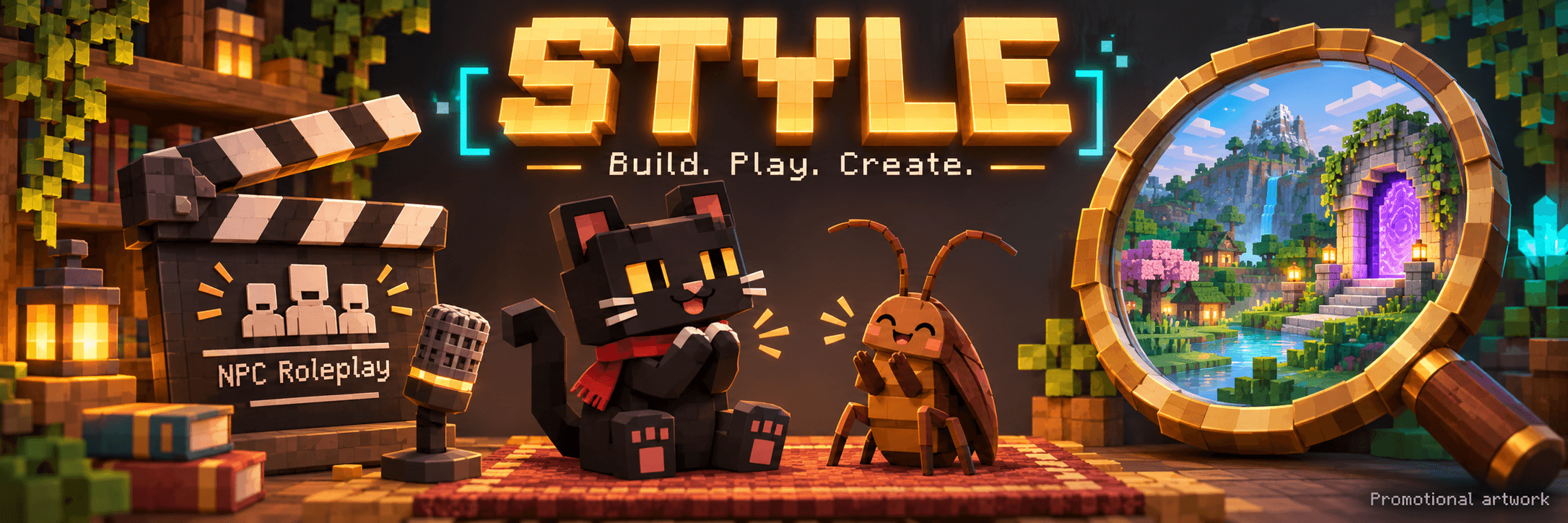
Project description from CurseForge.
Pick your setup
Choose the version and loader you play, then open the matching release.
Check the dependencies, then try the file in a copied instance before changing a world you care about.
Recent files
Style-Blocks-1.0.7.jar
23 Nov 2026
4 Nov 2026
4 Nov 2026
Style-Blocks-1.0.4.jar
4 Nov 2026
Style-Blocks-1.0.3.jar
4 Nov 2026
Style Blocks.jar
20 Oct 2026
19 Oct 2026
Looking for an older file? The official CurseForge project page is in Resources.
 mod
A six-cell jail for Cobblemon Unyielding where staff can assign prisoners, safeguard their belongings, and automatically return escapees to their cells
 mod
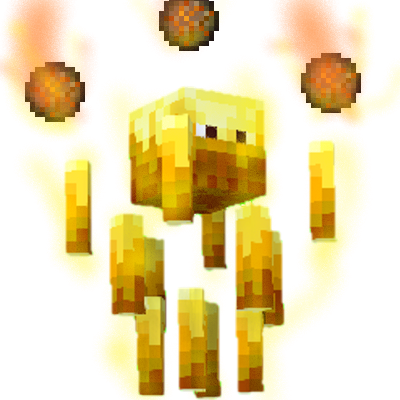
A simple mod that gives blazes a fancier attack animation. Originally from Mob AI Tweaks.
 mod
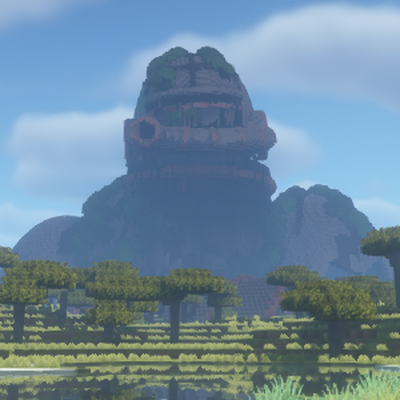
Explore colossal ruins, uncover archaeology and follow expedition maps to recover ancient machinery.