MyCel Needed by Brewing Plus Brewing+ 1.1.2 (NeoForge, 26.1-26.1.2)
requiredMatching file found Matched file: Mycel 1.6.1 (Fabric, Forge, NeoForge, 26.1-26.1.2)

CurseForge · Minecraft mod
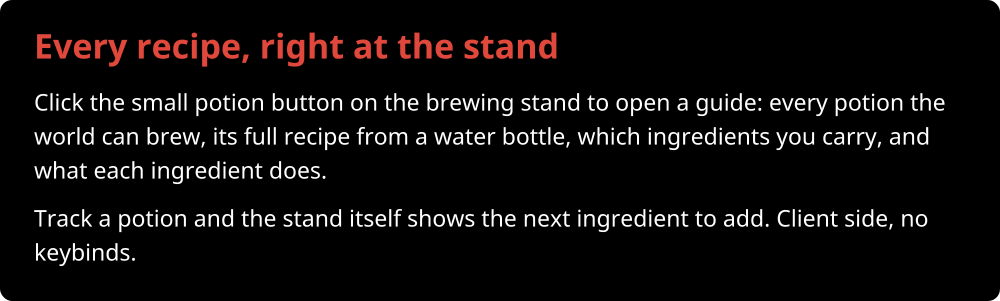
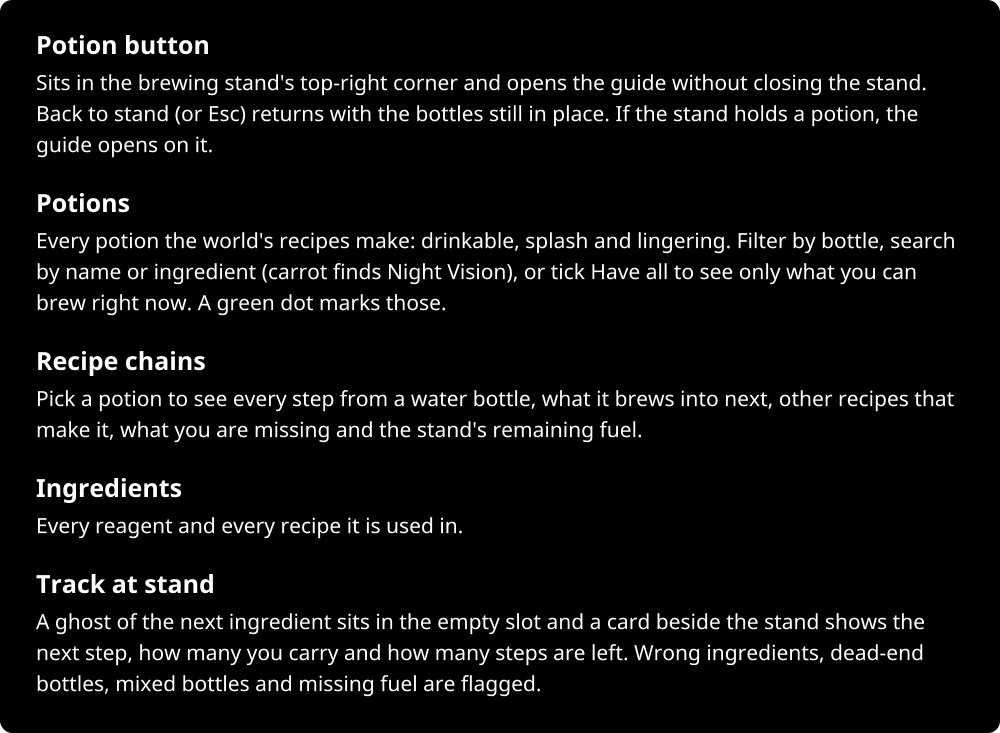
Click the button on the brewing stand, pick any potion, and see its full recipe, which ingredients you carry and what to add next.
Quick answer
Brewing Plus Brewing+ 1.1.2 (NeoForge, 26.1-26.1.2) targets 26.1, 26.1.1, 26.1.2 with NeoForge. The project page does not say whether this file belongs on the client, dedicated server, or both. All 1 required mods have matching files.
Where it goes
The project page does not say whether this file belongs on the client, dedicated server, or both.
The source does not explicitly classify this release as client-only or server-only.
Brewing+ 1.1.2 (NeoForge, 26.1-26.1.2) on 26.1 NeoForge. Every mod below is checked against that same setup.
Install MyCel first. We found matching files for this game-version and loader setup.
We only count dependency files that match this setup. A file for another loader does not fill the gap.
Before you install it
Built for Brewing Plus Brewing+ 1.1.2 (NeoForge, 26.1-26.1.2) on 26.1 NeoForge. Pick another file and the loader, install side or required mods may change.
Use Brewing+ 1.1.2 (NeoForge, 26.1-26.1.2). It targets 26.1, 26.1.1, 26.1.2 with NeoForge; another release may have different loader, side or dependency requirements.
Install MyCel first. We found matching files for this game-version and loader setup.
The project page does not say whether this file belongs on the client, dedicated server, or both.
Use the “Get this file” button beside Brewing+ 1.1.2 (NeoForge, 26.1-26.1.2). It opens that exact file at the source.
About this project














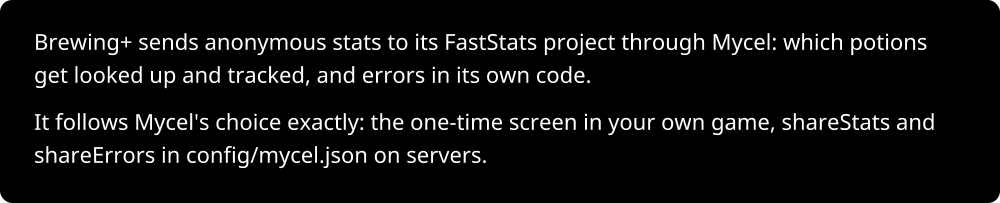
Project description from CurseForge.
Pick your setup
Choose the version and loader you play, then open the matching release.
Check the dependencies, then try the file in a copied instance before changing a world you care about.
Recent files
brewingplus-neoforge-26.1-1.1.2.jar
4 Nov 2026
brewingplus-neoforge-26.1-1.1.1.jar
2 Nov 2026
brewingplus-neoforge-26.1-1.1.0.jar
28 Oct 2026
Looking for an older file? The official CurseForge project page is in Resources.
 mod
Introduces high-density Deep Storage Cells with no type limits. A continuation and derivative work based on AE2 Things.
 mod
View all Resource Pack Renames in a new anvil GUI catalog!
 mod
A Fabric/NeoForge/Forge zoom mod that is powerful, lean, and pretty customizable. The zoom is yours!
