AE2 Wireless Terminal Library Optional for ae2-wider-terminal wide_ae2_terminals-1.21.1-1.0.1.jar
optionalNo matching file
CurseForge · Minecraft mod
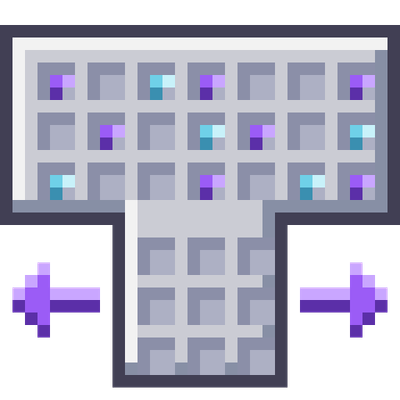
Wider Applied Energistics 2 terminals: the number of storage columns adapts to your window width. Client-side, supports AE2 Wireless Terminals and ExtendedAE.
Quick answer
ae2-wider-terminal wide_ae2_terminals-1.21.1-1.0.1.jar targets 1.21.1 with NeoForge. The project page does not say whether this file belongs on the client, dedicated server, or both. All 2 required mods have matching files.
Where it goes
The project page does not say whether this file belongs on the client, dedicated server, or both.
The source does not explicitly classify this release as client-only or server-only.
wide_ae2_terminals-1.21.1-1.0.1.jar. Change the file and its required mods may change too.
Install Applied Energistics 2, GuideME first. We found matching files for this game-version and loader setup. 14 come through another mod in the chain.
14 extra mods were pulled in by other dependencies. Indented rows show who needs each one. We only count dependency files that match this setup. A file for another loader does not fill the gap.
Before you install it
Built for ae2-wider-terminal wide_ae2_terminals-1.21.1-1.0.1.jar. Pick another file and the loader, install side or required mods may change.
Use wide_ae2_terminals-1.21.1-1.0.1.jar. It targets 1.21.1 with NeoForge; another release may have different loader, side or dependency requirements.
Install Applied Energistics 2, GuideME first. We found matching files for this game-version and loader setup. 14 come through another mod in the chain.
The project page does not say whether this file belongs on the client, dedicated server, or both.
Use the “Get this file” button beside wide_ae2_terminals-1.21.1-1.0.1.jar. It opens that exact file at the source.
About this project
Tired of scrolling through your ME system 9 columns at a time on a big screen? Wide AE2 Terminals widens the Applied Energistics 2 terminals: the number of storage columns adapts to the width of your window.
The storage area grows, while your inventory and crafting area keep their usual size and stay centered below it.
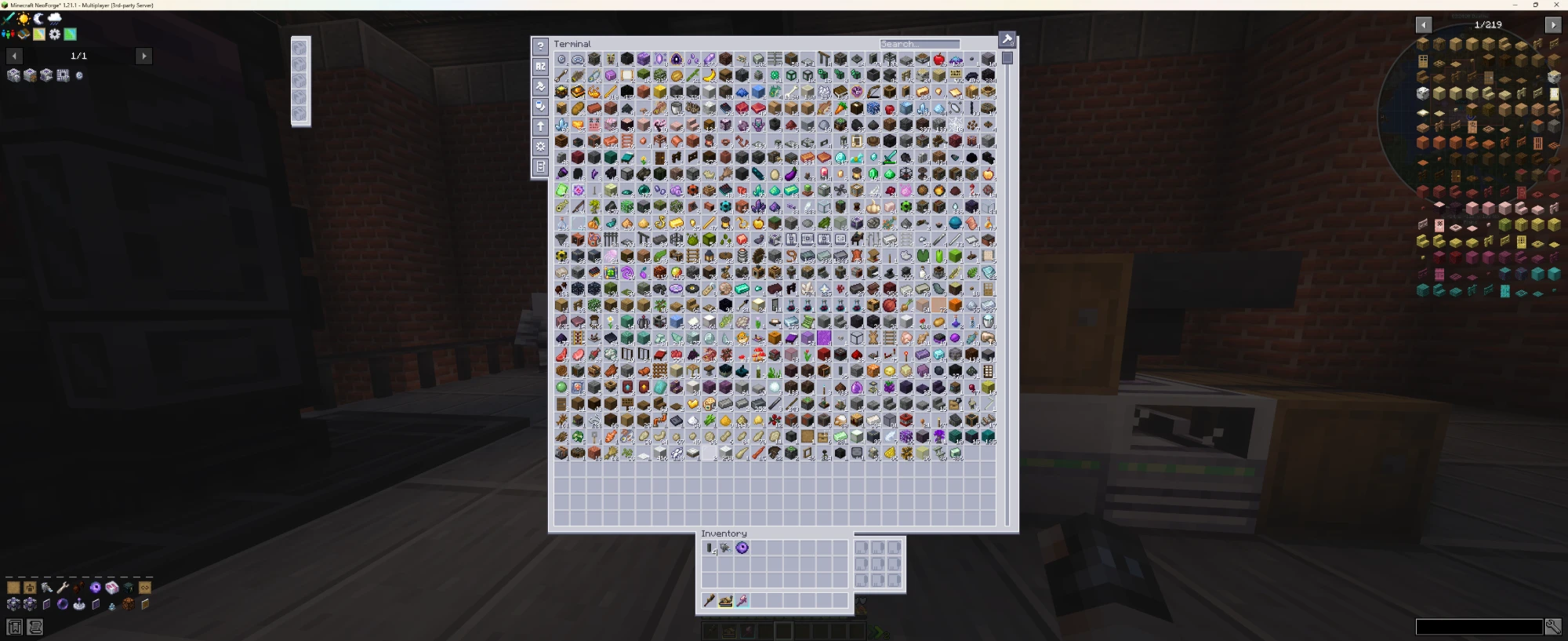
In the pattern access terminals, each pattern provider's slots fill the wider rows: a 36-slot extended pattern provider fits on 2 rows of 18 instead of 4 rows of 9.
Client config (Mods → Wide AE2 Terminals → Config):
0 adapts to the window width (default), or a fixed number of columns (minimum 9)0 = unlimited)The terminal height still follows AE2's own "terminal style" setting.
Source code, issues and suggestions: GitHub
Project description from CurseForge.
Pick your setup
Choose the version and loader you play, then open the matching release.
Check the dependencies, then try the file in a copied instance before changing a world you care about.
Recent files
20 Oct 2026
Looking for an older file? The official CurseForge project page is in Resources.
 mod
Display synchronized song lyrics in Minecraft and add or edit your own lyrics with the optional KING Music Lyrics add-on.
 mod
Cushions are a tad clunky, shall we make them a bit more convenient?
 mod
Adds many common metals and alloys to Minecraft, such as copper, silver, and steel.