Applied Energistics 2 Needed by AE2 MonitorNet ae_monitornet-1.20.1-1.2.1.jar
requiredMatching file found Matched file: AE2 15.4.12 [FORGE]

CurseForge · Minecraft mod
Monitoring tools and monitoring terminals for Applied Energistics 2
Quick answer
AE2 MonitorNet ae_monitornet-1.20.1-1.2.1.jar targets 1.20.1 with Forge. The project page does not say whether this file belongs on the client, dedicated server, or both. All 2 required mods have matching files.
Where it goes
The project page does not say whether this file belongs on the client, dedicated server, or both.
The source does not explicitly classify this release as client-only or server-only.
ae_monitornet-1.20.1-1.2.1.jar. Change the file and its required mods may change too.
Install Applied Energistics 2, GuideME first. We found matching files for this game-version and loader setup. 14 come through another mod in the chain.
14 extra mods were pulled in by other dependencies. Indented rows show who needs each one. We only count dependency files that match this setup. A file for another loader does not fill the gap.
Before you install it
Built for AE2 MonitorNet ae_monitornet-1.20.1-1.2.1.jar. Pick another file and the loader, install side or required mods may change.
Use ae_monitornet-1.20.1-1.2.1.jar. It targets 1.20.1 with Forge; another release may have different loader, side or dependency requirements.
Install Applied Energistics 2, GuideME first. We found matching files for this game-version and loader setup. 14 come through another mod in the chain.
The project page does not say whether this file belongs on the client, dedicated server, or both.
Use the “Get this file” button beside ae_monitornet-1.20.1-1.2.1.jar. It opens that exact file at the source.
About this project
Throughput monitoring and monitoring terminals for Applied Energistics 2.
AE MonitorNet adds cable parts that watch how items and fluids actually move through your ME network — and terminals that show every monitor in one place, with live charts.
AE MonitorNet started as a back-port of the throughput monitor from AdvancedAE, so that the same monitor could be used on lower Minecraft versions. Its terminal, per-target chart windows, wireless terminal and configurator were all built on top of that original part.
Credit for the original monitor design goes to the AdvancedAE team.
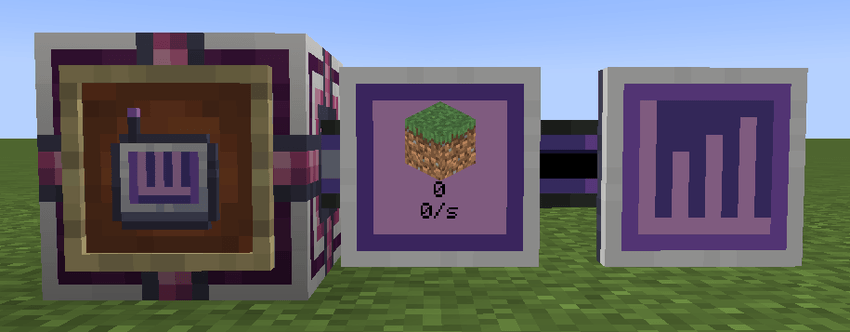
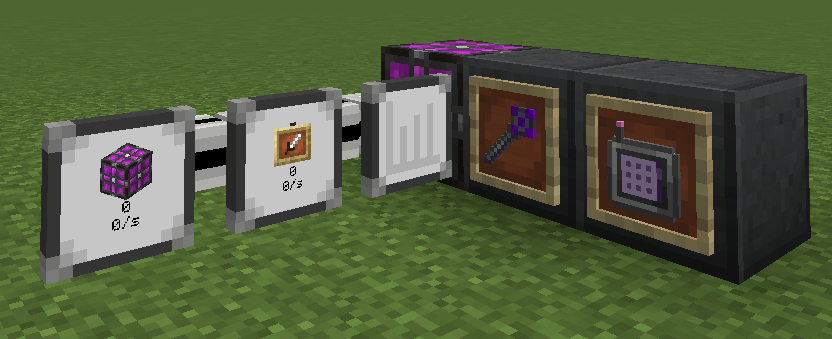
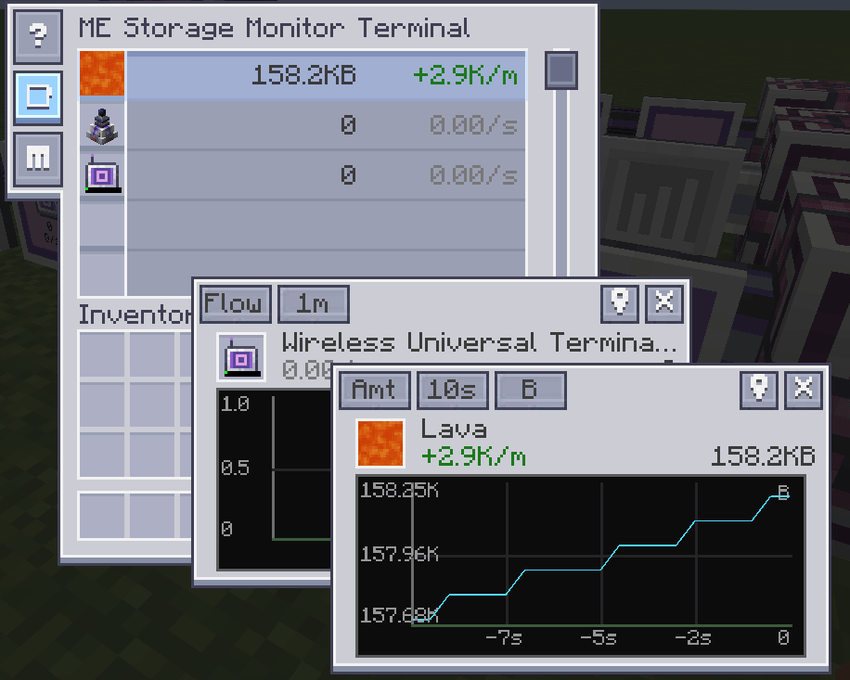
| Item | What it does |
|---|---|
| ME Throughput Monitor | A cable part that watches one item or fluid and shows icon + amount + rate on its face. The rate tier cycles per tick / second / minute. |
| Advanced ME Throughput Monitor | The same part plus a configuration slot, a sampling history and a line chart (storage / rate / acceleration) with a selectable time window. Hovering the plot shows a crosshair that snaps to the nearest sample. |
| ME Storage Monitor Terminal | A cable part that lists every throughput monitor on its network, merges monitors watching the same target into one row, and opens draggable chart windows — display slot, curve, per-window metric / window / unit buttons, and a "locate" button that highlights the monitor in the world. |
| Wireless ME Storage Monitor Terminal | The same terminal as an AE2 wireless terminal. Link it in a Security Terminal and use it inside a Wireless Access Point's range. |
| Throughput Monitor Configurator | A hand-held tool: right-click a monitor to cycle its rate tier without opening any GUI. |
An in-game guide (GuideME) covers every part and GUI.
| Minecraft | Loader | Status |
|---|---|---|
| 1.21.1 | NeoForge 21.1 | active development |
| 1.20.1 | Forge 47 | maintained |
| 1.19.2 | Forge 43 | final (bug fixes only) |
Pick the file that matches your game version — the jar name ends with the Minecraft version.
Project description from CurseForge.
Pick your setup
Choose the version and loader you play, then open the matching release.
Check the dependencies, then try the file in a copied instance before changing a world you care about.
Recent files
21 Nov 2026
15 Nov 2026
31 Oct 2026
23 Oct 2026
22 Oct 2026
Looking for an older file? The official CurseForge project page is in Resources.