Minecraft version
Back to mods 
CurseForge · Minecraft mod
MCphone-More versions
Unofficial multi-loader builds for MCphone
Choose a version Pick your version below, then grab the matching file.
Quick answer
Which MCphone-More versions release should I use?
Latest stable file MCphone v1.12.1 (26.3-neoforge)
Game version 26.3
Loader NeoForge
MCphone-More versions MCphone v1.12.1 (26.3-neoforge) targets 26.3 with NeoForge. The project page does not say whether this file belongs on the client, dedicated server, or both. No extra mods listed for this file.
Where it goes
Is MCphone-More versions required on the client, server, or both?
The project page does not say whether this file belongs on the client, dedicated server, or both.
Client Source doesn’t say
Dedicated server Source doesn’t say
Loader for this release NeoForge
Required install it here Optional supported, not mandatory Not supported do not install here Source doesn’t say do not assume
The source does not explicitly classify this release as client-only or server-only.
What else does MCphone-More versions MCphone v1.12.1 (26.3-neoforge) need?
MCphone v1.12.1 (26.3-neoforge). Change the file and its required mods may change too.
This file does not list any required mods. Do not add a library just because a different file uses it.
This file does not list any required or optional mods.
Before you install it
Add MCphone-More versions without breaking your instance.
Built for MCphone-More versions MCphone v1.12.1 (26.3-neoforge). Pick another file and the loader, install side or required mods may change.
- 01
Stick to this file
Use MCphone v1.12.1 (26.3-neoforge). It targets 26.3 with NeoForge; another release may have different loader, side or dependency requirements.
- 02
Bring the mods it needs
This file does not list any required mods. Do not add a library just because a different file uses it.
- 03
Put it on the correct side
The project page does not say whether this file belongs on the client, dedicated server, or both.
- 04
Pick the file you checked
Use the “Get this file” button beside MCphone v1.12.1 (26.3-neoforge). It opens that exact file at the source.
About this project
What does MCphone-More versions add?
MCphone - More Versions
MCphone - More Versions is an unofficial port of november521’s MCphone mod for Minecraft 26.2 and 26.3 (supporting both NeoForge and Fabric).
MCphone is not a decorative block or a novelty prop—it is a functional, persistent personal smartphone inside Minecraft. Instead of scattering gameplay utilities across chat commands, external screenshot folders, text editors, and scattered chests, MCphone consolidates communication, media, navigation tools, and mod integrations into one handheld interface.
Credits & Project Notice
Unofficial Port: This is an unofficial community port maintained for Minecraft 26.2 and 26.3 and is not affiliated with or maintained by the upstream author.
Original Author: Full credit and thanks go to november521 for creating MCphone, designing its 15 built-in apps, and engineering its Java SPI add-on system.
Original Project: MCphone on CurseForge
Upstream Source: november521/mcphone on GitHub
Port Source Code: Beijingdragon233/mcphone_fabric on GitHub
License: MIT License
Why Use MCphone Instead of Vanilla Workarounds?
In vanilla Minecraft, taking notes, tracking coordinates, organizing screenshots, and messaging players require leaving the game or relying on clumsy workarounds:
Zero Alt-Tabbing for Media & Reading: Read local
.txtbooks directly inside the phone’s Reader app, listen to music, or review in-game photos without opening system folders or external windows.Automatic Coordinate Logging: Every photo taken with the phone's camera automatically burns your exact
X / Y / Zcoordinates into the image corner and file name, turning exploration screenshots into permanent, verifiable location records.Persistent Player-Bound Storage: Your apps, contacts, chat logs, notes, and downloaded add-ons are bound to your player profile rather than a single item. You can even craft the Tablet (by surrounding a phone with 8 iron ingots) to use a larger screen while sharing the exact same data.
Off-Hand HUD & Quick Access: Hold the phone in your off-hand to pin a live HUD overlay to your screen, or press
H(rebindable) to open it directly from your inventory or Curios slot.
Core Features & How They Impact Gameplay
1. Fifteen Built-in Applications
MCphone comes out of the box with 15 built-in apps designed for survival and multiplayer convenience:
Camera & Gallery: Capture in-game screenshots with live coordinate watermarks (
X Y Zburned directly into the PNG and filename) and browse them in-game without digging through.minecraft/screenshots.Chat: Private player-to-player messaging and structured conversations separated from the fast-scrolling global server chat.
Music & Browser: Play audio and access web links or integrated browser features inside the game.
Reader & Notepad: Drop
.txtfiles (up to 32 MB) intoconfig/mcphone/reader/books/to read novels or guides on a draggable bookshelf inside Minecraft, or jot down quick coordinates and to-do lists in Notepad.Clock & Weather: Check exact world time and weather conditions at a glance while underground or indoors.
Ender Chest, Waystones & Quests: Access portable storage, teleportation networks, and quest logs directly through dedicated app interfaces when supported.
Terminal, App Store & Settings: Run commands/scripts, manage installed apps, toggle camera watermarks, and customize device behavior.
2. Home Screen & Visual Customization
Customizable Layout: Drag and reorder app icons across multiple home screen pages, adjust UI scaling, and swap wallpapers.
Resource Pack Skinning: The entire phone UI can be reskinned using standard Minecraft resource packs.
3. Add-on API & Smart Mod Integrations
Retained Java SPI Add-on System: Preserves upstream's
IPhoneAppSPI (META-INF/services/), allowing third-party add-ons (such as financial market apps or AI chat clients) to register custom apps seamlessly.Conditional Mod Integration: MCphone requires zero mandatory library dependencies. When compatible builds of supported mods—such as Curios, Waystones, MCEF, NetMusic, Patchouli, GuideME, Immersive Engineering, FTB Quests, Applied Energistics 2, Refined Storage, or Tom's Simple Storage—are installed, extra integration features and apps unlock automatically. If a mod is absent or lacks a compatible build for your game version, its app remains cleanly hidden instead of displaying broken or error icons.
Installation & Requirements
Please verify the following requirements before installing on a client or server:
Minecraft Versions:
26.2and26.3Mod Loaders: Available for both NeoForge and Fabric.
- Fabric Users: Requires Fabric API.
Java Version: Minecraft 26.x builds require Java 25.
Client & Server Required: Must be installed on both the Client and the Server. Client and server mod versions must match to connect and synchronize phone data.
Bug Reports
Please report any bugs, crashes, or version-specific issues for the 26.2 / 26.3 builds to the port repository rather than the upstream tracker:
- Port Issue Tracker: Beijingdragon233/mcphone_fabric Issues
Project description from CurseForge.
Pick your setup
MCphone-More versions by Minecraft version and loader
Choose the version and loader you play, then open the matching release.
Minecraft version
26.2
2 loader buildsMinecraft version
26.1.2
1 loader buildCheck the dependencies, then try the file in a copied instance before changing a world you care about.
Recent files
MCphone-More versions versions and loaders
MCphone v1.12.1 (26.3-neoforge)
mcphone-1.12.1-26.3-neoforge.jar
19 Nov 2026
Client Source doesn’t say Server Source doesn’t say Dependencies No extras listed Listed on Release listing
Check the 26.3 · NeoForge setup NeoForge26.3 release
MCphone v1.12.1 (26.3-fabric)
mcphone-1.12.1-26.3-fabric.jar
19 Nov 2026
Client Source doesn’t say Server Source doesn’t say Dependencies No extras listed Listed on Release listing
Check the 26.3 · Fabric setup Fabric26.3 release
MCphone v1.12.1 (26.2-neoforge)
mcphone-1.12.1-26.2-neoforge.jar
19 Nov 2026
Client Source doesn’t say Server Source doesn’t say Dependencies No extras listed Listed on Release listing
Check the 26.2 · NeoForge setup NeoForge26.2 release
MCphone v1.12.1 (26.2-fabric)
mcphone-1.12.1-26.2-fabric.jar
19 Nov 2026
Client Source doesn’t say Server Source doesn’t say Dependencies No extras listed Listed on Release listing
Check the 26.2 · Fabric setup Fabric26.2 release
MCphone v1.12.1 (26.1.2-fabric)
mcphone-1.12.1-26.1.2-fabric.jar
19 Nov 2026
Client Source doesn’t say Server Source doesn’t say Dependencies No extras listed Listed on Release listing
Check the 26.1.2 · Fabric setup Fabric26.1.2 release
mcphone-1.12.0-26.1.2-fabric-beta.jar
mcphone-1.12.0-26.1.2-fabric.jar
18 Nov 2026
Client Source doesn’t say Server Source doesn’t say Dependencies No extras listed Listed on Release listing
Check the 26.1.2 · Fabric setup Fabric26.1.2 beta
mcphone-1.12.0-26.2-fabric-beta.jar
5 Nov 2026
Client Source doesn’t say Server Source doesn’t say Dependencies No extras listed Listed on Release listing
Check the 26.2 · Fabric setup Fabric26.2 beta
mcphone-1.12.0-26.3-fabric-beta.jar
5 Nov 2026
Client Source doesn’t say Server Source doesn’t say Dependencies No extras listed Listed on Release listing
Check the 26.3 · Fabric setup Fabric26.3 beta
mcphone-1.12.0-26.2-beta-neoforge.jar
5 Nov 2026
Client Source doesn’t say Server Source doesn’t say Dependencies No extras listed Listed on Release listing
Check the 26.2 · NeoForge setup NeoForge26.2 beta
mcphone-1.12.0-26.3-neoforge-beta.jar
5 Nov 2026
Client Source doesn’t say Server Source doesn’t say Dependencies No extras listed Listed on Release listing
Check the 26.3 · NeoForge setup NeoForge26.3 beta
mcphone-1.11.2-26.2-neoforge.jar
24 Oct 2026
Client Source doesn’t say Server Source doesn’t say Dependencies No extras listed Listed on Release listing
Check the 26.2 · NeoForge setup NeoForge26.2 release
mcphone-1.11.2-26.2-fabric.jar
24 Oct 2026
Client Source doesn’t say Server Source doesn’t say Dependencies No extras listed Listed on Release listing
Check the 26.2 · Fabric setup Fabric26.2 release
Looking for an older file? The official CurseForge project page is in Resources.
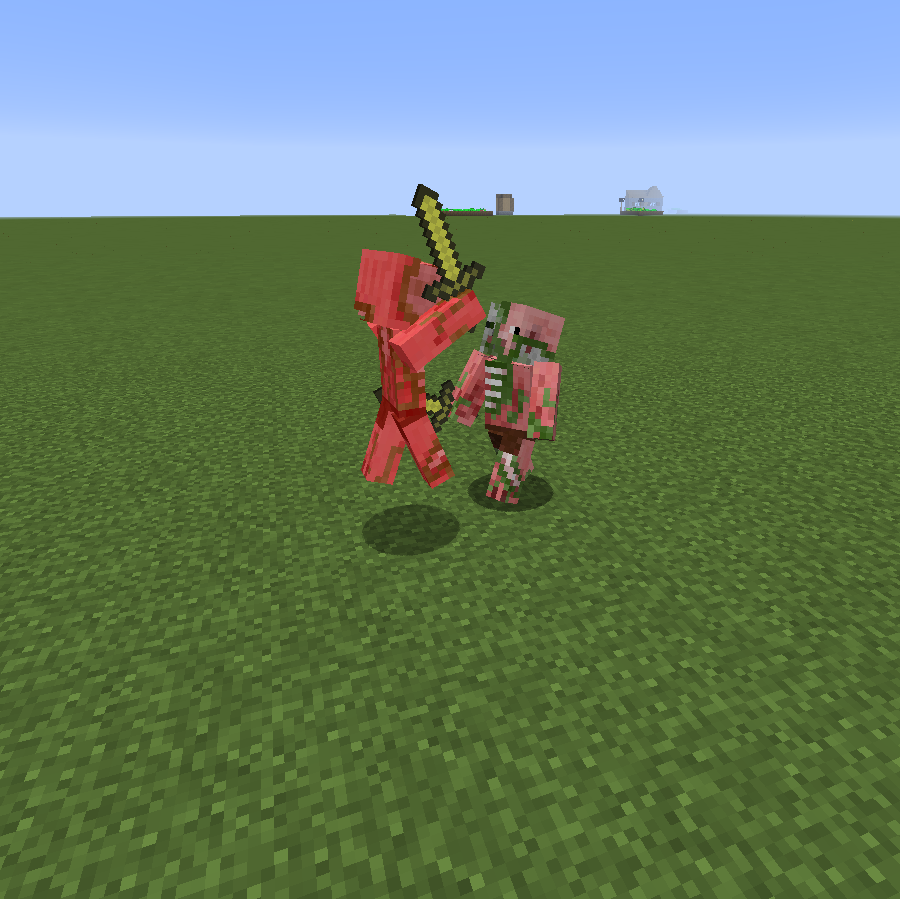 mod
CurseForge + Modrinth · Minecraft
Mob Battle Mod (Forge/NeoForge)
Creative utensils in creating mob battles
 mod
CurseForge · Minecraft
FastRTP | Random Teleport
A fast random teleport command that doesn't cause lagspikes.
 mod
CurseForge · Minecraft
Domain of Fade
Adds some simple units to the game.