Minecraft version
Back to mods 
CurseForge · Minecraft mod
Lazarus Maps
Annotate vanilla maps with notes and markings, and use a handheld GPS to check your coordinates.
Choose a version Pick your version below, then grab the matching file.
Quick answer
Which Lazarus Maps release should I use?
beta file lazarusmaps-0.3.0.jar
Game version 1.20.1
Loader Forge
Lazarus Maps lazarusmaps-0.3.0.jar targets 1.20.1 with Forge. The project page does not say whether this file belongs on the client, dedicated server, or both. No extra mods listed for this file.
Where it goes
Is Lazarus Maps required on the client, server, or both?
The project page does not say whether this file belongs on the client, dedicated server, or both.
Client Source doesn’t say
Dedicated server Source doesn’t say
Loader for this release Forge
Required install it here Optional supported, not mandatory Not supported do not install here Source doesn’t say do not assume
The source does not explicitly classify this release as client-only or server-only.
What else does Lazarus Maps lazarusmaps-0.3.0.jar need?
lazarusmaps-0.3.0.jar. Change the file and its required mods may change too.
This file does not list any required mods. Do not add a library just because a different file uses it.
This file does not list any required or optional mods.
Before you install it
Add Lazarus Maps without breaking your instance.
Built for Lazarus Maps lazarusmaps-0.3.0.jar. Pick another file and the loader, install side or required mods may change.
- 01
Stick to this file
Use lazarusmaps-0.3.0.jar. It targets 1.20.1 with Forge; another release may have different loader, side or dependency requirements.
- 02
Bring the mods it needs
This file does not list any required mods. Do not add a library just because a different file uses it.
- 03
Put it on the correct side
The project page does not say whether this file belongs on the client, dedicated server, or both.
- 04
Pick the file you checked
Use the “Get this file” button beside lazarusmaps-0.3.0.jar. It opens that exact file at the source.
About this project
What does Lazarus Maps add?
Lazarus Maps
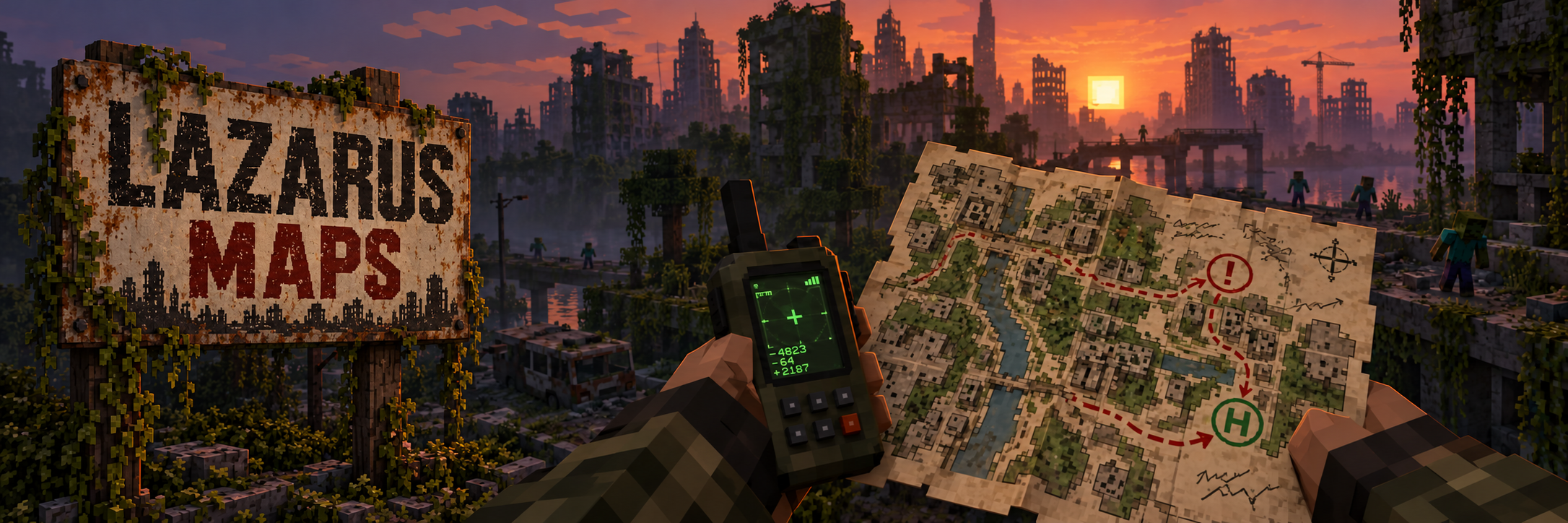
Lazarus Maps turns the standard Minecraft map into a survivor’s field map. Draw routes, write notes, and mark hazards or shelters directly over the terrain. Annotations also appear while holding the map, and copies of the same map share their markings.
The mod also adds a GPS receiver: hold it to display your coordinates and current dimension. F3 coordinates remain available.
Requirements: Minecraft 1.20.1, Forge 47.x, and Java 17. For multiplayer, install the same version on the server and clients.
Repository: Lazarus Maps on GitHub
Changelog 0.3.0
- Added an editor for filled maps with freehand drawing, notes, and hazard and shelter markers.
- Added tools to move, recolor, and erase annotations.
- Added shared map annotations and multiplayer synchronization.
- Added a GPS receiver that displays coordinates and the current dimension.
Português
Lazarus Maps transforma o mapa comum do Minecraft em um mapa de campo. Desenhe rotas, escreva notas e marque perigos ou abrigos diretamente sobre o terreno. As anotações aparecem também quando o mapa está na mão, e cópias do mesmo mapa compartilham as marcações.
O mod também adiciona um receptor GPS: segure-o para ver coordenadas e dimensão na tela. As coordenadas do F3 continuam disponíveis.
Requisitos: Minecraft 1.20.1, Forge 47.x e Java 17. Em multiplayer, instale a mesma versão no servidor e nos clientes.
Repositório: Lazarus Maps no GitHub
Changelog 0.3.0
- Adicionado editor para mapas preenchidos, com desenho livre, notas e marcadores de perigo e abrigo.
- Adicionadas ferramentas para mover, recolorir e apagar anotações.
- Adicionada sincronização das marcações entre cópias do mesmo mapa e jogadores em multiplayer.
- Adicionado receptor GPS com coordenadas e dimensão na tela.
Project description from CurseForge.
Pick your setup
Lazarus Maps by Minecraft version and loader
Choose the version and loader you play, then open the matching release.
Check the dependencies, then try the file in a copied instance before changing a world you care about.
Recent files
Lazarus Maps versions and loaders
lazarusmaps-0.3.0.jar
22 Oct 2026
Client Source doesn’t say Server Source doesn’t say Dependencies No extras listed Listed on Release listing
Check the 1.20.1 · Forge setup 1.20.1Forge beta
Looking for an older file? The official CurseForge project page is in Resources.
 mod
CurseForge · Minecraft
Guards-Deluxe
Hire your own guards to protect your base and your town.
 mod
CurseForge · Minecraft
Shadow Slave
this is an unofficial fan made mod based on the novel shadow slave
 mod
CurseForge + Modrinth · Minecraft
Particle Rain
replaces the default weather with particle effects