Minecraft version
Back to mods 
CurseForge · Minecraft mod
Exposed
See what's lagging your server. Measures tick time and TPS, ranks entities that cost the most.
Choose a version Pick your version below, then grab the matching file.
Quick answer
Which Exposed release matches 26.3?
alpha file exposed_1.2+26.1-26.3+fabric
Game version 26.1, 26.1.1, 26.1.2
Loader Fabric, Quilt
exposed_1.2+26.1-26.3+fabric targets 26.1, 26.1.1, 26.1.2 with Fabric, Quilt. The project page does not say whether this file belongs on the client, dedicated server, or both. No extra mods listed for this file.
Where it goes
Is Exposed required on the client, server, or both?
The project page does not say whether this file belongs on the client, dedicated server, or both.
Client Source doesn’t say
Dedicated server Source doesn’t say
Loader for this release Fabric, Quilt
Required install it here Optional supported, not mandatory Not supported do not install here Source doesn’t say do not assume
The source does not explicitly classify this release as client-only or server-only.
What else does exposed_1.2+26.1-26.3+fabric need?
exposed_1.2+26.1-26.3+fabric on 26.3. Every mod below is checked against that same setup.
This file does not list any required mods. Do not add a library just because a different file uses it.
This file does not list any required or optional mods.
Before you install it
Add Exposed without breaking your instance.
Built for exposed_1.2+26.1-26.3+fabric on 26.3. Pick another file and the loader, install side or required mods may change.
- 01
Stick to this file
Use exposed_1.2+26.1-26.3+fabric. It targets 26.1, 26.1.1, 26.1.2 with Fabric, Quilt; another release may have different loader, side or dependency requirements.
- 02
Bring the mods it needs
This file does not list any required mods. Do not add a library just because a different file uses it.
- 03
Put it on the correct side
The project page does not say whether this file belongs on the client, dedicated server, or both.
- 04
Pick the file you checked
Use the “Get this file” button beside exposed_1.2+26.1-26.3+fabric. It opens that exact file at the source.
About this project
What does Exposed add?
Exposed is a lightweight client-side profiler for Minecraft. It measures integrated-server tick time and TPS, ranks the block entities and entities that cost the most, and highlights them in-world with color-coded labels. Toggle it with a keybind to find lag sources at a glance.
This is a successor of LagGoggles, and a reboot of Observable for modern versions.
Fabric Api is required. ModMenu is recommended, although all settings are accessible through the pause menu.
Usage
To toggle profiling, press I. Profiling is available in singleplayer worlds and on servers running Exposed.
Profiling in servers require permission. Exposed uses a whitelist system, which can be manipulate using the /exposed command. Note that operator status alone does not grant profile access; the singleplayer owner is allowed automatically.
| Command | Description |
|---|---|
/exposed whitelist list |
Lists players in the whitelist |
/exposed whitelist allow <player> |
Adds selected player |
/exposed whitelist allow <player> |
Removes selected player |
Project description from CurseForge.
Pick your setup
Exposed by Minecraft version and loader
Choose the version and loader you play, then open the matching release.
Minecraft version
26.2
2 loader buildsMinecraft version
26.1.2
2 loader buildsMinecraft version
26.1.1
2 loader buildsMinecraft version
26.1
2 loader buildsMinecraft version
1.21.11
2 loader buildsMinecraft version
1.21.10
2 loader buildsMinecraft version
1.21.9
2 loader buildsMinecraft version
1.21.8
2 loader buildsMinecraft version
1.21.7
2 loader buildsMinecraft version
1.21.6
2 loader buildsMinecraft version
1.21.5
2 loader buildsShowing the newest 12 of 23 game versions. Older files are in the list below.
Check the dependencies, then try the file in a copied instance before changing a world you care about.
Recent files
Exposed versions and loaders
exposed_1.2+26.1-26.3+fabric
1.2+26.1-26.3+fabric.jar
24 Oct 2026
Client Source doesn’t say Server Source doesn’t say Dependencies No extras listed Listed on Release listing
Check the 26.3 · Fabric setup FabricQuilt26.126.1.1 alpha
Looking for an older file? The official CurseForge project page is in Resources.
 mod
mod CurseForge + Modrinth · Minecraft
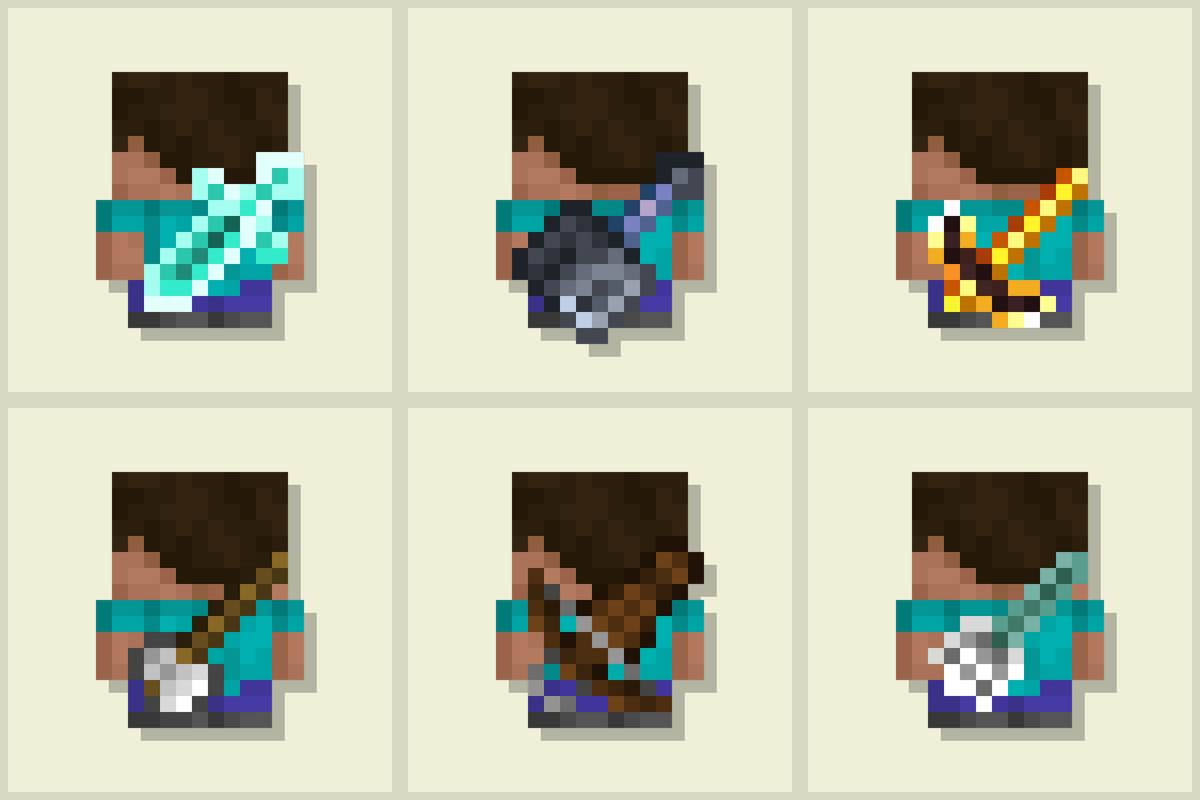
Tools On My Back (TOMB)
Displays the last used tool on the player's back. Adds immersive style to your adventures! 🪄 Now with an in-game editor and profile sharing! 🪄
 mod
mod CurseForge + Modrinth · Minecraft
Quick Info Panel
A simple client-only mod for Minecraft that adds a little heads-up display with info about directions, coordinates and time of the day. It also displays the corresponding current coordinates in the Nether, the current Biome and weather
 mod
mod CurseForge · Minecraft
Dead Bush Bonemeal
Bone meal spreads dead bushes the way it spreads firefly bushes, and dead bushes drop themselves without shears.