Fabric API Needed by Finery - 3D Capes & Wings Finery 1.0.2 for Fabric 1.21.3
requiredMatching file found Matched file: [1.21.3] Fabric API 0.114.1+1.21.3
CurseForge · Minecraft mod
35 custom 3D capes, wings, hats, horns and necklaces for Fabric & NeoForge 1.20.1-1.21.11: cloth physics, 16 dye colours, per-skin fitting, RPG perks.
Quick answer
Finery - 3D Capes & Wings Finery 1.0.2 for Fabric 1.21.3 targets 1.21.3 with Fabric. The project page does not say whether this file belongs on the client, dedicated server, or both. All 3 required mods have matching files.
Where it goes
The project page does not say whether this file belongs on the client, dedicated server, or both.
The source does not explicitly classify this release as client-only or server-only.
Finery 1.0.2 for Fabric 1.21.3. Change the file and its required mods may change too.
Install Fabric API, Accessories, oωo (owo-lib) first. We found matching files for this game-version and loader setup. 1 comes through another mod in the chain.
1 extra mod was pulled in by another dependency. Indented rows show who needs each one. We only count dependency files that match this setup. A file for another loader does not fill the gap.
Before you install it
Built for Finery - 3D Capes & Wings Finery 1.0.2 for Fabric 1.21.3. Pick another file and the loader, install side or required mods may change.
Use Finery 1.0.2 for Fabric 1.21.3. It targets 1.21.3 with Fabric; another release may have different loader, side or dependency requirements.
Install Fabric API, Accessories, oωo (owo-lib) first. We found matching files for this game-version and loader setup. 1 comes through another mod in the chain.
The project page does not say whether this file belongs on the client, dedicated server, or both.
Use the “Get this file” button beside Finery 1.0.2 for Fabric 1.21.3. It opens that exact file at the source.
About this project
35 wearables, built as real 3D models — not painted textures. Cloth-simulated capes, wings that flap and settle, dyeable scarves, and every hat, horn and necklace nudged until it fits your own skin. Each piece carries a small RPG perk. Fabric + NeoForge, Minecraft 1.20.1 – 1.21.11. Requires Fabric API + Accessories (Fabric) or Curios (NeoForge).
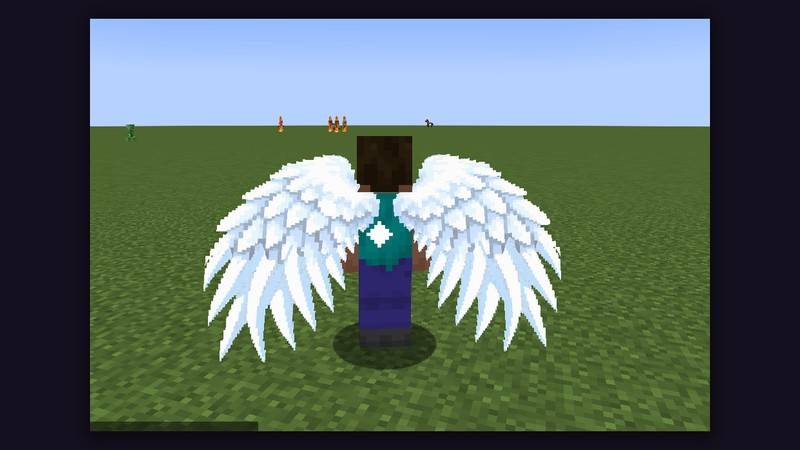
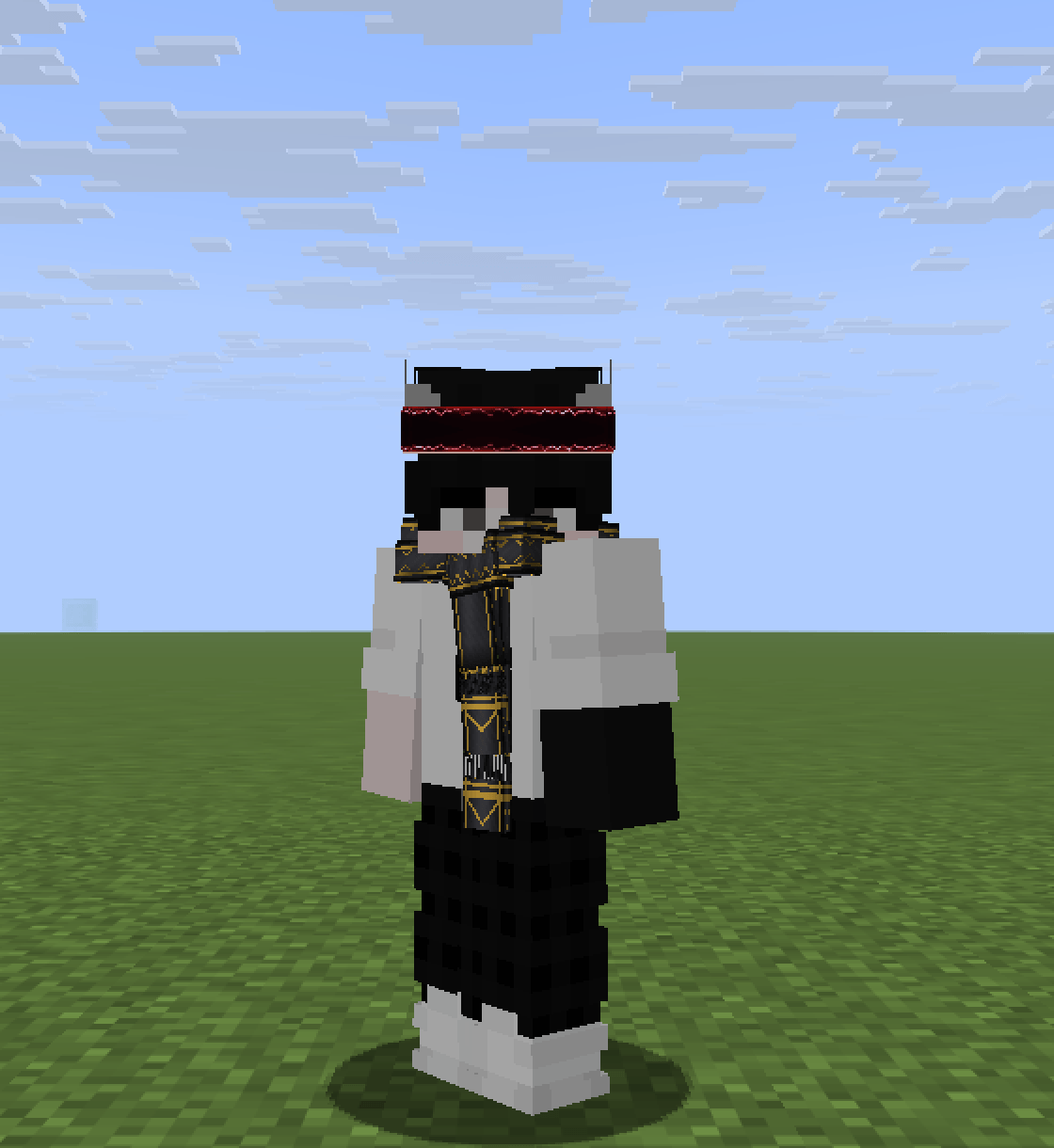
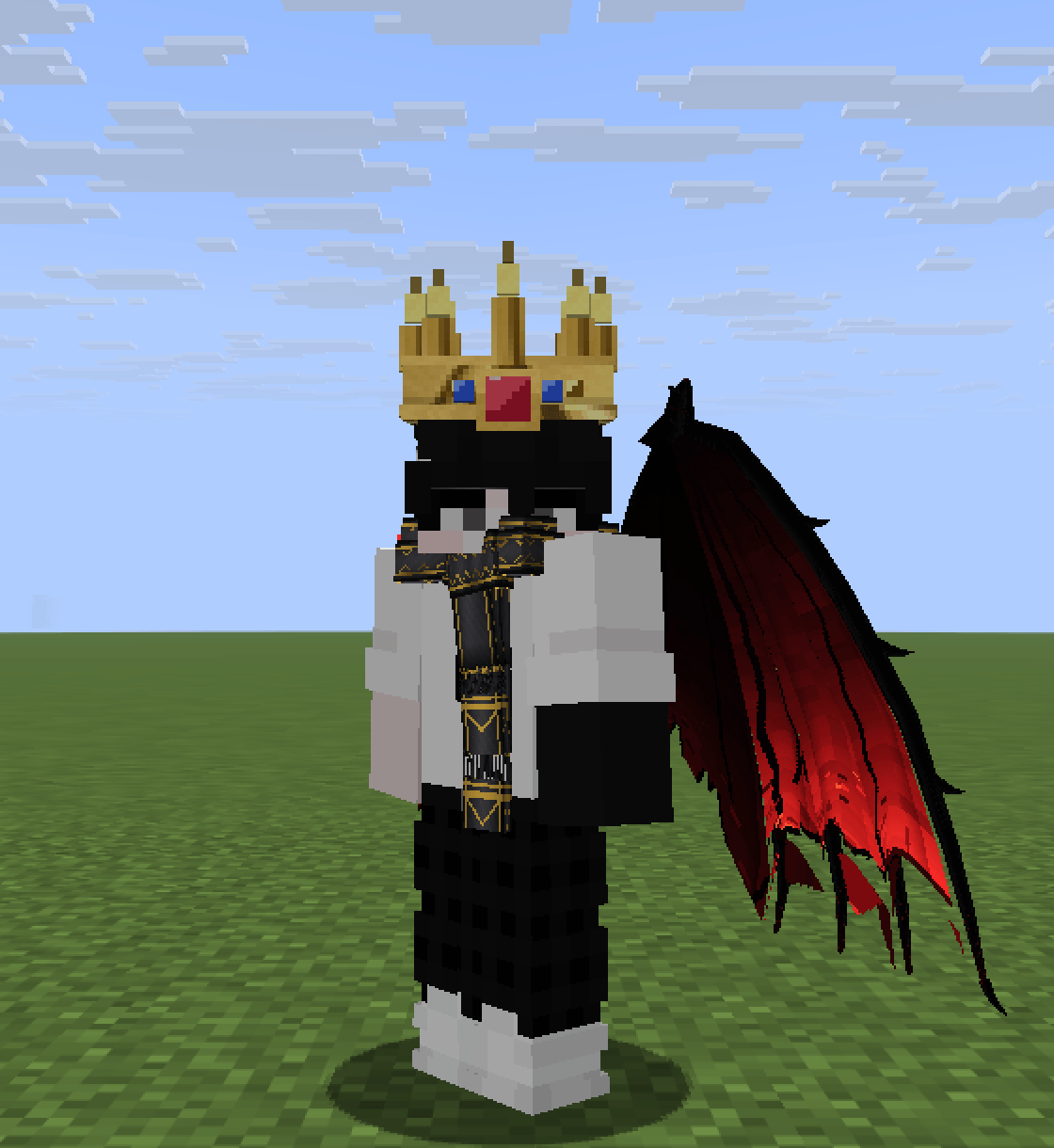
Most cosmetic mods paint a texture on your back. Finery builds geometry. Capes sway with a cloth simulation, wings fold and drift when you stand still, and headwear sits on your skull instead of floating above it. Nothing here replaces your armour — it wears over it.
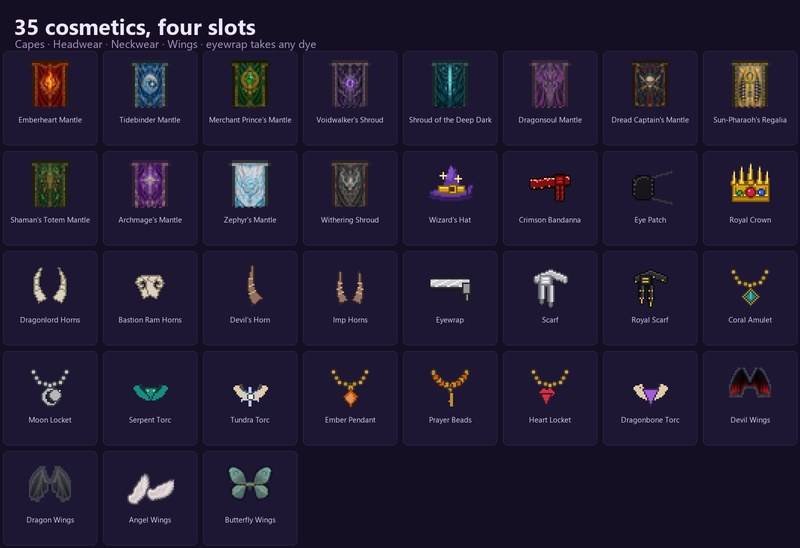
Every piece also does something small: fire resistance, night vision, a couple of extra hearts, luck, slow falling. Enough to matter, not enough to replace your gear. Rarity-coloured tooltips say what a piece does and where to find it.
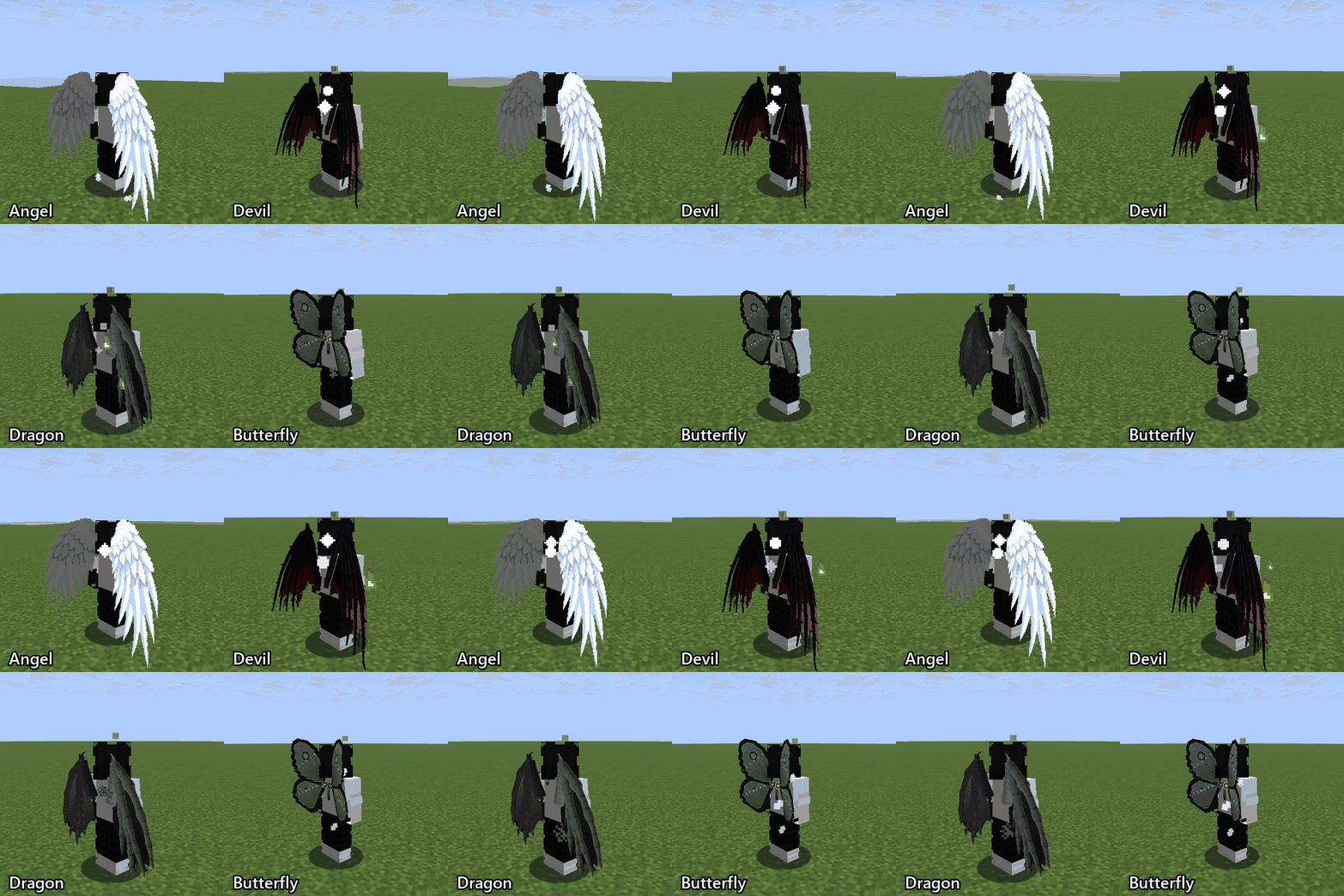
Press K (rebindable) to open Cosmetic Adjust, then move a worn piece up, down, left, right, in or out until it sits right. It is saved per item and survives a restart; the same screen opens from the pause menu.
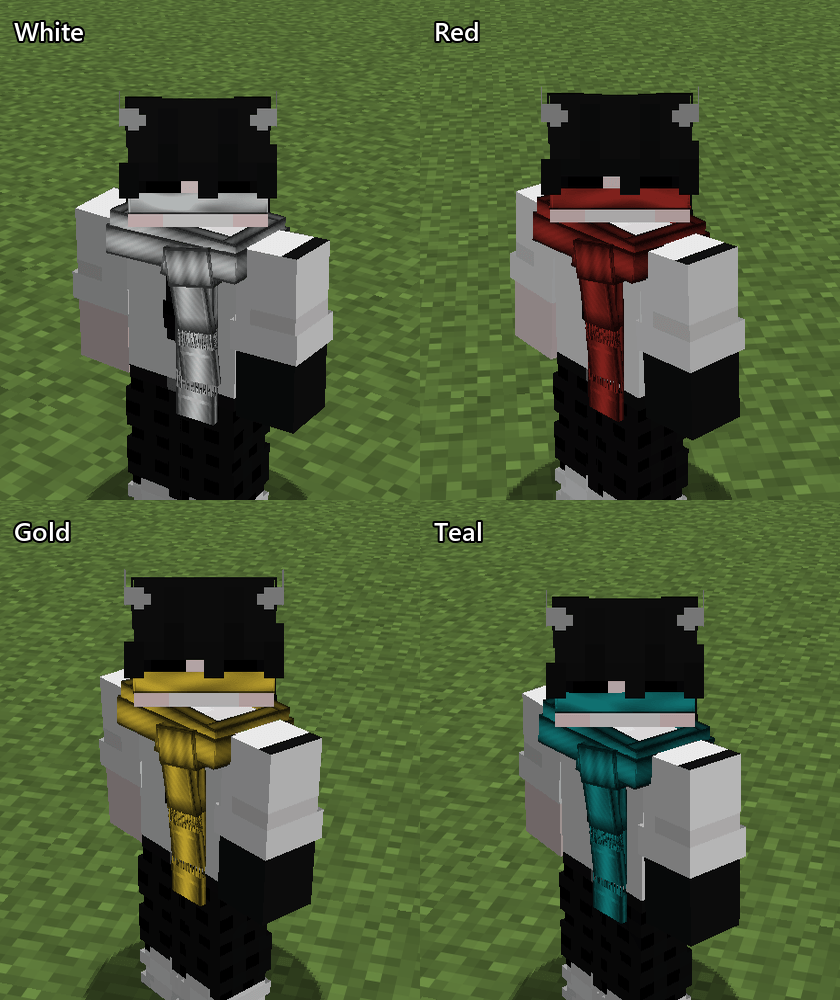
To recolour a dyeable piece, drop it in a crafting grid with any dye in any slot. All 16 dyes work, and the colour shows on the model and in the item name.
mods/. NeoForge: put Curios in mods/.mods/.Do not mix a Fabric jar into a NeoForge instance or the reverse. The two builds are separate files.
| Minecraft | Fabric | NeoForge | Dependency |
|---|---|---|---|
| 1.20.1 | yes | yes | Fabric API + Accessories / Curios 5.14.1 |
| 1.21 | yes | — | Fabric API + Accessories |
| 1.21.1 | yes | yes | Fabric API + Accessories / Curios 9.5.1 |
| 1.21.3 | yes | — | Fabric API + Accessories + owo-lib |
| 1.21.4 | yes | — | Fabric API + Accessories + owo-lib |
| 1.21.10 | yes | yes | Fabric API + Accessories / Curios 13.0.0 |
| 1.21.11 | yes | yes | Accessories 1.4.3 port + owo-lib 0.13.0 / Curios 14.0.0 |
On 1.21.11 Fabric, Accessories has no official build yet, so use the community Fabric port of Accessories 1.4.3.
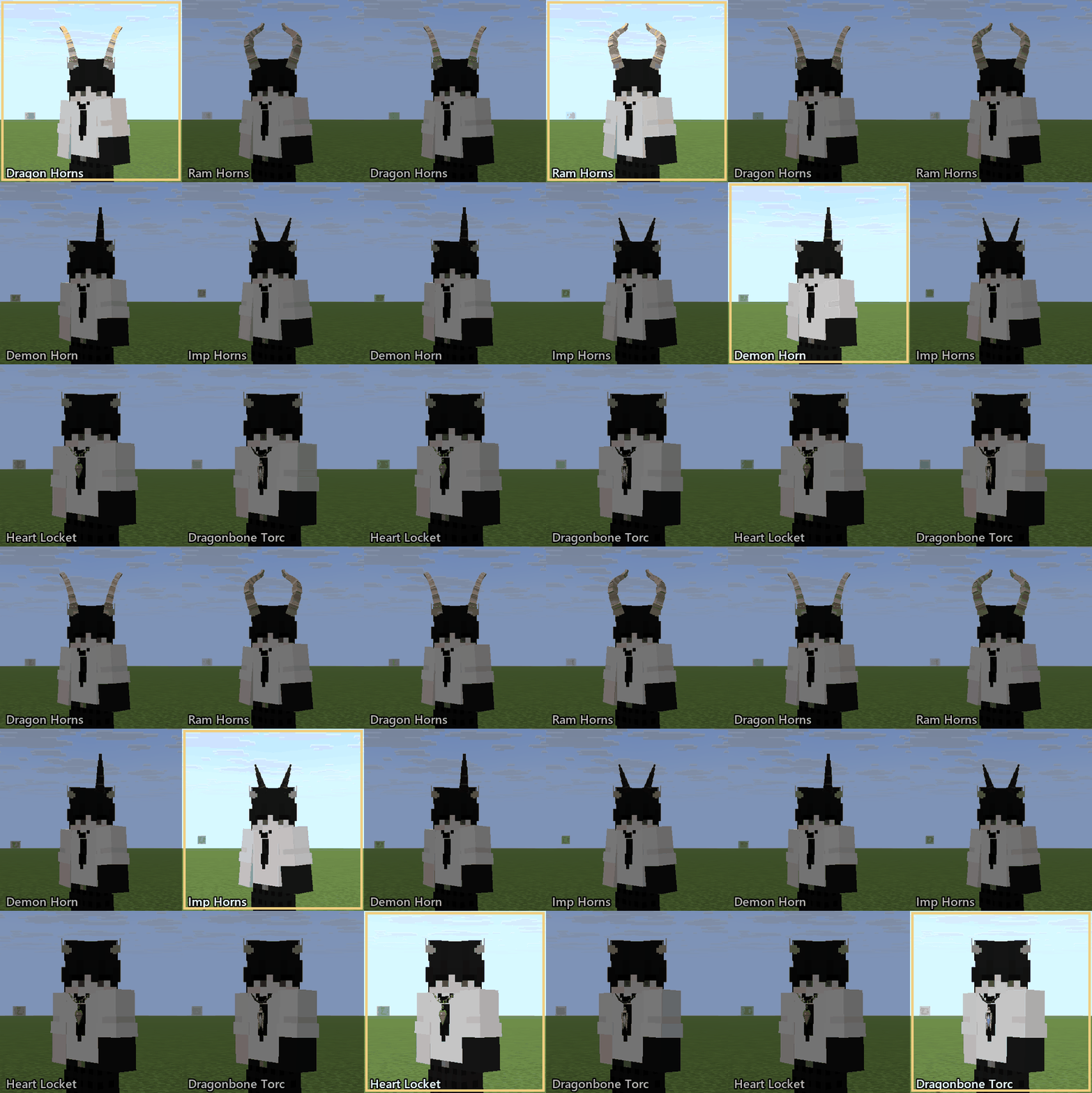
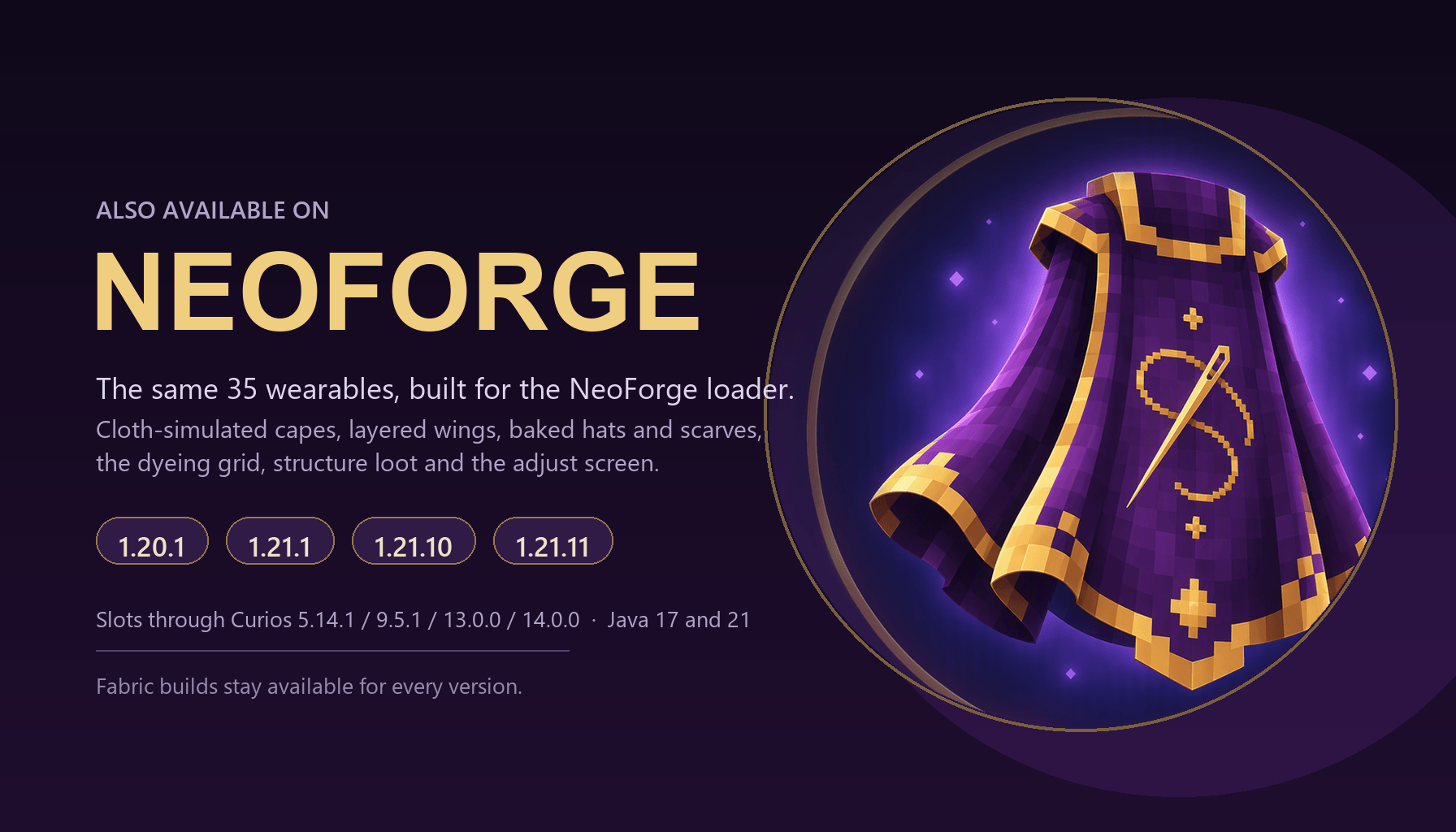
The NeoForge build uses Curios for the slots: back for capes and wings (one at a time), head for hats and horns, charm for the eye patch and eyewrap, necklace for scarves and neckwear. The same 35 cosmetics, cloth-simulated capes, baked models, dyeing recipe and Cosmetic Adjust screen are included.
The cape simulation is one shared model across both loaders: anchor lag fed every tick, gravity-shaped cloth and the original wind timing. On 1.21.10 and 1.21.11 the cosmetics are drawn through the deferred submit queue, so they stay attached while running, jumping and flying.
Yes — but the server must have Finery and its dependency installed too, because the cosmetics are stored on the player and synced. A vanilla client cannot see them. Single-player and LAN work out of the box.
I equipped something and it isn't visible. Cosmetics never render in first person. Press F5 once for the back view (twice for the front). Also check you used the right slot: capes and wings go on the back, hats and horns on the head, the eyewrap and eye patch on the face, scarves and necklaces on the necklace slot.
Right-clicking doesn't equip it. Accessories ships an "equip control" setting; if it is set to "must crouch", hold shift while right-clicking, or open the Accessories screen (H by default) and drag the piece into its slot.
Can I wear a cape and wings together? No. They share the back slot by design; equip one and the other is refused.
Does everyone else see my cosmetic? Every player whose client has Finery installed sees it, including on a server that runs the mod. Vanilla players see nothing.
Why so many files? Minecraft's rendering and item APIs changed several times between 1.20.1 and 1.21.11, and Curios/Accessories ship separate builds per version. Each jar targets exactly one Minecraft version.
Can I turn the perks or the loot off? Yes. Since 1.0.2 the Fabric builds write config/finery.json on first launch: lootEnabled and lootChanceMultiplier control the structure loot, abilitiesEnabled plus capeAbilities / headAbilities / neckAbilities / wingAbilities switch the perks off per slot, exclusiveCapeAndWings lets a cape and wings be worn together, and disabledAbilities takes piece ids to switch off a single item's perk. Edit the file and restart the server.
Bugs, clipping, missing textures, balance complaints — everything goes to GitHub Issues. Include your game version, the loader, the mod version and a screenshot or log if you can.
The source is public under MIT: github.com/ismaildzf/finery.
Cloth behaviour takes cues from WaveyCapes by tr7zw (MIT). Accessories and owo-lib by WispForest; Curios by TheIllusiveC4. MIT licensed.
Project description from CurseForge.
Pick your setup
Choose the version and loader you play, then open the matching release.
Check the dependencies, then try the file in a copied instance before changing a world you care about.
Recent files
finery-1.0.2-1.21.3.jar
8 Nov 2026
finery-1.0.2-1.21.4.jar
8 Nov 2026
finery-1.0.2-1.21.11.jar
8 Nov 2026
finery-1.0.2-1.20.1.jar
8 Nov 2026
finery-1.0.2-1.21.1.jar
8 Nov 2026
finery-1.0.1-neoforge-1.20.1.jar
6 Nov 2026
finery-1.0.0-neoforge-1.21.11.jar
6 Nov 2026
finery-1.0.1-neoforge-1.21.10.jar
6 Nov 2026
finery-1.0.0-neoforge-1.21.1.jar
6 Nov 2026
finery-1.0.0-neoforge-1.20.1.jar
6 Nov 2026
finery-1.0.0-1.21.11.jar
5 Nov 2026
finery-1.0.0-1.21.10.jar
5 Nov 2026
Looking for an older file? The official CurseForge project page is in Resources.
 mod
✏️ Set potion effects for all living entities to have permanently and to inflict.
 mod
add netherite and more from the nether update crafting in desc
 mod
Adds a giant Iron Golem that strikes from space and leaves a massive crater