Armor of the Ages Optional for gravityarmor-1.0.0-1.20.1.jar
optionalMatching file found Matched file: Armor of the Ages 1.20.1 v1.3.16
CurseForge · Minecraft mod
Control gravity and freeze time with two powerful armor sets
Quick answer
gravityarmor-1.0.0-1.20.1.jar targets 1.20.1 with Forge. The project page does not say whether this file belongs on the client, dedicated server, or both. No extra mods listed for this file.
Where it goes
The project page does not say whether this file belongs on the client, dedicated server, or both.
The source does not explicitly classify this release as client-only or server-only.
gravityarmor-1.0.0-1.20.1.jar. Change the file and its required mods may change too.
This file does not list any required mods. Do not add a library just because a different file uses it.
1 extra mod was pulled in by another dependency. Indented rows show who needs each one. We only count dependency files that match this setup. A file for another loader does not fill the gap.
Before you install it
Built for gravityarmor-1.0.0-1.20.1.jar. Pick another file and the loader, install side or required mods may change.
Use gravityarmor-1.0.0-1.20.1.jar. It targets 1.20.1 with Forge; another release may have different loader, side or dependency requirements.
This file does not list any required mods. Do not add a library just because a different file uses it.
The project page does not say whether this file belongs on the client, dedicated server, or both.
Use the “Get this file” button beside gravityarmor-1.0.0-1.20.1.jar. It opens that exact file at the source.
About this project
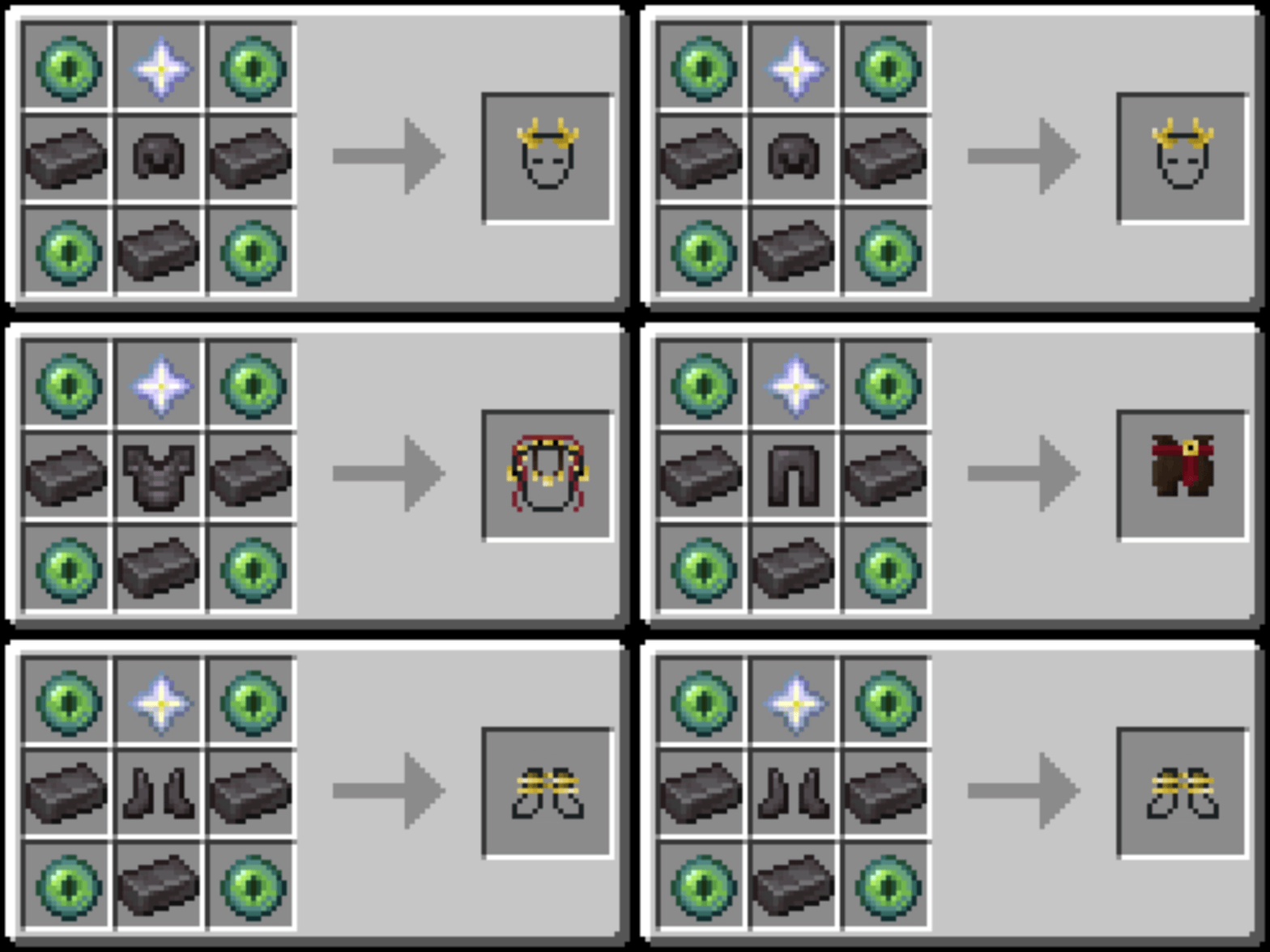
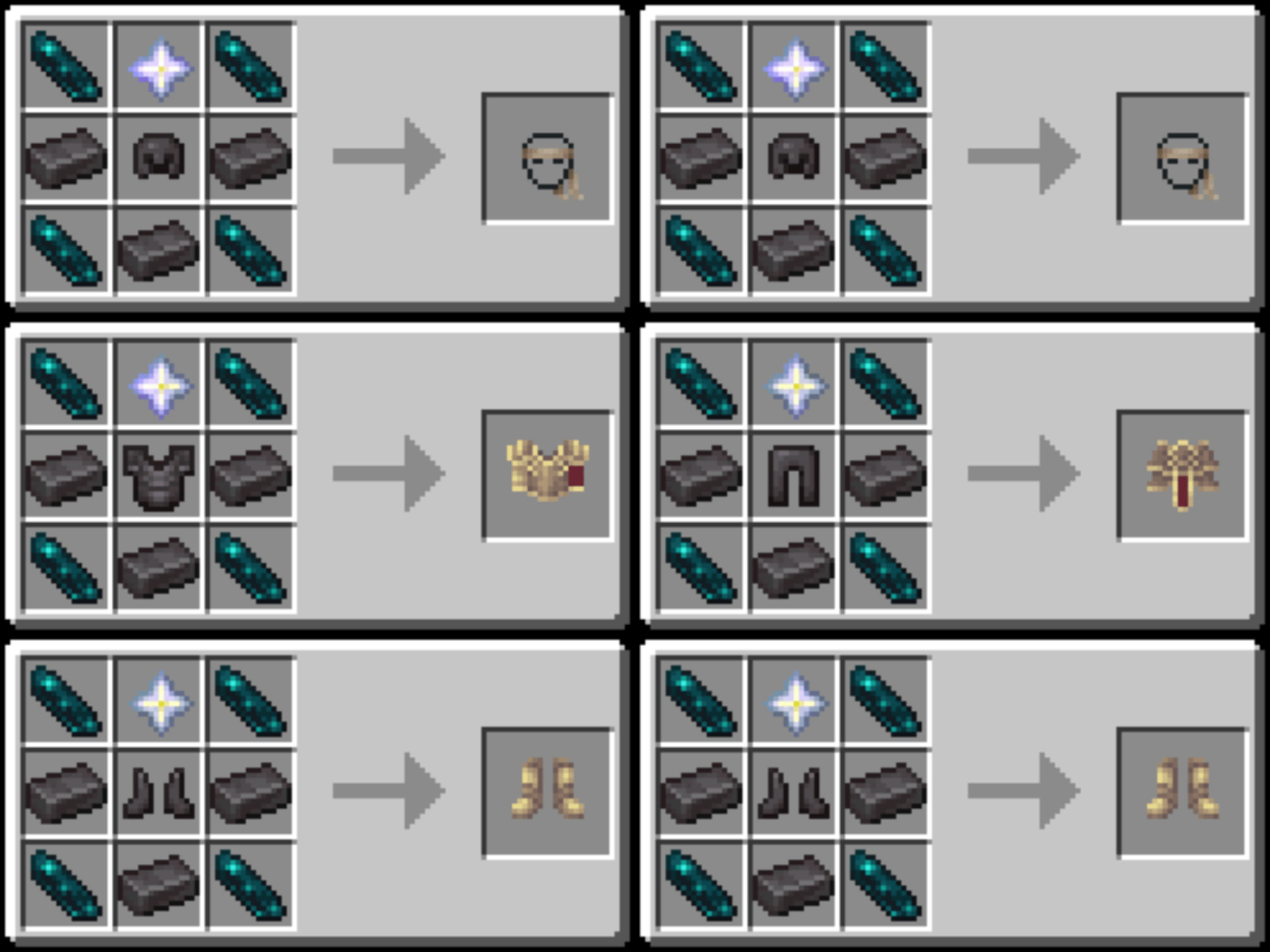
GravityArmor adds two complete armor sets to Minecraft. Their abilities are activated when full set are equipped.

The full set allows you to change the direction of gravity using dedicated keybinds (up, down, north, south, east, west).
Two modes are available, and a keybind lets you switch between them:
The Reset / Down keybind restores normal gravity and has no cooldown. An on-screen display shows the status of your abilities and their cooldowns.

The full set allows you to activate Time Stop, which freezes entities within a defined radius.

config/gravityarmor-common.toml: cooldowns, durations, effect radius, visual settingsconfig/gravityarmor-gravity.toml: gravity physics settingsworld/serverconfig/gravityarmor-armor.toml: armor statsKeybinds can be changed in Options → Controls → Gravity Armor.
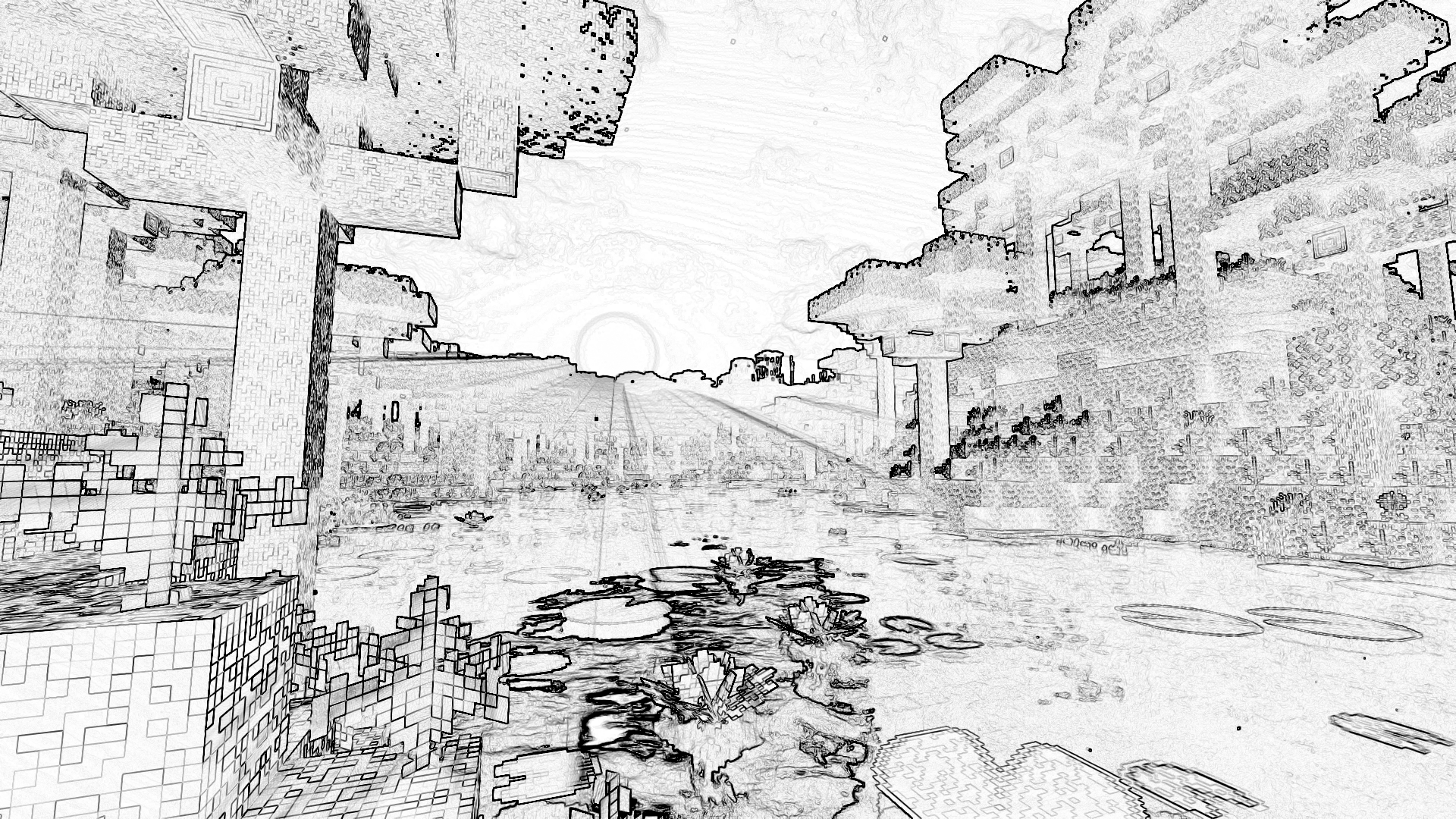
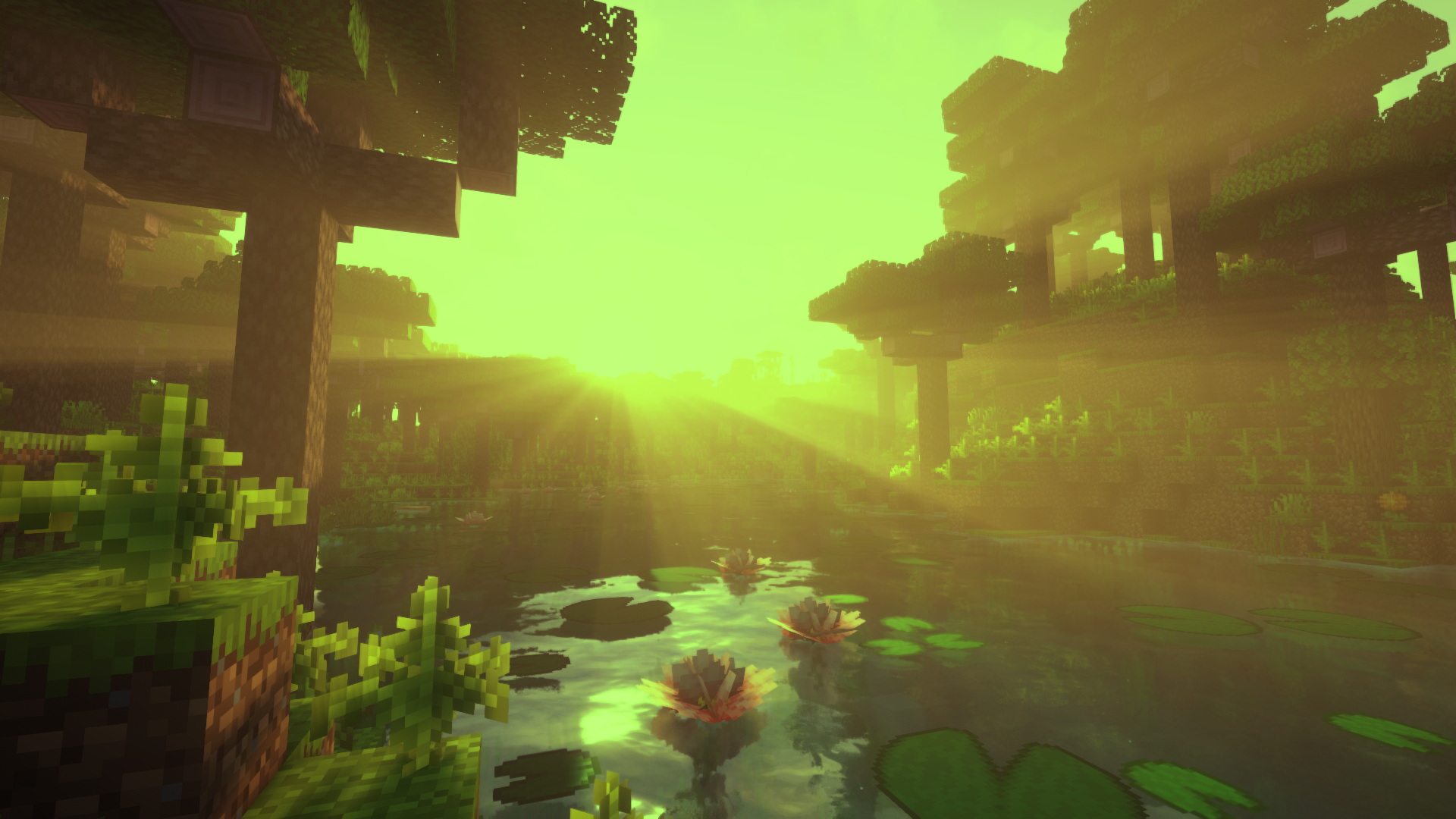
The /shader command triggers a visual post-processing effect for one or more players.
Syntax
/shader <name> [players] [position] [duration] [intensity]
| Argument | Description |
|---|---|
name |
Name of the effect to apply (see list below) |
players |
Target player(s) |
position |
Origin coordinates of the effect (used by shockwave and supernova) |
duration |
Duration of the effect |
intensity |
Intensity of the effect |
Available effects
shockwave
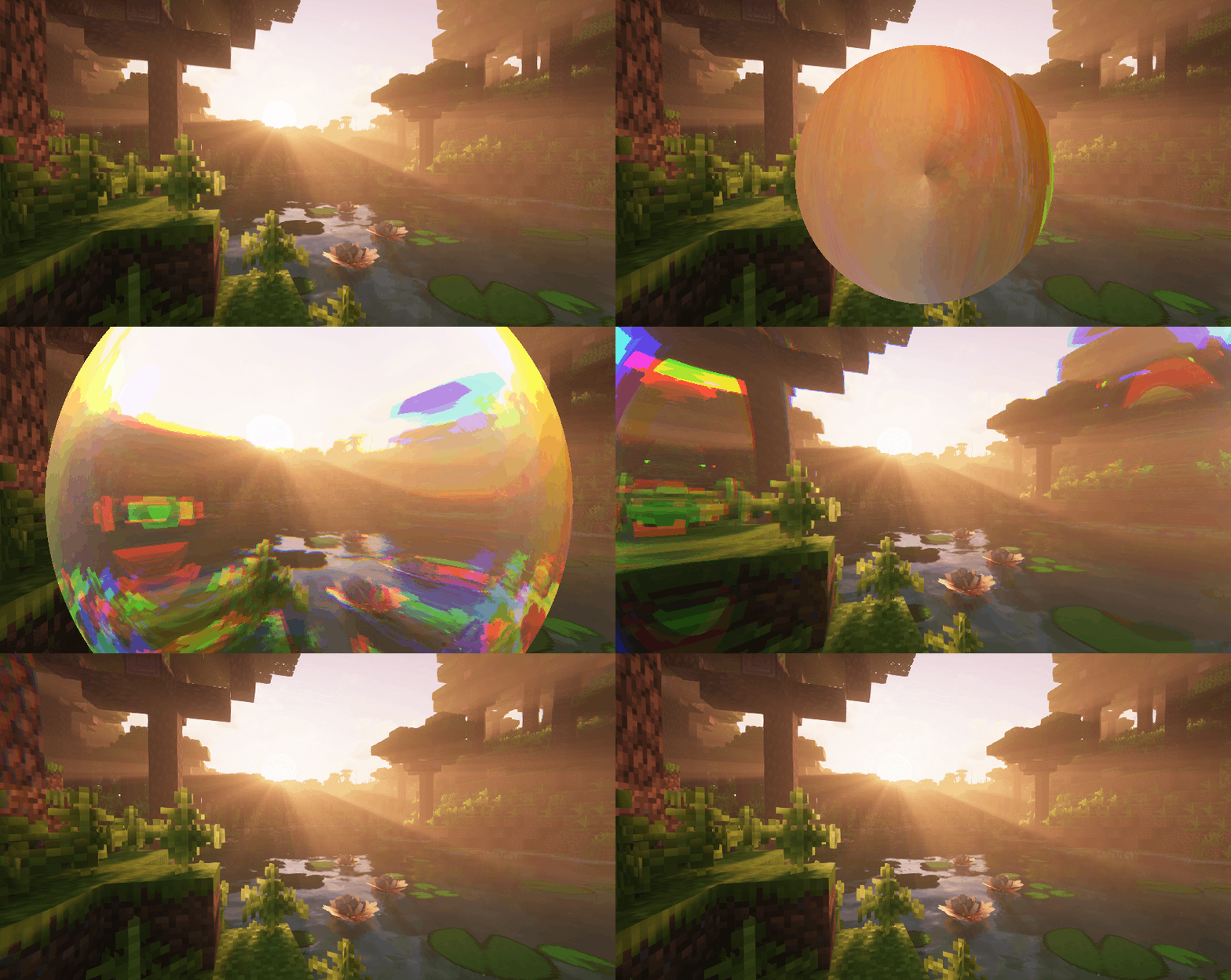
supernova
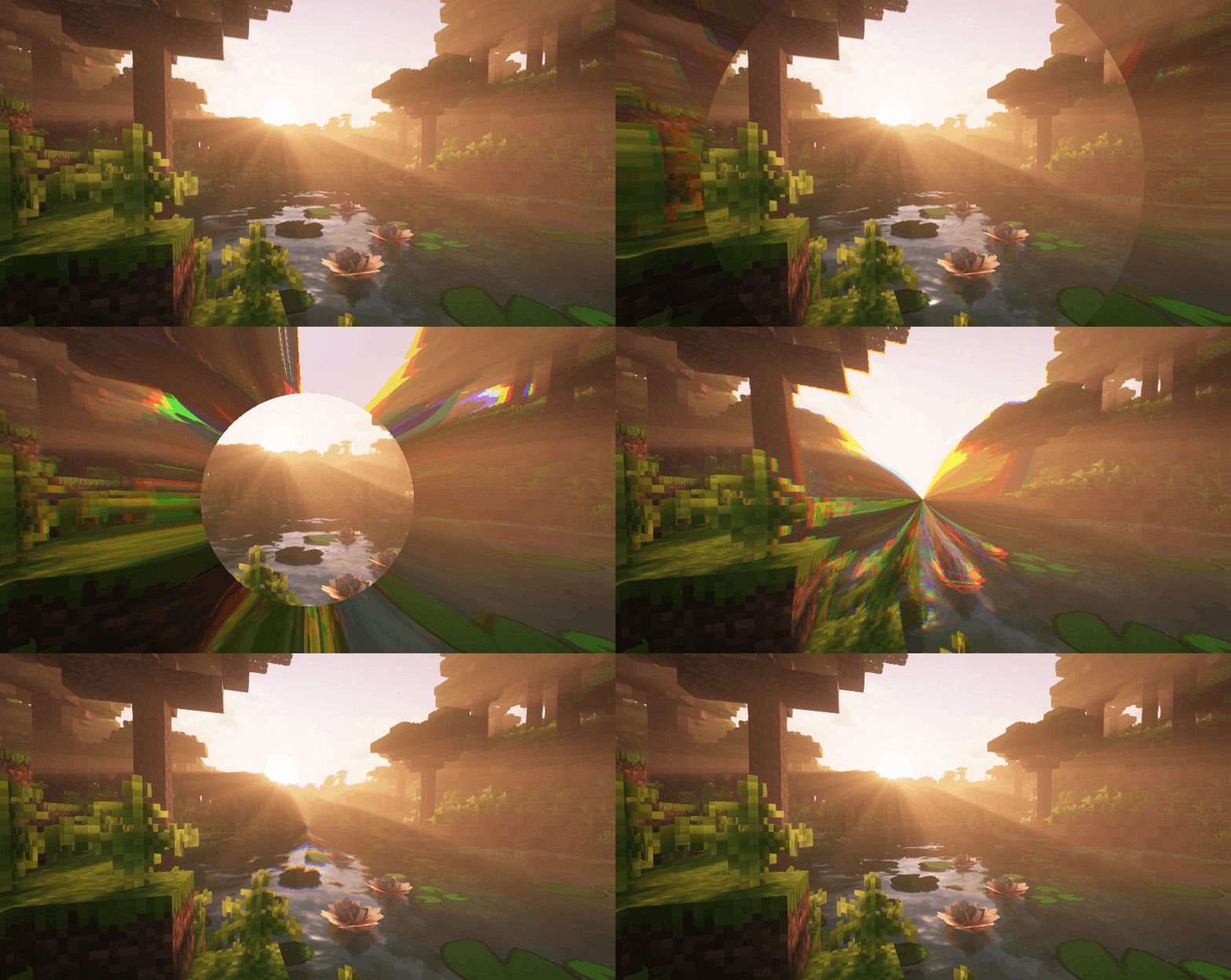
art
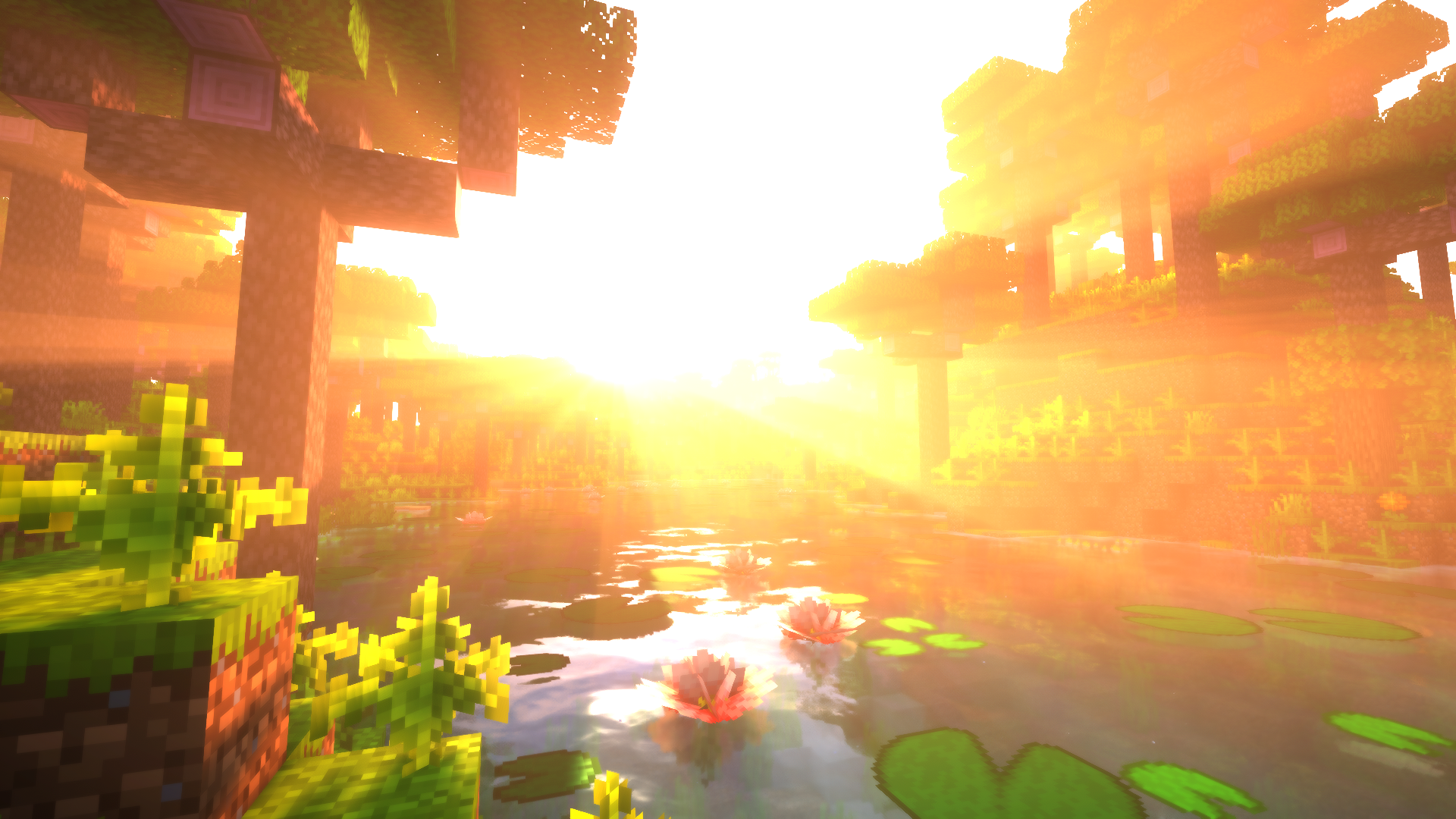
bits
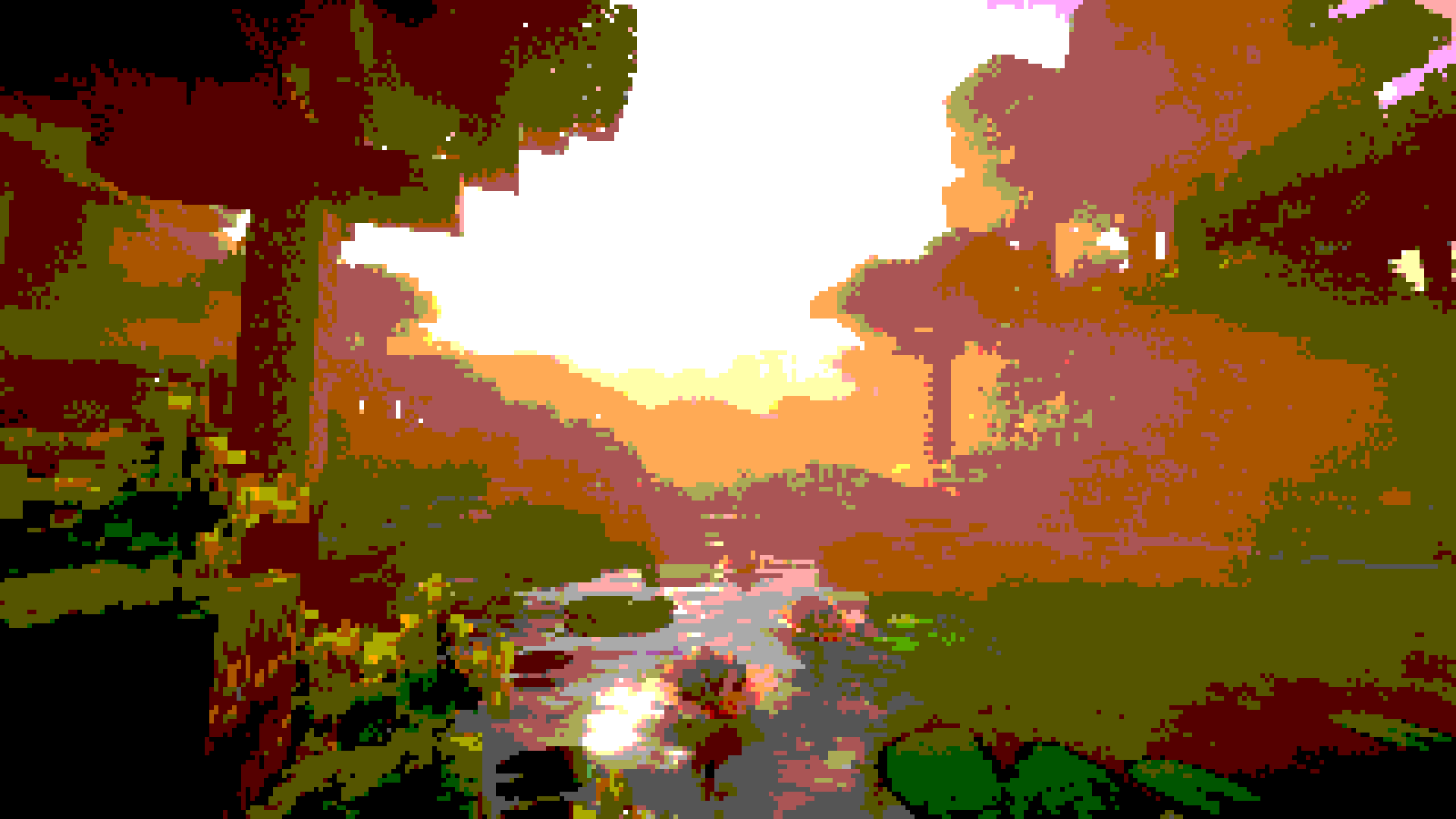
blur
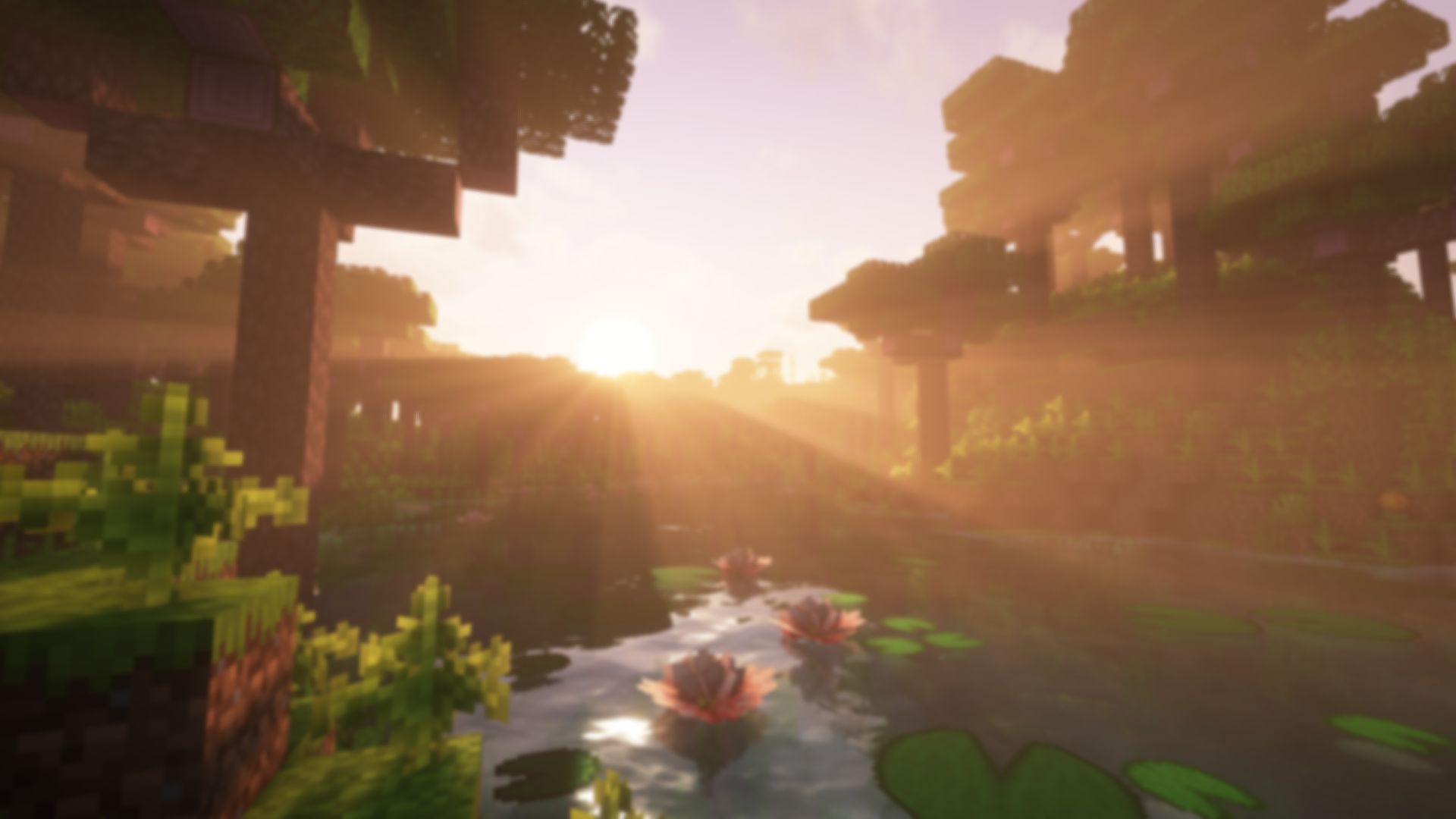
bumpy
creeper
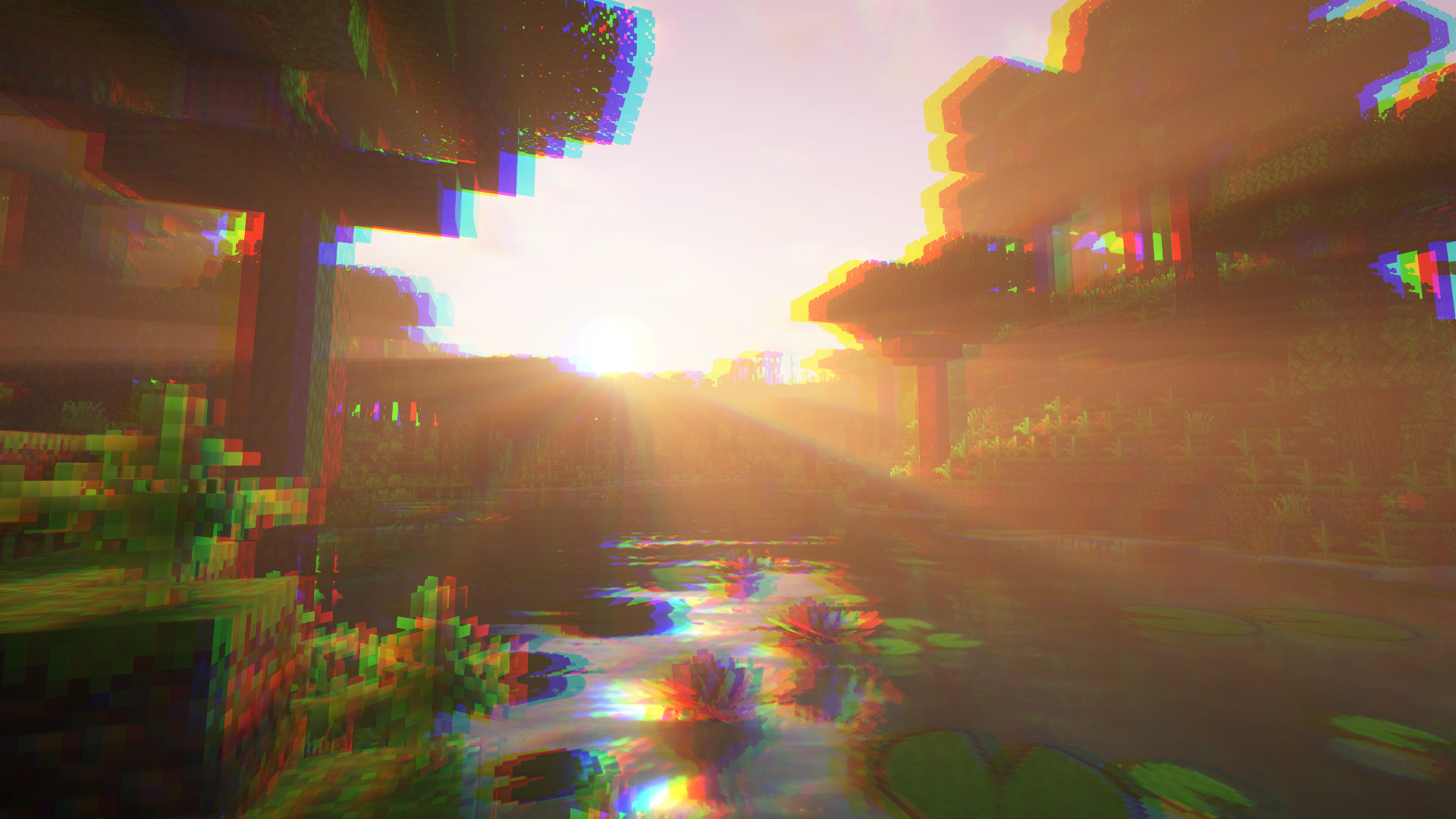
deconverge
desaturate
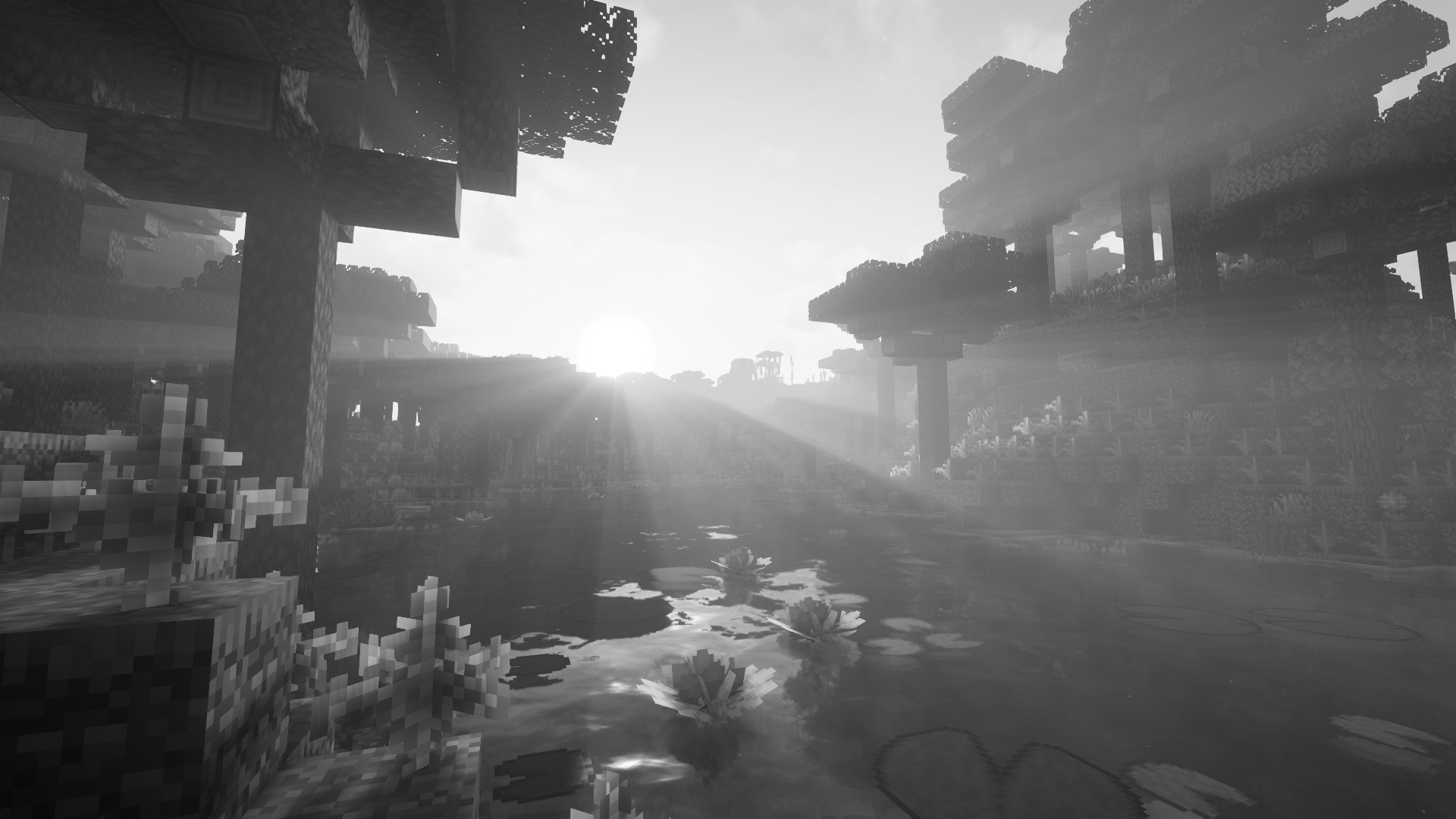
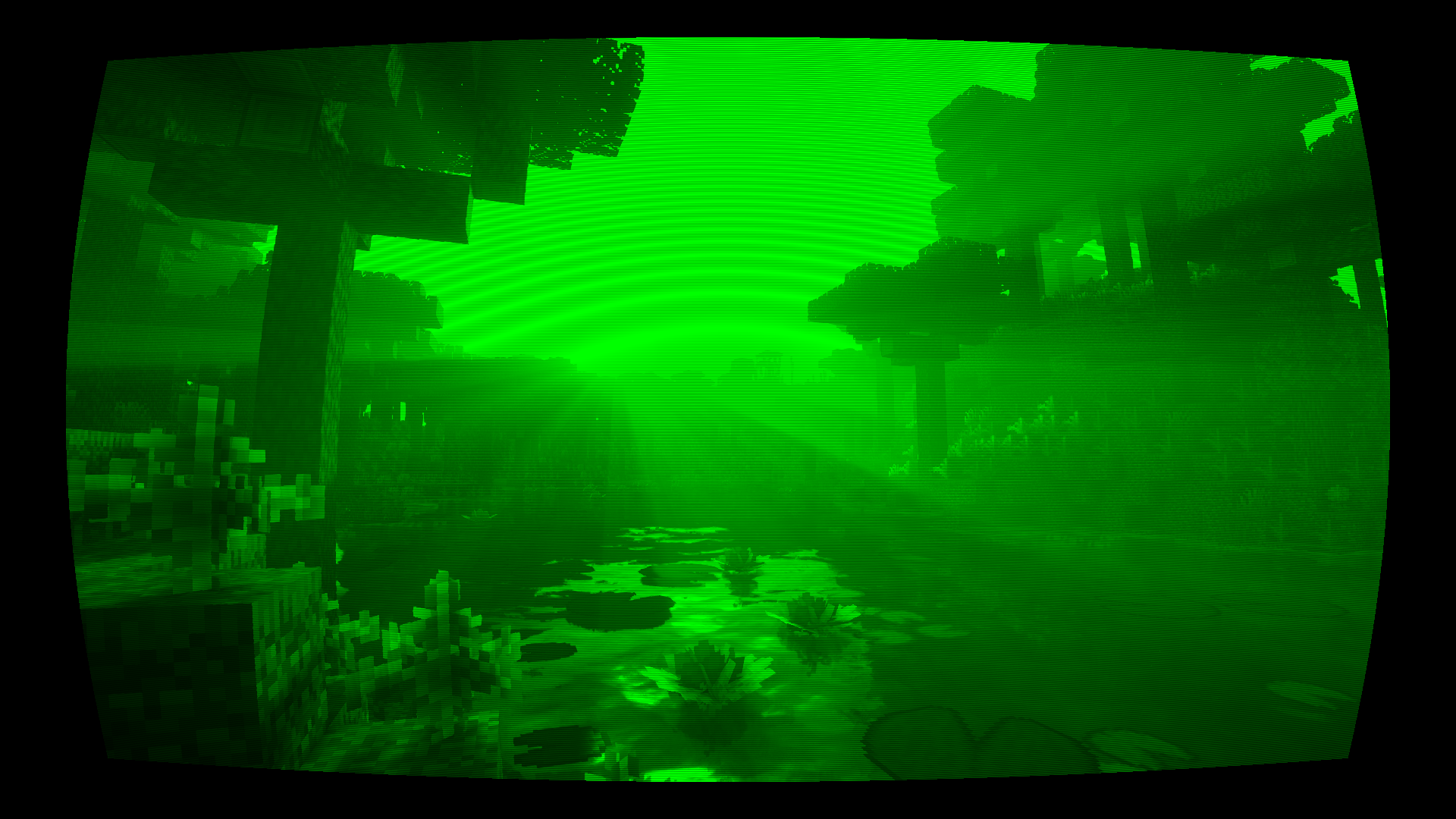
green
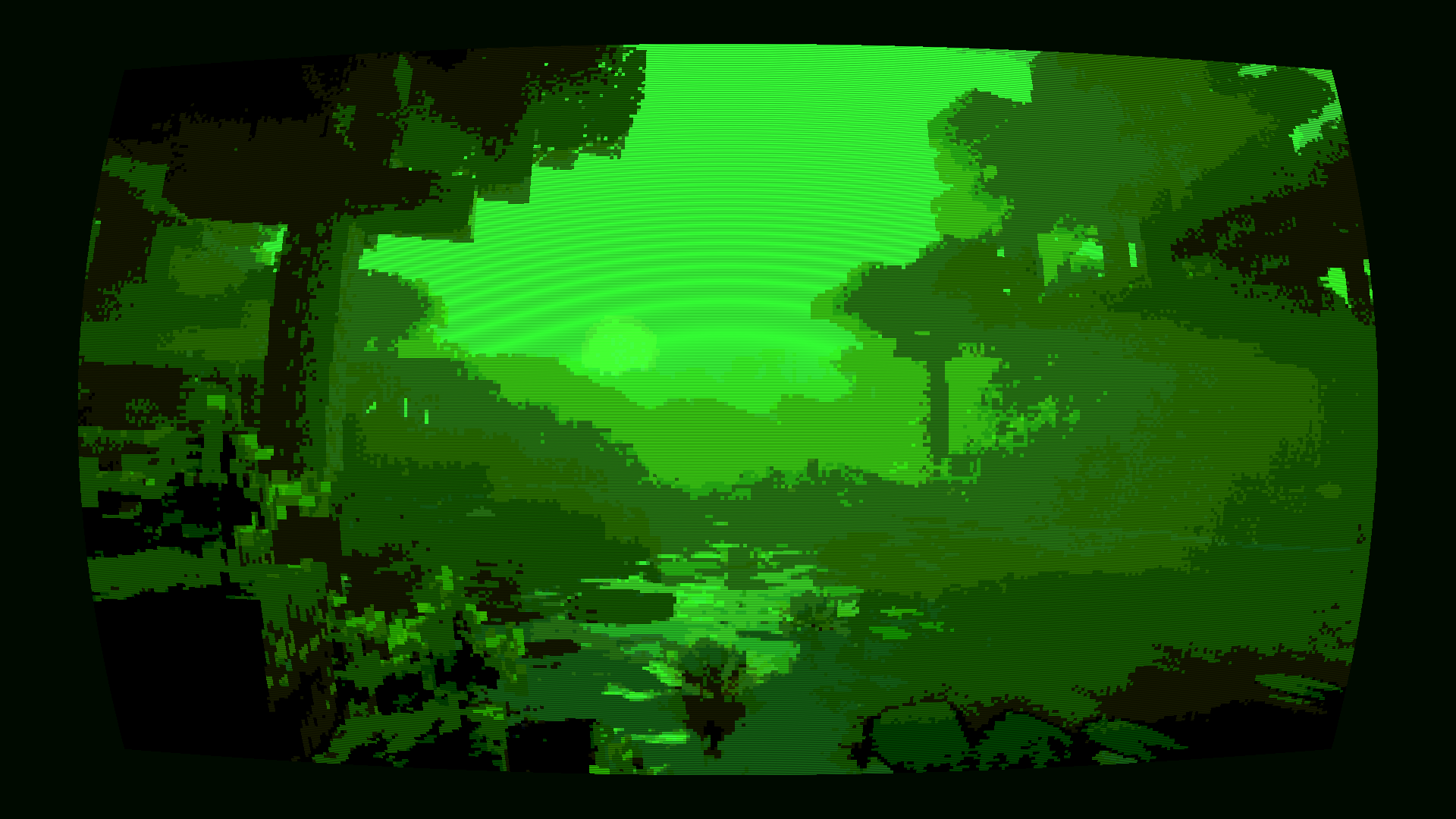
invert
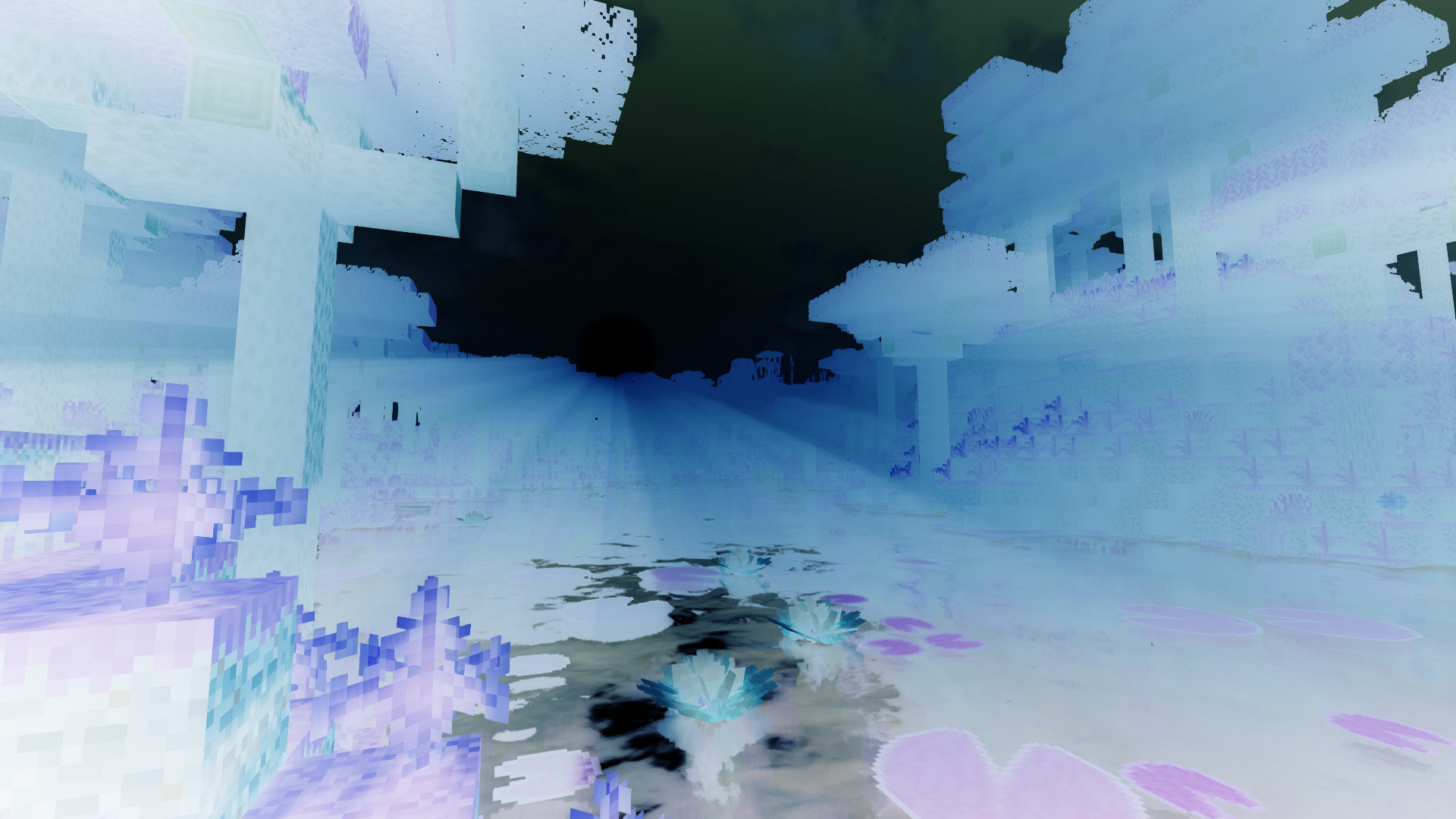
ntsc
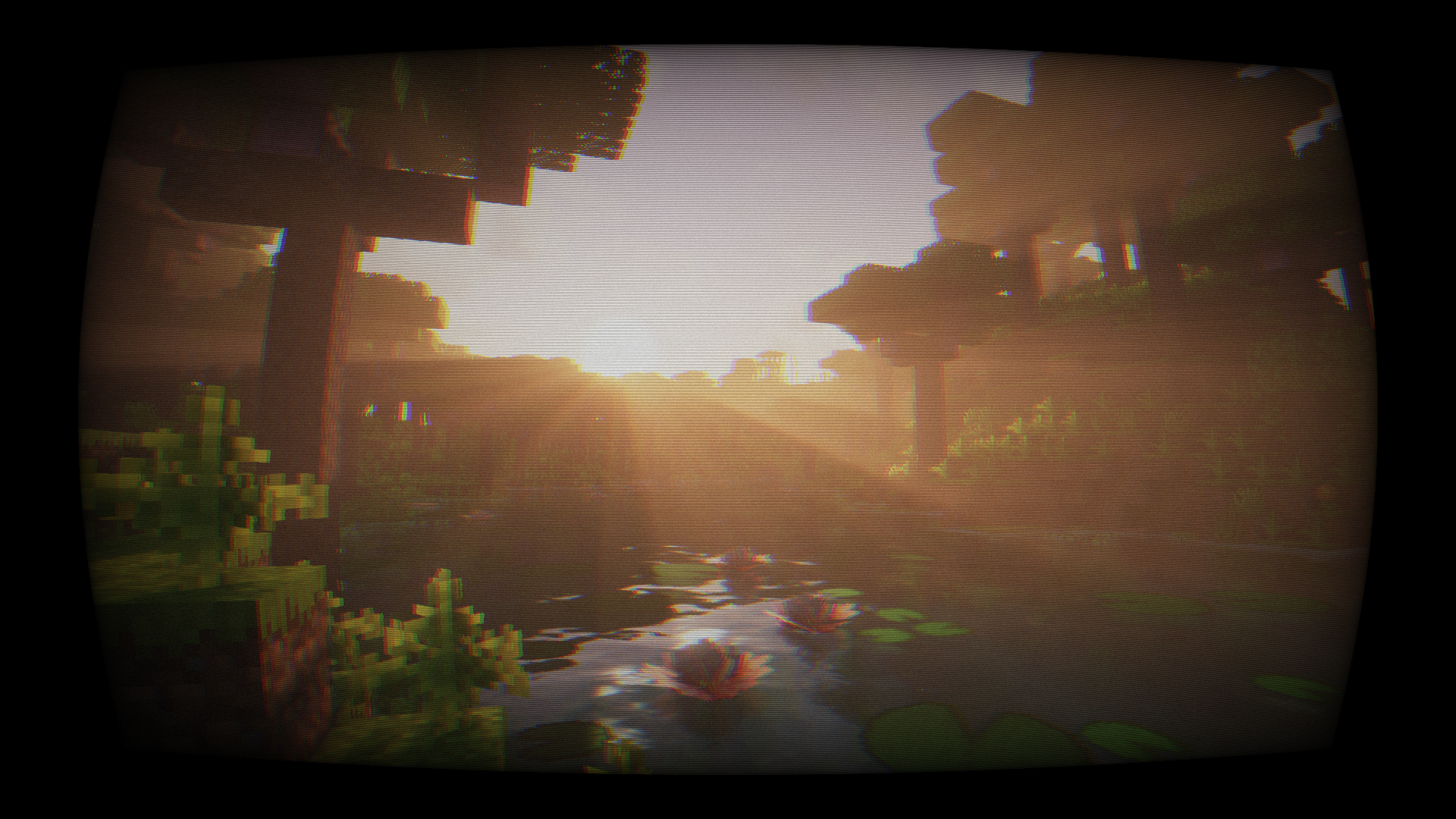
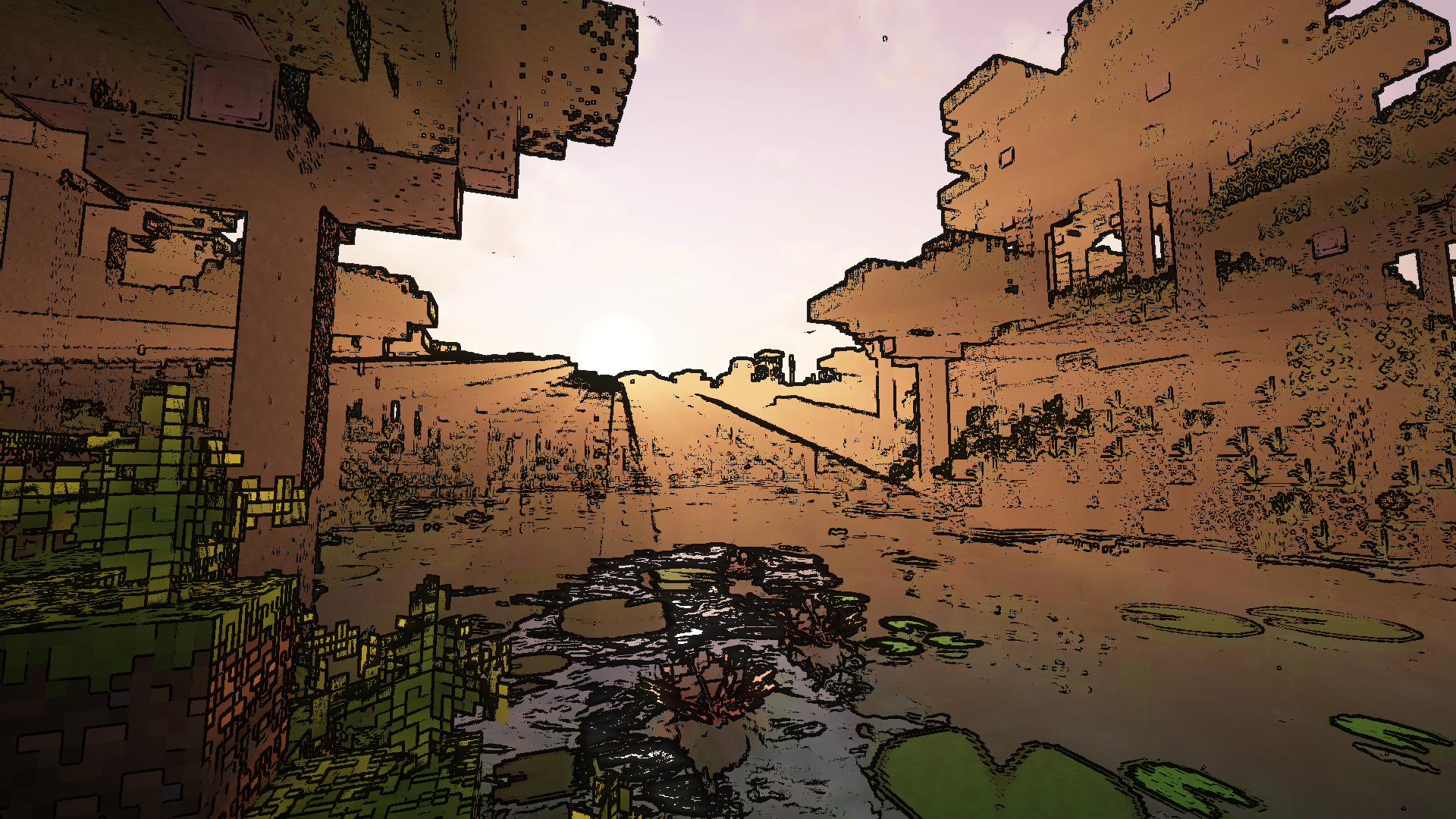
pencil
phosphor
sobel
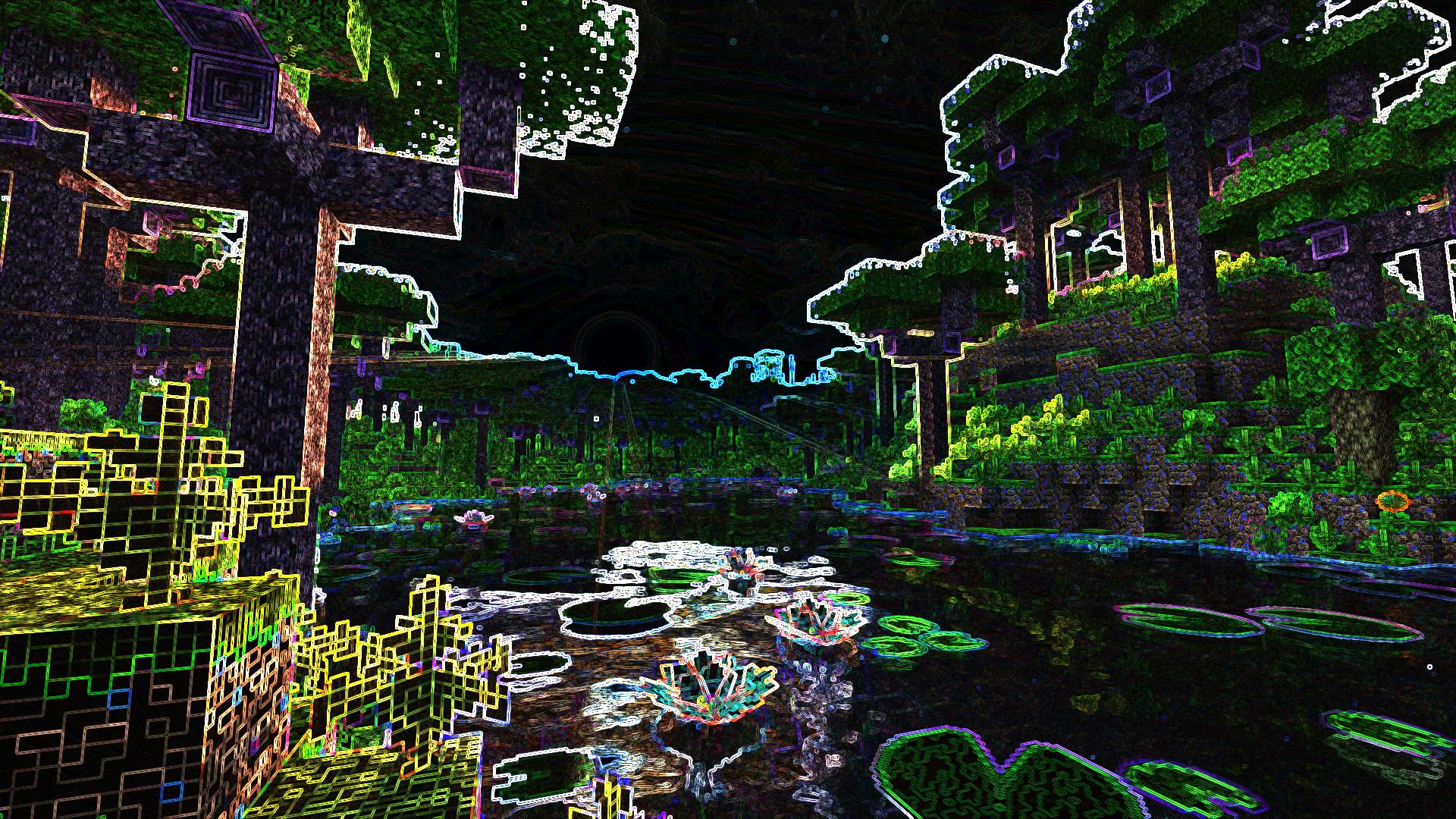
Effect names are suggested by in-game tab completion.
Textures and models adapted from Armor of the Ages.
License: MIT.

Project description from CurseForge.
Pick your setup
Choose the version and loader you play, then open the matching release.
Check the dependencies, then try the file in a copied instance before changing a world you care about.
Recent files
25 Oct 2026
Looking for an older file? The official CurseForge project page is in Resources.
 mod
modUnofficial fork of Bailey Hollingsworth's Ars Nouveau, maintained for the GregTech Odyssey modpack.
 mod
modit is a mod that adds multiple different dangerous prehistoric creatures to the game. The mod definitely increases the difficulty of the game because of it. You might have a hard time trying to survive them.
 mod
modVHS Effect turns Minecraft into an old home video, as if every moment were recorded on a 90s camcorder and played back on a worn-out tape.