Fabric API Needed by Beacon More Space beaconmorespace-fabric-1.21.1-1.0.0.jar
requiredMatching file found Matched file: [1.21.1] Fabric API 0.116.17+1.21.1
CurseForge · Minecraft mod
Dynamically scales beacon effect range based on the payment material used (Iron, Gold, Emerald, Diamond, Netherite) up to 100 blocks.
Quick answer
Beacon More Space beaconmorespace-fabric-1.21.1-1.0.0.jar targets 1.21.1 with Fabric. The project page does not say whether this file belongs on the client, dedicated server, or both. All 1 required mods have matching files.
Where it goes
The project page does not say whether this file belongs on the client, dedicated server, or both.
The source does not explicitly classify this release as client-only or server-only.
beaconmorespace-fabric-1.21.1-1.0.0.jar. Change the file and its required mods may change too.
Install Fabric API first. We found matching files for this game-version and loader setup.
We only count dependency files that match this setup. A file for another loader does not fill the gap.
Before you install it
Built for Beacon More Space beaconmorespace-fabric-1.21.1-1.0.0.jar. Pick another file and the loader, install side or required mods may change.
Use beaconmorespace-fabric-1.21.1-1.0.0.jar. It targets 1.21.1 with Fabric; another release may have different loader, side or dependency requirements.
Install Fabric API first. We found matching files for this game-version and loader setup.
The project page does not say whether this file belongs on the client, dedicated server, or both.
Use the “Get this file” button beside beaconmorespace-fabric-1.21.1-1.0.0.jar. It opens that exact file at the source.
About this project
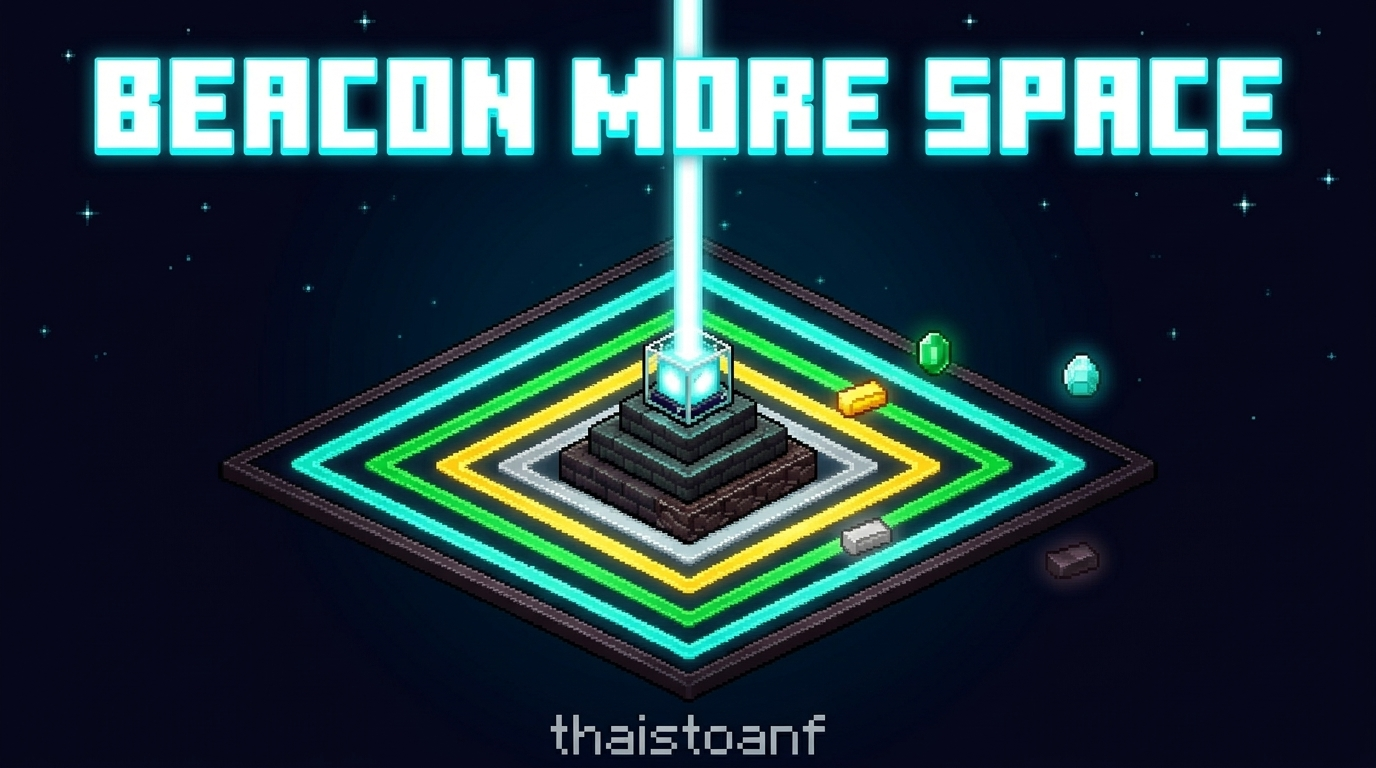
Beacon range that scales with the payment item you use.
In vanilla Minecraft, the Beacon effect range depends only on the pyramid level. The item you pay to activate the Beacon makes no difference: an Iron Ingot and a Netherite Ingot give exactly the same range, so there is no reason to spend rarer materials.
Beacon More Space makes the payment item matter. The material you place in the Beacon payment slot when you confirm effects sets a permanent range bonus for that Beacon. Rarer materials cover more space, which helps on large bases, farms, and builds.
Base Range  (vanilla) = beaconLevel * 10 + 10
Bonus Range (payment) = Iron +0 | Gold +10 | Emerald +20 | Diamond +30 | Netherite +50
Total Radius R        = Base Range + Bonus Range
| Payment Item | Bonus | Level 1 | Level 2 | Level 3 | Level 4 |
|---|---|---|---|---|---|
| Iron Ingot | +0 | 20 | 30 | 40 | 50 |
| Gold Ingot | +10 | 30 | 40 | 50 | 60 |
| Emerald | +20 | 40 | 50 | 60 | 70 |
| Diamond | +30 | 50 | 60 | 70 | 80 |
| Netherite Ingot | +50 | 70 | 80 | 90 | 100 |
The vanilla effect area shape is kept. Only the radius changes:
R blocks in every horizontal direction from the Beacon.R blocks below the Beacon.+256 blocks), the same as vanilla.Each Beacon stores its own payment tier. On a shared pyramid (for example six Beacons on a 10x11 pyramid), every Beacon applies its effects with its own radius, based on the last item used to confirm effects in that Beacon. Changing one Beacon never affects the others.
The tier is saved with the Beacon block data, so it persists through world reloads and server restarts. It only changes when a player confirms effects in the Beacon GUI with a new payment item.
The empty lower part of the Secondary Power panel shows:
Tier: Diamond).Range: 80 blocks (+30)).Preview Range: 100 blocks (+50)).The payment item icons at the bottom of the GUI are outlined. A green outline marks the active tier and a yellow outline marks the previewed tier. Hover over the indicator to see a tooltip with the pyramid level and the full range list for every material at the current level.
If you join a server that does not have the mod, no indicator is shown, because the server has no tier data to send.
| Component |
|---|
| Minecraft Java Edition |
| Java Version |
| Fabric Loader |
| Fabric API |
beaconmorespace-1.0.0.jar and the Fabric API jar into your .minecraft/mods folder.%appdata%\.minecraft\mods~/Library/Application Support/minecraft/mods~/.minecraft/modsFor multiplayer, install the mod on the server, where the range logic runs. Install it on clients too so players can see the GUI indicator. Vanilla clients can still join a modded server without problems; they just do not see the indicator.
Beacon More Space is free. If you enjoy it and want to support future updates, you can make a voluntary donation on Ko-fi. It is never required.
Ko-fi: https://ko-fi.com/thaistoanf
Project description from CurseForge.
Pick your setup
Choose the version and loader you play, then open the matching release.
Check the dependencies, then try the file in a copied instance before changing a world you care about.
Recent files
3 Nov 2026
2 Nov 2026
2 Nov 2026
2 Nov 2026
31 Oct 2026
30 Oct 2026
30 Oct 2026
beaconmorespace-1.0.0.jar
27 Oct 2026
Looking for an older file? The official CurseForge project page is in Resources.
 mod
A (Neo)Forge mod for Minecraft 1.20.1-26.3 that lets players showcase inventory items directly in chat.
 mod
Minecraft Mod designed to introduce a new way to interact with enchantments and curses, hiding them all from view with further investment needed to reveal them.
 mod
A standalone Ex Nihilo‑inspired skyblock resource mod with sieves, barrels, automation, and cross‑mod compatibility for 1.21.1 NeoForge and 1.20.1 Forge.