Minecraft version
Back to mods 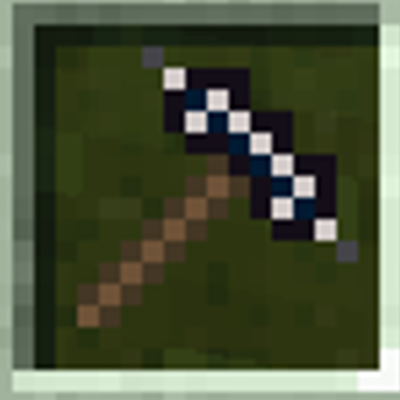
CurseForge · Minecraft mod
Multitools and more
It's a mod with multitools, new dimensions, and a bit more. It's my first mod.
Choose a version Pick your version below, then grab the matching file.
Quick answer
Which Multitools and more release matches 26.3?
Best match for your filters multitools-1.1.5-neoforge-26.3.jar
Game version 26.3
Loader NeoForge
Multitools and more multitools-1.1.5-neoforge-26.3.jar targets 26.3 with NeoForge. The project page does not say whether this file belongs on the client, dedicated server, or both. No extra mods listed for this file.
Where it goes
Is Multitools and more required on the client, server, or both?
The project page does not say whether this file belongs on the client, dedicated server, or both.
Client Source doesn’t say
Dedicated server Source doesn’t say
Loader for this release NeoForge
Required install it here Optional supported, not mandatory Not supported do not install here Source doesn’t say do not assume
The source does not explicitly classify this release as client-only or server-only.
What else does Multitools and more multitools-1.1.5-neoforge-26.3.jar need?
multitools-1.1.5-neoforge-26.3.jar on 26.3. Every mod below is checked against that same setup.
This file does not list any required mods. Do not add a library just because a different file uses it.
This file does not list any required or optional mods.
Before you install it
Add Multitools and more without breaking your instance.
Built for Multitools and more multitools-1.1.5-neoforge-26.3.jar on 26.3. Pick another file and the loader, install side or required mods may change.
- 01
Stick to this file
Use multitools-1.1.5-neoforge-26.3.jar. It targets 26.3 with NeoForge; another release may have different loader, side or dependency requirements.
- 02
Bring the mods it needs
This file does not list any required mods. Do not add a library just because a different file uses it.
- 03
Put it on the correct side
The project page does not say whether this file belongs on the client, dedicated server, or both.
- 04
Pick the file you checked
Use the “Get this file” button beside multitools-1.1.5-neoforge-26.3.jar. It opens that exact file at the source.
About this project
What does Multitools and more add?
Temu Multitools
Temu Multitools is a vanilla-friendly content expansion mod focused on multitools, exploration, dimensions, and custom world generation.
The mod expands Minecraft survival by adding powerful multitools, new dimensions, custom biomes, and additional gameplay content while preserving the classic vanilla Minecraft experience and progression style.
Features
Multitools
Temu Multitools adds several multitool tiers that combine the functionality of multiple vanilla tools into a single item.
Available multitools:
* Wooden Multitool
* Stone Multitool
* Iron Multitool
* Copper Multitool
* Diamond Multitool
* Netherite Multitool
Each multitool has different durability, mining speed, efficiency, and attack strength based on its material tier.
Multitools help reduce inventory clutter by allowing players to carry a single tool for mining, digging, chopping, and general survival tasks.
Temu Work Block
The mod adds a custom villager workstation called the **Temu Work Block**.
Villagers can use this workstation to become **Temu Villagers**. Temu Villagers offer unique trades and sell **Fake Multitools**, providing players with an alternative way to obtain multitools through trading.
The Temu Work Block expands village gameplay while fitting naturally into Minecraft's vanilla-style progression system.
New Dimensions
Explore three custom dimensions with unique environments and exploration opportunities.
Dia Dimension
A resource-rich dimension inspired by diamonds and valuable ores. Explore dangerous terrain, discover valuable resources, and venture into a world designed for exploration and progression.
Cloud Dimension
A floating world high above the clouds featuring open skies, floating islands, and unique landscapes. Travel between floating landmasses and experience a completely different style of exploration.
Mysterious Dimension
A strange and mysterious realm filled with unusual terrain, unexpected discoveries, and unexplored locations waiting to be found.
Custom Biomes
Temu Multitools adds multiple custom biomes to improve exploration and make world generation more diverse.
These biomes feature unique terrain, atmosphere, and landscapes while blending naturally with vanilla Minecraft world generation. Players can discover new environments during normal exploration without disrupting the vanilla experience.
Why Download Temu Multitools?
* Combines multiple tools into one convenient multitool
* Adds three new dimensions to explore
* Includes custom biomes and world generation
* Introduces the Temu Villager and Temu Work Block
* Offers unique Fake Multitool trading mechanics
* Reduces inventory management
* Enhances survival and exploration gameplay
* Maintains a vanilla-friendly progression system
Compatibility
* Minecraft Version: 1.21.8/1.21.1/26.1.2/1.20.1/26.3
* Supported Loaders: (Forge) / NeoForge
* Environment: Client and Server
Gallery
Check the gallery for screenshots of:
* All multitool tiers
* The Temu Work Block
* Temu Villager trades
* Dia Dimension
* Cloud Dimension
* Mysterious Dimension
* Custom biomes
* World generation examples
* Exploration gameplay
(sam25uel is my ingame name)
(I created these textures myself)
I will try to add extensions and new versions over time.
Project description from CurseForge.
Pick your setup
Multitools and more by Minecraft version and loader
Choose the version and loader you play, then open the matching release.
Minecraft version
1.21.1
1 loader buildMinecraft version
1.20.1
1 loader buildCheck the dependencies, then try the file in a copied instance before changing a world you care about.
Recent files
Multitools and more versions and loaders
multitools-1.1.5-neoforge-26.3.jar
28 Oct 2026
Client Source doesn’t say Server Source doesn’t say Dependencies No extras listed Listed on Release listing
Check the 26.3 · NeoForge setup NeoForge26.3 release
Looking for an older file? The official CurseForge project page is in Resources.
 mod
CurseForge · Minecraft
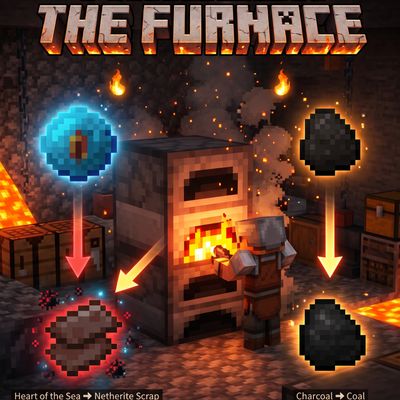
heart of The Sea to Netherite Scrap,charcoal to coal,Fast Recipes (inspired by Quark)
heartOfTheSea_to_NetheriteScrap
 mod
CurseForge · Minecraft
Charcoal to Coal Block+ Fast Recipes (inspired by Quark)
Charcoal or coal to Coal Block
 mod
CurseForge + Modrinth · Minecraft
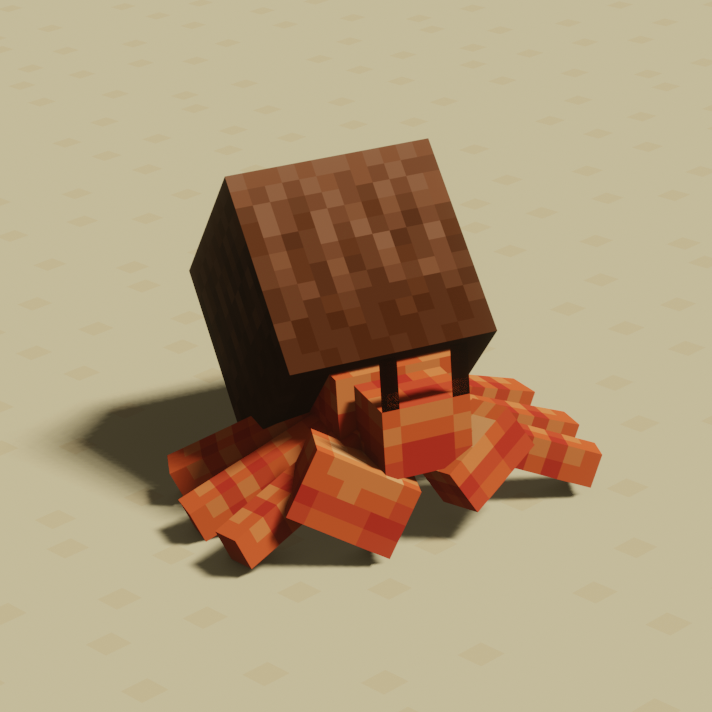
Ecologics
Simple vanilla biome updates, with fun mobs, blocks, and more!