Kotlin for Forge Needed by Dimensional Backpacks dimensional_backpacks-0.1.0.jar
requiredMatching file found Matched file: Kotlin for Forge 5.12.0
CurseForge · Minecraft mod
Wear your base on your back
Quick answer
Dimensional Backpacks dimensional_backpacks-0.1.0.jar targets 1.21.1 with NeoForge. The project page does not say whether this file belongs on the client, dedicated server, or both. All 1 required mods have matching files.
Where it goes
The project page does not say whether this file belongs on the client, dedicated server, or both.
The source does not explicitly classify this release as client-only or server-only.
dimensional_backpacks-0.1.0.jar. Change the file and its required mods may change too.
Install Kotlin for Forge first. We found matching files for this game-version and loader setup.
We only count dependency files that match this setup. A file for another loader does not fill the gap.
Before you install it
Built for Dimensional Backpacks dimensional_backpacks-0.1.0.jar. Pick another file and the loader, install side or required mods may change.
Use dimensional_backpacks-0.1.0.jar. It targets 1.21.1 with NeoForge; another release may have different loader, side or dependency requirements.
Install Kotlin for Forge first. We found matching files for this game-version and loader setup.
The project page does not say whether this file belongs on the client, dedicated server, or both.
Use the “Get this file” button beside dimensional_backpacks-0.1.0.jar. It opens that exact file at the source.
About this project

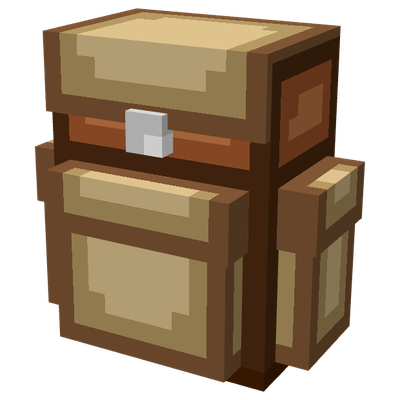
Have you ever wished you could just live out of your backpack? Well now you can! Introducing Dimensional Backpacks! Craft a backpack, build a little base inside it, then pop it on your back. You can even access your chests in the backpack without having to take it off!

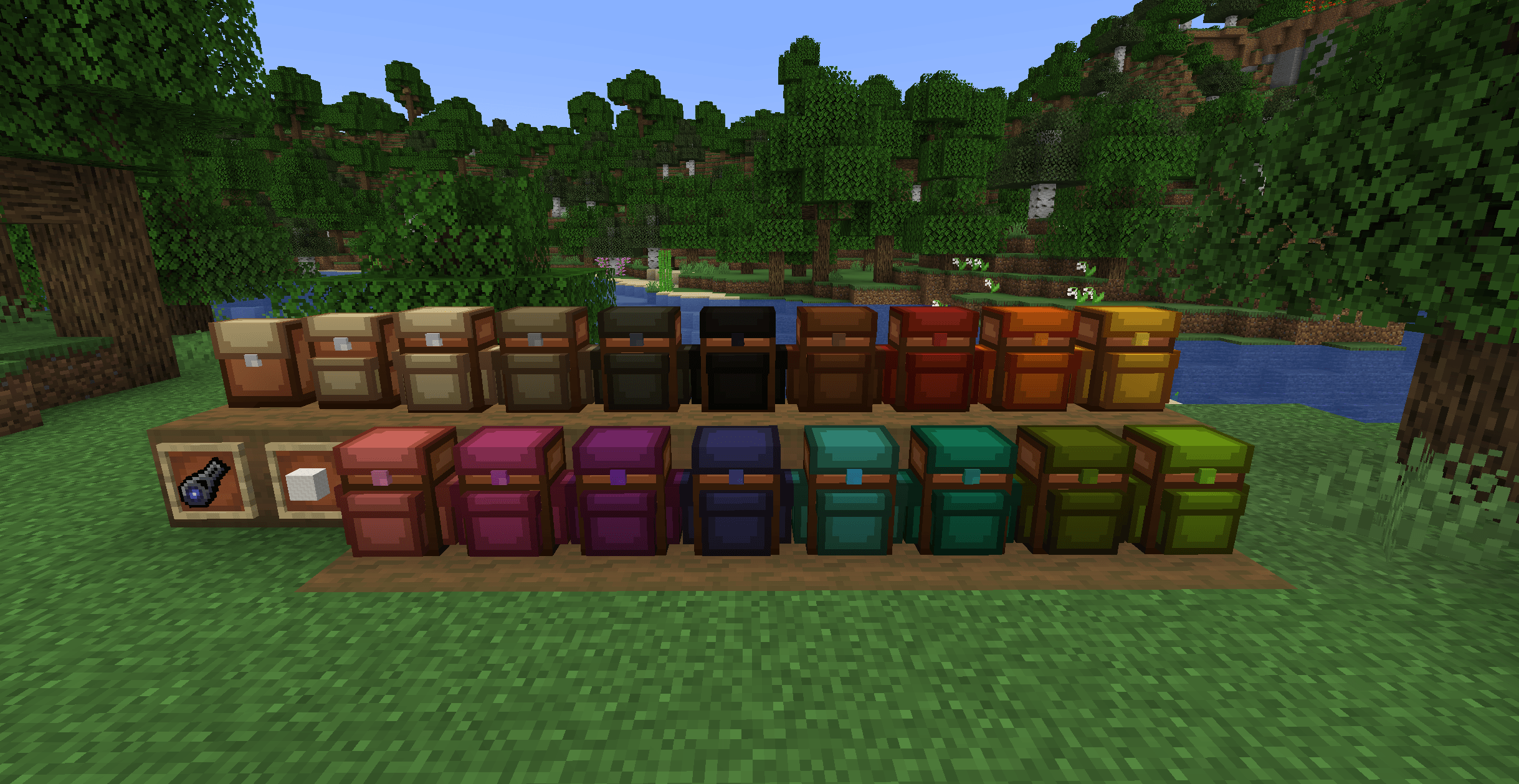


/dbp backpack <id> command to get it back. You can also craft a duplicate of your backpack, by placing the linked backpack (Has a plot ID in the tooltip) with an unlinked backpack (never worn or placed, no ID in tooltip) in a crafting grid. That way, if your backpack is ever lost, you will still have the backup one.Project description from CurseForge.
Pick your setup
Choose the version and loader you play, then open the matching release.
Check the dependencies, then try the file in a copied instance before changing a world you care about.
Recent files
28 Oct 2026
Looking for an older file? The official CurseForge project page is in Resources.