MyCel Needed by Dark Mode 1.3.0 (NeoForge, 26.1-26.1.2)
requiredMatching file found Matched file: Mycel 1.7.0 (Fabric, Forge, NeoForge, 26.1-26.1.2)
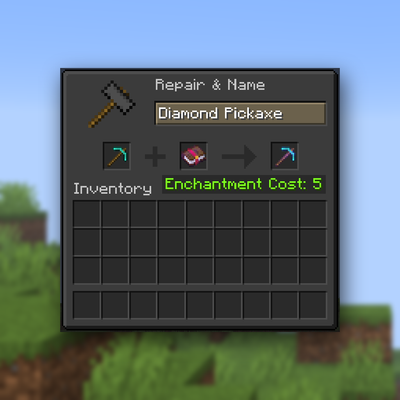
CurseForge · Minecraft mod
Dark mode for all of Minecraft: dark menus, inventories and the Mojang loading screen, including screens from other mods.
Quick answer
Dark Mode 1.3.0 (NeoForge, 26.1-26.1.2) targets 26.1, 26.1.1, 26.1.2 with NeoForge. The project page does not say whether this file belongs on the client, dedicated server, or both. All 1 required mods have matching files.
Where it goes
The project page does not say whether this file belongs on the client, dedicated server, or both.
The source does not explicitly classify this release as client-only or server-only.
Dark Mode 1.3.0 (NeoForge, 26.1-26.1.2) on 26.1 NeoForge. Every mod below is checked against that same setup.
Install MyCel first. We found matching files for this game-version and loader setup.
We only count dependency files that match this setup. A file for another loader does not fill the gap.
Before you install it
Built for Dark Mode 1.3.0 (NeoForge, 26.1-26.1.2) on 26.1 NeoForge. Pick another file and the loader, install side or required mods may change.
Use Dark Mode 1.3.0 (NeoForge, 26.1-26.1.2). It targets 26.1, 26.1.1, 26.1.2 with NeoForge; another release may have different loader, side or dependency requirements.
Install MyCel first. We found matching files for this game-version and loader setup.
The project page does not say whether this file belongs on the client, dedicated server, or both.
Use the “Get this file” button beside Dark Mode 1.3.0 (NeoForge, 26.1-26.1.2). It opens that exact file at the source.
About this project












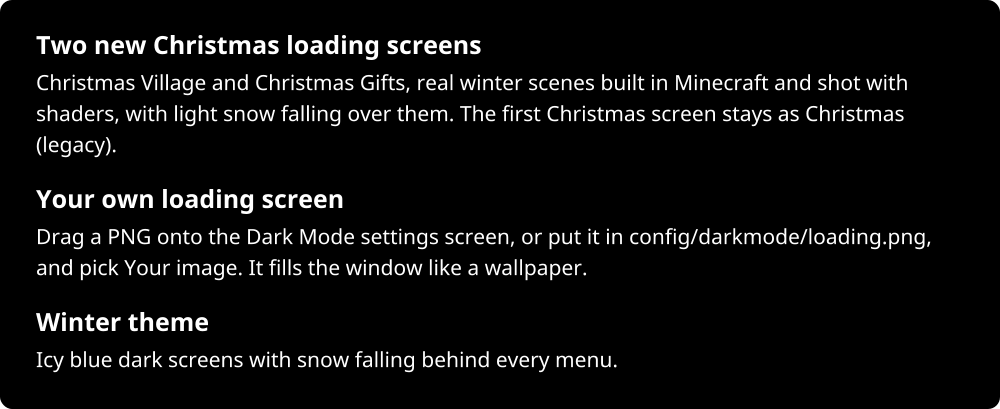
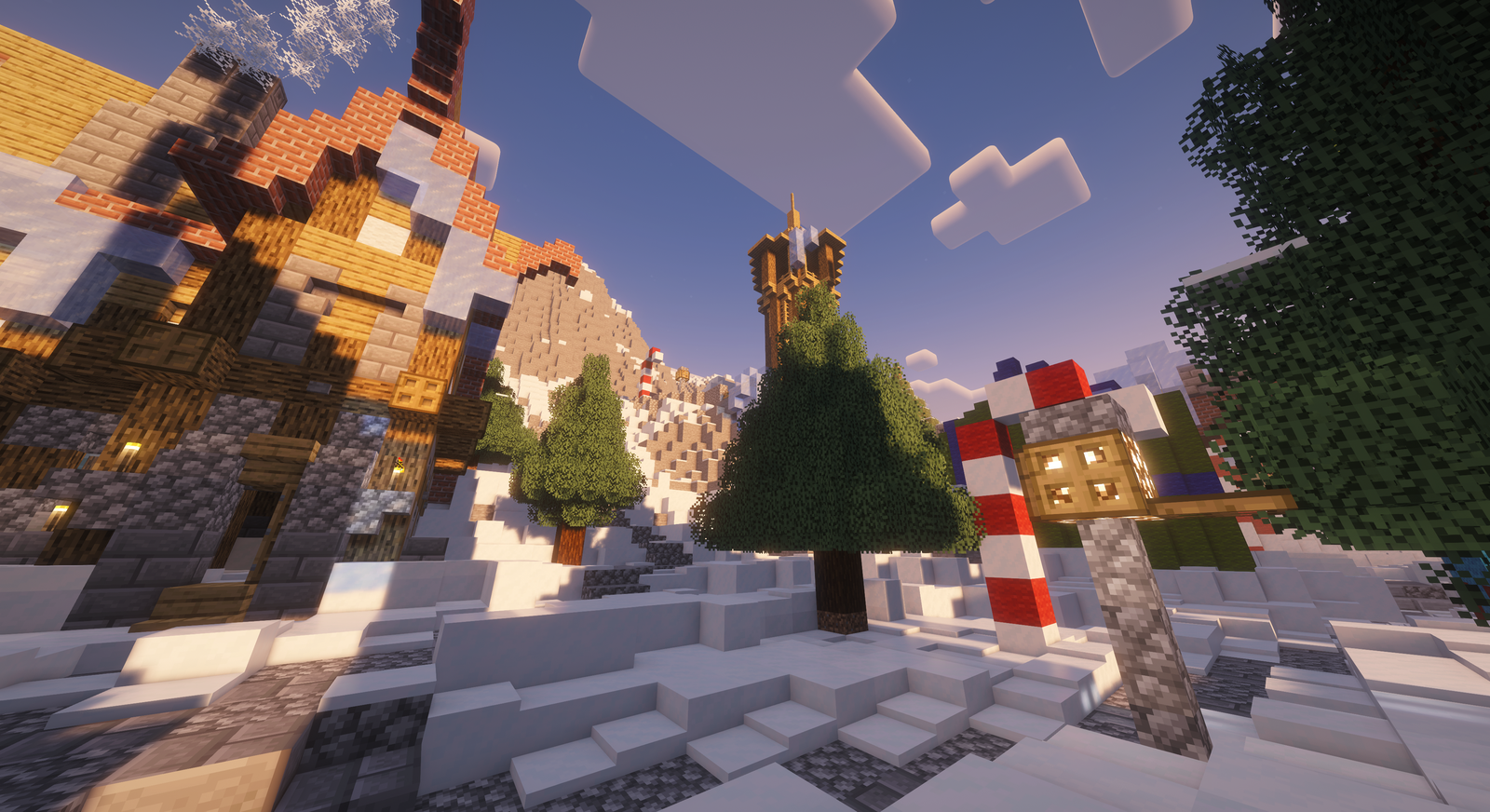
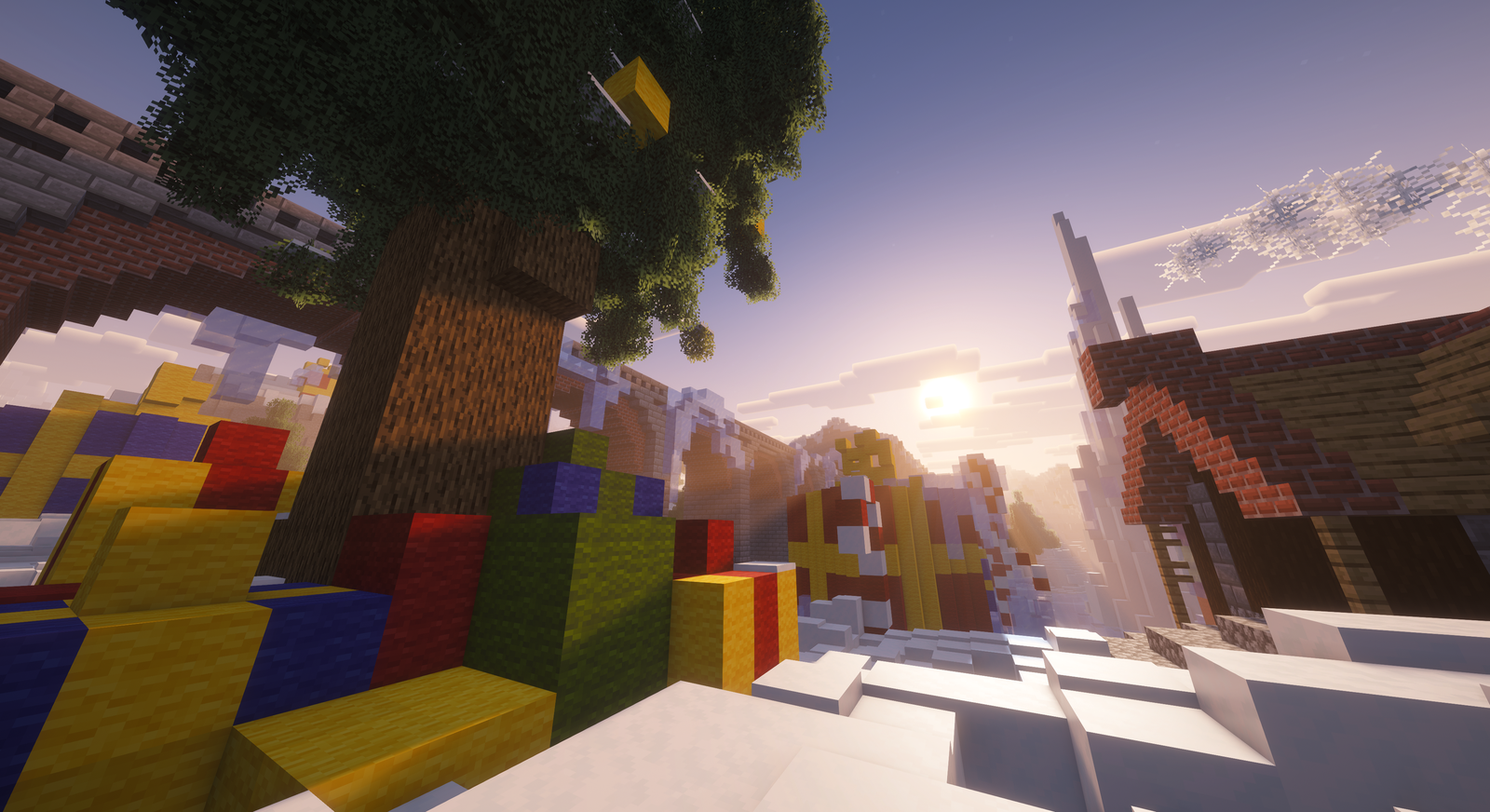

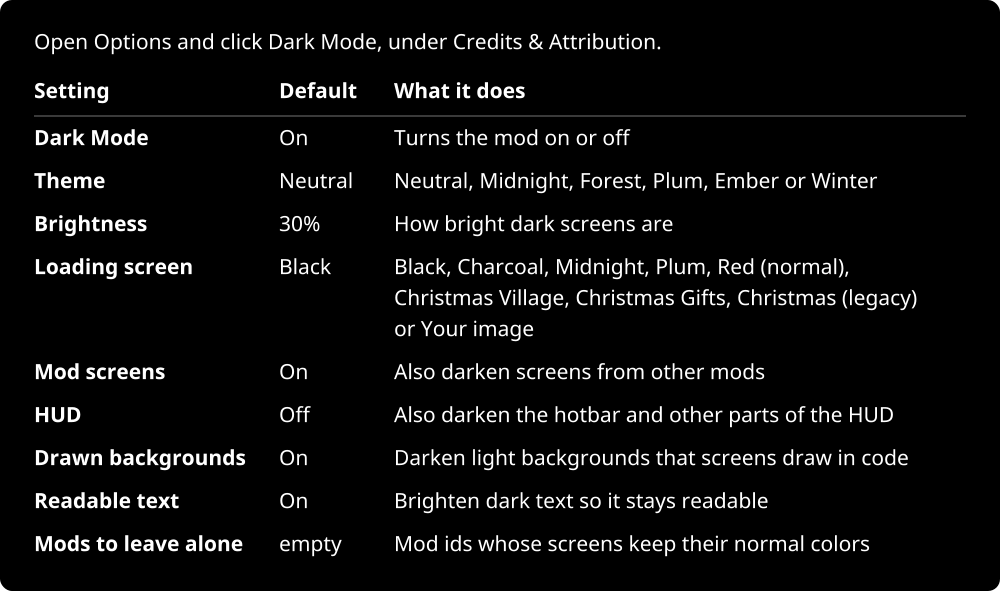


Project description from CurseForge.
Pick your setup
Choose the version and loader you play, then open the matching release.
Check the dependencies, then try the file in a copied instance before changing a world you care about.
Recent files
darkmode-neoforge-26.1-1.3.0.jar
27 Nov 2026
darkmode-neoforge-26.1-1.2.0.jar
19 Nov 2026
darkmode-neoforge-26.1-1.1.0.jar
11 Nov 2026
darkmode-neoforge-26.1-1.0.2.jar
4 Nov 2026
darkmode-neoforge-26.1-1.0.1.jar
3 Nov 2026
darkmode-neoforge-26.1-1.0.0.jar
1 Nov 2026
Looking for an older file? The official CurseForge project page is in Resources.
 mod
Powerful data driven questing mod using LDLib2 for maximum customizability
 mod
Overhauls the old advancement toast system, focusing on the presentation of advancements
 mod
Brings back the small classic origin chooser for NeoOrigins, drawn in the vanilla Minecraft GUI style.