Fabric API Needed by Holoplan 1.0.0 (1.20.1)
requiredMatching file found Matched file: [1.20.1] Fabric API 0.92.12+1.20.1

CurseForge · Minecraft mod
Client-side blueprints for Fabric: capture builds, project schematics as ghost blocks, check your progress and get material lists.
Quick answer
Holoplan 1.0.0 (1.20.1) targets 1.20.1 with Fabric. The project page does not say whether this file belongs on the client, dedicated server, or both. All 1 required mods have matching files.
Where it goes
The project page does not say whether this file belongs on the client, dedicated server, or both.
The source does not explicitly classify this release as client-only or server-only.
Holoplan 1.0.0 (1.20.1). Change the file and its required mods may change too.
Install Fabric API first. We found matching files for this game-version and loader setup.
We only count dependency files that match this setup. A file for another loader does not fill the gap.
Before you install it
Built for Holoplan 1.0.0 (1.20.1). Pick another file and the loader, install side or required mods may change.
Use Holoplan 1.0.0 (1.20.1). It targets 1.20.1 with Fabric; another release may have different loader, side or dependency requirements.
Install Fabric API first. We found matching files for this game-version and loader setup.
The project page does not say whether this file belongs on the client, dedicated server, or both.
Use the “Get this file” button beside Holoplan 1.0.0 (1.20.1). It opens that exact file at the source.
About this project
Build from a blueprint – right in your world.
Holoplan is a client-side schematic tool for Fabric. Capture any area as a schematic, show schematics as translucent ghost blocks, see at a glance what is missing or wrong, and get a ready-made material list. No server mod needed – it works in singleplayer and on servers.
Capture
.litematic or vanilla .nbt, including chest contents and other block entity dataProjection
.litematic and .nbt files as ghost blocks with real block texturesCheck & materials
.txtEasy Placement
Comfort
/holoplan| Action | Key |
|---|---|
| Open / close window | B |
| Projection on / off | N |
| Move / rotate / mirror placement | Arrow keys |
| Layer up / down / mode | Page Up / Page Down / End |
| Selection tool (stick) | Left-click corner 1, right-click corner 2 |
One file per Minecraft version: 26.3, 26.2, 26.1 – 26.1.2, 1.21.11, 1.21.10, 1.21 – 1.21.1, 1.20.1. Requires Fabric API for the same version. 1.21.9 is not supported – please use 1.21.10.
.minecraft/schematics/ – the same folder Litematica uses, so existing files show up right away.Project description from CurseForge.
Pick your setup
Choose the version and loader you play, then open the matching release.
Check the dependencies, then try the file in a copied instance before changing a world you care about.
Recent files
holoplan-1.0.0-mc1.20.1.jar
15 Nov 2026
holoplan-1.0.0-mc1.21.1.jar
15 Nov 2026
holoplan-1.0.0-mc1.21.10.jar
15 Nov 2026
holoplan-1.0.0-mc1.21.11.jar
15 Nov 2026
holoplan-1.0.0-mc26.1.jar
15 Nov 2026
holoplan-1.0.0-mc26.2.jar
15 Nov 2026
holoplan-1.0.0-mc26.3.jar
15 Nov 2026
holoplan-0.2.6-mc26.3.jar
8 Nov 2026
holoplan-0.2.6-mc26.2.jar
8 Nov 2026
holoplan-0.2.6-mc26.1.jar
8 Nov 2026
holoplan-0.2.6-mc1.21.11.jar
8 Nov 2026
holoplan-0.2.6-mc1.21.10.jar
8 Nov 2026
Looking for an older file? The official CurseForge project page is in Resources.
 mod
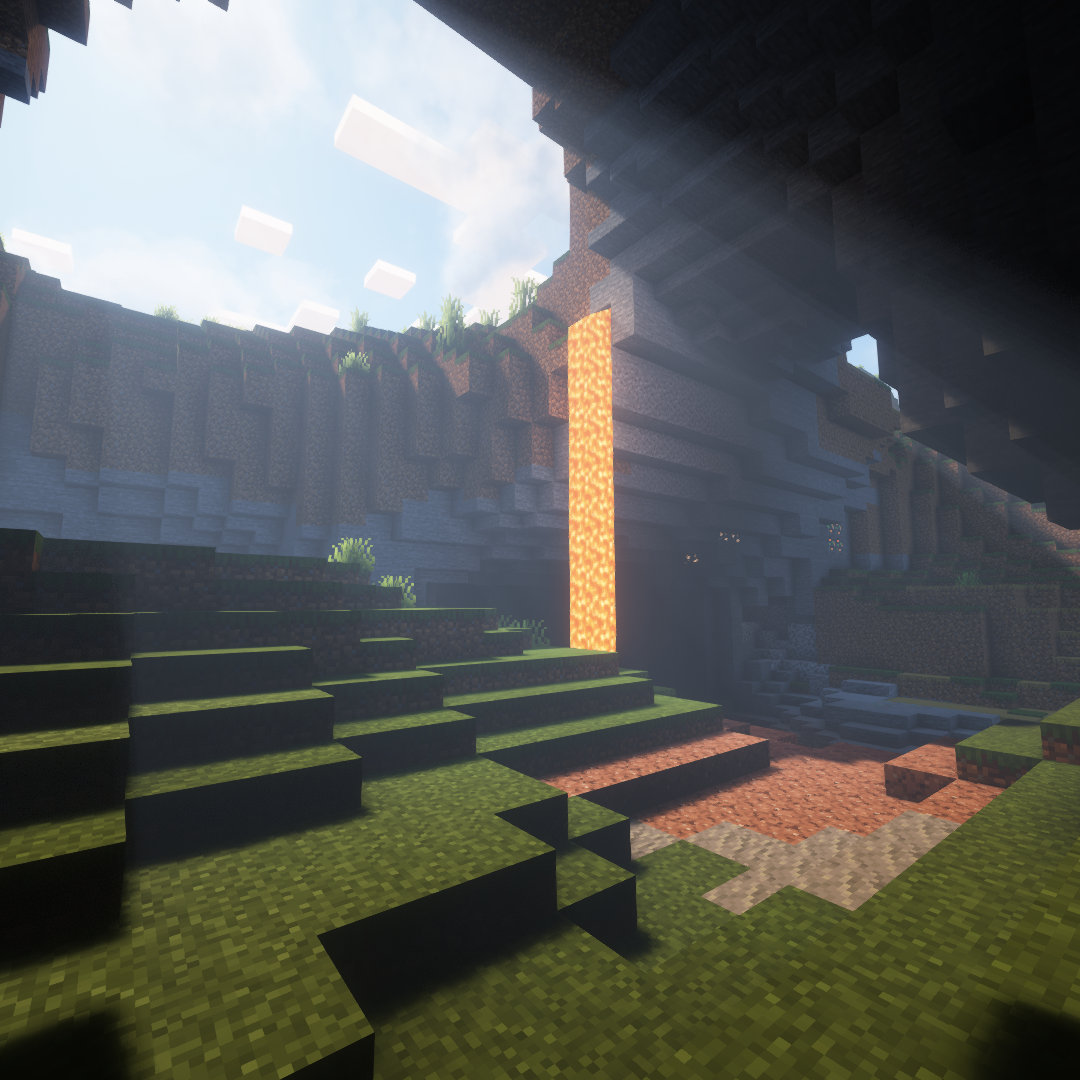
A mod designed to enhance world generation and elevate the gameplay experience by smoothing out terrain with custom slabs, making exploration more seamless!
 mod
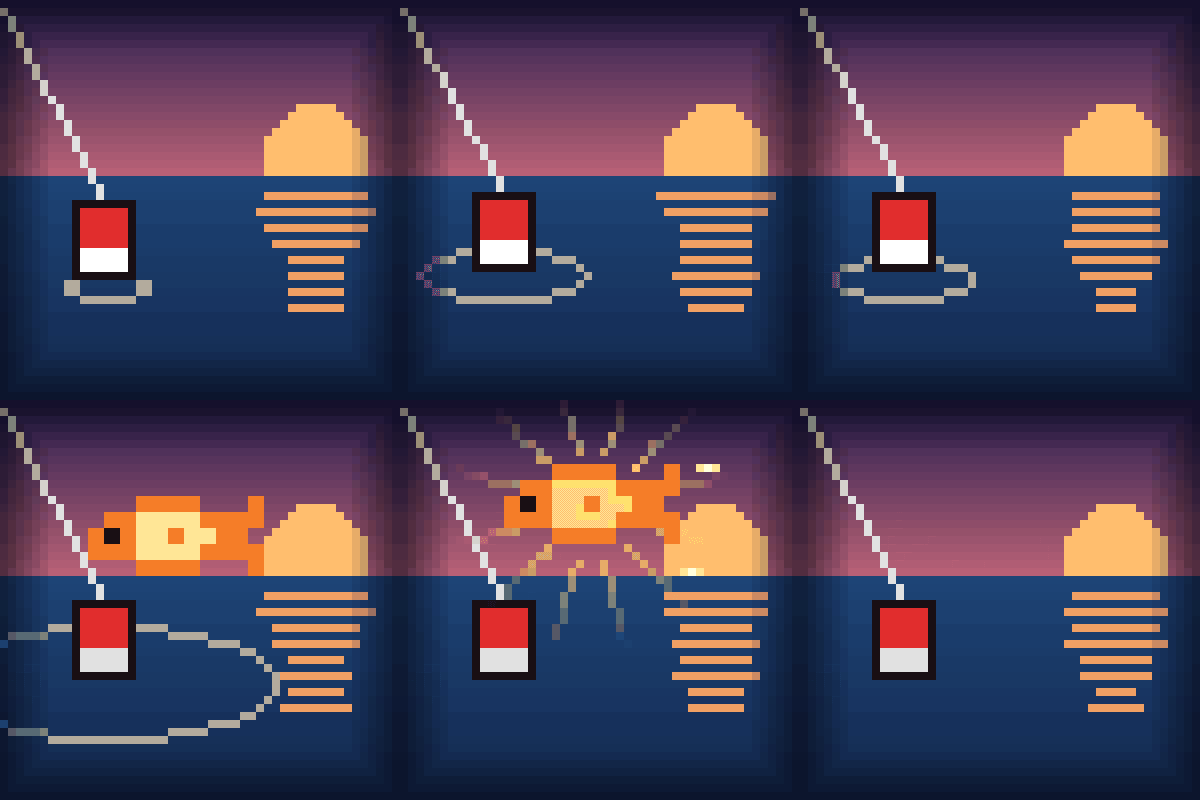
Calm, cinematic fishing: the HUD fades while your line is in the water, the camera leans in on the bite, and every catch gets a small moment sized by its rarity. Client-side.
 mod
Stylized and fantasy magical firearms made to fit seamlessly into the Minecraft gameplay and style whilist keeping the core of what makes a gun mod fun!