Minecraft version
Back to mods 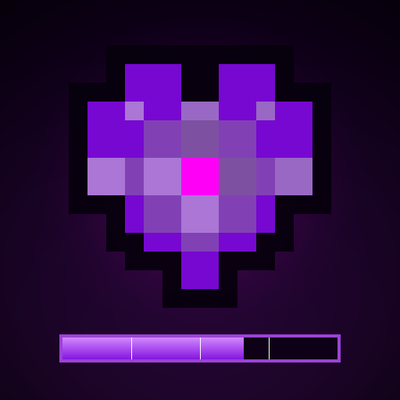
CurseForge · Minecraft mod
VivyVitals
A client-side HUD that shows the health of whatever you're looking at. Nameplate, health bar, absorption, armor, and damage numbers on every hit. Works on any server.
Choose a version Pick your version below, then grab the matching file.
Quick answer
Which VivyVitals release should I use?
Latest stable file vivyvitals-1.0.2+1.20.3-fabric.jar
Game version 1.20.1
Loader Fabric
vivyvitals-1.0.2+1.20.3-fabric.jar targets 1.20.1 with Fabric. The project page does not say whether this file belongs on the client, dedicated server, or both. No extra mods listed for this file.
Where it goes
Is VivyVitals required on the client, server, or both?
The project page does not say whether this file belongs on the client, dedicated server, or both.
Client Source doesn’t say
Dedicated server Source doesn’t say
Loader for this release Fabric
Required install it here Optional supported, not mandatory Not supported do not install here Source doesn’t say do not assume
The source does not explicitly classify this release as client-only or server-only.
What else does vivyvitals-1.0.2+1.20.3-fabric.jar need?
vivyvitals-1.0.2+1.20.3-fabric.jar. Change the file and its required mods may change too.
This file does not list any required mods. Do not add a library just because a different file uses it.
This file does not list any required or optional mods.
Before you install it
Add VivyVitals without breaking your instance.
Built for vivyvitals-1.0.2+1.20.3-fabric.jar. Pick another file and the loader, install side or required mods may change.
- 01
Stick to this file
Use vivyvitals-1.0.2+1.20.3-fabric.jar. It targets 1.20.1 with Fabric; another release may have different loader, side or dependency requirements.
- 02
Bring the mods it needs
This file does not list any required mods. Do not add a library just because a different file uses it.
- 03
Put it on the correct side
The project page does not say whether this file belongs on the client, dedicated server, or both.
- 04
Pick the file you checked
Use the “Get this file” button beside vivyvitals-1.0.2+1.20.3-fabric.jar. It opens that exact file at the source.
About this project
What does VivyVitals add?
A client-side HUD that shows the health of whatever you're looking at.
No setup, no menus to dig through. Point your crosshair at a mob and the panel shows up. Look away and it fades.
What it shows
- Nameplate - the entity's name, with its health as numbers next to it (
12.5 / 20) - Health bar - gradient fill with quarter marks. Green when it's fine, amber when it's not, red when you should probably back off
- Absorption - a golden overlay on top of the bar when the target has absorption
- Extras - percentage, absorption amount and armor value, when there's anything worth showing
Damage numbers
Every hit you land floats the actual damage dealt above the mob. It rises, fades, and gets out of the way.
The last entity you hit also stays on the HUD for 5 seconds, so losing your crosshair for a moment doesn't lose you the target.
Config
There's a config screen if you have ModMenu, or you can edit config/vivyvitals.json by hand:
- HUD on/off
- Damage numbers on/off
- Scale - 75% to 150%
- Position - any of the four corners
The default keybind to toggle the HUD is V. You can rebind it in Controls like any other key.
Themes
Green by default. If you run The Division Download, VivyVitals picks up its purple palette instead.
Client-side only
Nothing is needed on the server. Install it and join anywhere - vanilla, modded, doesn't matter.
Requirements
- Fabric Loader
- Fabric API
- Fabric Language Kotlin
- Minecraft 1.20.1
Optional: ModMenu for the config screen, The Division for the alternate palette.
Languages
English and Brazilian Portuguese. It follows your game language.
Support
Bugs, ideas, or just want to hang out - my Discord server: https://discord.gg/fpFB3SYqJC
I'm also around as satan.csproj.
Project description from CurseForge.
Pick your setup
VivyVitals by Minecraft version and loader
Choose the version and loader you play, then open the matching release.
Check the dependencies, then try the file in a copied instance before changing a world you care about.
Recent files
VivyVitals versions and loaders
vivyvitals-1.0.2+1.20.3-fabric.jar
vivyvitals-1.0.2-1.20.3-fabric.jar
20 Nov 2026
Client Source doesn’t say Server Source doesn’t say Dependencies No extras listed Listed on Release listing
Check the 1.20.1 · Fabric setup Fabric1.20.1 release
vivyvitals-1.0.1+1.20.2-fabric.jar
vivyvitals-1.0.1-1.20.2-fabric.jar
20 Nov 2026
Client Source doesn’t say Server Source doesn’t say Dependencies No extras listed Listed on Release listing
Check the 1.20.1 · Fabric setup Fabric1.20.1 release
vivyvitals-1.0.0+1.20.1-fabric.jar
vivyvitals-1.0.0-1.20.1-fabric.jar
3 Nov 2026
Client Source doesn’t say Server Source doesn’t say Dependencies No extras listed Listed on Release listing
Check the 1.20.1 · Fabric setup Fabric1.20.1 release
Looking for an older file? The official CurseForge project page is in Resources.
 mod
CurseForge + Modrinth · Minecraft
quick pack
Optimize datapack / resourcepack zip file loading times
 mod
CurseForge · Minecraft
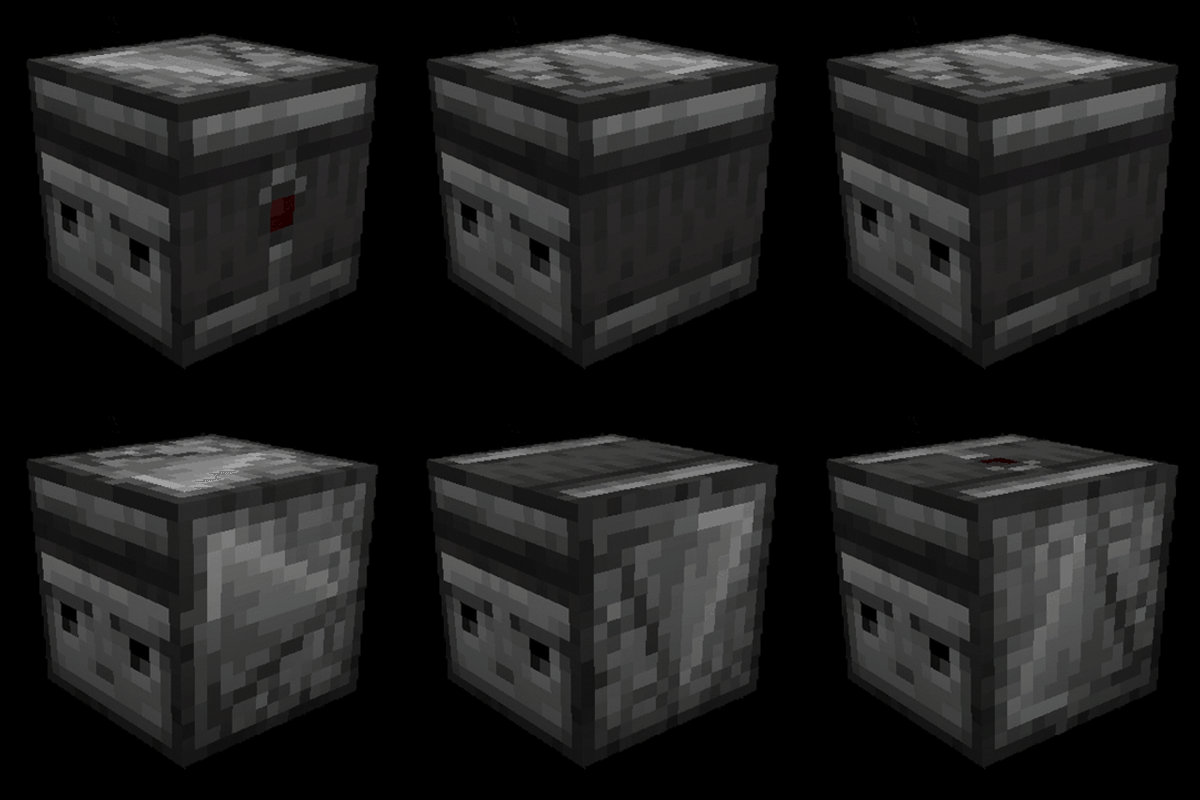
Rotatable Observer
Change the output direction of vanilla Observers by right-clicking them.
 mod
CurseForge · Minecraft
Farm Timer
Shows how long plants need to grow, their growth stage and why they are not growing.