Fabric API Optional for Terrascribe 1.0.0
optionalMatching file found Matched file: [26.3] Fabric API 0.166.2+26.3
CurseForge · Minecraft mod
Change how Minecraft makes your world before you create it, and see the result on a map first.
Quick answer
Terrascribe 1.0.0 targets 26.3 with Fabric. The project page does not say whether this file belongs on the client, dedicated server, or both. No extra mods listed for this file.
Where it goes
The project page does not say whether this file belongs on the client, dedicated server, or both.
The source does not explicitly classify this release as client-only or server-only.
Terrascribe 1.0.0. Change the file and its required mods may change too.
This file does not list any required mods. Do not add a library just because a different file uses it.
We only count dependency files that match this setup. A file for another loader does not fill the gap.
Before you install it
Built for Terrascribe 1.0.0. Pick another file and the loader, install side or required mods may change.
Use Terrascribe 1.0.0. It targets 26.3 with Fabric; another release may have different loader, side or dependency requirements.
This file does not list any required mods. Do not add a library just because a different file uses it.
The project page does not say whether this file belongs on the client, dedicated server, or both.
Use the “Get this file” button beside Terrascribe 1.0.0. It opens that exact file at the source.
About this project
Terrascribe adds two tabs to the Create World screen:
Your settings are saved inside the world as an ordinary data pack. You don't need the mod to play the world afterwards.
The map is drawn from your seed with the game's own generation, so it shows what the world will really have:
Drag to move, scroll to zoom, and click an icon to keep its position in a list. Compare With changes and Vanilla to see what your changes do.
Terrascribe is free. If you'd like to support more of it, my Patreon is https://www.patreon.com/cw/jsypanther.
Terrascribe · made by jsyPanther
Project description from CurseForge.
Pick your setup
Choose the version and loader you play, then open the matching release.
Check the dependencies, then try the file in a copied instance before changing a world you care about.
Recent files
terrascribe-1.0.0.jar
4 Nov 2026
Looking for an older file? The official CurseForge project page is in Resources.
 mod
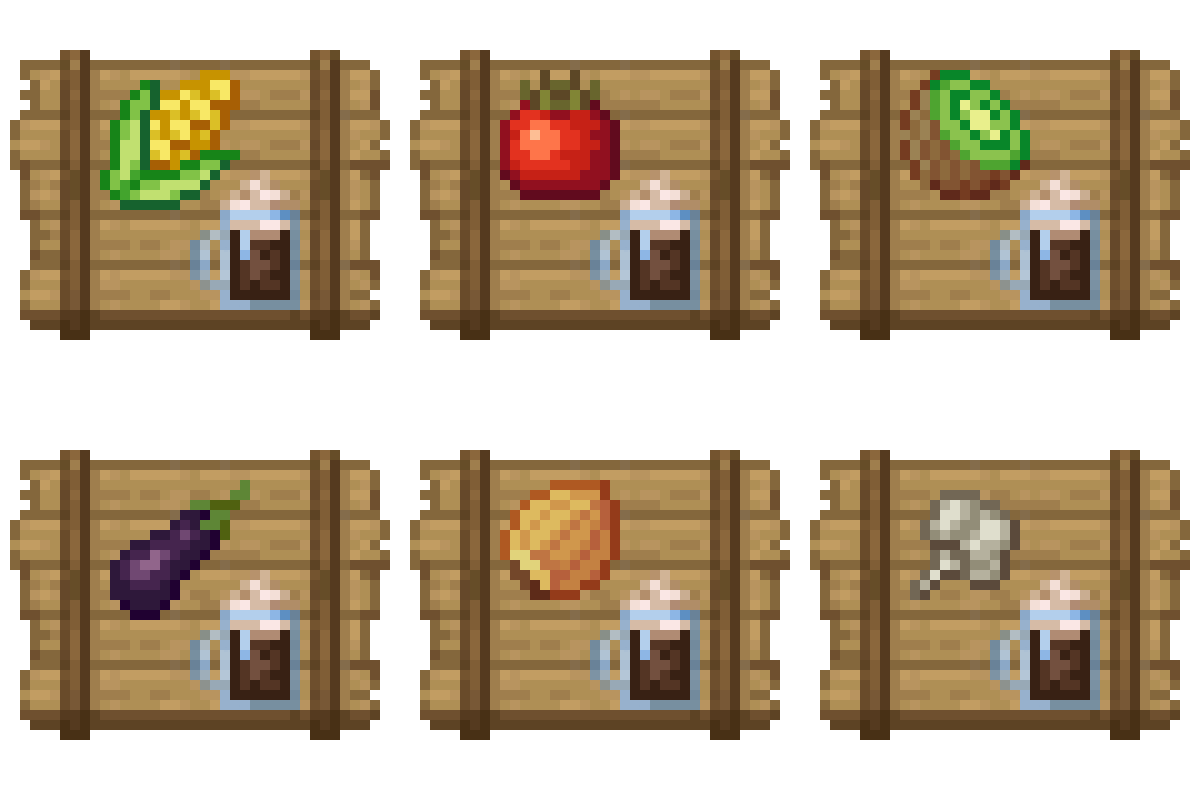
Useful crates and bags for Croptopia that will save you storage and look great.
 mod
Mod about expressing yourself through clothing
 mod
This mod adds the option for colonies, overhauls and modifies the entire Minecraft world, and introduces features such as recruiting soldiers, having colonists, and more.