Minecraft version
Back to mods 
CurseForge · Minecraft mod
Weihnachtsmütze
Replaces worn helmets with 3D Santa hats featuring eight material badges.
Choose a version Pick your version below, then grab the matching file.
Quick answer
Which Weihnachtsmütze release matches 26.3?
Best match for your filters Weihnachtsmütze in 3D 1.1.0 — Fabric 26.3
Game version 26.3
Loader Fabric
Weihnachtsmütze in 3D 1.1.0 — Fabric 26.3 targets 26.3 with Fabric. The project page does not say whether this file belongs on the client, dedicated server, or both. No extra mods listed for this file.
Where it goes
Is Weihnachtsmütze required on the client, server, or both?
The project page does not say whether this file belongs on the client, dedicated server, or both.
Client Source doesn’t say
Dedicated server Source doesn’t say
Loader for this release Fabric
Required install it here Optional supported, not mandatory Not supported do not install here Source doesn’t say do not assume
The source does not explicitly classify this release as client-only or server-only.
What else does Weihnachtsmütze in 3D 1.1.0 — Fabric 26.3 need?
Weihnachtsmütze in 3D 1.1.0 — Fabric 26.3 on 26.3. Every mod below is checked against that same setup.
This file does not list any required mods. Do not add a library just because a different file uses it.
This file does not list any required or optional mods.
Before you install it
Add Weihnachtsmütze without breaking your instance.
Built for Weihnachtsmütze in 3D 1.1.0 — Fabric 26.3 on 26.3. Pick another file and the loader, install side or required mods may change.
- 01
Stick to this file
Use Weihnachtsmütze in 3D 1.1.0 — Fabric 26.3. It targets 26.3 with Fabric; another release may have different loader, side or dependency requirements.
- 02
Bring the mods it needs
This file does not list any required mods. Do not add a library just because a different file uses it.
- 03
Put it on the correct side
The project page does not say whether this file belongs on the client, dedicated server, or both.
- 04
Pick the file you checked
Use the “Get this file” button beside Weihnachtsmütze in 3D 1.1.0 — Fabric 26.3. It opens that exact file at the source.
About this project
What does Weihnachtsmütze add?
Weihnachtsmütze in 3D replaces the eight worn helmet types with red 3D Santa hats. Each has a unique material badge, white trim, and a pom-pom. The original helmet keeps its protection, durability, and enchantments. The hats also appear on other players, armor stands, and compatible mobs.
Installation for Minecraft Java 26.3
- Install Fabric Loader (tested with 0.20.1) and place the downloaded JAR in your mods folder. Fabric API is optional.
- Open the JAR with an archive tool such as 7-Zip. Extract resourcepacks/Weihnachtsmuetze-26.3.zip from inside the JAR into your Minecraft resourcepacks folder. Keep the JAR in mods.
- Start Minecraft and enable Weihnachtsmütze in 3D in Options → Resource Packs.
Multiplayer
Only the client that wants to see the hats needs the mod and pack. Tested with two clients on an unmodified Minecraft 26.3 server.
Project description from CurseForge.
Pick your setup
Weihnachtsmütze by Minecraft version and loader
Choose the version and loader you play, then open the matching release.
Check the dependencies, then try the file in a copied instance before changing a world you care about.
Recent files
Weihnachtsmütze versions and loaders
Weihnachtsmütze in 3D 1.1.0 — Fabric 26.3
Weihnachtsmuetze-Fabric-26.3.jar
4 Nov 2026
Client Source doesn’t say Server Source doesn’t say Dependencies No extras listed Listed on Release listing
Check the 26.3 · Fabric setup Fabric26.3 release
Looking for an older file? The official CurseForge project page is in Resources.
 mod
CurseForge + Modrinth · Minecraft
OverflowAnimations
The all-you-could-want 1.7, 1.8, and modern animations mod for Minecraft. Animatium fork, backported to 1.8.9 and more. By Polyfrost, best with OneClient.
 mod
CurseForge + Modrinth · Minecraft
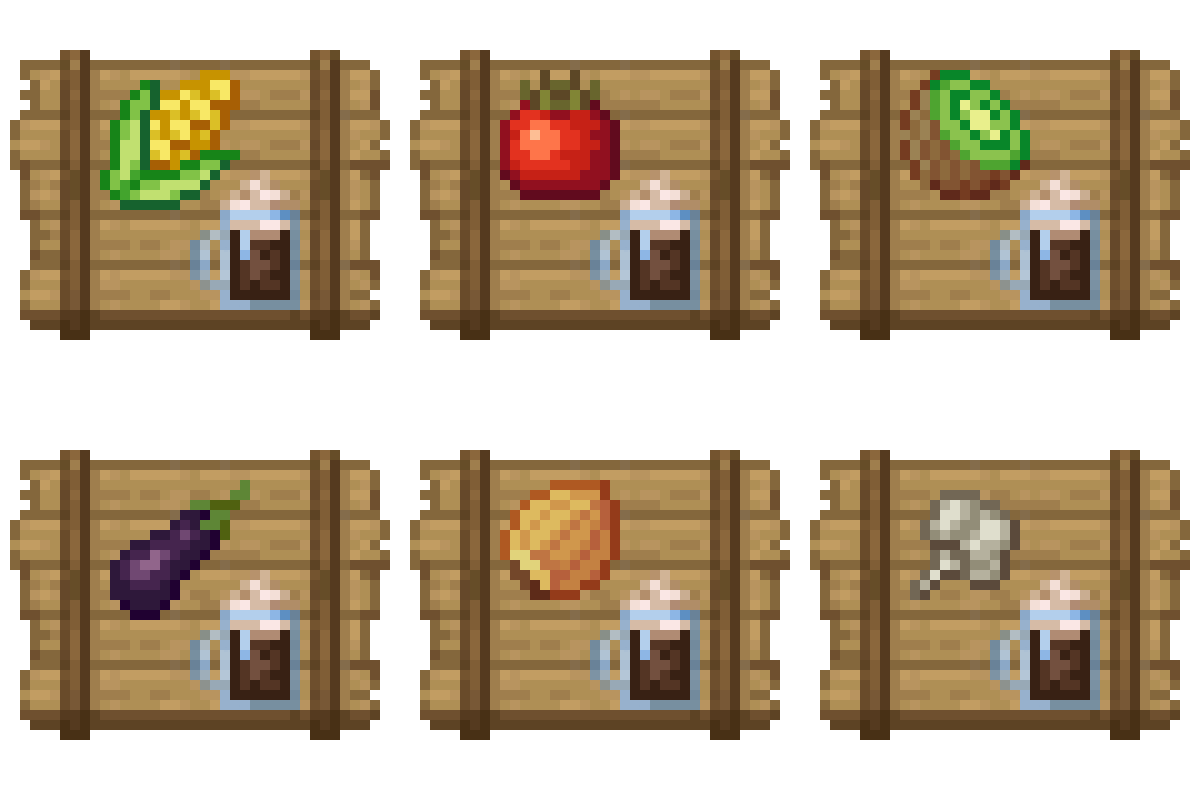
Crate Delight: Croptopia
Useful crates and bags for Croptopia that will save you storage and look great.
 mod
CurseForge · Minecraft
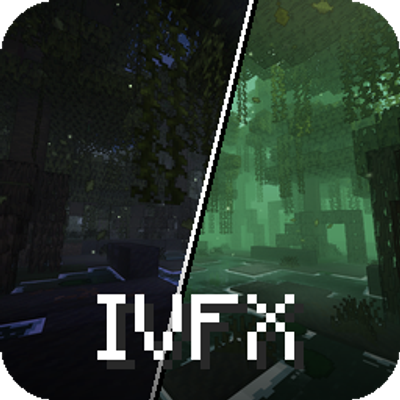
ImmersiveVFX
A visual overhaul for Minecraft that keeps the vanilla feel intact. Lightweight shaders, particle effects and animations enhance the atmosphere for a true vanilla-plus experience without killing your frames.