Minecraft version
Back to mods 
CurseForge · Minecraft mod
OrangePeel
See what every bite is worth, and which food in your pack is the best meal
Choose a version Pick your version below, then grab the matching file.
Quick answer
Which OrangePeel release should I use?
beta file OrangePeel 2026.11.3 (Minecraft 26.3)
Game version 26.3
Loader Forge, NeoForge
OrangePeel 2026.11.3 (Minecraft 26.3) targets 26.3 with Forge, NeoForge. The project page does not say whether this file belongs on the client, dedicated server, or both. No extra mods listed for this file.
Where it goes
Is OrangePeel required on the client, server, or both?
The project page does not say whether this file belongs on the client, dedicated server, or both.
Client Source doesn’t say
Dedicated server Source doesn’t say
Loader for this release Forge, NeoForge
Required install it here Optional supported, not mandatory Not supported do not install here Source doesn’t say do not assume
The source does not explicitly classify this release as client-only or server-only.
What else does OrangePeel 2026.11.3 (Minecraft 26.3) need?
OrangePeel 2026.11.3 (Minecraft 26.3). Change the file and its required mods may change too.
This file does not list any required mods. Do not add a library just because a different file uses it.
This file does not list any required or optional mods.
Before you install it
Add OrangePeel without breaking your instance.
Built for OrangePeel 2026.11.3 (Minecraft 26.3). Pick another file and the loader, install side or required mods may change.
- 01
Stick to this file
Use OrangePeel 2026.11.3 (Minecraft 26.3). It targets 26.3 with Forge, NeoForge; another release may have different loader, side or dependency requirements.
- 02
Bring the mods it needs
This file does not list any required mods. Do not add a library just because a different file uses it.
- 03
Put it on the correct side
The project page does not say whether this file belongs on the client, dedicated server, or both.
- 04
Pick the file you checked
Use the “Get this file” button beside OrangePeel 2026.11.3 (Minecraft 26.3). It opens that exact file at the source.
About this project
What does OrangePeel add?

See what every bite is worth, and which food in your pack is the best meal.
OrangePeel shows what food does before you eat it. Hold a food and your hunger bar previews the points it restores, with the saturation and health regeneration it brings. Hover any food, anywhere, and the tooltip tells you the one thing other food mods leave out: how it compares with the rest of the food you are carrying.

Hover a food and OrangePeel ranks it against every other food in your inventory.
- Ranked: "Better than 4 of your 6 foods", with a small bar showing how far it sits from your best one.
- Best choice: the food that suits you right now is marked, so you stop wasting a golden carrot on a half-empty bar.
- No waste: if eating would overfill your hunger bar, the wasted points show in orange.
- Effects: names and durations of the effects a food gives.

- Restored hunger, shown on the bar before you eat.
- Saturation and exhaustion, so you see how long a meal keeps you full.
- Health regeneration preview.
- Every overlay can be turned off, moved, or made more transparent in the config.

- Reads food values from the game, so modded foods work without extra support.
- Tooltip lines show up in item viewers that use the normal tooltip (JEI, EMI, REI and BEI), with a plain-text version of every graphic where the viewer cannot draw icons.
- Other mods can add their own tooltip lines through a small API.
The pictures on this page are illustrations drawn for the listing, not game screenshots.
Tested: to be filled in at release with exactly what was played in a game client.

Does it need to be on the server? No. The overlay and tooltip run on your client.
Does it change how food works? No. It only shows information.
Can I turn parts off? Yes. Each overlay and tooltip line has its own setting.
Fabric? Not at this time.
Can I use it in my modpack? Yes. It's MIT licensed.
Made by ItMeCasey Studios. Source and issues on GitHub.
Project description from CurseForge.
Pick your setup
OrangePeel by Minecraft version and loader
Choose the version and loader you play, then open the matching release.
Minecraft version
26.2
2 loader buildsMinecraft version
26.1.2
2 loader buildsMinecraft version
1.21.1
2 loader buildsCheck the dependencies, then try the file in a copied instance before changing a world you care about.
Recent files
OrangePeel versions and loaders
OrangePeel 2026.11.3 (Minecraft 26.3)
orangepeel-mc26.3-2026.11.3.jar
6 Nov 2026
Client Source doesn’t say Server Source doesn’t say Dependencies No extras listed Listed on Release listing
Check the 26.3 · Forge setup ForgeNeoForge26.3 beta
OrangePeel 2026.11.3 (Minecraft 26.2)
orangepeel-mc26.2-2026.11.3.jar
6 Nov 2026
Client Source doesn’t say Server Source doesn’t say Dependencies No extras listed Listed on Release listing
Check the 26.2 · Forge setup ForgeNeoForge26.2 beta
OrangePeel 2026.11.3 (Minecraft 26.1.2)
orangepeel-mc26.1.2-2026.11.3.jar
6 Nov 2026
Client Source doesn’t say Server Source doesn’t say Dependencies No extras listed Listed on Release listing
Check the 26.1.2 · Forge setup ForgeNeoForge26.1.2 beta
OrangePeel 2026.11.3 (Minecraft 1.21.1)
orangepeel-mc1.21.1-2026.11.3.jar
6 Nov 2026
Client Source doesn’t say Server Source doesn’t say Dependencies No extras listed Listed on Release listing
Check the 1.21.1 · Forge setup Forge1.21.1NeoForge beta
OrangePeel 2026.11.2 (Minecraft 26.3)
orangepeel-mc26.3-2026.11.2.jar
6 Nov 2026
Client Source doesn’t say Server Source doesn’t say Dependencies No extras listed Listed on Release listing
Check the 26.3 · Forge setup ForgeNeoForge26.3 beta
OrangePeel 2026.11.2 (Minecraft 26.2)
orangepeel-mc26.2-2026.11.2.jar
6 Nov 2026
Client Source doesn’t say Server Source doesn’t say Dependencies No extras listed Listed on Release listing
Check the 26.2 · Forge setup ForgeNeoForge26.2 beta
OrangePeel 2026.11.2 (Minecraft 26.1.2)
orangepeel-mc26.1.2-2026.11.2.jar
6 Nov 2026
Client Source doesn’t say Server Source doesn’t say Dependencies No extras listed Listed on Release listing
Check the 26.1.2 · Forge setup ForgeNeoForge26.1.2 beta
OrangePeel 2026.11.2 (Minecraft 1.21.1)
orangepeel-mc1.21.1-2026.11.2.jar
6 Nov 2026
Client Source doesn’t say Server Source doesn’t say Dependencies No extras listed Listed on Release listing
Check the 1.21.1 · Forge setup Forge1.21.1NeoForge beta
OrangePeel 2026.11.1 (Minecraft 26.3)
orangepeel-mc26.3-2026.11.1.jar
5 Nov 2026
Client Source doesn’t say Server Source doesn’t say Dependencies No extras listed Listed on Release listing
Check the 26.3 · Forge setup ForgeNeoForge26.3 beta
OrangePeel 2026.11.1 (Minecraft 26.2)
orangepeel-mc26.2-2026.11.1.jar
5 Nov 2026
Client Source doesn’t say Server Source doesn’t say Dependencies No extras listed Listed on Release listing
Check the 26.2 · Forge setup ForgeNeoForge26.2 beta
OrangePeel 2026.11.1 (Minecraft 26.1.2)
orangepeel-mc26.1.2-2026.11.1.jar
5 Nov 2026
Client Source doesn’t say Server Source doesn’t say Dependencies No extras listed Listed on Release listing
Check the 26.1.2 · Forge setup ForgeNeoForge26.1.2 beta
OrangePeel 2026.11.1 (Minecraft 1.21.1)
orangepeel-mc1.21.1-2026.11.1.jar
5 Nov 2026
Client Source doesn’t say Server Source doesn’t say Dependencies No extras listed Listed on Release listing
Check the 1.21.1 · Forge setup Forge1.21.1NeoForge beta
Looking for an older file? The official CurseForge project page is in Resources.
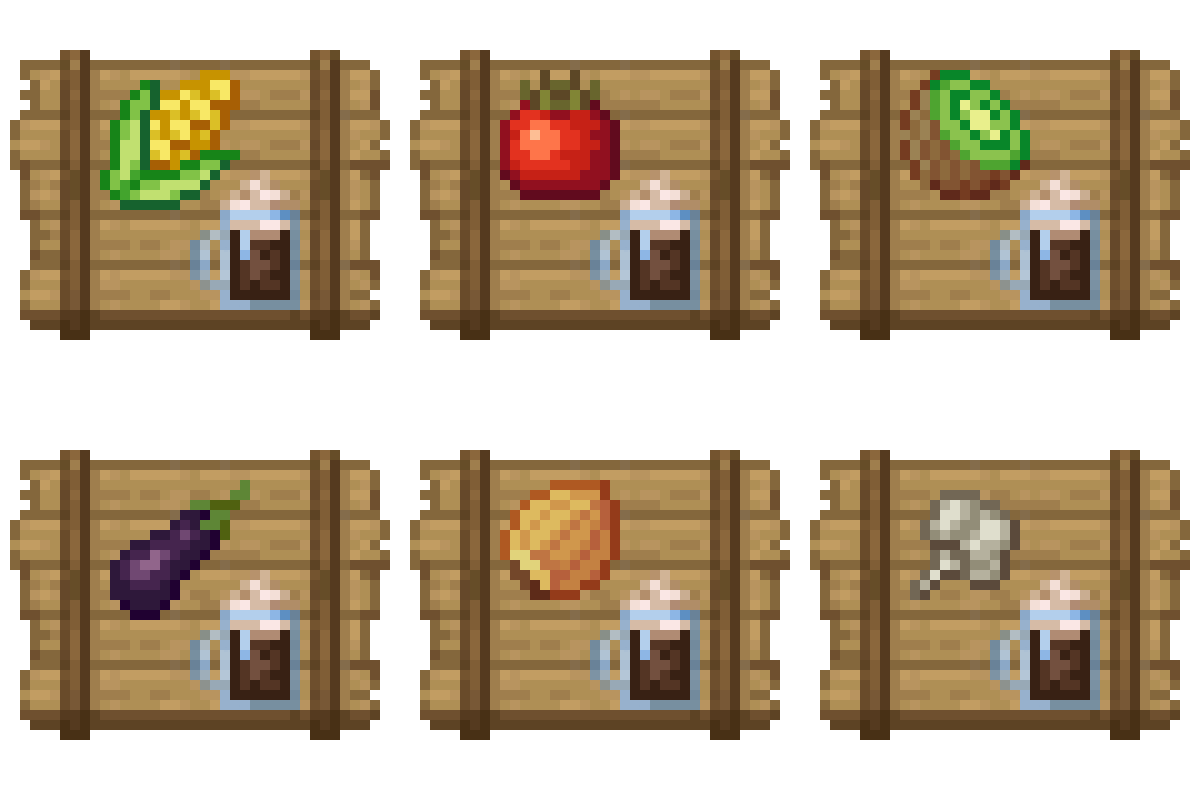 mod
CurseForge + Modrinth · Minecraft
Crate Delight: Croptopia
Useful crates and bags for Croptopia that will save you storage and look great.
 mod
CurseForge + Modrinth · Minecraft
OverflowAnimations
The all-you-could-want 1.7, 1.8, and modern animations mod for Minecraft. Animatium fork, backported to 1.8.9 and more. By Polyfrost, best with OneClient.
 mod
CurseForge · Minecraft
FTBQ Nexus
AE2–FTB Quests integration: auto-submits item/fluid tasks, checks stock without consuming, claims rewards, optional glass UI.