Sodium/Embeddium Dynamic Lights Optional for Create: Lightworks Lightworks 1.0.1 [NeoForge 1.21.1]
optionalMatching file found Matched file: SodiumDynamicLights Neoforge 1.0.10 for 1.21.1

CurseForge · Minecraft mod
Functional lights for Create that keep working on moving contraptions and vehicles
Quick answer
Create: Lightworks Lightworks 1.0.1 [NeoForge 1.21.1] targets 1.21.1 with NeoForge. The project page does not say whether this file belongs on the client, dedicated server, or both. All 1 required mods have matching files.
Where it goes
The project page does not say whether this file belongs on the client, dedicated server, or both.
The source does not explicitly classify this release as client-only or server-only.
Lightworks 1.0.1 [NeoForge 1.21.1]. Change the file and its required mods may change too.
Install Create first. We found matching files for this game-version and loader setup. 5 come through another mod in the chain.
5 extra mods were pulled in by other dependencies. Indented rows show who needs each one. We only count dependency files that match this setup. A file for another loader does not fill the gap.
Before you install it
Built for Create: Lightworks Lightworks 1.0.1 [NeoForge 1.21.1]. Pick another file and the loader, install side or required mods may change.
Use Lightworks 1.0.1 [NeoForge 1.21.1]. It targets 1.21.1 with NeoForge; another release may have different loader, side or dependency requirements.
Install Create first. We found matching files for this game-version and loader setup. 5 come through another mod in the chain.
The project page does not say whether this file belongs on the client, dedicated server, or both.
Use the “Get this file” button beside Lightworks 1.0.1 [NeoForge 1.21.1]. It opens that exact file at the source.
About this project
This mod brings functional lighting to Create: searchlights, floodlights, beacons and vehicle lights that light up whatever they're pointed at. They keep doing it on moving contraptions, trains and airships too.
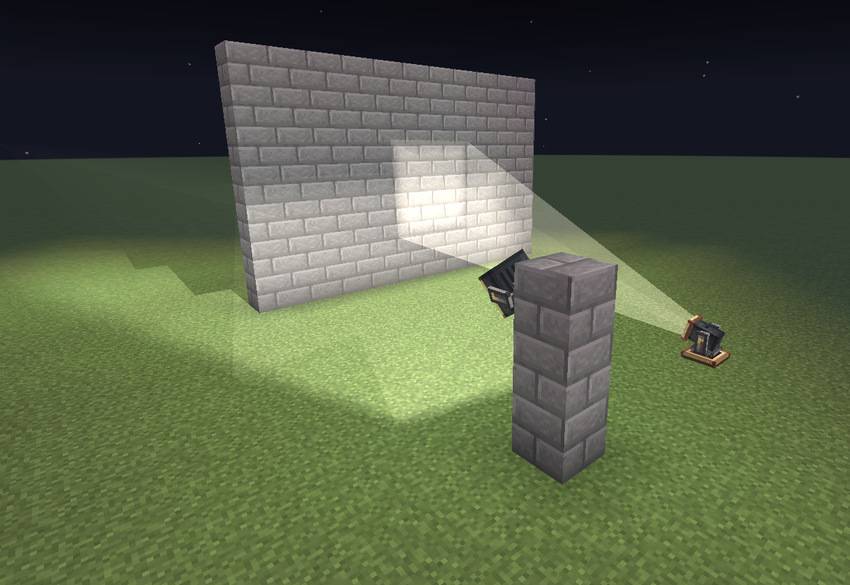
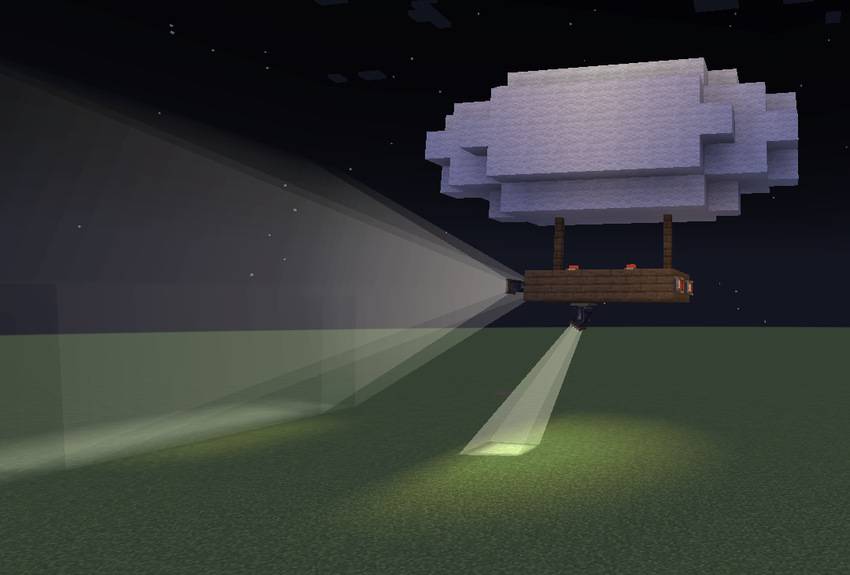
The Searchlight throws a long, narrow beam across the dark. For lighting a whole area, use the Floodlight instead.
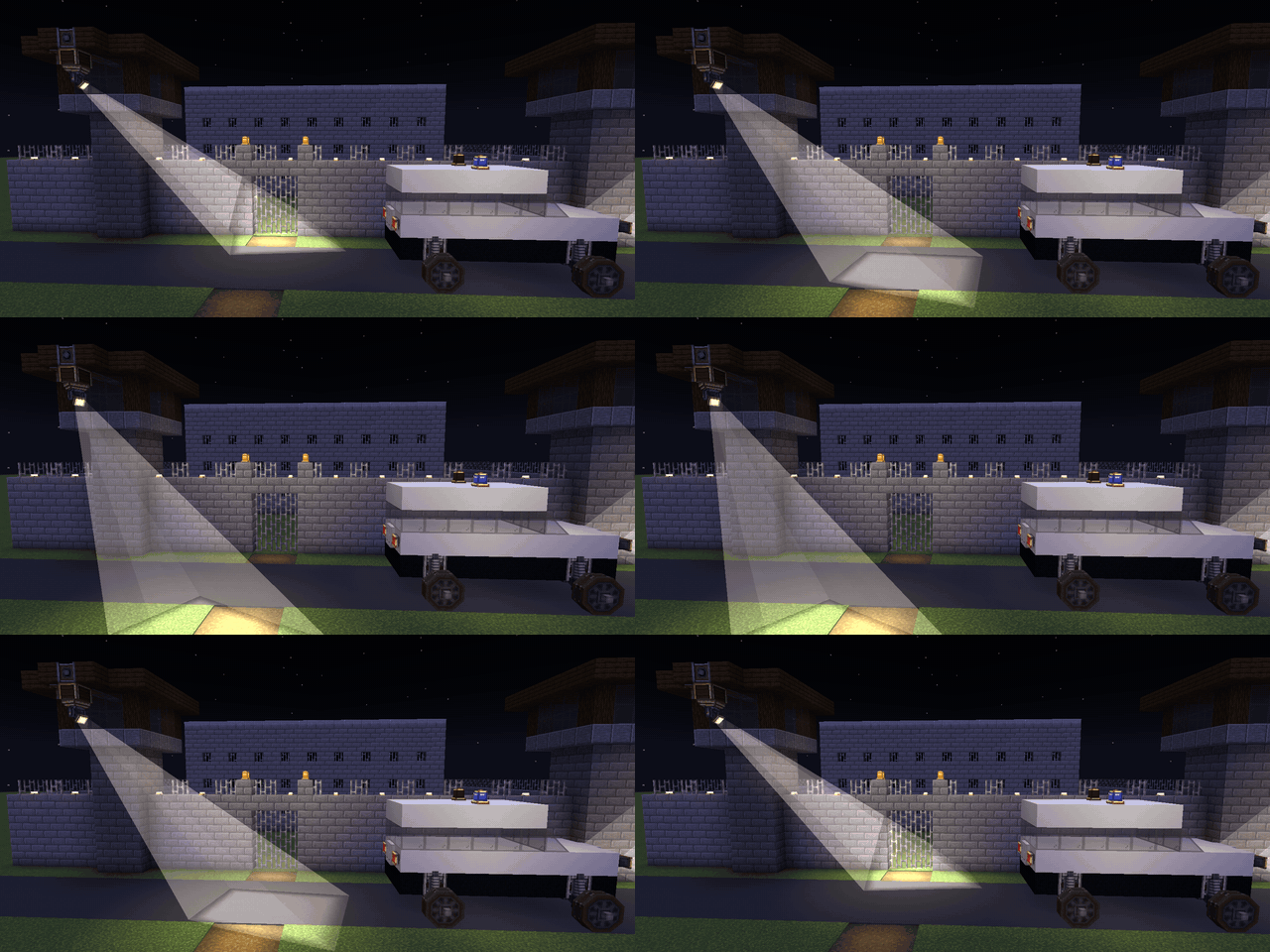
You can aim either one to the exact degree with its Pan and Tilt value boxes. Or mount it on a Pan-Tilt Head and let a shaft turn it round. Redstone tilts it up, and the head can sweep back and forth on its own.
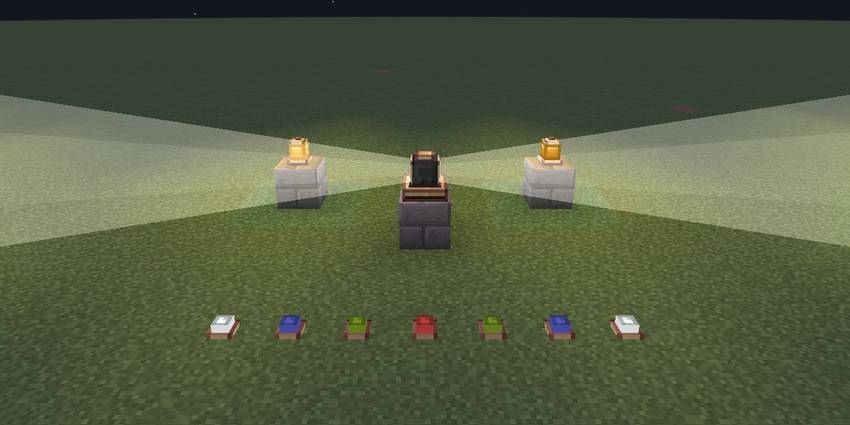
The Rotating Beacon spins its two beams with the shaft that drives it.
Warning Lights have several patterns, from a steady glow to a strobe, and can be set to come on only at night. Line up Edge Lights to mark runways and platforms, in any colour you like.
Headlights only shine the way the vehicle is going, so when it reverses, the ones at the other end take over. Tail and Brake Lights glow red at the back and brighten whenever the vehicle slows down.
All of this works on Create contraptions, trains and Sable airships. Point a Searchlight at a passing airship and the beam stops on its hull and lights it up as it flies.

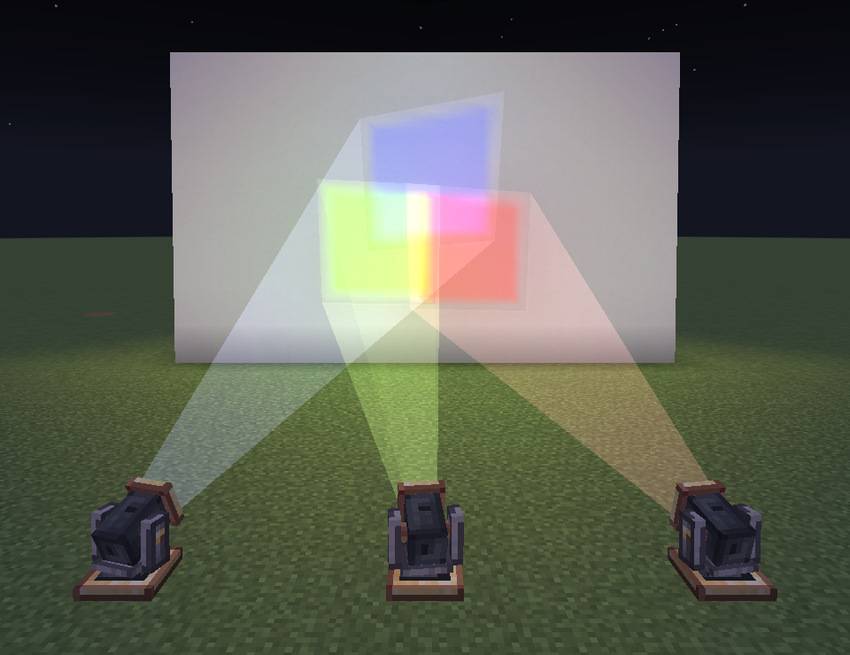
Dye a light and everything it casts takes the colour: the lens, the beam and the spot it lights. Overlapping colours mix the way light does, so red and green make yellow.
Redstone dims any light. Create's Clipboard copies settings from one light to another, and Engineer's Goggles show what a light is doing. Every block has its own Ponder scene, too.
Moving lights light up the world around them on their own: each one places invisible light where it lands, on your client only. LambDynamicLights or Sodium Dynamic Lights take over when installed.
Sable and Create Aeronautics let you put lights on airships and other vehicles.
Sodium and Iris are supported, shader packs included: beams, lens glows and coloured light look the same with a pack as without one. Tested with Complementary Reimagined, BSL, MakeUp Ultra Fast, Solas, Bliss and Photon.
Project description from CurseForge.
Pick your setup
Choose the version and loader you play, then open the matching release.
Check the dependencies, then try the file in a copied instance before changing a world you care about.
Recent files
createlightworks-neoforge-1.21.1-1.0.1.jar
11 Nov 2026
createlightworks-neoforge-1.21.1-1.0.0.jar
5 Nov 2026
Looking for an older file? The official CurseForge project page is in Resources.
 mod
This mod adds a new climate system and the accompanying new clouds, a levitation system for airships, radio communication, and various function blocks for CBC .
 mod
double jump while wearing these boots adds 1-2-3 height to your player. Crouch to decrease height.
 mod
Build nukes, ICBMs and superweapons from raw ore: missiles that really fly, mushroom clouds, craters, fallout, and bunkers to survive them.