MyCel Needed by Advancements 1.0.0 (NeoForge, 26.3)
requiredMatching file found Matched file: Mycel 1.6.1 (Fabric, Forge, NeoForge, 26.3)

CurseForge · Minecraft mod
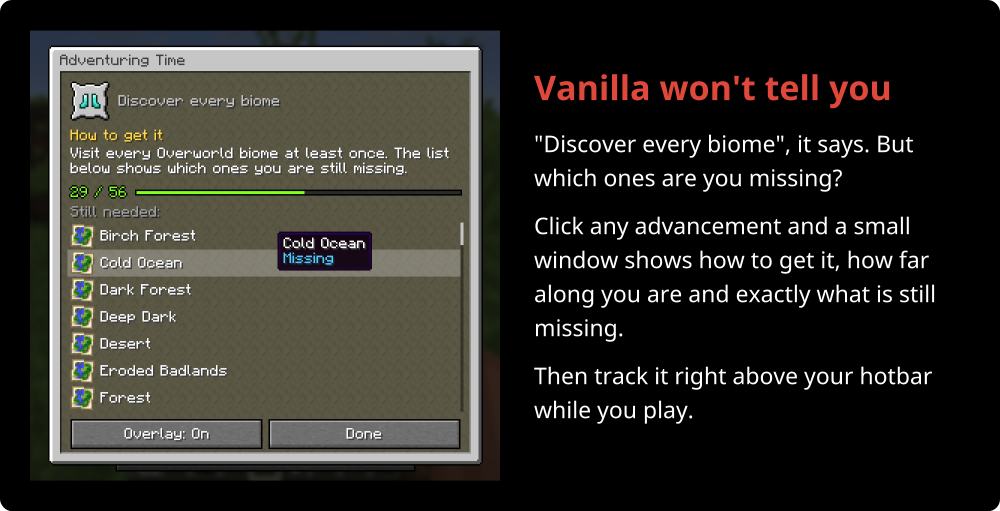
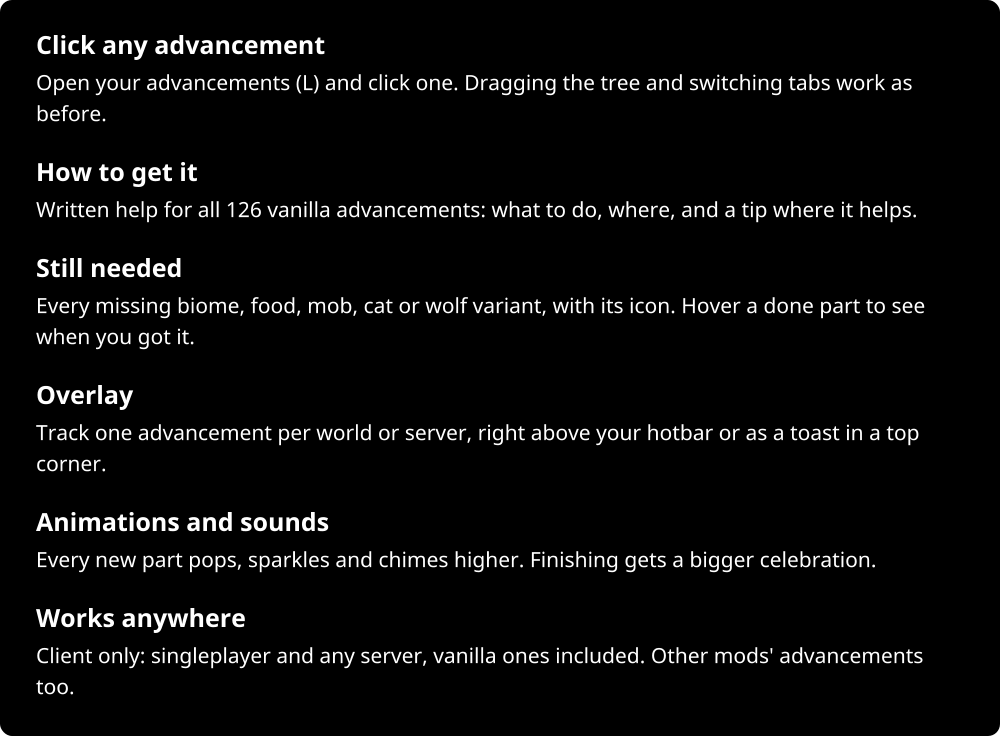
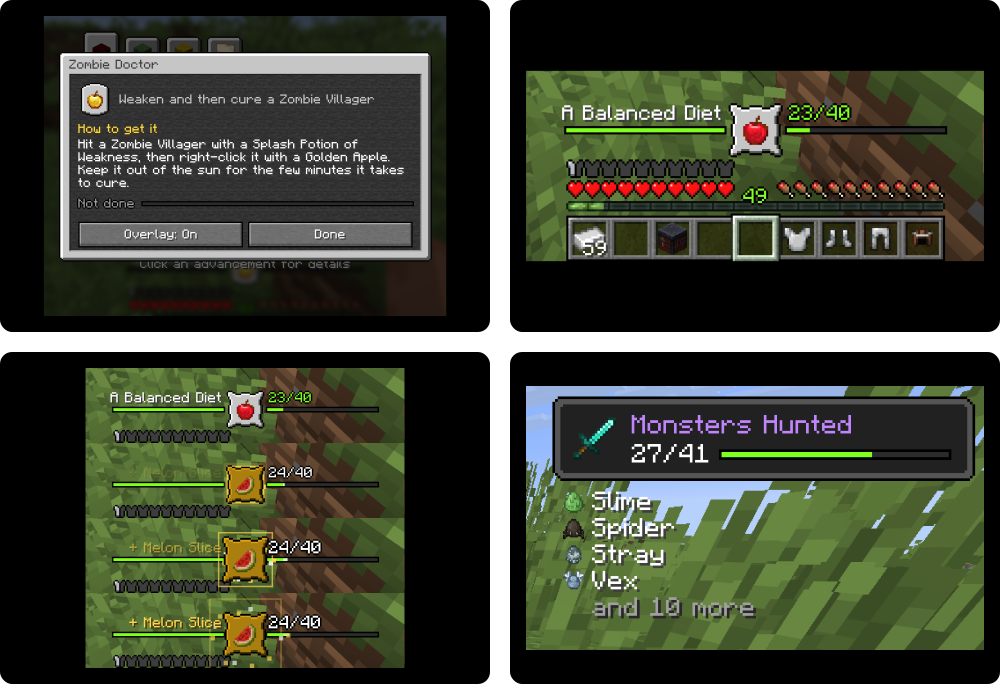
Click any advancement to see how to get it and exactly what you're still missing, then track it above your hotbar
Quick answer
Advancements 1.0.0 (NeoForge, 26.3) targets 26.3 with NeoForge. The project page does not say whether this file belongs on the client, dedicated server, or both. All 1 required mods have matching files.
Where it goes
The project page does not say whether this file belongs on the client, dedicated server, or both.
The source does not explicitly classify this release as client-only or server-only.
Advancements 1.0.0 (NeoForge, 26.3). Change the file and its required mods may change too.
Install MyCel first. We found matching files for this game-version and loader setup.
We only count dependency files that match this setup. A file for another loader does not fill the gap.
Before you install it
Built for Advancements 1.0.0 (NeoForge, 26.3). Pick another file and the loader, install side or required mods may change.
Use Advancements 1.0.0 (NeoForge, 26.3). It targets 26.3 with NeoForge; another release may have different loader, side or dependency requirements.
Install MyCel first. We found matching files for this game-version and loader setup.
The project page does not say whether this file belongs on the client, dedicated server, or both.
Use the “Get this file” button beside Advancements 1.0.0 (NeoForge, 26.3). It opens that exact file at the source.
About this project














Project description from CurseForge.
Pick your setup
Choose the version and loader you play, then open the matching release.
Check the dependencies, then try the file in a copied instance before changing a world you care about.
Recent files
advancements-neoforge-26.3-1.0.0.jar
5 Nov 2026
advancements-forge-26.3-1.0.0.jar
5 Nov 2026
advancements-fabric-26.3-1.0.0.jar
5 Nov 2026
advancements-neoforge-26.2-1.0.0.jar
5 Nov 2026
advancements-forge-26.2-1.0.0.jar
5 Nov 2026
advancements-fabric-26.2-1.0.0.jar
5 Nov 2026
advancements-neoforge-26.1-1.0.0.jar
5 Nov 2026
advancements-forge-26.1-1.0.0.jar
5 Nov 2026
advancements-fabric-26.1-1.0.0.jar
5 Nov 2026
Looking for an older file? The official CurseForge project page is in Resources.
 mod
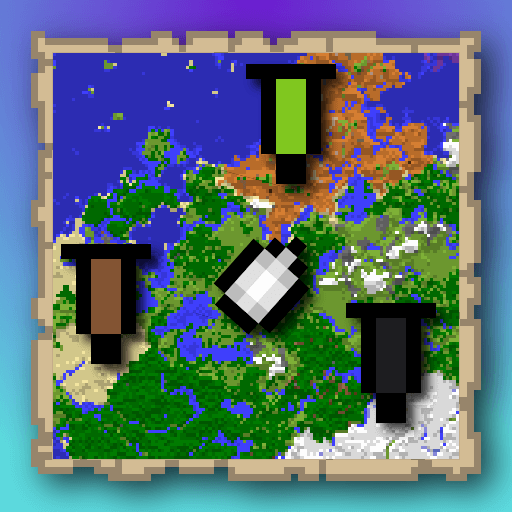
A mod that is an extension for the SquareMap mod. It adds additional functionality related to banners within the game: using banner to create markers that visible on the world map. Inspired by squaremap-banners plugin.
 mod
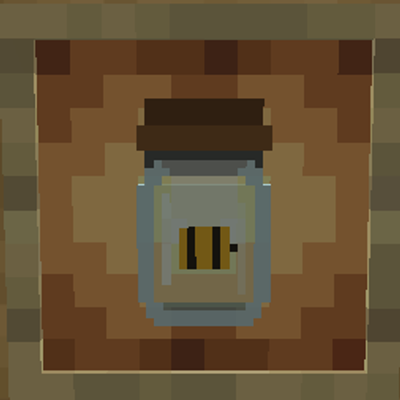
TaxiaCraft Bee Jar is a lightweight Fabric beekeeping utility that makes capturing, transporting and relocating bees simple without turning the mechanic into a free resource generator.
 mod
A periodic Y axis for Minecraft dimensions.
