Minecraft version
Back to mods 
CurseForge · Minecraft mod
Better Perspective
Smooth third-person over-the-shoulder camera with aim zoom, 360° free-look, and customizable GTA V-style sky transitions.
Choose a version Pick your version below, then grab the matching file.
Quick answer
Which Better Perspective release matches 1.20.2 Forge?
Best match for your filters better perspective v1.0 forge
Game version 1.21, 1.20.2, 1.20.5
Loader Forge, NeoForge
better perspective v1.0 forge targets 1.21, 1.20.2, 1.20.5 with Forge, NeoForge. The project page does not say whether this file belongs on the client, dedicated server, or both. No extra mods listed for this file.
Where it goes
Is Better Perspective required on the client, server, or both?
The project page does not say whether this file belongs on the client, dedicated server, or both.
Client Source doesn’t say
Dedicated server Source doesn’t say
Loader for this release Forge, NeoForge
Required install it here Optional supported, not mandatory Not supported do not install here Source doesn’t say do not assume
The source does not explicitly classify this release as client-only or server-only.
What else does better perspective v1.0 forge need?
better perspective v1.0 forge on 1.20.2 Forge. Every mod below is checked against that same setup.
This file does not list any required mods. Do not add a library just because a different file uses it.
This file does not list any required or optional mods.
Before you install it
Add Better Perspective without breaking your instance.
Built for better perspective v1.0 forge on 1.20.2 Forge. Pick another file and the loader, install side or required mods may change.
- 01
Stick to this file
Use better perspective v1.0 forge. It targets 1.21, 1.20.2, 1.20.5 with Forge, NeoForge; another release may have different loader, side or dependency requirements.
- 02
Bring the mods it needs
This file does not list any required mods. Do not add a library just because a different file uses it.
- 03
Put it on the correct side
The project page does not say whether this file belongs on the client, dedicated server, or both.
- 04
Pick the file you checked
Use the “Get this file” button beside better perspective v1.0 forge. It opens that exact file at the source.
About this project
What does Better Perspective add?
📷 Better Perspective
Better Perspective transforms Minecraft's rigid third-person view into a modern, cinematic, and responsive over-the-shoulder camera system inspired by modern action games and GTA V.
Enjoy fluid combat, precise archery, and immersive exploration without feeling disconnected from your character!
✨ Key Features
- 🎯 Over-The-Shoulder Perspective: Smooth, offset third-person camera that keeps your crosshair centered and targets in clear view.
- ↔️ Shoulder Swapping: Instantly switch between Right and Left shoulder view with a single keypress (Default:
H). - 🔍 Precision Aim Zoom: Automatically zooms in when drawing a bow, loading a crossbow, or holding the aim key (Default:
C), complete with an accurate third-person crosshair. - 🔄 360° Free-Look: Hold the free-look key (Default:
B) to look in any direction around your character without turning your body or interrupting your movement. - ☁️ GTA V-Style Sky Transition: Press the cinematic key (Default:
G) to trigger a smooth, sky-high transition effect. - 📏 Multiple Distance Modes: Cycle between Close and Medium camera modes with (Default:
Z). - ⚙️ Highly Configurable: Supports ModMenu! Easily customize camera distance, horizontal/vertical offsets, FOV modifiers, and smoothness sliders in-game.
- 🛡️ 100% Client-Side: Works on vanilla servers, Realms, and multiplayer networks without needing the mod installed on the server.
🎮 Default Keybindings
| Action | Default Key | Description |
|---|---|---|
| Aim Zoom | C |
Smoothly zooms in with over-the-shoulder focus |
| Free-Look (360°) | B |
Hold to look freely around your player |
| Swap Shoulder | H |
Toggle between Left and Right shoulder |
| Camera Distance | Z |
Cycle between Close and Medium shoulder modes |
| Sky Transition | G |
GTA V-style cinematic sky zoom |
(All keybindings can be fully rebound in Minecraft's standard Controls menu)
❓ Frequently Asked Questions (FAQ)
Q: Can I use this on multiplayer servers or Realms?
A: Yes! The mod is purely client-side. It does not send illegal packets and is safe for normal multiplayer survival and creative servers.
Q: Do I need any dependencies?
A: It only requires Fabric API. ModMenu is recommended if you want to tweak settings in-game.
Q: Can I include this in my modpack?
A: Absolutely! You are free to include Better Perspective in any public or private modpack.
📜 License
Released under the MIT License. Free to inspect, modify, and build upon.
Project description from CurseForge.
Pick your setup
Better Perspective by Minecraft version and loader
Choose the version and loader you play, then open the matching release.
Minecraft version
1.21.3
4 loader buildsMinecraft version
1.21.2
4 loader buildsMinecraft version
1.21.1
4 loader buildsMinecraft version
1.21
4 loader buildsMinecraft version
1.20.6
4 loader buildsMinecraft version
1.20.5
4 loader buildsMinecraft version
1.20.4
4 loader buildsMinecraft version
1.20.3
4 loader buildsMinecraft version
1.20.2
4 loader buildsMinecraft version
1.20.1
4 loader buildsMinecraft version
1.20
4 loader buildsCheck the dependencies, then try the file in a copied instance before changing a world you care about.
Recent files
Better Perspective versions and loaders
better perspective v1.0 forge
better-perspective-forge-1.2.0-mc1.20-1.21.jar
5 Nov 2026
Client Source doesn’t say Server Source doesn’t say Dependencies No extras listed Listed on Release listing
Check the 1.20.2 · Forge setup 1.211.20.21.20.51.21.4 release
Looking for an older file? The official CurseForge project page is in Resources.
 mod
CurseForge + Modrinth · Minecraft
TofuCraftReload
This mod is a remake of Old Mod TofuCraft made by tsuteto. add soybean As a new all-purpose food!
 mod
CurseForge · Minecraft
No Narrator
No Narrator 是一个轻量的客户端 模组,它可以禁用用于切换内置旁白的 Ctrl+B 快捷键,防止意外启动。No Narrator is a lightweight client-side Minecraft mod that disables the Ctrl+B Narrator toggle, preventing accidental activation. It doesn’t affect other keybinds and needs no configuration
 mod
CurseForge · Minecraft
Pyrotechnic Elytra
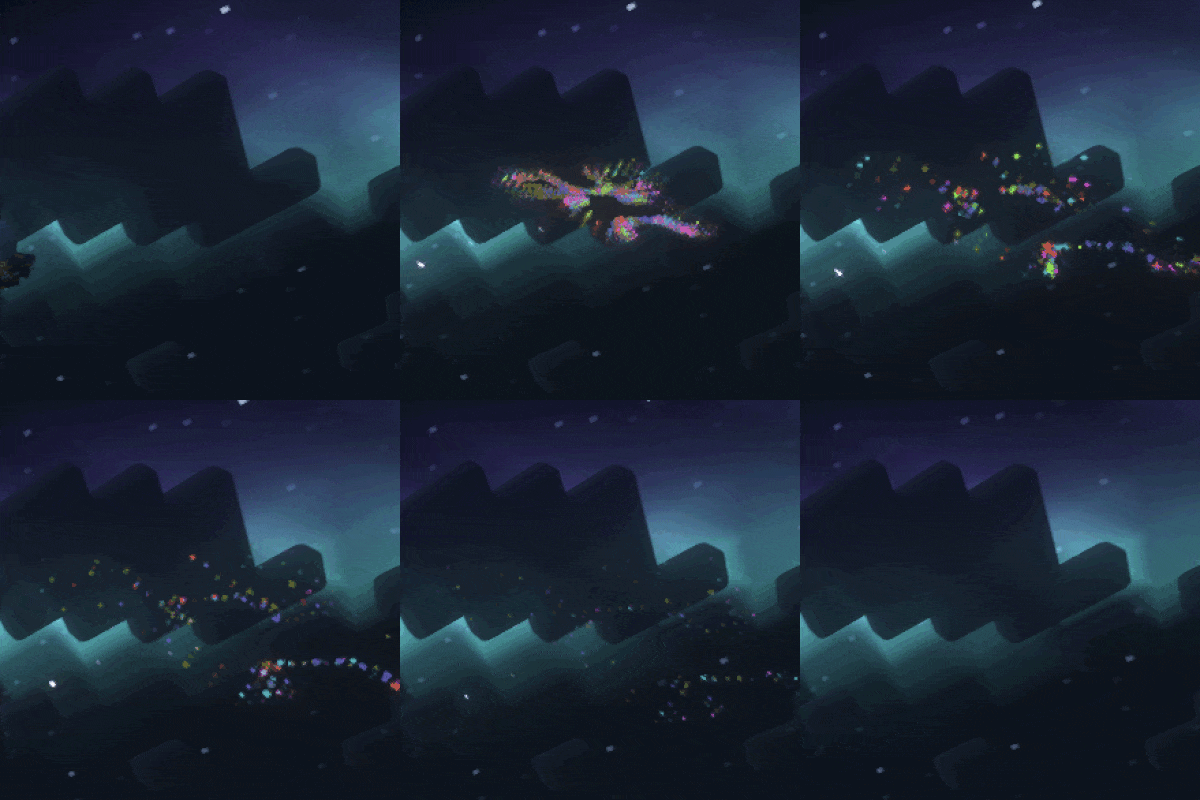
Create a show everywhere you fly!