Fabric API Needed by Portalix-neoforge-26.2-1.0.0.jar
requiredNo matching file

CurseForge · Minecraft mod
A mod that adds a portal gun to Minecraft.
Quick answer
Portalix-neoforge-26.2-1.0.0.jar targets 26.2 with NeoForge. The project page does not say whether this file belongs on the client, dedicated server, or both. 1 required mod needs a matching file.
Where it goes
The project page does not say whether this file belongs on the client, dedicated server, or both.
The source does not explicitly classify this release as client-only or server-only.
Portalix-neoforge-26.2-1.0.0.jar. Change the file and its required mods may change too.
Install Fabric API first, but 1 required mod has no matching file for this setup. Do not mix loader builds to force a match.
We only count dependency files that match this setup. A file for another loader does not fill the gap.
Before you install it
Built for Portalix-neoforge-26.2-1.0.0.jar. Pick another file and the loader, install side or required mods may change.
Use Portalix-neoforge-26.2-1.0.0.jar. It targets 26.2 with NeoForge; another release may have different loader, side or dependency requirements.
Install Fabric API first, but 1 required mod has no matching file for this setup. Do not mix loader builds to force a match.
The project page does not say whether this file belongs on the client, dedicated server, or both.
Use the “Get this file” button beside Portalix-neoforge-26.2-1.0.0.jar. It opens that exact file at the source.
About this project
Portalix adds a portal gun to Minecraft.
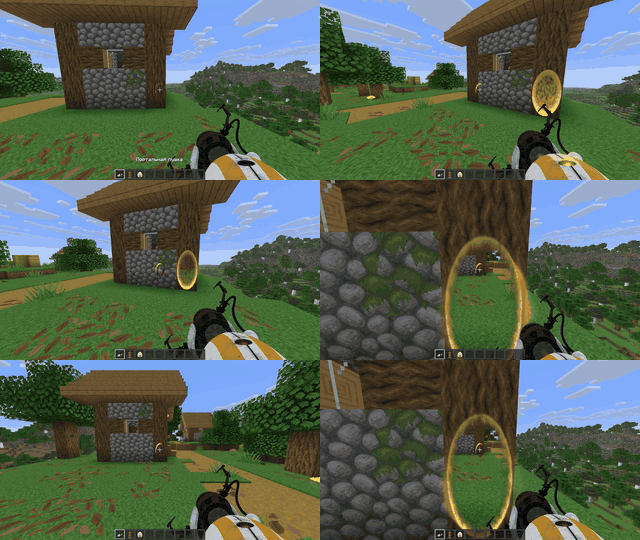
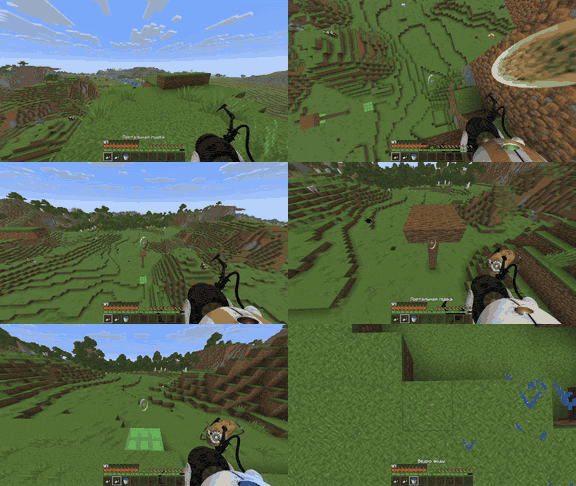
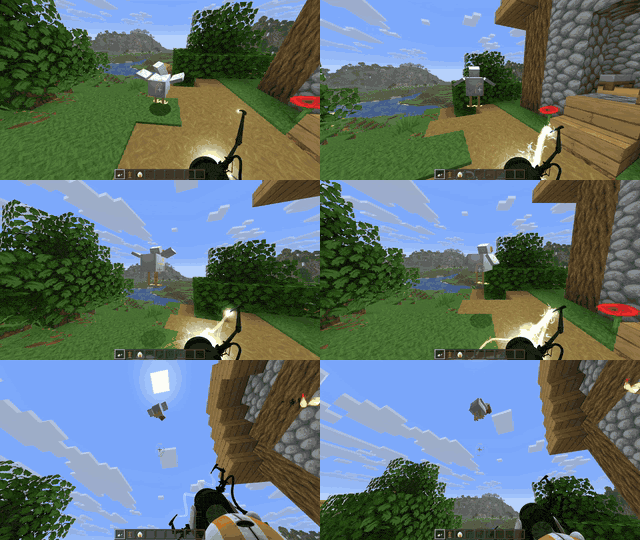
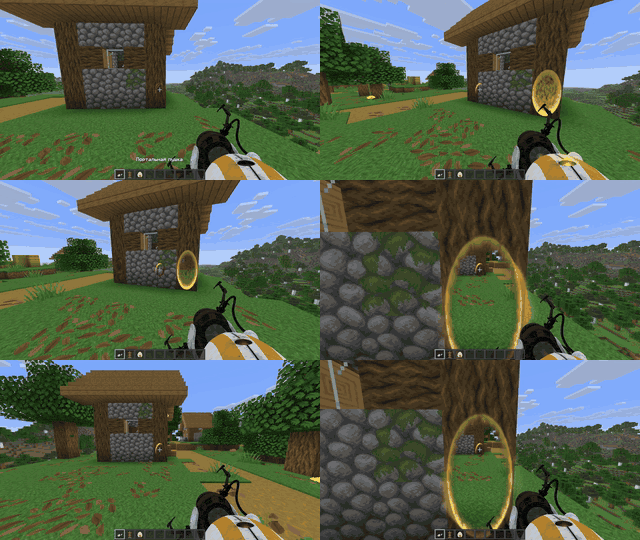
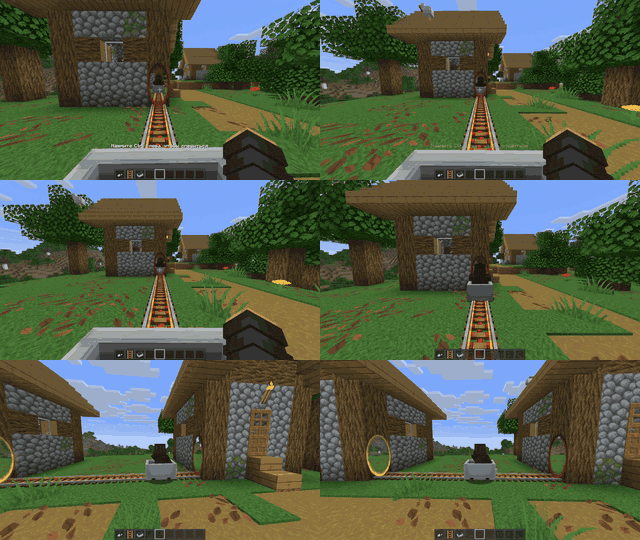
Download the build for your Minecraft version and mod loader.
Install the mod on both the client and server. Both sides must use the same Portalix version.
Compatibility with other mods is not guaranteed.
Project description from CurseForge.
Pick your setup
Choose the version and loader you play, then open the matching release.
Check the dependencies, then try the file in a copied instance before changing a world you care about.
Recent files
20 Nov 2026
20 Nov 2026
6 Nov 2026
6 Nov 2026
Looking for an older file? The official CurseForge project page is in Resources.
 mod
A fan-made dark-fantasy Berserk mod. Rise from sellsword to legend, build your band, fight famous foes and monsters, and choose your path with the Crimson Behelit: Apostle or Struggler. Includes a guide book and a 40-quest line with great rewards.
 mod
SCP-853 is a group of sealed jars containing strange substances. Each jar is labeled with a weather pattern and a year. Opening one releases the weather preserved inside.
 mod
Keep items and fluids in your Applied Energistics 2 ME-System in stock.