Fabric API Needed by Vein Mining Continued 2.0.0 for 26.3 Fabric
requiredMatching file found Matched file: [26.3] Fabric API 0.166.0+26.3
CurseForge · Minecraft mod
Mine a whole ore vein in one break. Server-side continuation of Vein Mining for 1.21.4 to 26.3 on Fabric and NeoForge.
Quick answer
Vein Mining Continued 2.0.0 for 26.3 Fabric targets 26.3 with Fabric. The project page does not say whether this file belongs on the client, dedicated server, or both. All 1 required mods have matching files.
Where it goes
The project page does not say whether this file belongs on the client, dedicated server, or both.
The source does not explicitly classify this release as client-only or server-only.
Vein Mining Continued 2.0.0 for 26.3 Fabric on 26.3. Every mod below is checked against that same setup.
Install Fabric API first. We found matching files for this game-version and loader setup.
We only count dependency files that match this setup. A file for another loader does not fill the gap.
Before you install it
Built for Vein Mining Continued 2.0.0 for 26.3 Fabric on 26.3. Pick another file and the loader, install side or required mods may change.
Use Vein Mining Continued 2.0.0 for 26.3 Fabric. It targets 26.3 with Fabric; another release may have different loader, side or dependency requirements.
Install Fabric API first. We found matching files for this game-version and loader setup.
The project page does not say whether this file belongs on the client, dedicated server, or both.
Use the “Get this file” button beside Vein Mining Continued 2.0.0 for 26.3 Fabric. It opens that exact file at the source.
About this project
Runs on: Minecraft 26.3, 1.21.11, 1.21.10, 1.21.8, 1.21.5 and 1.21.4 on Fabric (Fabric API required) and on NeoForge (1.21.4 to 1.21.11). Older versions: the original Vein Mining covers 1.21.1 and below. Each file was tested with a real player mining real ore veins on a dedicated server; logs and trees were not part of those runs.
Break one block of an ore vein or a tree and every matching connected block comes down with it, with all the drops and experience gathered where you stood. The Vein Mining enchantment shows up in enchanting tables, villager trades and loot like any other, and a tool that carries it takes up to 50 connected blocks per swing; servers that prefer no enchantment set maxBlocksBase instead. Hold sneak while mining to vein mine (or pick another mode with /veinmining: always, standing or off, saved per player), and the tool and your hunger are respected block by block; each block goes through the normal break check that claim mods use, though that was not tested with a claim mod installed.
This is a continuation of Vein Mining by TheIllusiveC4 / Illusive Soulworks (LGPL-3.0-or-later, about 54 million CurseForge downloads, last released for 1.21.1), ported to the versions after it with full credit; the original author is not involved. The port is server-side only: the original's client half (key binding, activation packets, tooltips) is replaced by the sneak key and the /veinmining command, so players join with a vanilla client. The enchantment keeps its original id, so tools enchanted under the original keep working. The original licence and a notice listing every change are inside the jar; the source is in the -sources.jar next to it.
Compatibility: Minecraft 26.3 (Java 25) and 1.21.4 to 1.21.11 (Java 21) with Fabric Loader and Fabric API or with NeoForge; pick the file for your version and loader. Server-side: runs on dedicated servers and on the integrated server in singleplayer; other players install nothing. Licence: LGPL-3.0-or-later, continued from Vein Mining by TheIllusiveC4 with the original licence and a notice of every change in the jar. Source code for every build: https://actuallyop.com/sources (one sources jar per Minecraft version).
Found a bug or want a feature? Comment here and I will answer.
More free tools: actuallyop.com
Project description from CurseForge.
Pick your setup
Choose the version and loader you play, then open the matching release.
Check the dependencies, then try the file in a copied instance before changing a world you care about.
Recent files
vein-mining-continued-2.0.0.jar
6 Nov 2026
Looking for an older file? The official CurseForge project page is in Resources.
 mod
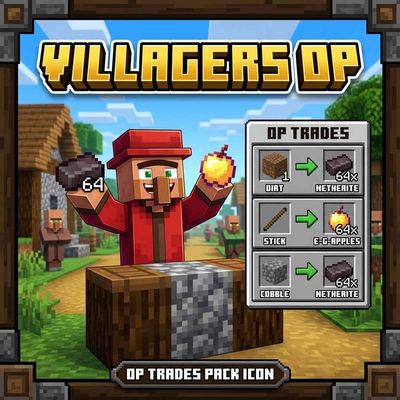
VillagersOP turns every Minecraft villager into a loot box! Each villager gets random, absurdly generous trades: Every villager is different. Now Officially PortedFor Java!
 mod
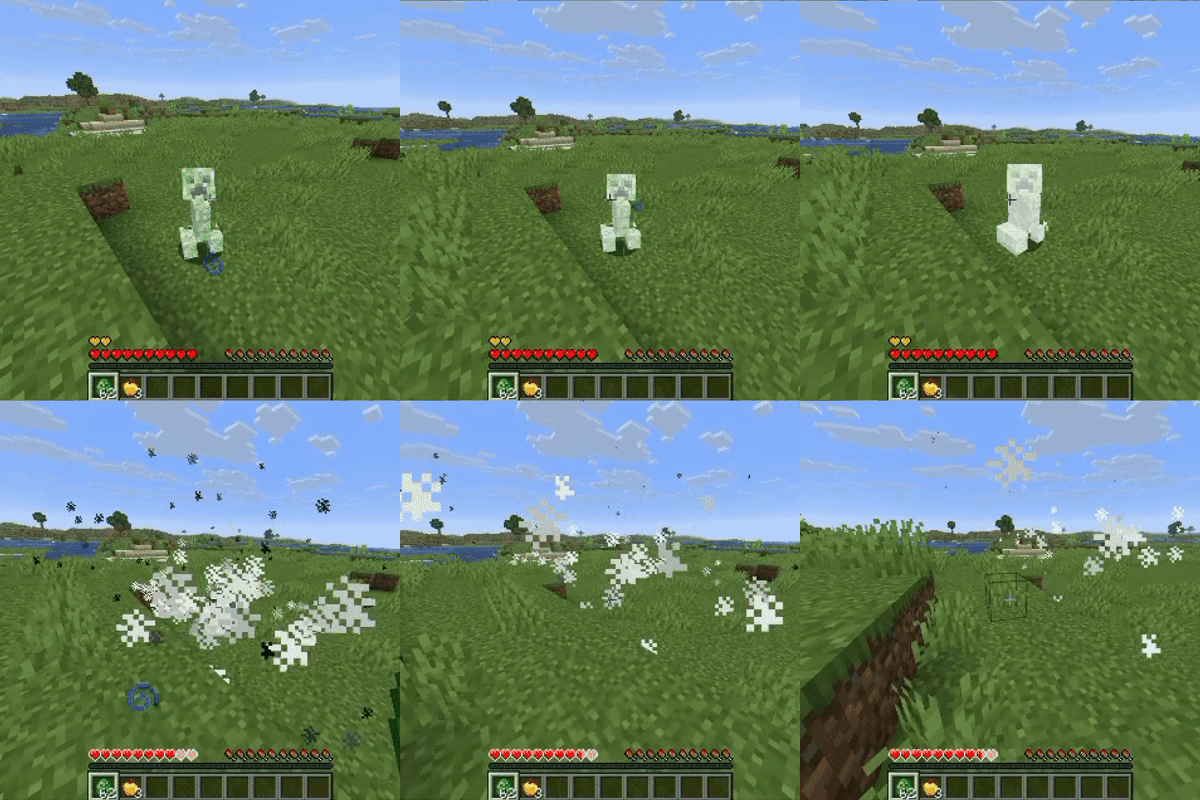
Stop grieving about griefing. Creepers keep the blast, you keep your builds.
 mod
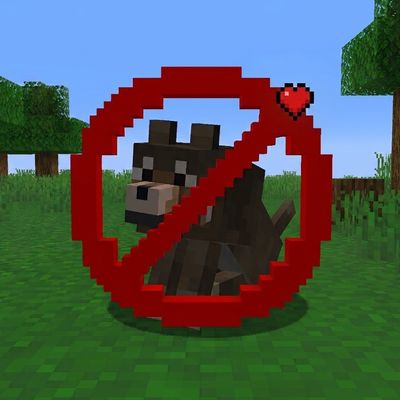
Protects all the tamed pets like a guardian angle!