Minecraft version
Back to mods 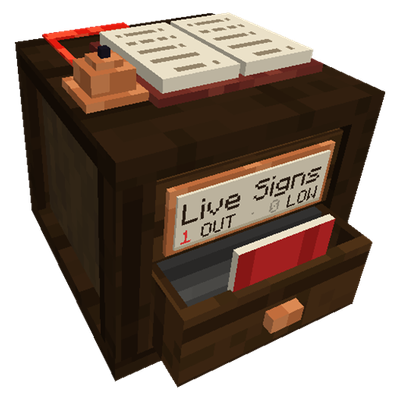
CurseForge · Minecraft mod
Live Signs
Live labels for your chests: see what’s inside, get warned when something runs out.
Choose a version Pick your version below, then grab the matching file.
Quick answer
Which Live Signs release should I use?
Latest stable file Live Signs 1.0.1 (NeoForge 26.1.2)
Game version 26.1.2
Loader NeoForge
Live Signs 1.0.1 (NeoForge 26.1.2) targets 26.1.2 with NeoForge. The project page does not say whether this file belongs on the client, dedicated server, or both. No extra mods listed for this file.
Where it goes
Is Live Signs required on the client, server, or both?
The project page does not say whether this file belongs on the client, dedicated server, or both.
Client Source doesn’t say
Dedicated server Source doesn’t say
Loader for this release NeoForge
Required install it here Optional supported, not mandatory Not supported do not install here Source doesn’t say do not assume
The source does not explicitly classify this release as client-only or server-only.
What else does Live Signs 1.0.1 (NeoForge 26.1.2) need?
Live Signs 1.0.1 (NeoForge 26.1.2). Change the file and its required mods may change too.
This file does not list any required mods. Do not add a library just because a different file uses it.
This file does not list any required or optional mods.
Before you install it
Add Live Signs without breaking your instance.
Built for Live Signs 1.0.1 (NeoForge 26.1.2). Pick another file and the loader, install side or required mods may change.
- 01
Stick to this file
Use Live Signs 1.0.1 (NeoForge 26.1.2). It targets 26.1.2 with NeoForge; another release may have different loader, side or dependency requirements.
- 02
Bring the mods it needs
This file does not list any required mods. Do not add a library just because a different file uses it.
- 03
Put it on the correct side
The project page does not say whether this file belongs on the client, dedicated server, or both.
- 04
Pick the file you checked
Use the “Get this file” button beside Live Signs 1.0.1 (NeoForge 26.1.2). It opens that exact file at the source.
About this project
What does Live Signs add?
Live Signs
Chest labels that actually keep up with what's inside.
You need iron, so you open one chest, then another, then five more, and it turns out you ran out yesterday. I got tired of that, so I made labels that count for you. Look at the wall and you know what you've got.
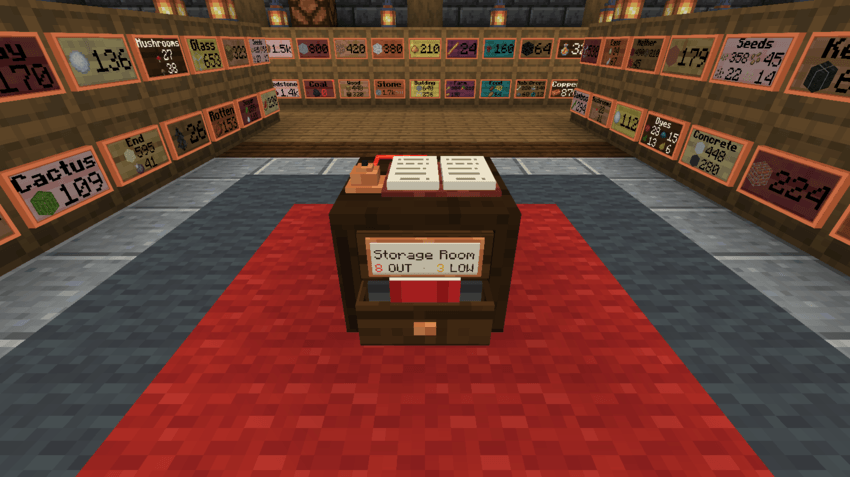
Craft a Label, stick it on a chest, and that's it. The count updates on its own, goes yellow when you're running low and red when it hits zero.
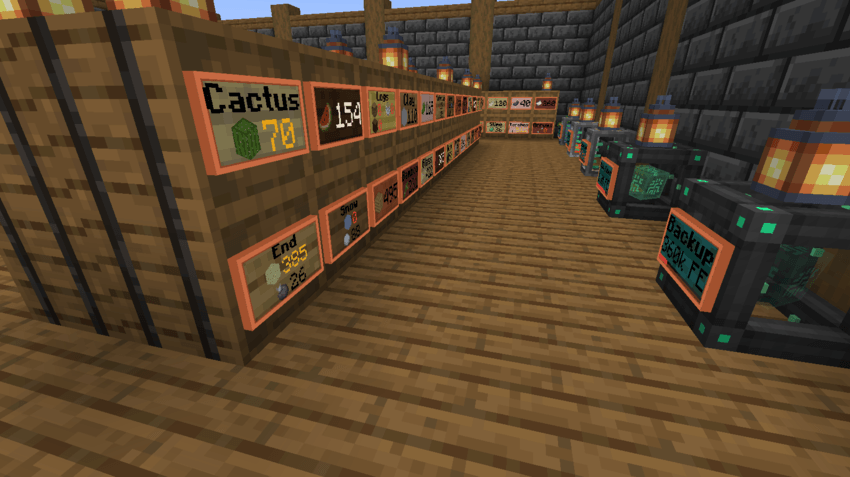 *Yellow means grab more soon. Red means you're out.*
If you've got a big base, build a Supply Scribe. It lists every label nearby, so you can see what ran out, check your tanks and power, and total up any item across all your chests. When something empties, its drawer pops open and the bell dings, so you'll actually notice.
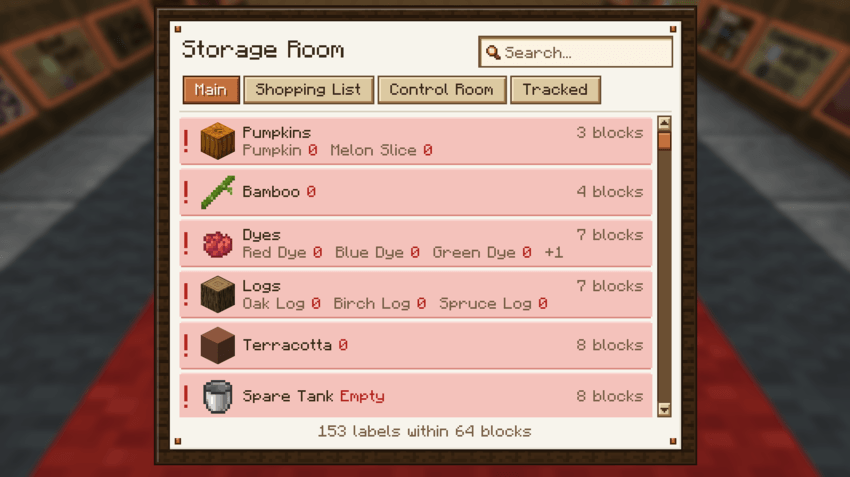 *The Supply Scribe keeps an eye on everything for you.*
A few other things it does: click a label to open the chest behind it, show tank and energy levels, write a shopping list into a book, and remember a label's setup if you break it. There's also a sign editor with colors and bold text, because why not.
Playing on a server? Claimed chests stay private with FTB Chunks, Open Parties and Claims, and Flan.
- Works with: JEI, Jade, Carry On, Tom's Simple Storage, Handcrafted, FTB Chunks, Open Parties and Claims, Flan
- Versions: NeoForge 1.21.1, Forge 1.20.1, NeoForge 26.1.2. Install it on the server and every player's client.
- Modpacks: Go for it, no need to ask.
All rights reserved. You're welcome to include Live Signs in modpacks.
Found a bug or have an idea? Drop a comment. I read them all.
Project description from CurseForge.
Pick your setup
Live Signs by Minecraft version and loader
Choose the version and loader you play, then open the matching release.
Minecraft version
1.21.1
1 loader buildMinecraft version
1.20.1
1 loader buildCheck the dependencies, then try the file in a copied instance before changing a world you care about.
Recent files
Live Signs versions and loaders
Live Signs 1.0.1 (NeoForge 26.1.2)
livesigns-neoforge-26.1.2-1.0.1.jar
8 Nov 2026
Client Source doesn’t say Server Source doesn’t say Dependencies No extras listed Listed on Release listing
Check the 26.1.2 · NeoForge setup NeoForge26.1.2 release
Live Signs 1.0.1 (NeoForge 1.21.1)
livesigns-neoforge-1.21.1-1.0.1.jar
8 Nov 2026
Client Source doesn’t say Server Source doesn’t say Dependencies No extras listed Listed on Release listing
Check the 1.21.1 · NeoForge setup 1.21.1NeoForge release
Live Signs 1.0.1 (Forge 1.20.1)
livesigns-forge-1.20.1-1.0.1.jar
8 Nov 2026
Client Source doesn’t say Server Source doesn’t say Dependencies No extras listed Listed on Release listing
Check the 1.20.1 · Forge setup 1.20.1Forge release
Looking for an older file? The official CurseForge project page is in Resources.
 mod
CurseForge + Modrinth · Minecraft
Ore Harvester
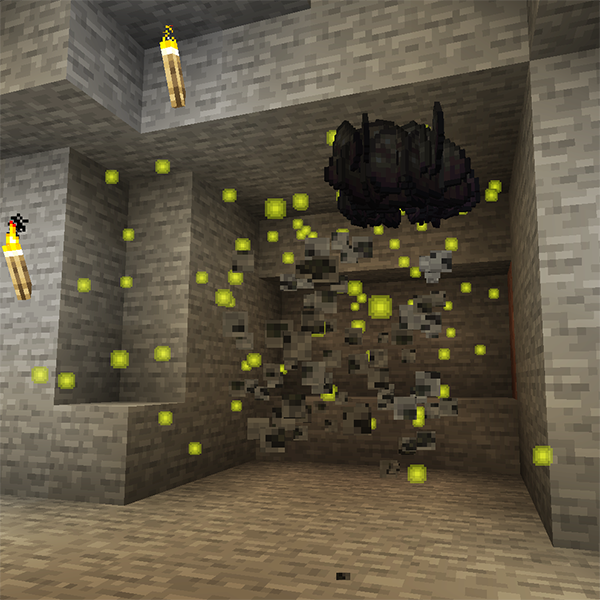
⛏️ Harvest entire ore veins instantly and drop ore items at the initial block position. An updated alternative to the vein miner / veinminer mods.
 mod
CurseForge + Modrinth · Minecraft
Midnight Thoughts
Unique sleep overhaul and rest system
 mod
CurseForge + Modrinth · Minecraft
More Rail Variants (MStV+)
All Rail Blocks for every kind of wood - A 'More Stick Variants' Add-On